 Hype Apps
<drawer>
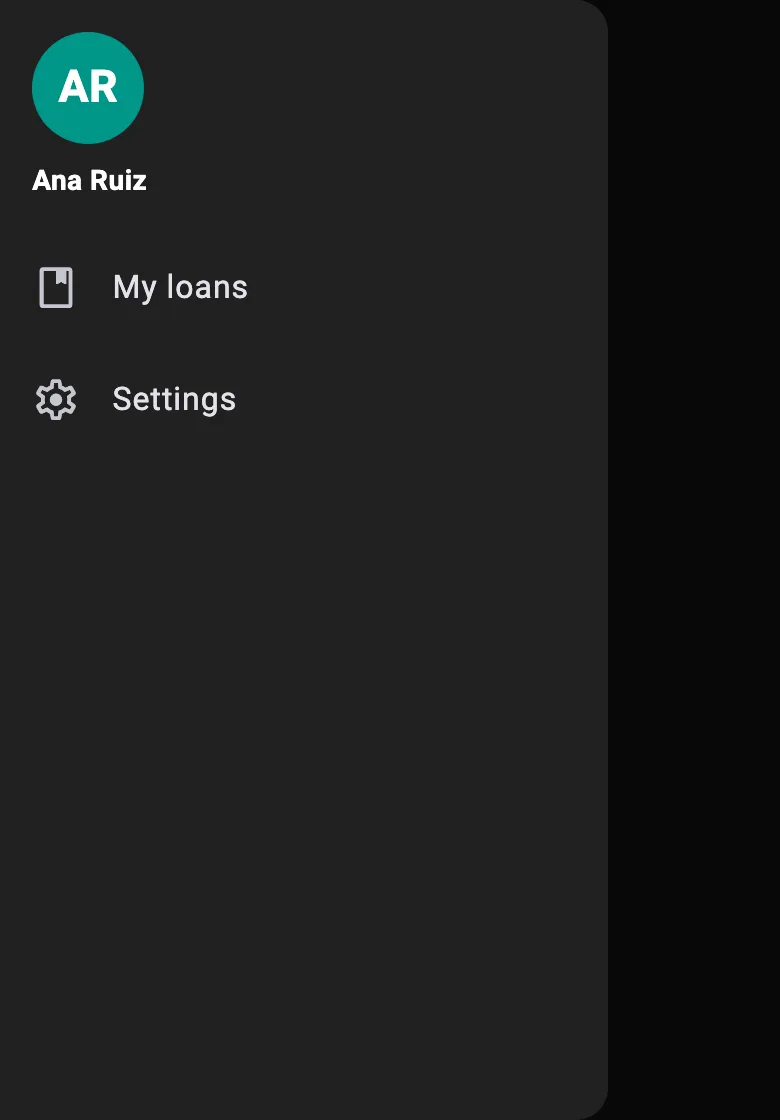
A drawer that slides in from the left edge, opened by the menu icon or #id.open.
Aliases
Reset to canonicalThis tag has more than one name. Every spelling is the same tag, so write whichever feels natural. Pick one and every example on this page uses it.
<screen>
    <app-bar title="Library"
             leading_icon="menu"/>
    <drawer id="nav">
        <drawer-header>
            <column style="p-16 gap-8">
                <avatar text="AR"
                        size="56"
                        color="teal"/>
                <text style="font-bold">Ana Ruiz</text>
            </column>
        </drawer-header>
        <list-tile icon="book">My loans</list-tile>
        <list-tile icon="settings">Settings</list-tile>
    </drawer>
    <main action-created="#nav.open">
        <column style="w-full p-16 gap-8">
            <text style="font-bold">Two books due this week</text>
            <button action="#nav.open">Open menu</button>
        </column>
    </main>
</screen>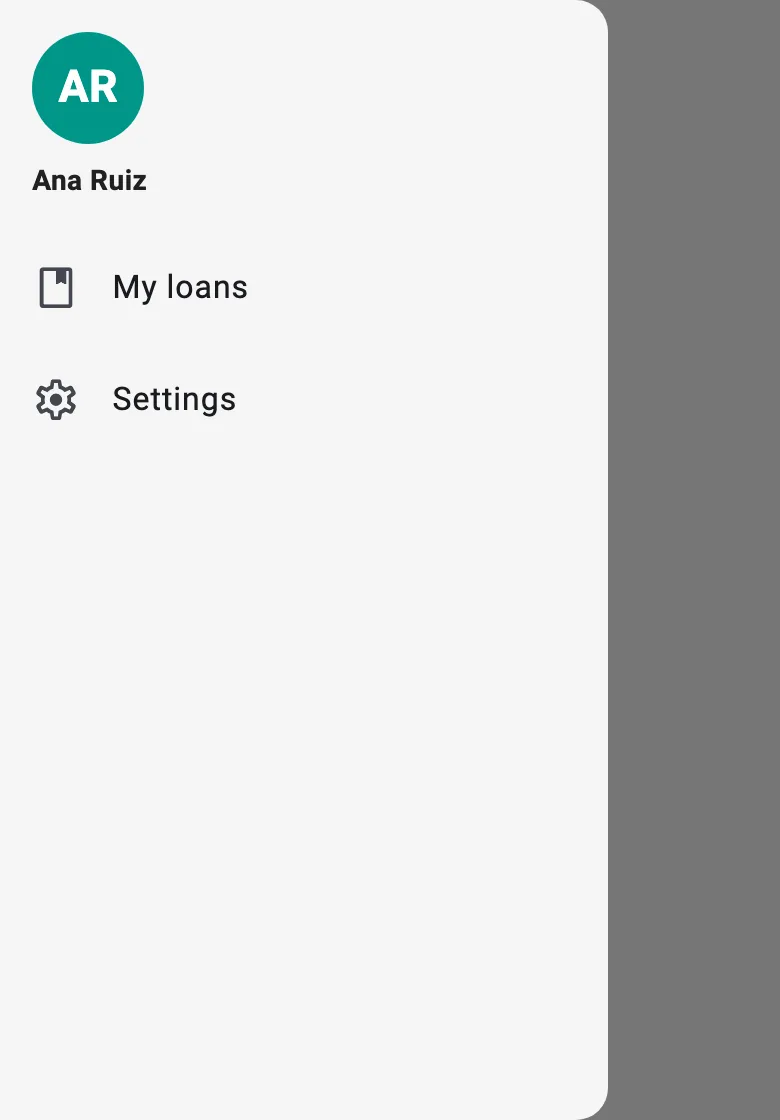
Attributes
| Name | What it does | Default |
|---|---|---|
bg-color |
Background color (theme-aware default) color |
|
mode |
Drawer mode: overlay (Material) or slide (Threads-style) overlay, slide |
overlay |
Commands
| Name | What it does |
|---|---|
close |
Close it. |
open |
Open the drawer. |
toggle |
Open/close. |
Any tag also takes gestures: @on.tap, @on.longpress, @on.doubletap and @on.swipeleft (and right, up and down). @click runs on a tap too.