 Hype Apps
<drawer-right>
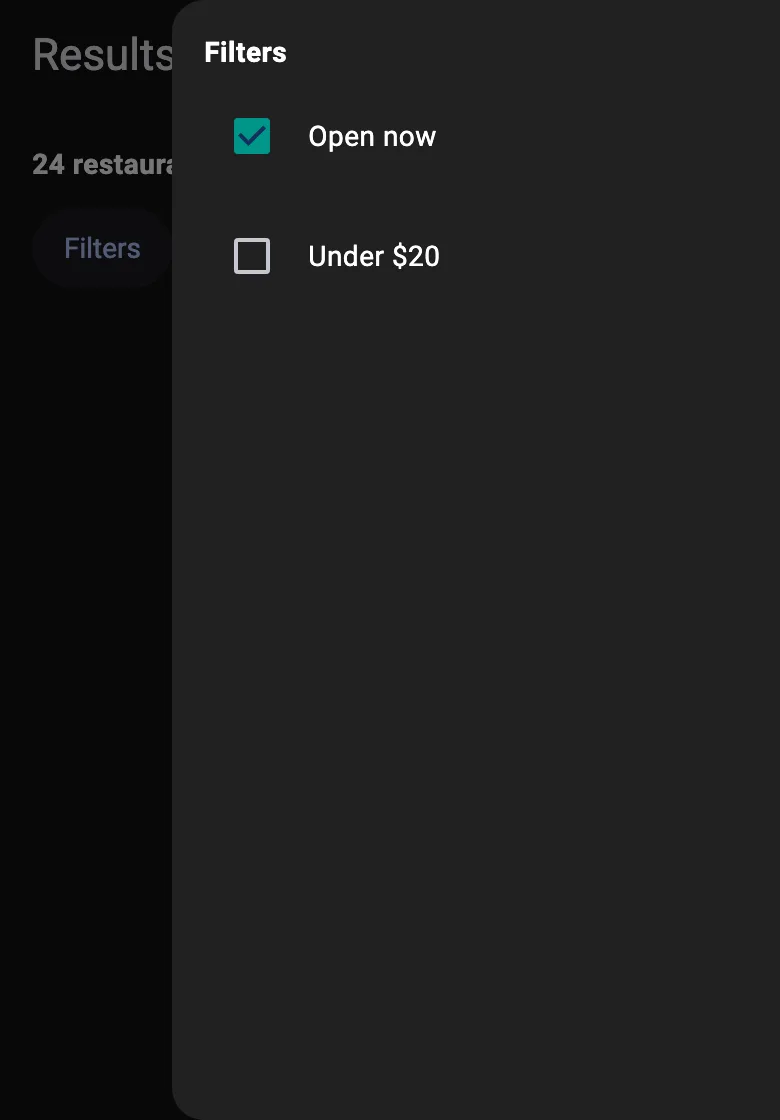
A drawer that slides in from the right edge, for filters or details; open it with #id.open.
<screen>
    <app-bar title="Results"/>
    <drawer-right id="filters">
        <column style="p-16 gap-8">
            <text style="font-bold">Filters</text>
            <checkbox label="Open now"
                      color="teal"
                      checked="true"/>
            <checkbox label="Under $20"/>
        </column>
    </drawer-right>
    <main action-created="#filters.open">
        <column style="w-full p-16 gap-8">
            <text style="font-bold">24 restaurants nearby</text>
            <button action="#filters.open">Filters</button>
        </column>
    </main>
</screen>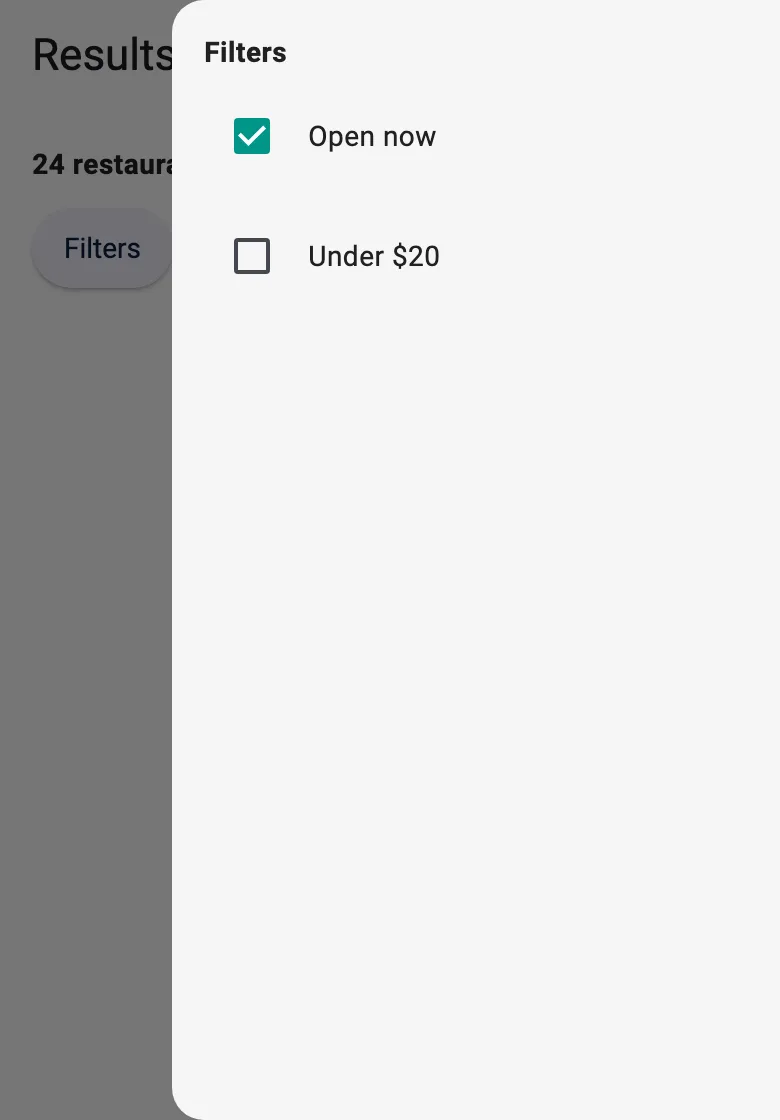
Attributes
| Name | What it does | Default |
|---|---|---|
bg-color |
Background color (theme-aware default) color |
|
mode |
Drawer mode: overlay (Material) or slide (pushes content aside). overlay, slide |
overlay |
Commands
| Name | What it does |
|---|---|
close |
Close it. |
open |
Open the drawer. |
toggle |
Open/close. |
Any tag also takes gestures: @on.tap, @on.longpress, @on.doubletap and @on.swipeleft (and right, up and down). @click runs on a tap too.