Hype Apps
Lists and loops
Build a café menu from the smallest app: rows from a table, a live search, filter chips, and a message when nothing matches.
8 steps · ends in a café menu you can search and filter
Most screens are lists: messages, products, songs, settings. In HAM you write one row and <@foreach> repeats it for every item, so a list of six and a list of six thousand are the same markup. The list follows its data live: change a row or the search, and the screen changes with it.
This guide builds a café menu, from three hand-written lines to a list you can search and filter.
Step 1 of 8
Start with the smallest app
Every HAM document starts with <app>. A <screen> is one page of the app, and <main> holds what's on it: for now, one line of <text>.
<app> <screen> <main> <text>Hello</text> </main> </screen></app>

Step 2 of 8
Add a title bar and a color
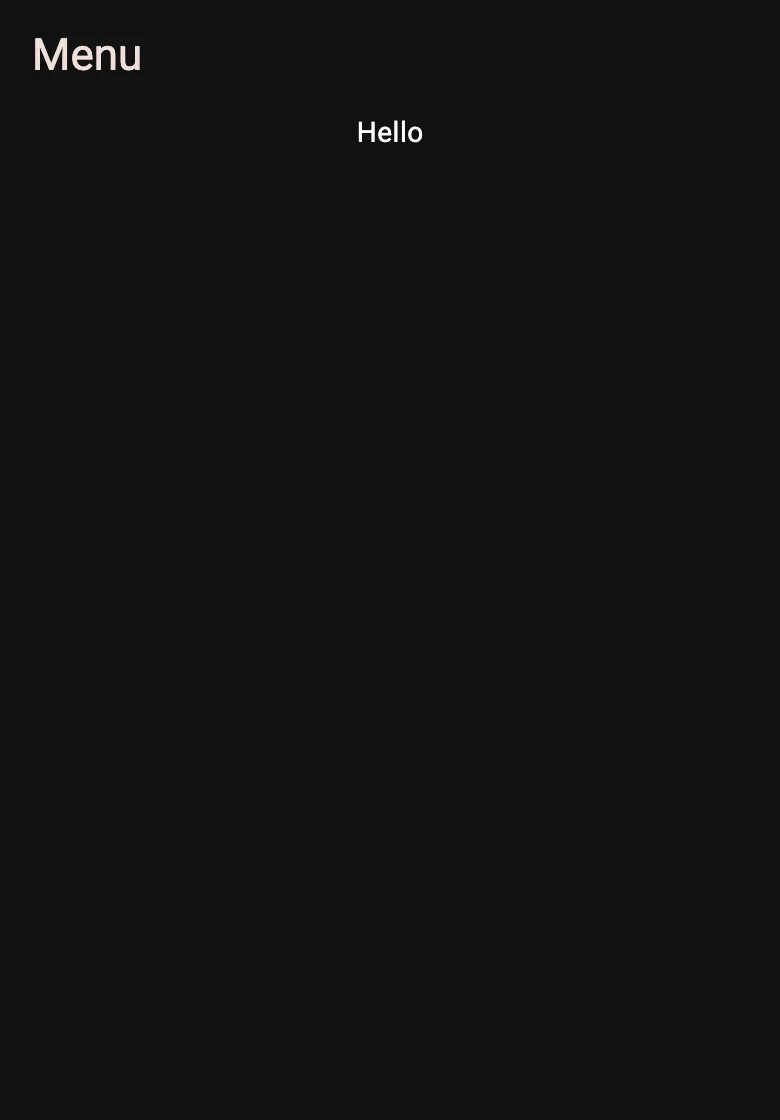
<app-bar> puts the screen's title across the top, and <config primary_color="brown"> gives every control you add a coffee color. Use a named color like brown, teal or amber.
<app> <config primary_color="brown"/> <screen> <app-bar title="Menu"/> <main> <text>Hello</text> </main> </screen></app>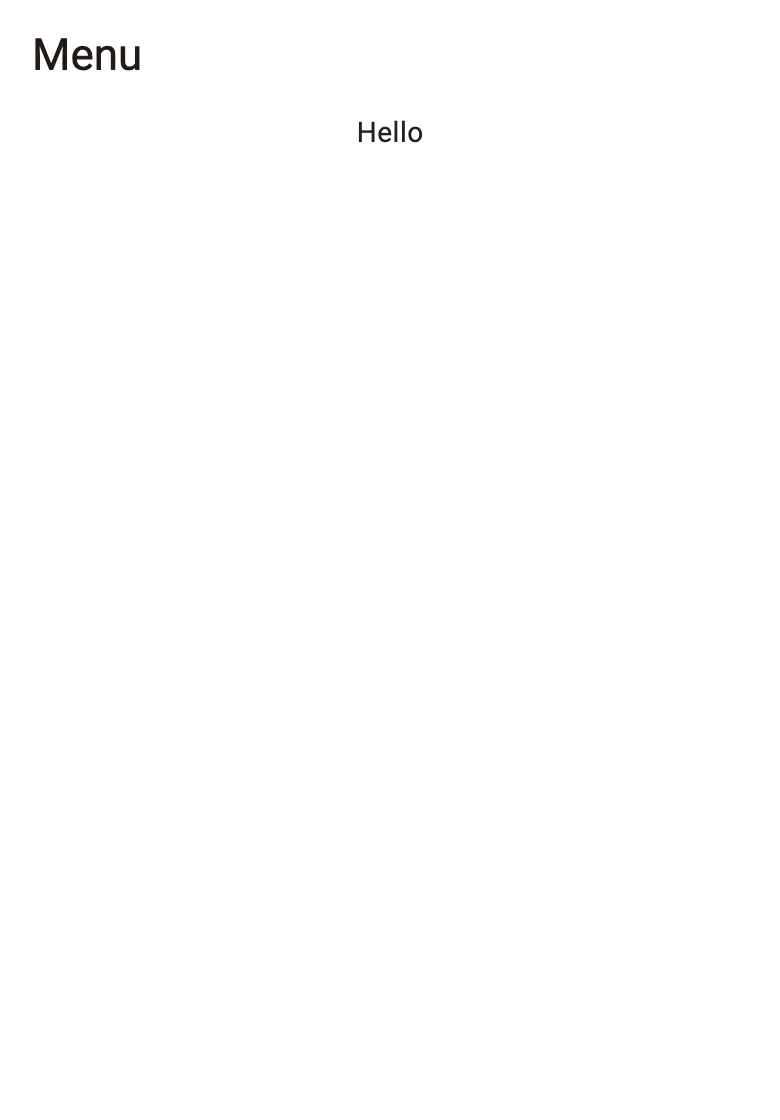
Step 3 of 8
Write the list by hand
The placeholder goes, and a <column> lists three drinks, one <text> each. It's the list you want, written out. The next step stops you writing it out.
<app> <config primary_color="brown"/> <screen> <app-bar title="Menu"/> <main> <column> <text>Flat white</text> <text>Cold brew</text> <text>Cortado</text> </column> </main> </screen></app>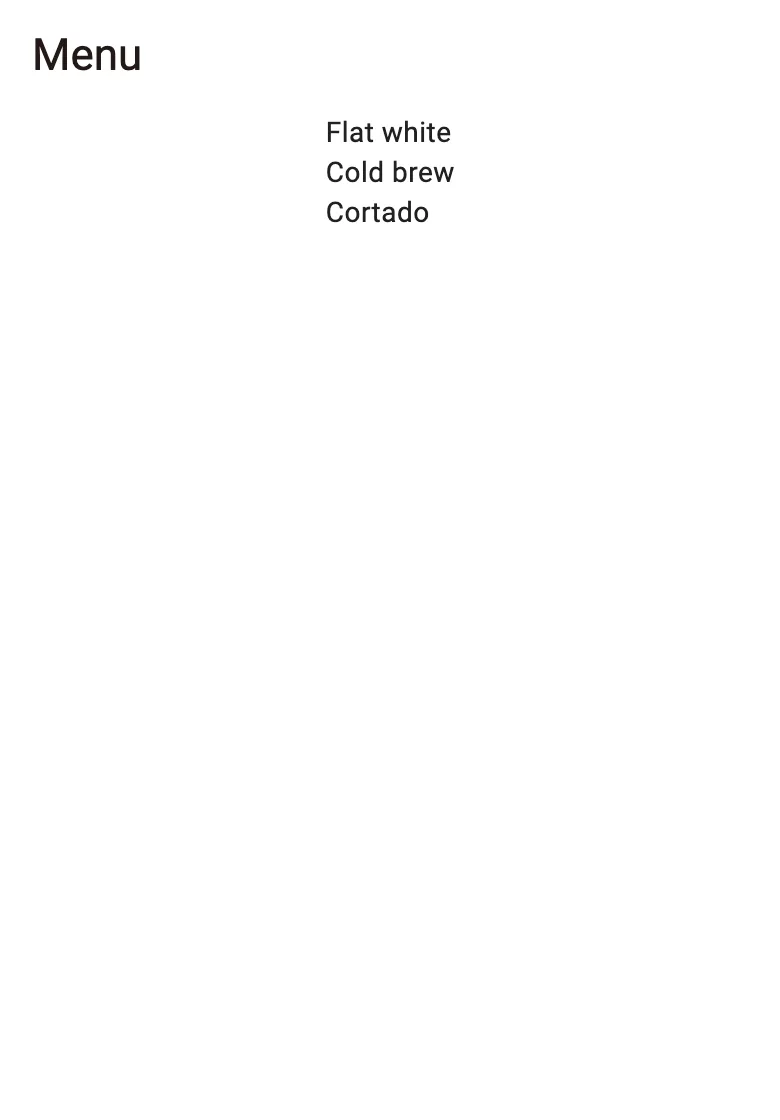
Step 4 of 8
Loop over a table
The drinks become data. <database> declares a small database on the phone, <model name="drink"> is a table in it with a <field> per column, and <seed> fills it with the menu the first time the app opens.
<@foreach in="drink" as="d"> repeats what's inside it once per row, with the row as $d, and order="name" sorts the rows by name. The three hand-written lines become one: @{$d.name}.
<app> <config primary_color="brown"/> <database name="cafe" version="1"> <model name="drink"> <field name="name"/> <field name="notes"/> <field name="kind"/> <field name="icon"/> <field name="color"/> <field name="price" type="int"/> <seed>[{"name": "Flat white", "notes": "Double shot, silky milk", "kind": "hot", "icon": "coffee", "color": "brown", "price": 450}, {"name": "Cold brew", "notes": "Steeped for 18 hours", "kind": "iced", "icon": "ac_unit", "color": "cyan", "price": 500}, {"name": "Cortado", "notes": "Equal parts espresso and milk", "kind": "hot", "icon": "coffee", "color": "amber", "price": 400}, {"name": "Iced matcha", "notes": "Ceremonial grade, oat milk", "kind": "iced", "icon": "emoji_food_beverage", "color": "green", "price": 550}, {"name": "Chai latte", "notes": "Spiced black tea, steamed milk", "kind": "hot", "icon": "local_cafe", "color": "orange", "price": 475}, {"name": "Lemonade", "notes": "Fresh lemons, a little mint", "kind": "iced", "icon": "local_drink", "color": "yellow", "price": 350}]</seed> </model> </database> <screen> <app-bar title="Menu"/> <main> <column> <@foreach in="drink" order="name" as="d"> <text>@{$d.name}</text> </@foreach> </column> </main> </screen></app>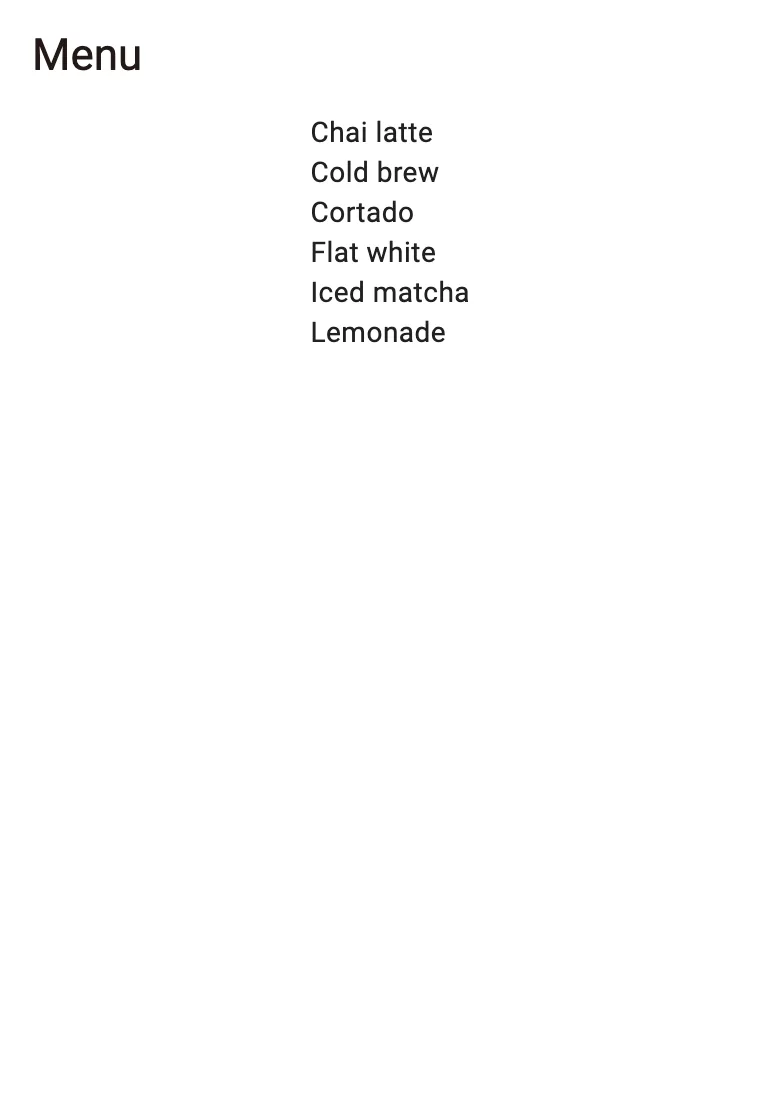
Step 5 of 8
Design one row
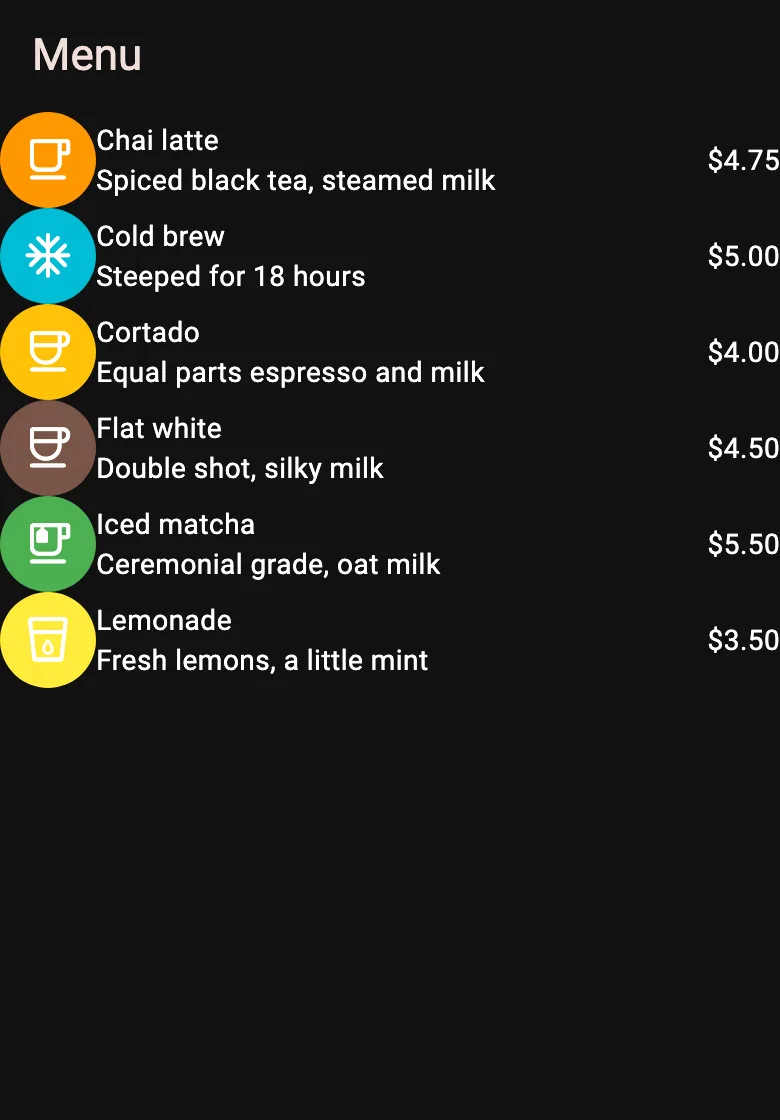
Now make that one row look like a menu item, and every row gets it:
- An
<avatar>with the drink's own icon and color:icon="$d.icon"andcolor="$d.color"read them from the row. - A
<column flex="1">with the name over the notes;flex="1"lets it take the room the price doesn't. - The price, stored in cents, shown as money:
format($d.price / 100, 'money').
<app> <config primary_color="brown"/> <database name="cafe" version="1"> <model name="drink"> <field name="name"/> <field name="notes"/> <field name="kind"/> <field name="icon"/> <field name="color"/> <field name="price" type="int"/> <seed>[{"name": "Flat white", "notes": "Double shot, silky milk", "kind": "hot", "icon": "coffee", "color": "brown", "price": 450}, {"name": "Cold brew", "notes": "Steeped for 18 hours", "kind": "iced", "icon": "ac_unit", "color": "cyan", "price": 500}, {"name": "Cortado", "notes": "Equal parts espresso and milk", "kind": "hot", "icon": "coffee", "color": "amber", "price": 400}, {"name": "Iced matcha", "notes": "Ceremonial grade, oat milk", "kind": "iced", "icon": "emoji_food_beverage", "color": "green", "price": 550}, {"name": "Chai latte", "notes": "Spiced black tea, steamed milk", "kind": "hot", "icon": "local_cafe", "color": "orange", "price": 475}, {"name": "Lemonade", "notes": "Fresh lemons, a little mint", "kind": "iced", "icon": "local_drink", "color": "yellow", "price": 350}]</seed> </model> </database> <screen> <app-bar title="Menu"/> <main> <column> <@foreach in="drink" order="name" as="d"> <row> <avatar icon="$d.icon" color="$d.color" size="48"/> <column flex="1"> <text>@{$d.name}</text> <text>@{$d.notes}</text> </column> <text>@{format($d.price / 100, 'money')}</text> </row> </@foreach> </column> </main> </screen></app>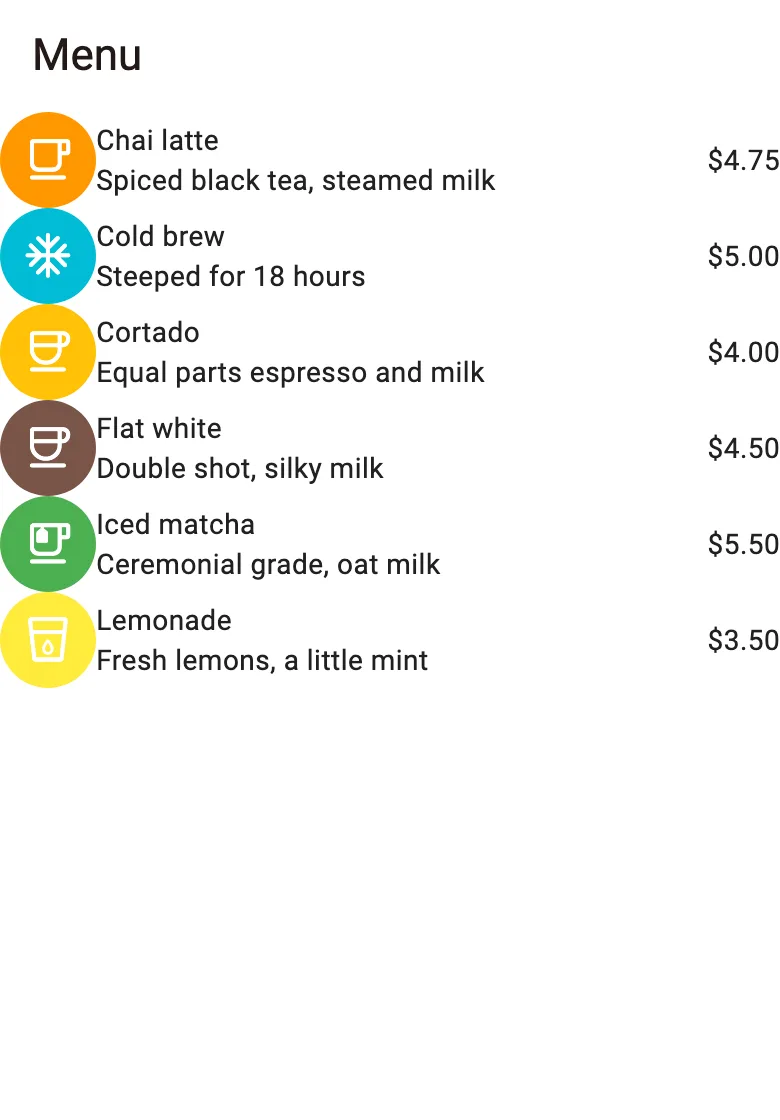
Step 6 of 8
Search as you type
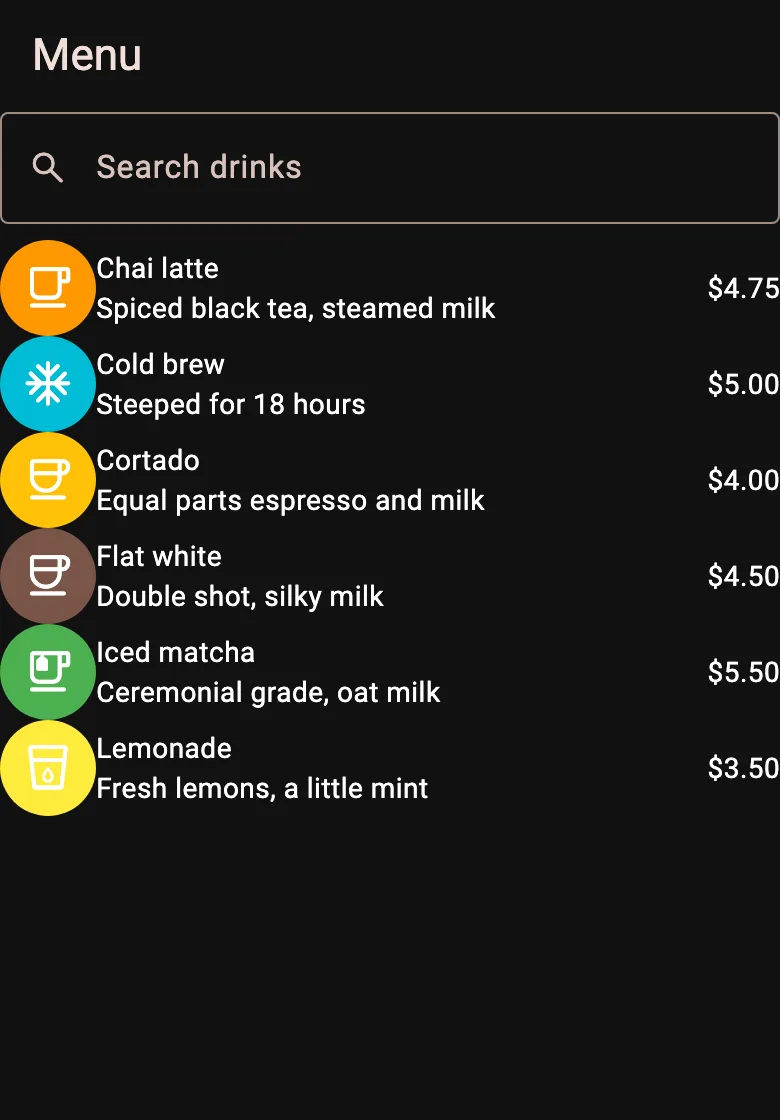
An <input name="q"> puts what you type in $q, and the loop's where="name contains $q" keeps only the rows whose name contains it. contains ignores case, and an empty search matches everything, so the full menu shows until you type.
<@empty> is what the loop shows when no row matches.
<app> <config primary_color="brown"/> <database name="cafe" version="1"> <model name="drink"> <field name="name"/> <field name="notes"/> <field name="kind"/> <field name="icon"/> <field name="color"/> <field name="price" type="int"/> <seed>[{"name": "Flat white", "notes": "Double shot, silky milk", "kind": "hot", "icon": "coffee", "color": "brown", "price": 450}, {"name": "Cold brew", "notes": "Steeped for 18 hours", "kind": "iced", "icon": "ac_unit", "color": "cyan", "price": 500}, {"name": "Cortado", "notes": "Equal parts espresso and milk", "kind": "hot", "icon": "coffee", "color": "amber", "price": 400}, {"name": "Iced matcha", "notes": "Ceremonial grade, oat milk", "kind": "iced", "icon": "emoji_food_beverage", "color": "green", "price": 550}, {"name": "Chai latte", "notes": "Spiced black tea, steamed milk", "kind": "hot", "icon": "local_cafe", "color": "orange", "price": 475}, {"name": "Lemonade", "notes": "Fresh lemons, a little mint", "kind": "iced", "icon": "local_drink", "color": "yellow", "price": 350}]</seed> </model> </database> <screen> <app-bar title="Menu"/> <main> <column> <input name="q" placeholder="Search drinks" icon="search"/> <@foreach in="drink" where="name contains $q" order="name" as="d"> <row> <avatar icon="$d.icon" color="$d.color" size="48"/> <column flex="1"> <text>@{$d.name}</text> <text>@{$d.notes}</text> </column> <text>@{format($d.price / 100, 'money')}</text> </row> <@empty> <text>No drink matches that.</text> </@foreach> </column> </main> </screen></app>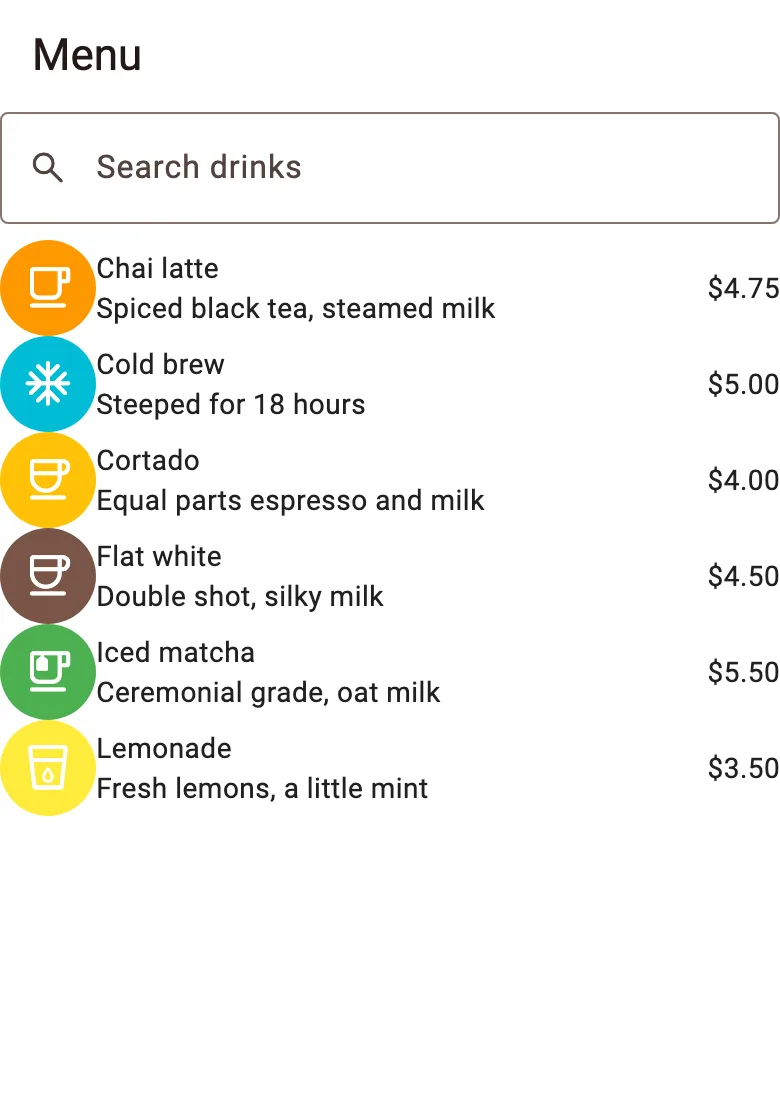
Step 7 of 8
Filter with chips
A row of <chip variant="choice">: All, Hot and Iced. Each sets $kind with @click, and selected lights up the one that matches. var-kind="" starts with no filter.
The loop's condition grows to (kind == $kind || $kind == ''): a row shows when it's the chosen kind, or when no kind is chosen. Search and filter work together.
<app> <config primary_color="brown"/> <database name="cafe" version="1"> <model name="drink"> <field name="name"/> <field name="notes"/> <field name="kind"/> <field name="icon"/> <field name="color"/> <field name="price" type="int"/> <seed>[{"name": "Flat white", "notes": "Double shot, silky milk", "kind": "hot", "icon": "coffee", "color": "brown", "price": 450}, {"name": "Cold brew", "notes": "Steeped for 18 hours", "kind": "iced", "icon": "ac_unit", "color": "cyan", "price": 500}, {"name": "Cortado", "notes": "Equal parts espresso and milk", "kind": "hot", "icon": "coffee", "color": "amber", "price": 400}, {"name": "Iced matcha", "notes": "Ceremonial grade, oat milk", "kind": "iced", "icon": "emoji_food_beverage", "color": "green", "price": 550}, {"name": "Chai latte", "notes": "Spiced black tea, steamed milk", "kind": "hot", "icon": "local_cafe", "color": "orange", "price": 475}, {"name": "Lemonade", "notes": "Fresh lemons, a little mint", "kind": "iced", "icon": "local_drink", "color": "yellow", "price": 350}]</seed> </model> </database> <screen> <app-bar title="Menu"/> <main> <column var-kind=""> <input name="q" placeholder="Search drinks" icon="search"/> <row> <chip variant="choice" label="All" selected="$kind == ''" @click="$kind = ''"/> <chip variant="choice" label="Hot" icon="local_fire_department" selected="$kind == 'hot'" @click="$kind = 'hot'"/> <chip variant="choice" label="Iced" icon="ac_unit" selected="$kind == 'iced'" @click="$kind = 'iced'"/> </row> <@foreach in="drink" where="name contains $q && (kind == $kind || $kind == '')" order="name" as="d"> <row> <avatar icon="$d.icon" color="$d.color" size="48"/> <column flex="1"> <text>@{$d.name}</text> <text>@{$d.notes}</text> </column> <text>@{format($d.price / 100, 'money')}</text> </row> <@empty> <text>No drink matches that.</text> </@foreach> </column> </main> </screen></app>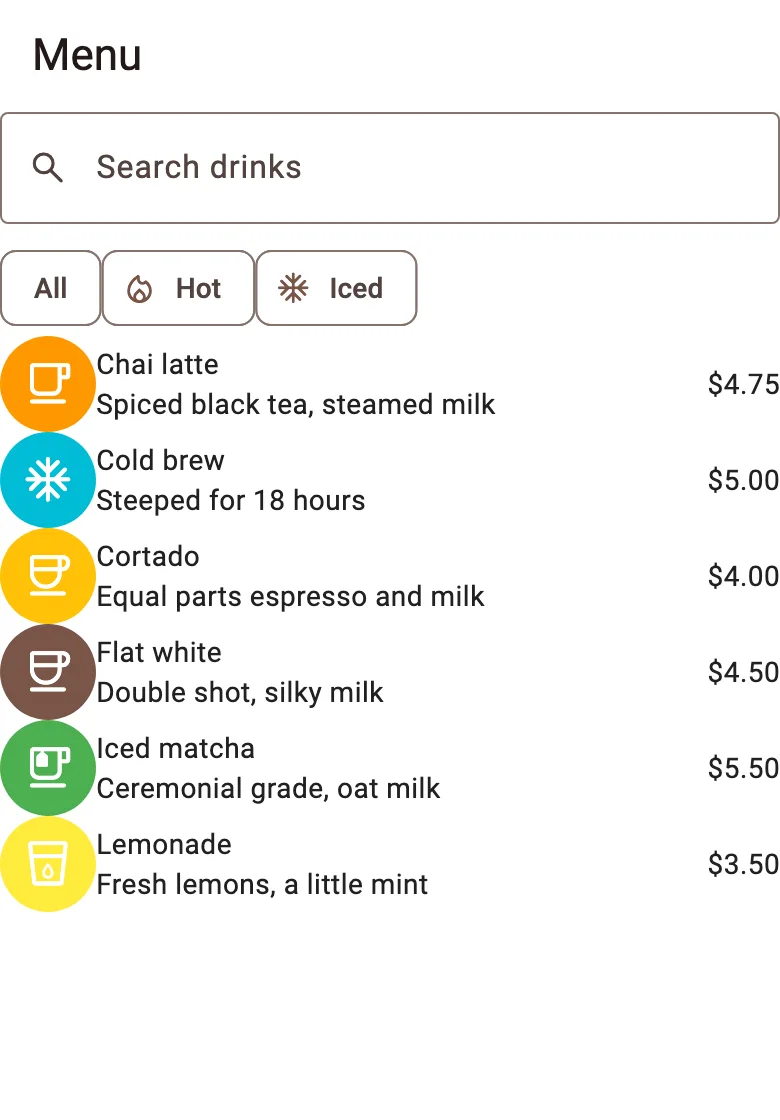
Step 8 of 8
Style it
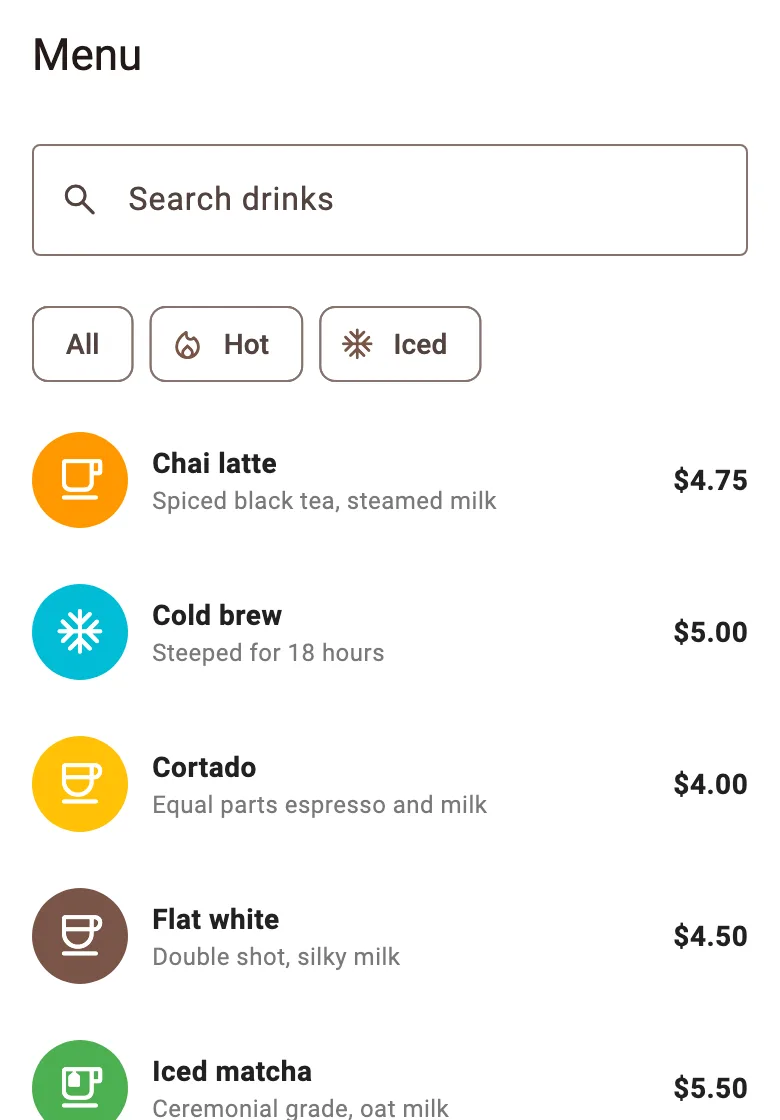
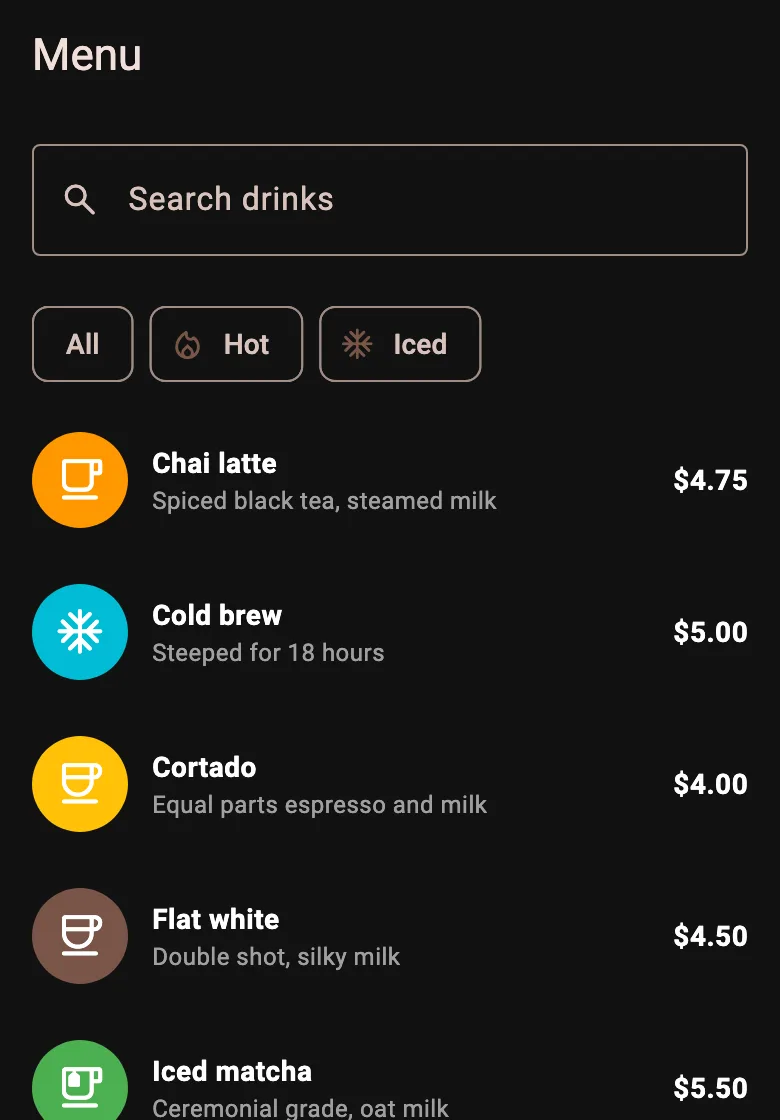
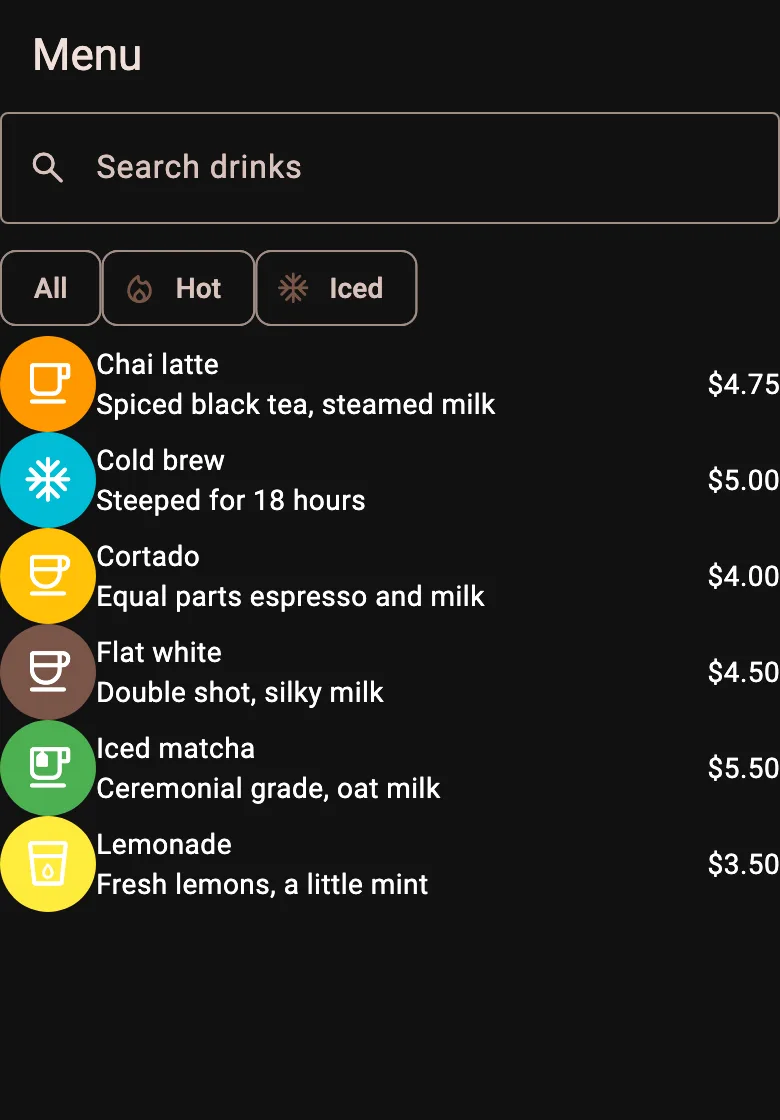
Last, the look: padding and gaps for the column and each row, the name in bold over smaller muted notes, a bold price, a friendlier empty state with an icon, and a count under the list from $db.drink.count, the number of rows in the table.
That's a menu. One row of markup, repeated for every drink, and kept in step with the search and the filter as you use them.
<app> <config primary_color="brown"/> <database name="cafe" version="1"> <model name="drink"> <field name="name"/> <field name="notes"/> <field name="kind"/> <field name="icon"/> <field name="color"/> <field name="price" type="int"/> <seed>[{"name": "Flat white", "notes": "Double shot, silky milk", "kind": "hot", "icon": "coffee", "color": "brown", "price": 450}, {"name": "Cold brew", "notes": "Steeped for 18 hours", "kind": "iced", "icon": "ac_unit", "color": "cyan", "price": 500}, {"name": "Cortado", "notes": "Equal parts espresso and milk", "kind": "hot", "icon": "coffee", "color": "amber", "price": 400}, {"name": "Iced matcha", "notes": "Ceremonial grade, oat milk", "kind": "iced", "icon": "emoji_food_beverage", "color": "green", "price": 550}, {"name": "Chai latte", "notes": "Spiced black tea, steamed milk", "kind": "hot", "icon": "local_cafe", "color": "orange", "price": 475}, {"name": "Lemonade", "notes": "Fresh lemons, a little mint", "kind": "iced", "icon": "local_drink", "color": "yellow", "price": 350}]</seed> </model> </database> <screen> <app-bar title="Menu"/> <main> <column style="w-full p-16 gap-12" var-kind=""> <input name="q" placeholder="Search drinks" icon="search"/> <row style="gap-8"> <chip variant="choice" label="All" selected="$kind == ''" @click="$kind = ''"/> <chip variant="choice" label="Hot" icon="local_fire_department" selected="$kind == 'hot'" @click="$kind = 'hot'"/> <chip variant="choice" label="Iced" icon="ac_unit" selected="$kind == 'iced'" @click="$kind = 'iced'"/> </row> <@foreach in="drink" where="name contains $q && (kind == $kind || $kind == '')" order="name" as="d"> <row style="w-full gap-12 items-center py-8"> <avatar icon="$d.icon" color="$d.color" size="48"/> <column flex="1"> <text style="font-bold">@{$d.name}</text> <text style="muted font-sm">@{$d.notes}</text> </column> <text style="font-bold">@{format($d.price / 100, 'money')}</text> </row> <@empty> <column style="w-full items-center py-32 gap-8"> <icon name="search_off size-40 grey"/> <text style="muted">No drink matches that.</text> </column> </@foreach> <text style="muted font-sm">@{$db.drink.count} drinks on the menu</text> </column> </main> </screen></app>