Hype Apps
A chat thread
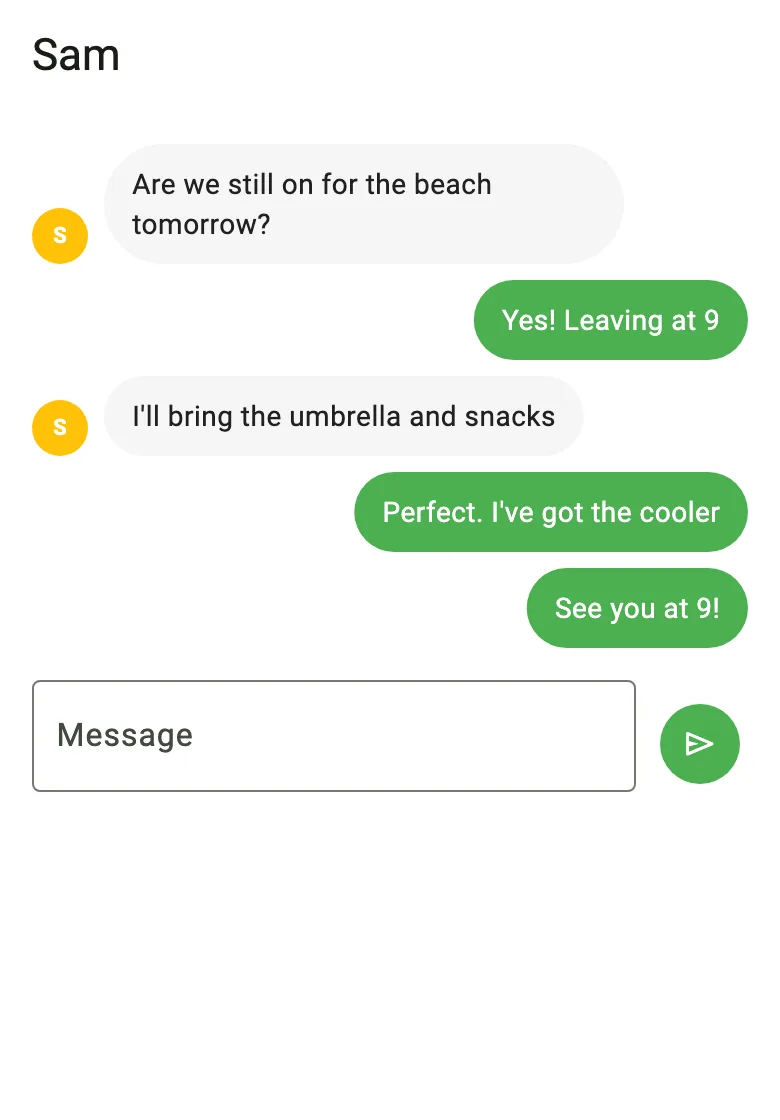
Messages from a table, yours on the right in the app's color and theirs on the left with an avatar, and a composer that adds to the thread.
3 steps · ends in a chat thread with a composer
A conversation is a list where each row knows who wrote it. One loop draws every message, and @show picks the side.
Step 1 of 3
The messages
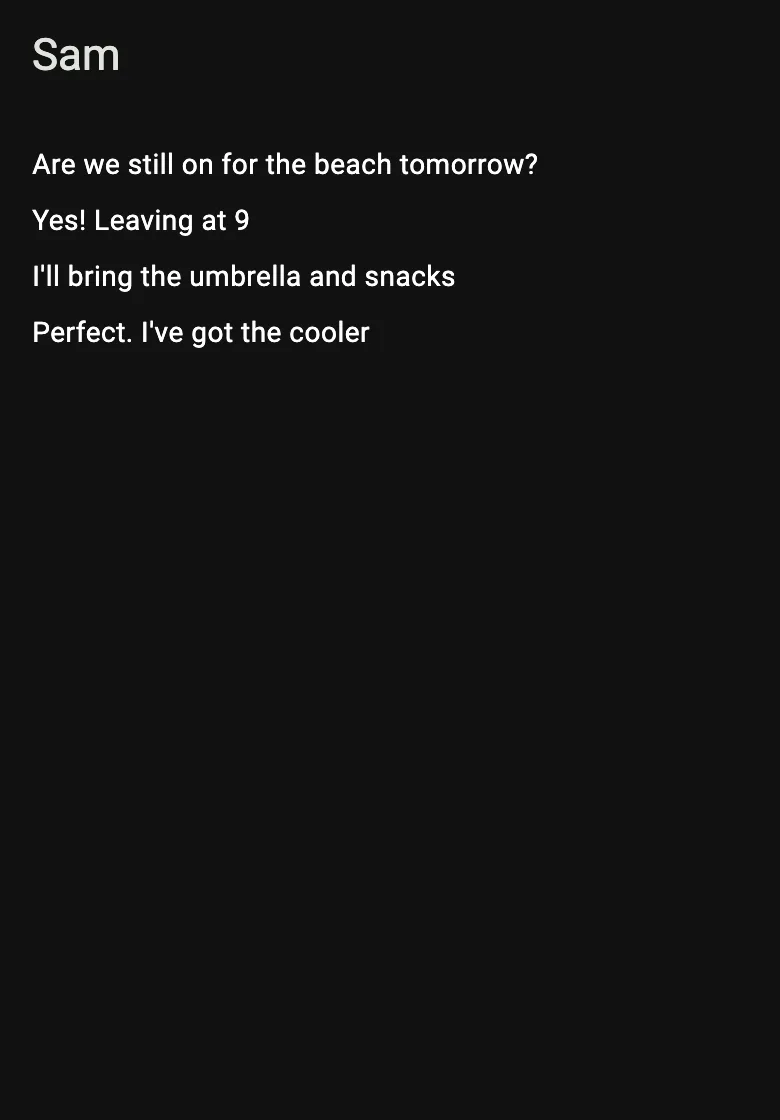
A message table with the text and whether it's mine, seeded with a short conversation. <@foreach in="message" order="id"> lists them in the order they were written.
<app> <config primary_color="green"/> <database name="chat" version="1"> <model name="message"> <field name="text" required/> <field name="mine" type="bool" default="false"/> <seed>[{"text": "Are we still on for the beach tomorrow?"}, {"text": "Yes! Leaving at 9", "mine": true}, {"text": "I'll bring the umbrella and snacks"}, {"text": "Perfect. I've got the cooler", "mine": true}]</seed> </model> </database> <screen> <app-bar title="Sam"/> <main> <column style="w-full p-16 gap-8"> <@foreach in="message" order="id" as="m"> <text>@{$m.text}</text> </@foreach> </column> </main> </screen></app>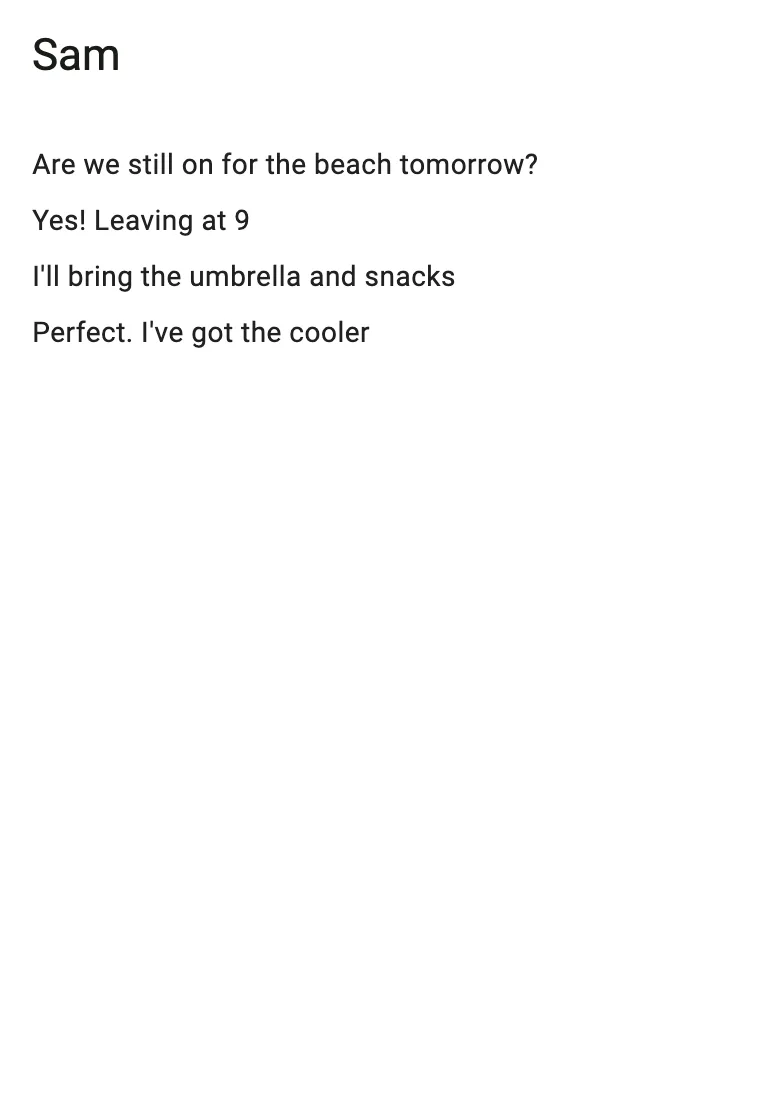
Step 2 of 3
Bubbles on each side
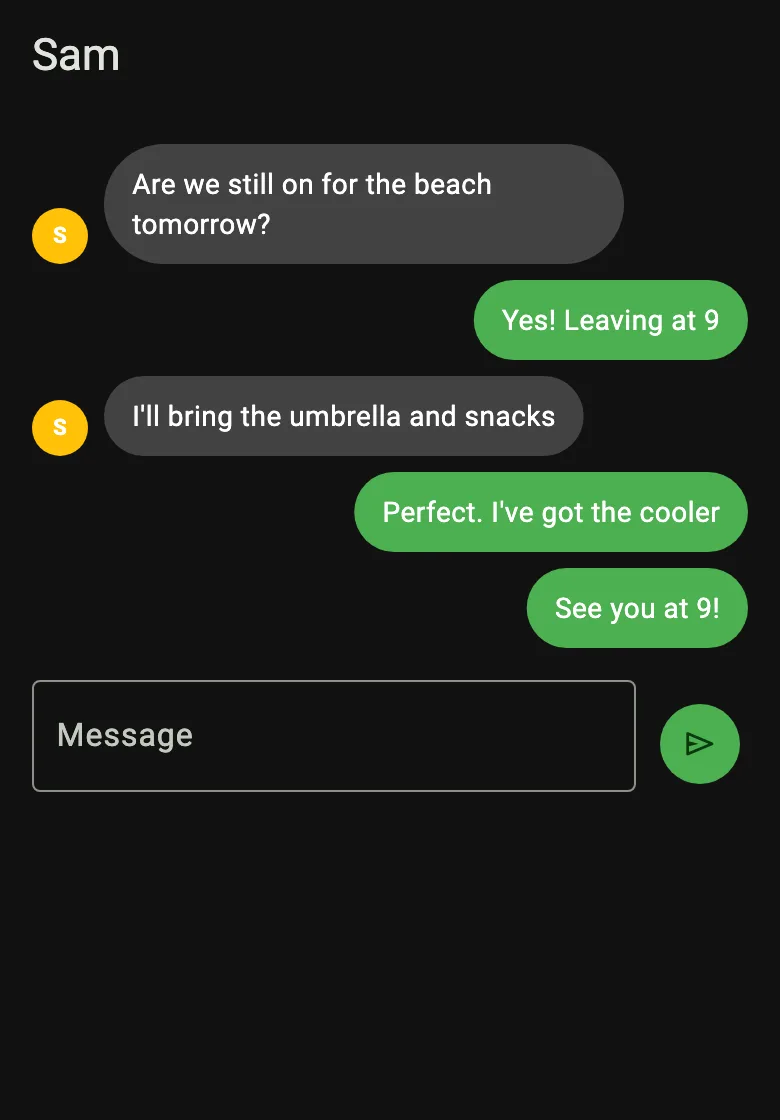
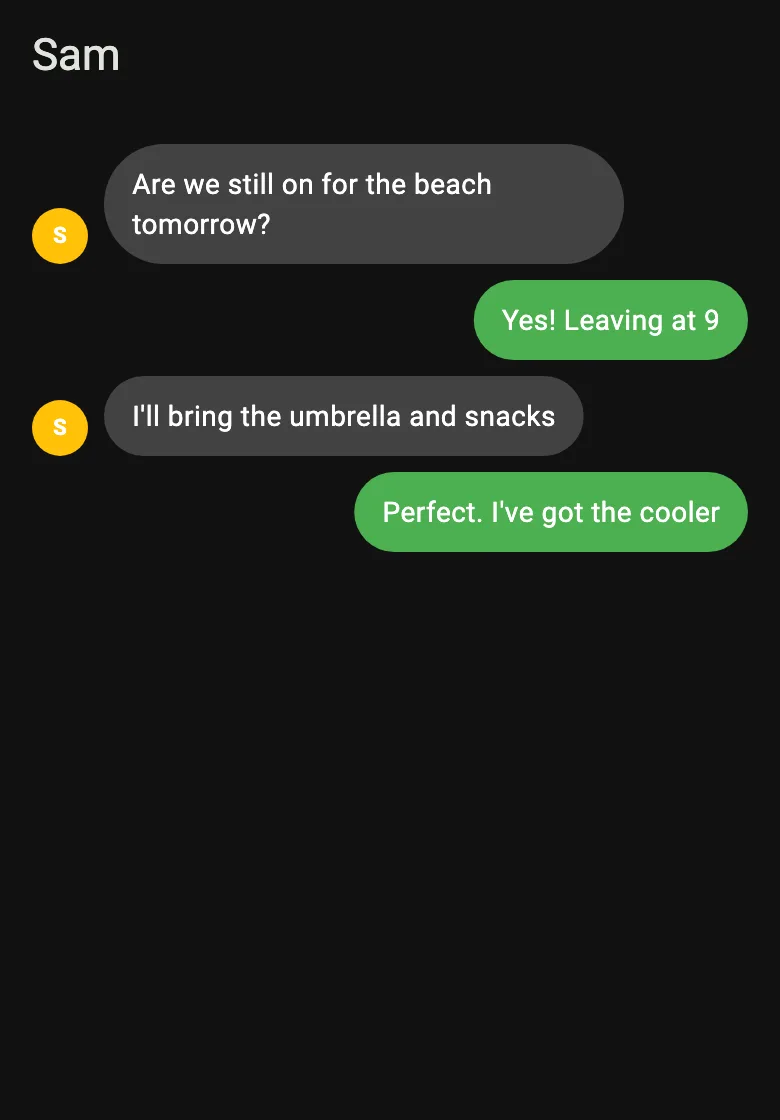
Each message gets two rows, and @show keeps the right one: yours, pushed to the right with justify-end on a green bubble, or theirs, on the left after a small avatar on a grey one. max-w-260 stops a long message from running the width of the screen, and rounded-2xl rounds the bubble.
<app> <config primary_color="green"/> <database name="chat" version="1"> <model name="message"> <field name="text" required/> <field name="mine" type="bool" default="false"/> <seed>[{"text": "Are we still on for the beach tomorrow?"}, {"text": "Yes! Leaving at 9", "mine": true}, {"text": "I'll bring the umbrella and snacks"}, {"text": "Perfect. I've got the cooler", "mine": true}]</seed> </model> </database> <screen> <app-bar title="Sam"/> <main> <column style="w-full p-16 gap-8"> <@foreach in="message" order="id" as="m"> <row @show="$m.mine" style="w-full justify-end"> <text style="max-w-260 px-14 py-10 rounded-2xl bg-green text-white"> @{$m.text} </text> </row> <row @show="!$m.mine" style="w-full gap-8 items-end"> <avatar text="S" size="28" color="amber"/> <text style="max-w-260 px-14 py-10 rounded-2xl bg-grey-100 dark:bg-grey-800"> @{$m.text} </text> </row> </@foreach> </column> </main> </screen></app>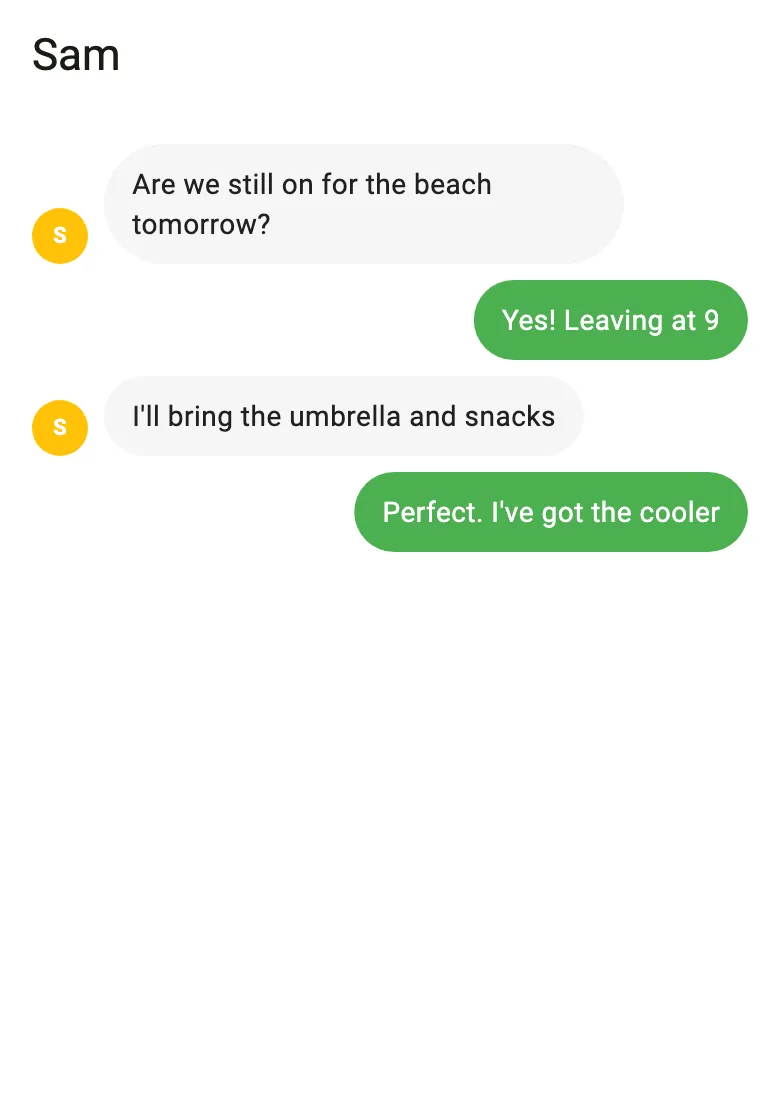
Step 3 of 3
Write back
A <form> at the bottom with a field and a send button. The button runs #db.message.create:text=$text,mine=true, which adds your message to the table, and $text = '' empties the field. The new bubble shows at once, because the loop follows its table.
<app> <config primary_color="green"/> <database name="chat" version="1"> <model name="message"> <field name="text" required/> <field name="mine" type="bool" default="false"/> <seed>[{"text": "Are we still on for the beach tomorrow?"}, {"text": "Yes! Leaving at 9", "mine": true}, {"text": "I'll bring the umbrella and snacks"}, {"text": "Perfect. I've got the cooler", "mine": true}]</seed> </model> </database> <screen> <app-bar title="Sam"/> <main> <column style="w-full p-16 gap-8"> <@foreach in="message" order="id" as="m"> <row @show="$m.mine" style="w-full justify-end"> <text style="max-w-260 px-14 py-10 rounded-2xl bg-green text-white"> @{$m.text} </text> </row> <row @show="!$m.mine" style="w-full gap-8 items-end"> <avatar text="S" size="28" color="amber"/> <text style="max-w-260 px-14 py-10 rounded-2xl bg-grey-100 dark:bg-grey-800"> @{$m.text} </text> </row> </@foreach> <form> <row style="w-full gap-8 items-center pt-8"> <input name="text" placeholder="Message" flex="1"/> <button action="#db.message.create:text=$text,mine=true; $text = ''; haptic:light" variant="filled" icon="send" style="rounded-full"/> </row> </form> </column> </main> </screen></app>