Hype Apps
Forms and state
Build a bill splitter from the smallest app: a number field, a choice of tip, a people counter, and a total that updates as you type.
8 steps · ends in a bill splitter whose total follows every change
A form in HAM is the platform's own controls: a text field, a segmented button, a stepper made of two buttons. Each control writes what you enter into a variable, and anything that shows that variable updates the moment it changes. There's no request to a server and no code to write, only markup that says what follows what.
This guide builds a bill splitter. By the end, every keystroke and every tap changes the amount each person pays.
Step 1 of 8
Start with the smallest app
Every HAM document starts with <app>. A <screen> is one page of the app, and <main> holds what's on it: for now, one line of <text>.
<app> <screen> <main> <text>Hello</text> </main> </screen></app>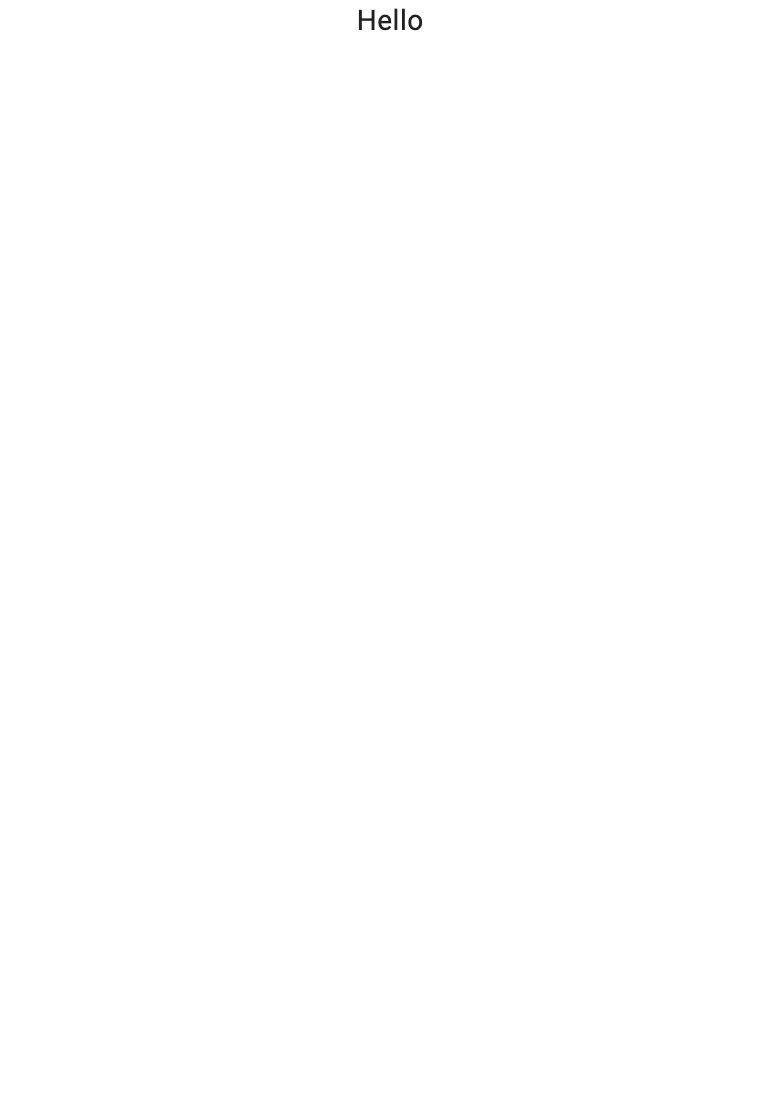
Step 2 of 8
Add a title bar and a color
<app-bar> puts the screen's title across the top. <config primary_color="teal"> sets the color every control you add from here on uses. Use a named color like teal, amber or rose.
<app> <config primary_color="teal"/> <screen> <app-bar title="Split the bill"/> <main> <text>Hello</text> </main> </screen></app>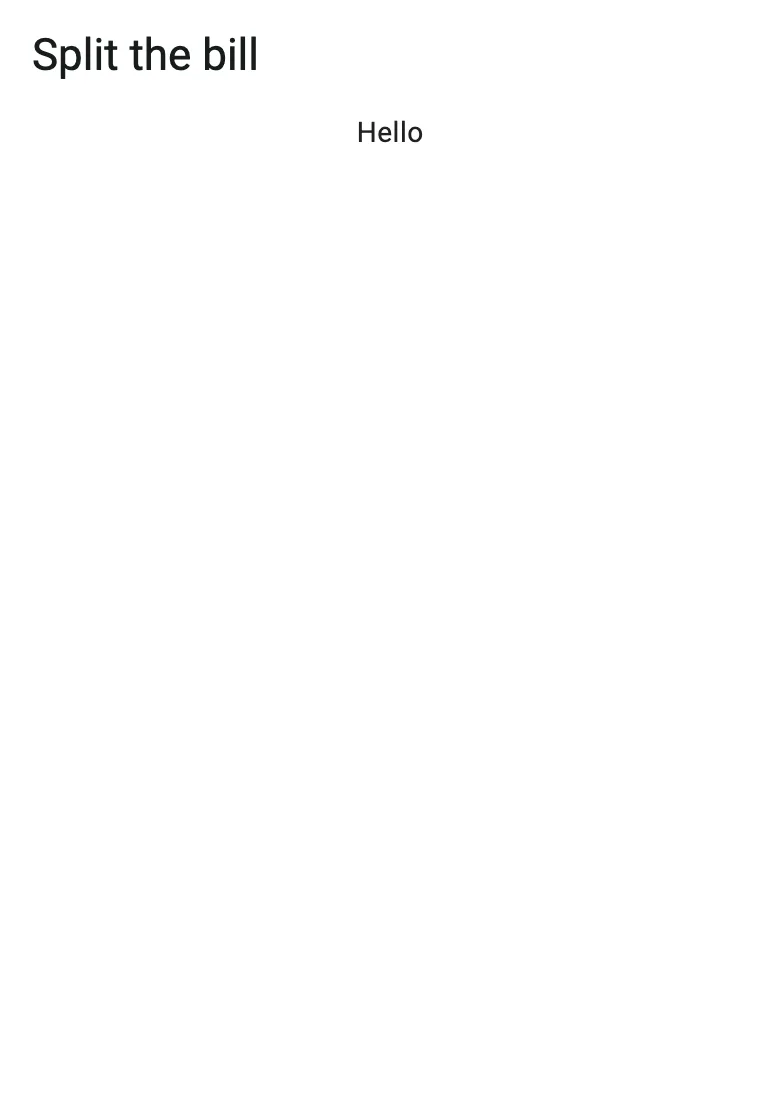
Step 3 of 8
Ask for the bill
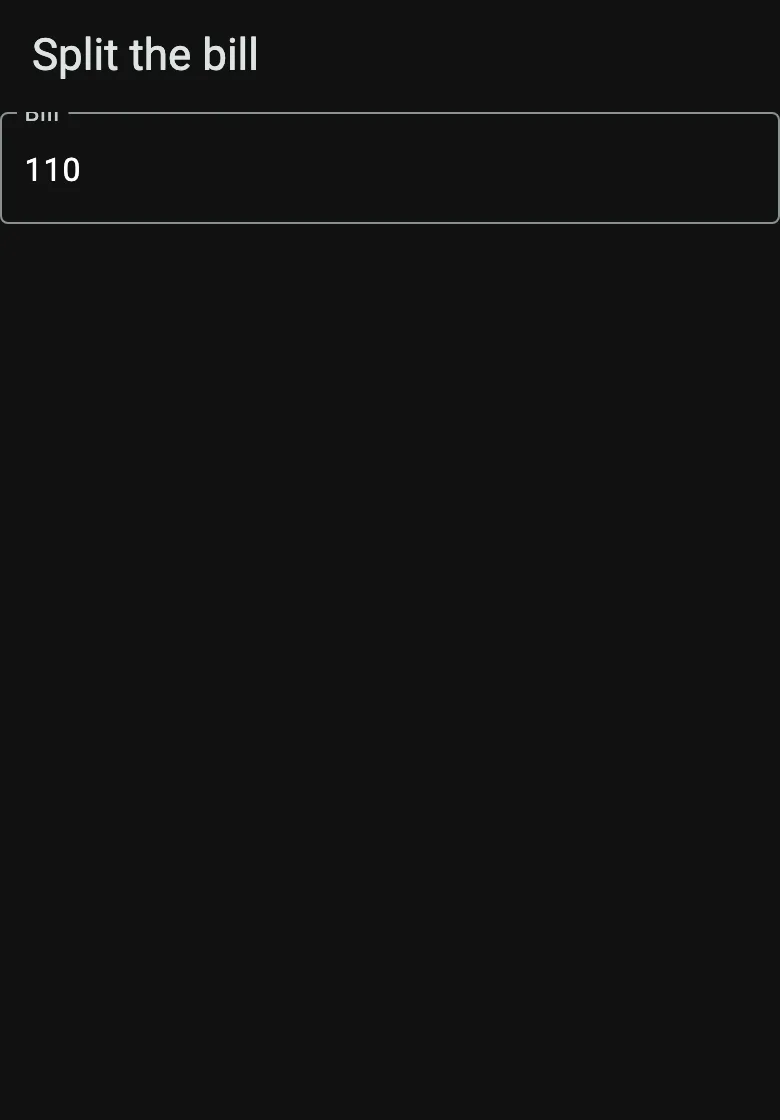
The placeholder goes, and a <column> takes its place, with the first field in it. <input> is the platform's text field:
name="bill"is where what you type goes: the variable$bill.labelis the field's label, andvalue="110"is what it starts with.type="number"andinputmode="numeric"bring up the number keyboard.
<app> <config primary_color="teal"/> <screen> <app-bar title="Split the bill"/> <main> <column> <input name="bill" label="Bill" type="number" inputmode="numeric" value="110"/> </column> </main> </screen></app>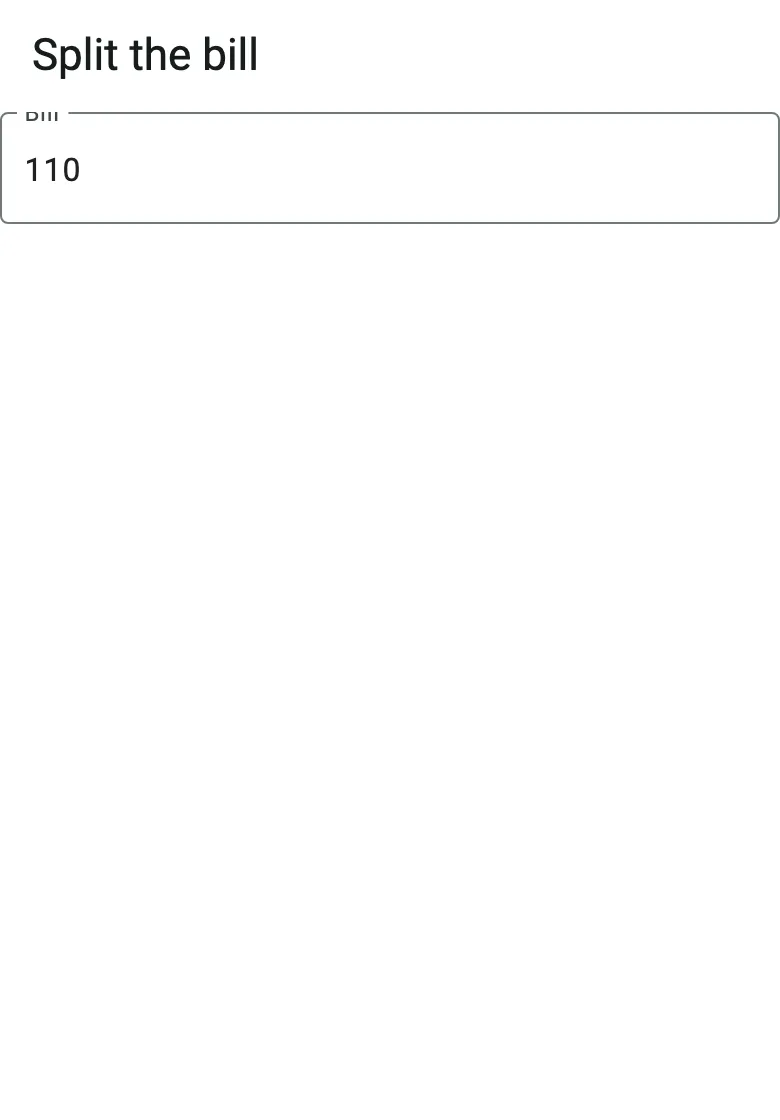
Step 4 of 8
Choose the tip
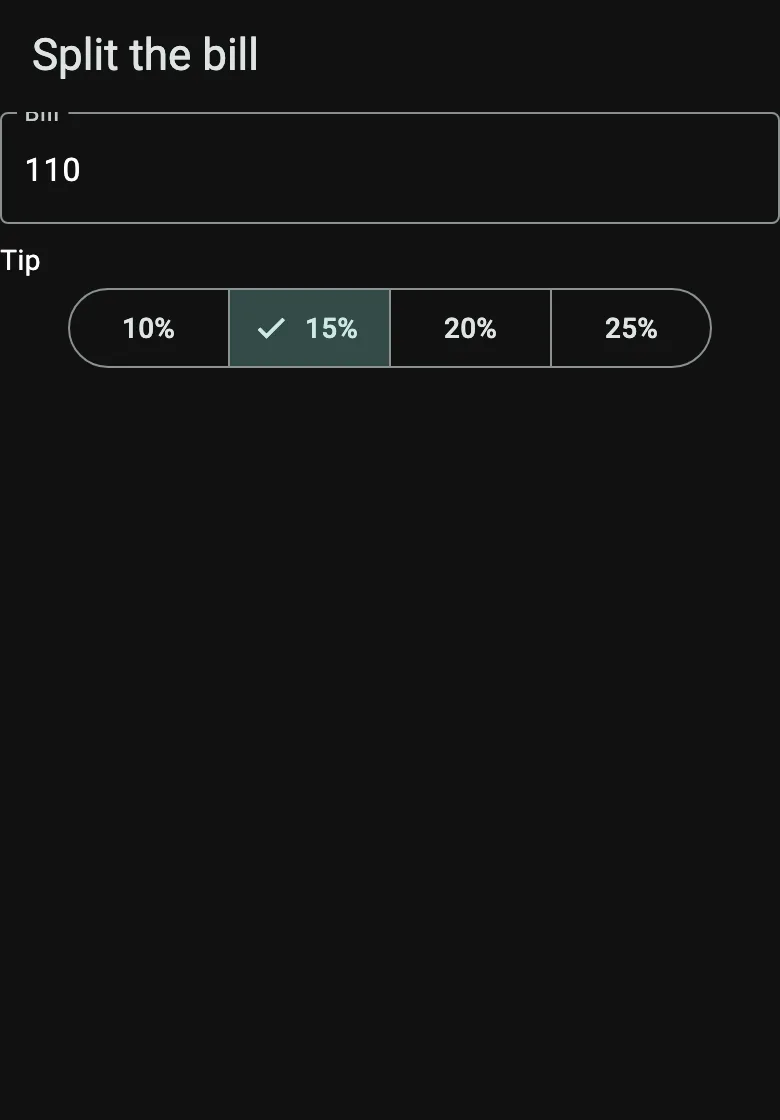
A <segmented-button> is a row of choices where exactly one is picked. Each <segment> has the value it stands for and the label it shows. name="tip" puts the picked value in $tip, and selected="true" picks 15% to start with.
<app> <config primary_color="teal"/> <screen> <app-bar title="Split the bill"/> <main> <column> <input name="bill" label="Bill" type="number" inputmode="numeric" value="110"/> <text>Tip</text> <segmented-button name="tip"> <segment value="10" label="10%"/> <segment value="15" label="15%" selected="true"/> <segment value="20" label="20%"/> <segment value="25" label="25%"/> </segmented-button> </column> </main> </screen></app>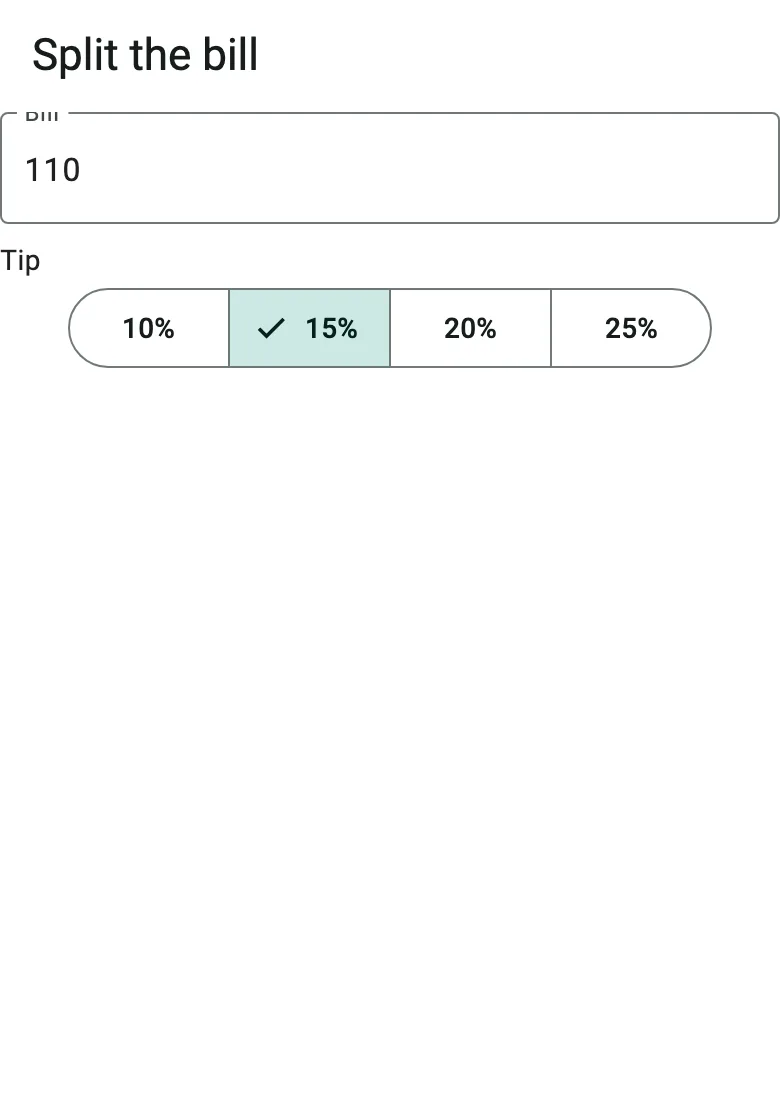
Step 5 of 8
Count the people
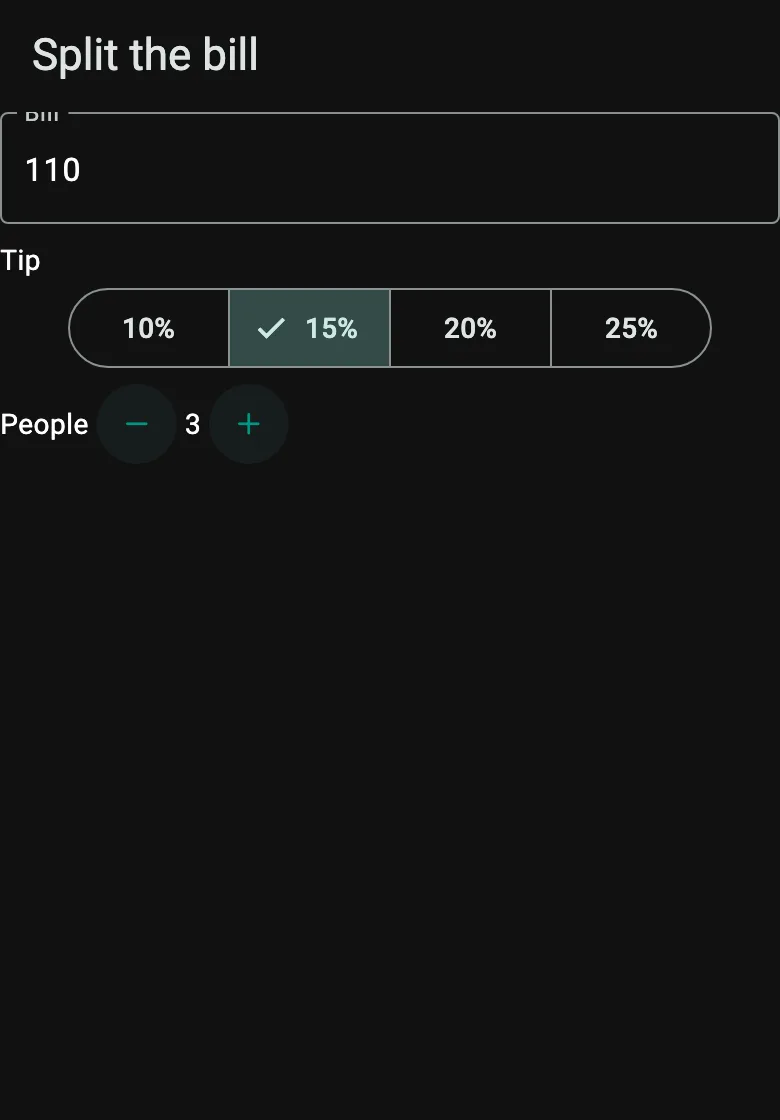
A <row> with a label, a minus button, the count and a plus button. icon="remove" and icon="add" make icon buttons from Material Symbols. The buttons don't do anything yet.
<app> <config primary_color="teal"/> <screen> <app-bar title="Split the bill"/> <main> <column> <input name="bill" label="Bill" type="number" inputmode="numeric" value="110"/> <text>Tip</text> <segmented-button name="tip"> <segment value="10" label="10%"/> <segment value="15" label="15%" selected="true"/> <segment value="20" label="20%"/> <segment value="25" label="25%"/> </segmented-button> <row> <text>People</text> <button icon="remove"/> <text>3</text> <button icon="add"/> </row> </column> </main> </screen></app>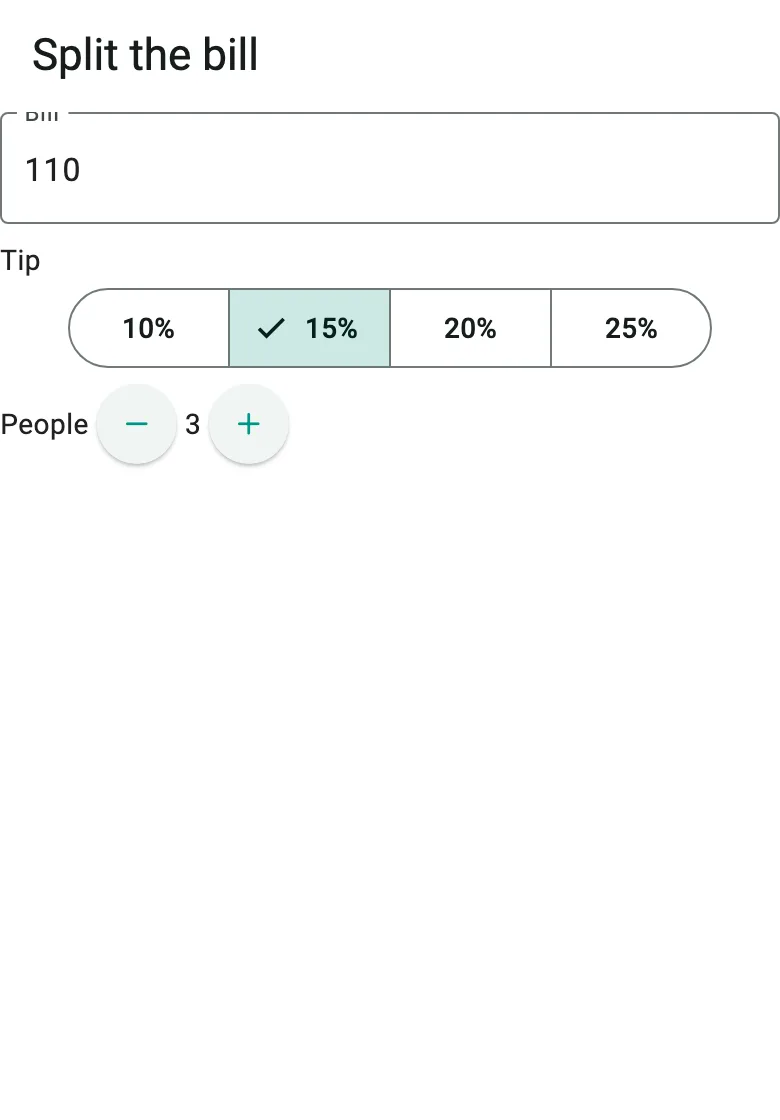
Step 6 of 8
Do the math
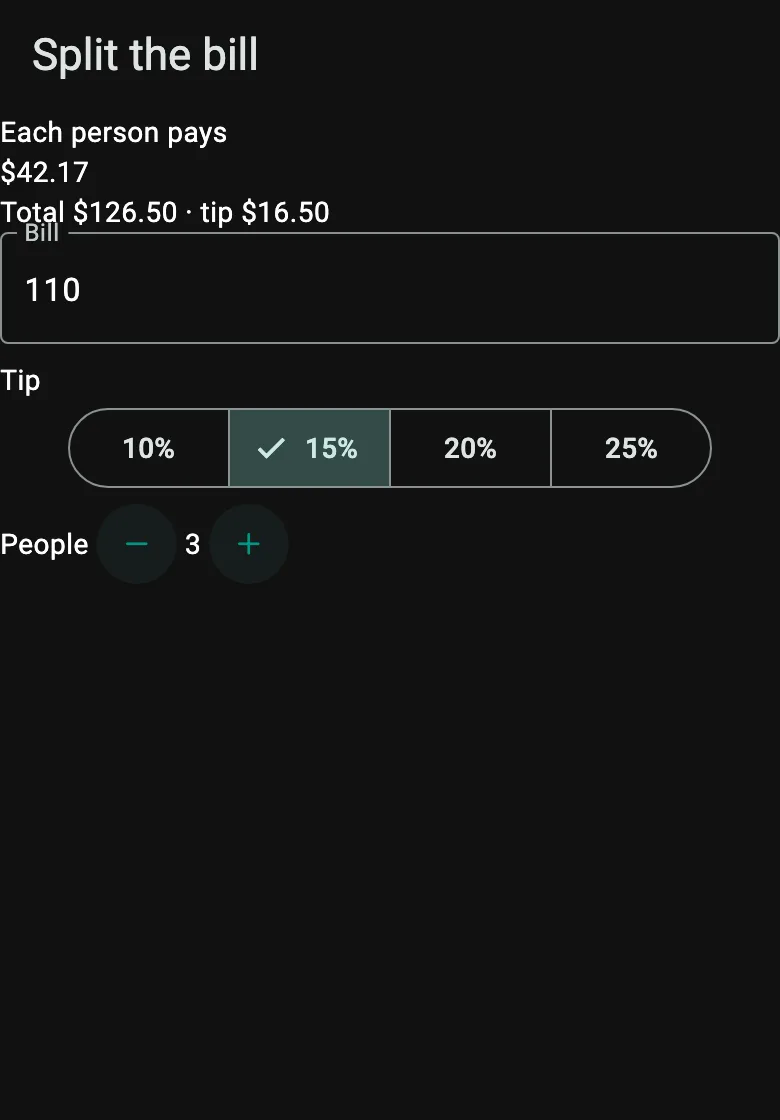
Now the screen answers. Three things make it live:
var-people="3"gives the column a variable,$people, that starts at 3.- The buttons change it with
@click:$people = $people + 1adds one, andmax(1, $people - 1)takes one away but never goes below one person. @textand@{…}show expressions and update whenever a variable in them changes.$bill * (100 + $tip) / 100 / $peopleis each person's share, andformat(…, 'money')writes it as $42.17.
Type a new amount, pick a tip or tap plus, and the answer changes as you do.
<app> <config primary_color="teal"/> <screen> <app-bar title="Split the bill"/> <main> <column var-people="3"> <text>Each person pays</text> <text @text="format($bill * (100 + $tip) / 100 / $people, 'money')"/> <text> Total @{format($bill * (100 + $tip) / 100, 'money')} · tip @{format($bill * $tip / 100, 'money')} </text> <input name="bill" label="Bill" type="number" inputmode="numeric" value="110"/> <text>Tip</text> <segmented-button name="tip"> <segment value="10" label="10%"/> <segment value="15" label="15%" selected="true"/> <segment value="20" label="20%"/> <segment value="25" label="25%"/> </segmented-button> <row> <text>People</text> <button @click="$people = max(1, $people - 1)" icon="remove"/> <text @text="$people"/> <button @click="$people = $people + 1" icon="add"/> </row> </column> </main> </screen></app>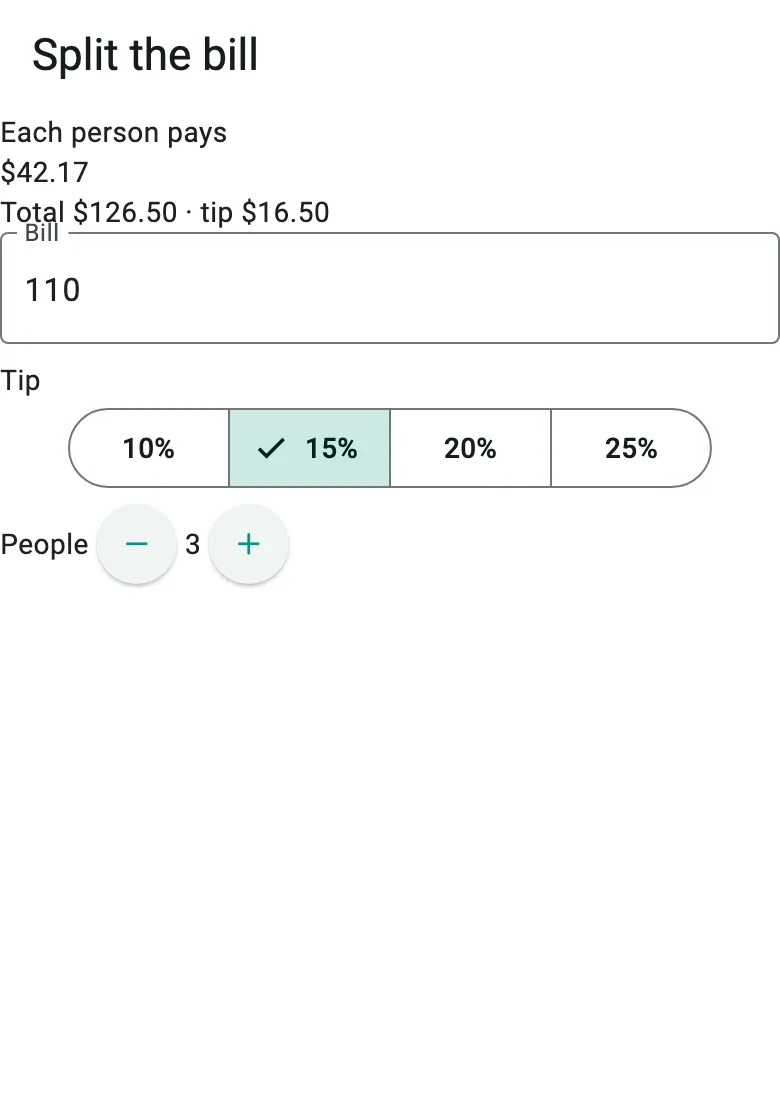
Step 7 of 8
Style it
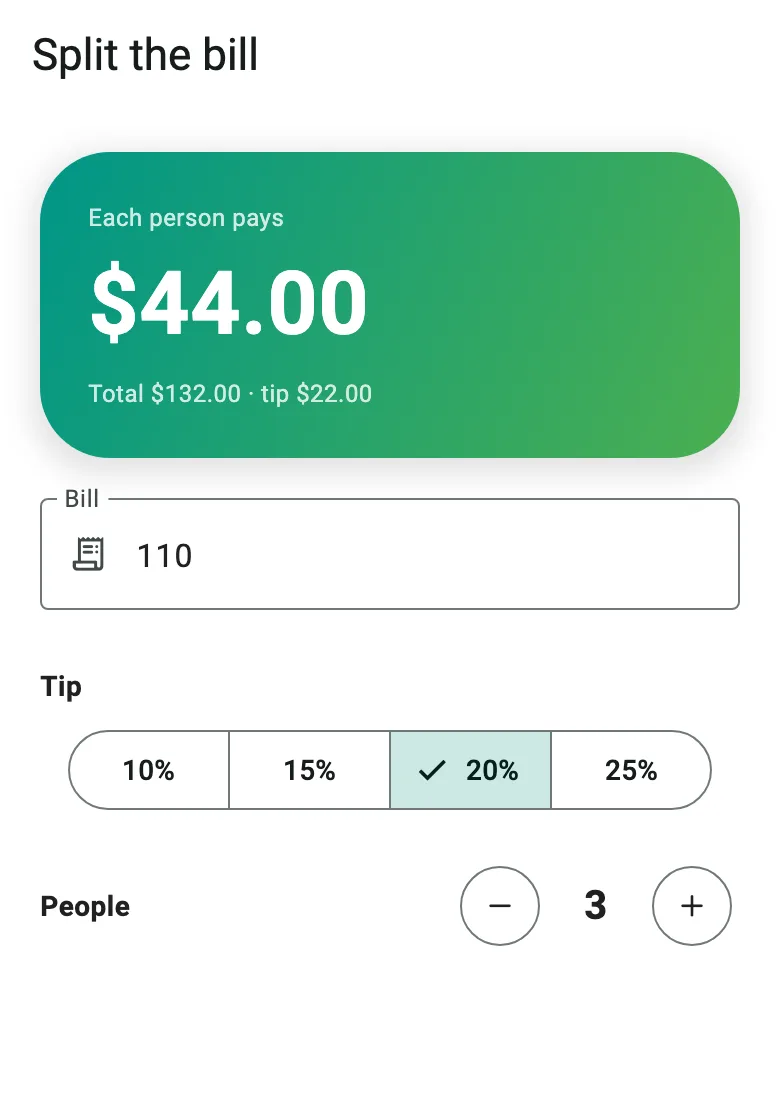
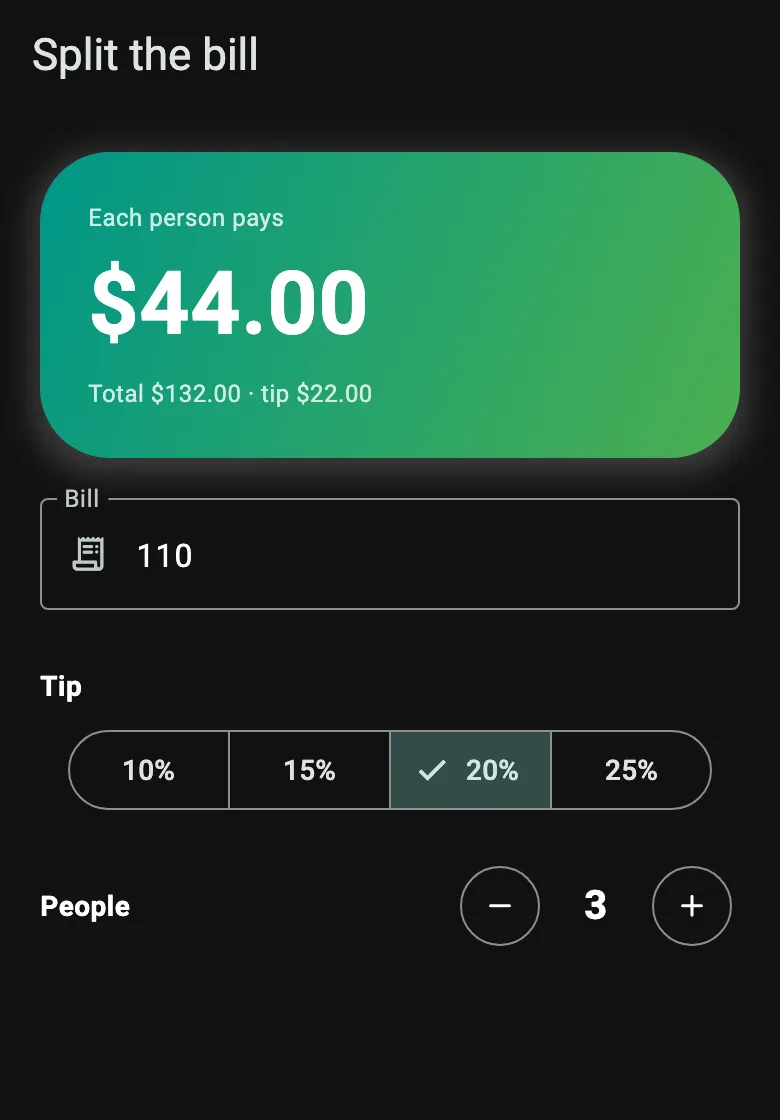
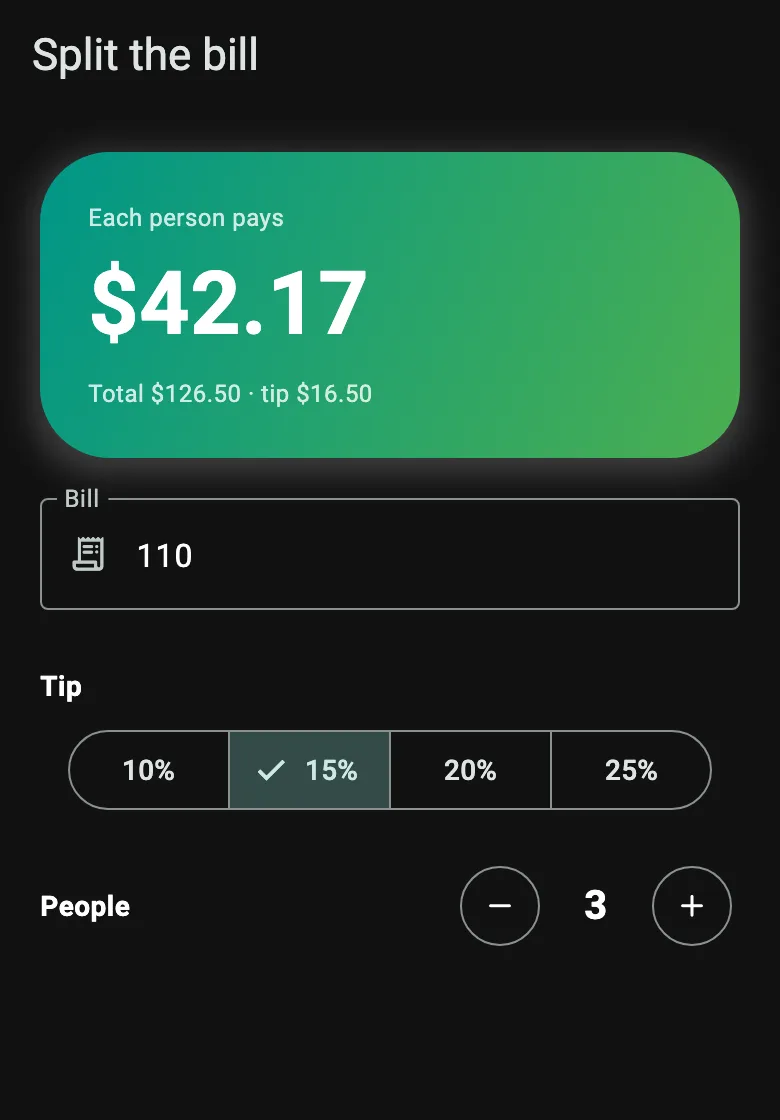
The answer goes to the top, in a card that's easy to read across a table:
rounded-3xl gradient-tl-teal-green-br shadow-lgmakes a rounded card that fades from teal to green, lifted off the page.text-white font-size-44 font-boldmakes the amount large and white, andopacity-80softens the lines around it.- The field gets an icon (
receipt_long), the tip choices get a bold label, and the people row spreads out withflex="1"on its label.
<app> <config primary_color="teal"/> <screen> <app-bar title="Split the bill"/> <main> <column style="w-full p-20 gap-20" var-people="3"> <column style="w-full p-24 gap-4 rounded-3xl gradient-tl-teal-green-br shadow-lg"> <text style="text-white opacity-80 font-sm">Each person pays</text> <text style="text-white font-size-44 font-bold" @text="format($bill * (100 + $tip) / 100 / $people, 'money')"/> <text style="text-white opacity-80 font-sm"> Total @{format($bill * (100 + $tip) / 100, 'money')} · tip @{format($bill * $tip / 100, 'money')} </text> </column> <input name="bill" label="Bill" type="number" inputmode="numeric" icon="receipt_long" value="110"/> <column style="w-full gap-8"> <text style="font-bold">Tip</text> <segmented-button name="tip"> <segment value="10" label="10%"/> <segment value="15" label="15%" selected="true"/> <segment value="20" label="20%"/> <segment value="25" label="25%"/> </segmented-button> </column> <row style="w-full items-center"> <text style="font-bold" flex="1">People</text> <button @click="$people = max(1, $people - 1)" variant="outlined" icon="remove" style="rounded-full"/> <text style="font-xl font-bold w-48 text-center" @text="$people"/> <button @click="$people = $people + 1" variant="outlined" icon="add" style="rounded-full"/> </row> </column> </main> </screen></app>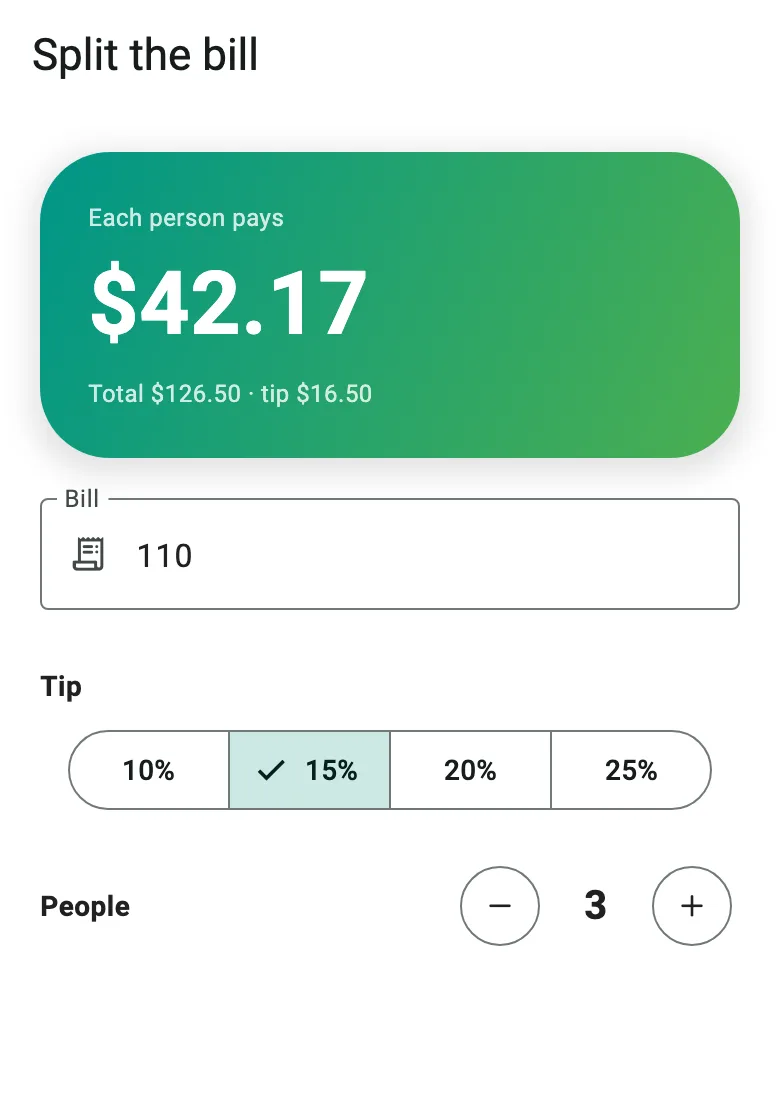
Step 8 of 8
Make it feel good
Two finishing touches. smooth(…, 400) glides the amount from its old value to its new one over 400 milliseconds, so the number rolls instead of jumping. haptic:selection gives a small tap you can feel on plus and minus, and press:scale-90 sinks each button while it's pressed.
That's a bill splitter. Every control writes a variable, and everything that shows a variable follows it.
<app> <config primary_color="teal"/> <screen> <app-bar title="Split the bill"/> <main> <column style="w-full p-20 gap-20" var-people="3"> <column style="w-full p-24 gap-4 rounded-3xl gradient-tl-teal-green-br shadow-lg"> <text style="text-white opacity-80 font-sm">Each person pays</text> <text style="text-white font-size-44 font-bold" @text="format(smooth($bill * (100 + $tip) / 100 / $people, 400), 'money')"/> <text style="text-white opacity-80 font-sm"> Total @{format($bill * (100 + $tip) / 100, 'money')} · tip @{format($bill * $tip / 100, 'money')} </text> </column> <input name="bill" label="Bill" type="number" inputmode="numeric" icon="receipt_long" value="110"/> <column style="w-full gap-8"> <text style="font-bold">Tip</text> <segmented-button name="tip"> <segment value="10" label="10%"/> <segment value="15" label="15%" selected="true"/> <segment value="20" label="20%"/> <segment value="25" label="25%"/> </segmented-button> </column> <row style="w-full items-center"> <text style="font-bold" flex="1">People</text> <button @click="$people = max(1, $people - 1); haptic:selection" variant="outlined" icon="remove" style="rounded-full press:scale-90"/> <text style="font-xl font-bold w-48 text-center" @text="$people"/> <button @click="$people = $people + 1; haptic:selection" variant="outlined" icon="add" style="rounded-full press:scale-90"/> </row> </column> </main> </screen></app>