 Hype Apps
<app-bar>
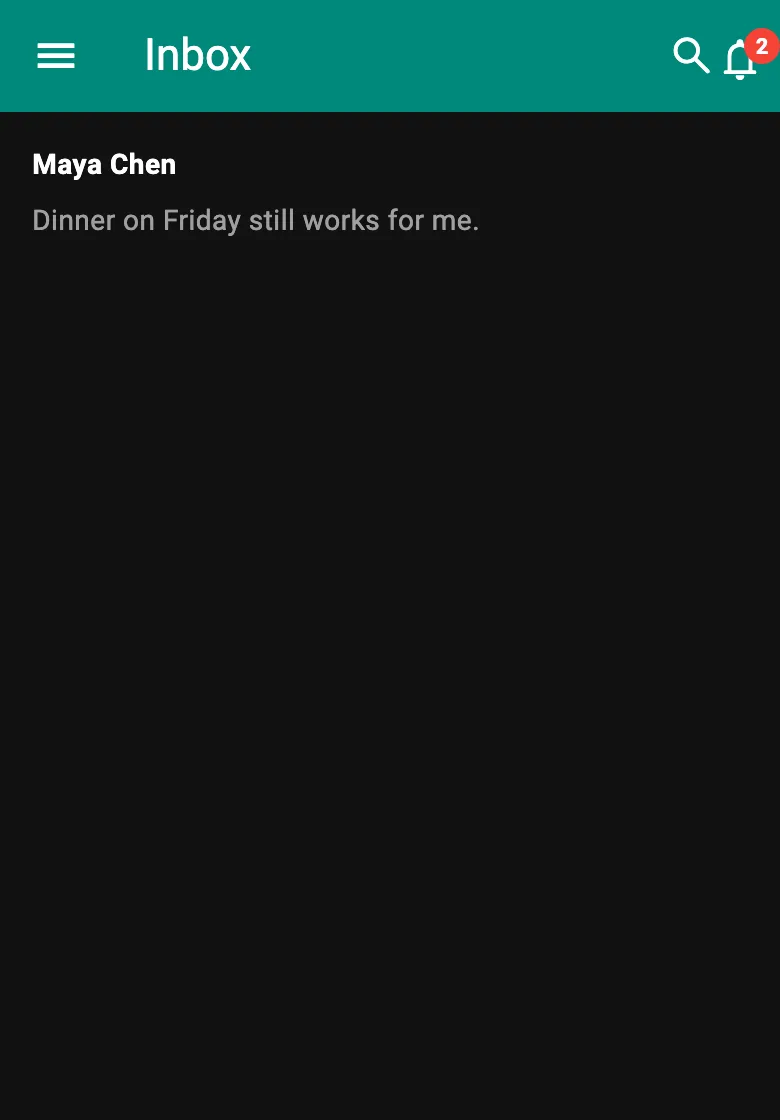
The bar at the top of a screen: a title, a leading menu icon, and action icons on the right.
<screen>
    <app-bar title="Inbox"
             bg_color="teal-600"
             leading_icon="menu">
        <icon name="search"
              action="/search"/>
        <badge count="2">
            <icon name="notifications"/>
        </badge>
    </app-bar>
    <main>
        <column style="w-full p-16 gap-8">
            <text style="font-bold">Maya Chen</text>
            <text style="muted">Dinner on Friday still works for me.</text>
        </column>
    </main>
</screen>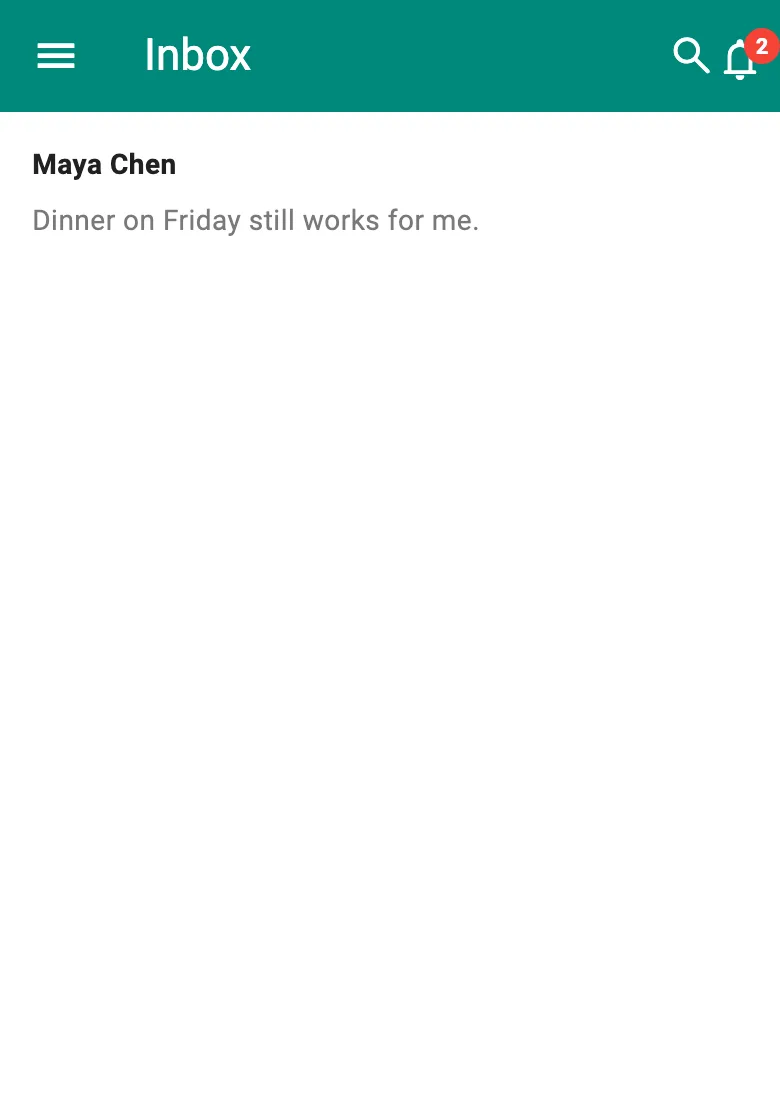
Attributes
| Name | What it does | Default |
|---|---|---|
bg_coloralso background_color |
Bar background color (also bg-color, background-color) color |
|
elevation |
Shadow elevation (0 if transparent) number |
|
leading_icon |
Leading icon name (menu, hamburger, etc.) string |
|
text_coloralso fg_color, foreground_color |
Title and icon color. color |
|
title |
AppBar title text; none without it string |
|
title_image |
Image shown instead of the title text (server path, file:, or http; light:/dark: prefixes pick per theme). title stays as the accessibility label; a broken image falls back to the text string |
|
title_reveal |
scroll: hide the title at the top of the page and fade it in as the content scrolls; a number is the px offset at full visibility (default 160) string |
|
title_style |
Style tokens for the title text (font-* families, font-size-*, font-weight-*, tracking-*, light:/dark: colors). Use this, never style= on the bar string |
|
transparent |
Make AppBar transparent boolean |
false |
Any tag also takes gestures: @on.tap, @on.longpress, @on.doubletap and @on.swipeleft (and right, up and down). @click runs on a tap too.