 Hype Apps
<button>
A tappable button that runs an action: a fetch, a navigation or a statement.
<column style="gap-12">
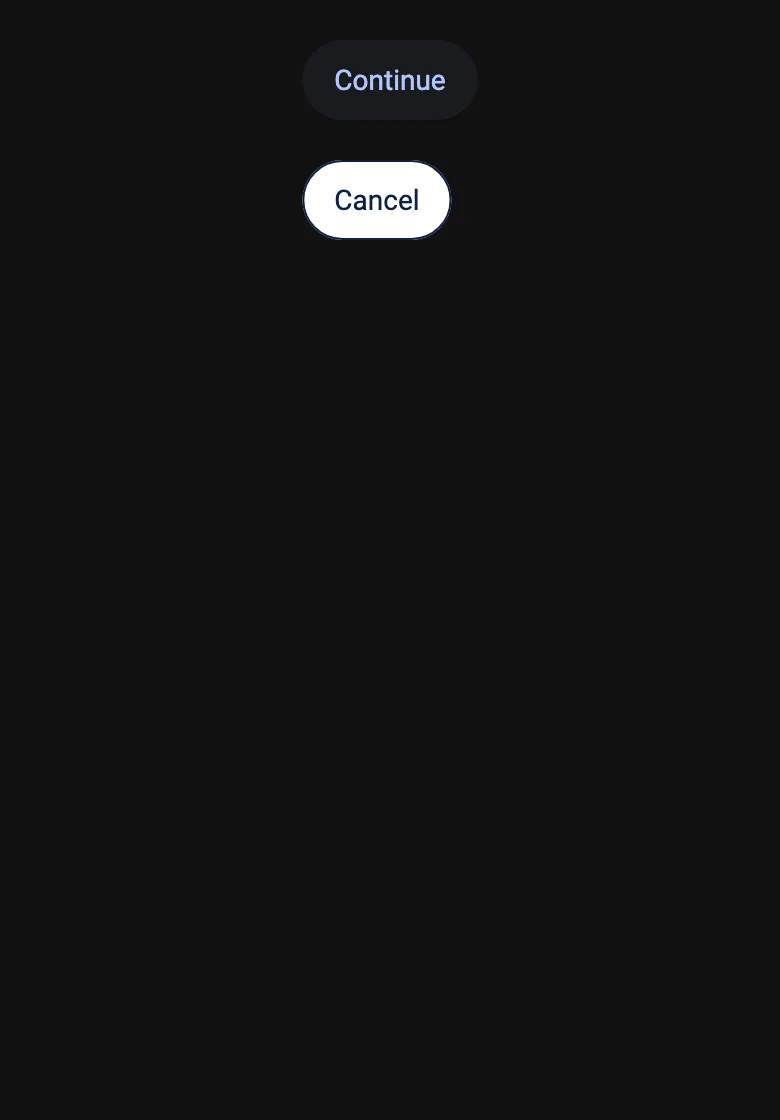
    <button>Continue</button>
    <button style="bg-white text-primary border border-primary">Cancel</button>
</column>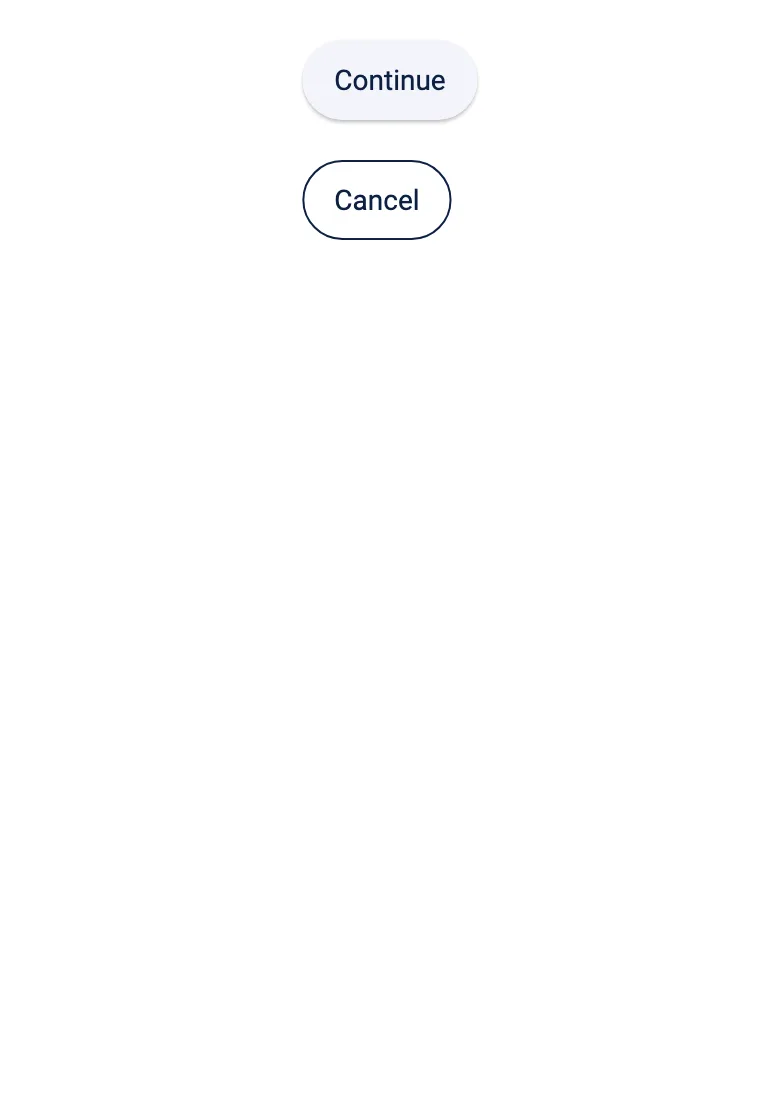
Attributes
| Name | What it does | Default |
|---|---|---|
color |
Background/foreground color color |
|
icon |
Icon name; with no text and no children the button is the icon alone string |
|
size |
Button size preset xs, sm, md, lg, xl |
md |
style |
Style classes (also parses size, variant, color as shorthand tokens) string |
|
text |
Button label text (when no children; none with icon= alone) string |
Button |
variant |
Button style variant elevated, filled, tonal, outlined, plain, text |
elevated |
Any tag also takes gestures: @on.tap, @on.longpress, @on.doubletap and @on.swipeleft (and right, up and down). @click runs on a tap too.