 Hype Apps
HAM docs
HAM is the markup Hype Apps are written in. A HAM document names the native components a screen is made of, such as a title bar, a list or a button, and how they nest. The app draws them with the platform's own controls, so nothing you write runs as code on the phone.
Building with an AI agent such as Claude Code? Start with Build with an AI agent.
Guides
Each guide starts from the smallest app and grows one snippet into something that works, one idea per step. Every step runs as is, and the picture beside it is the engine's own render of that step.
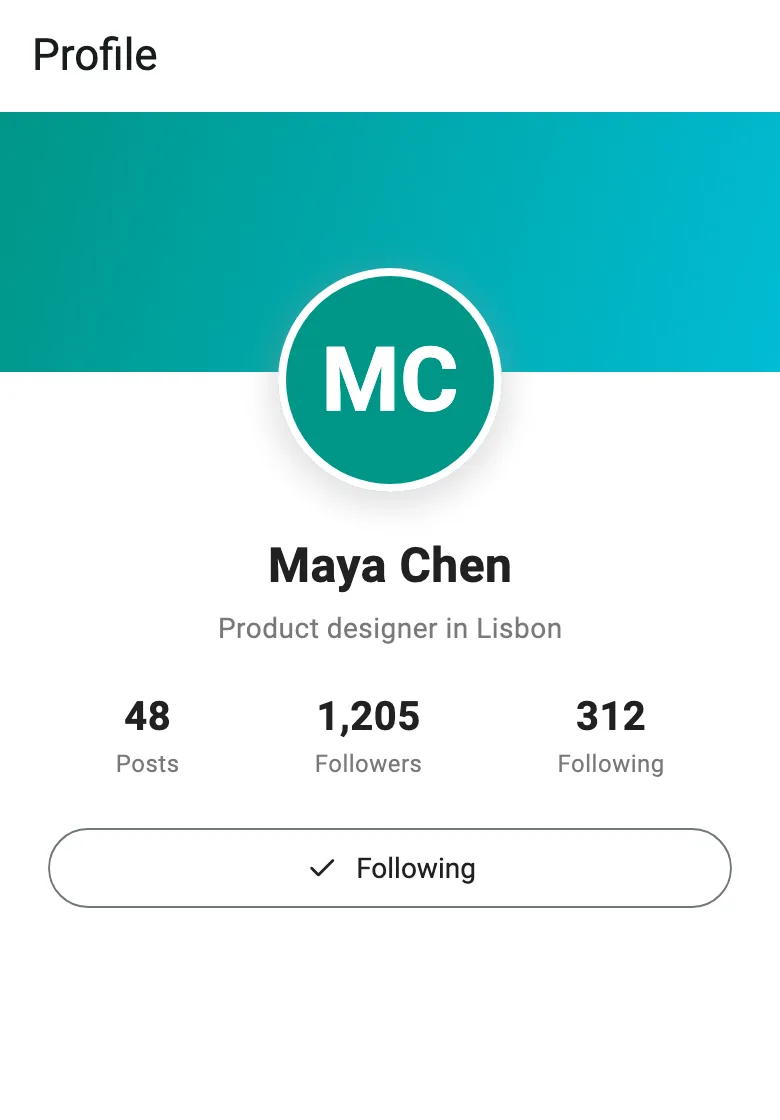
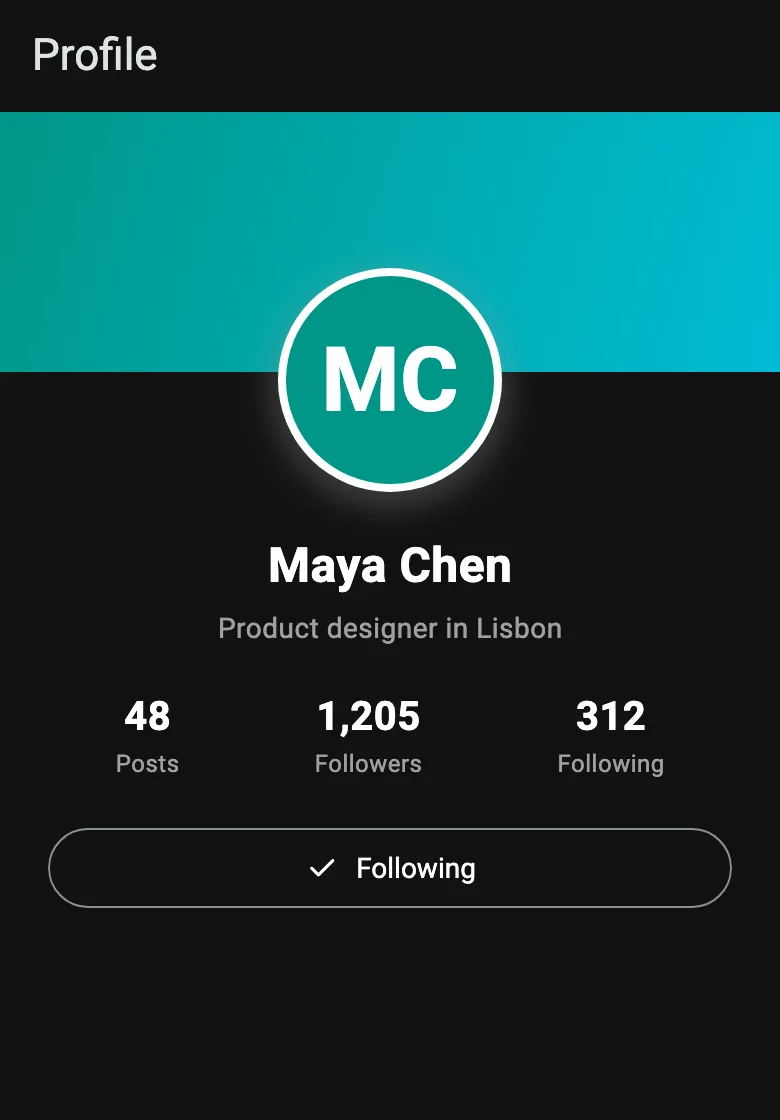 Your first screenBuild a profile screen from the smallest app, one step at a time: a title bar, a photo, a name, some numbers, a cover, and a Follow button that works.8 steps
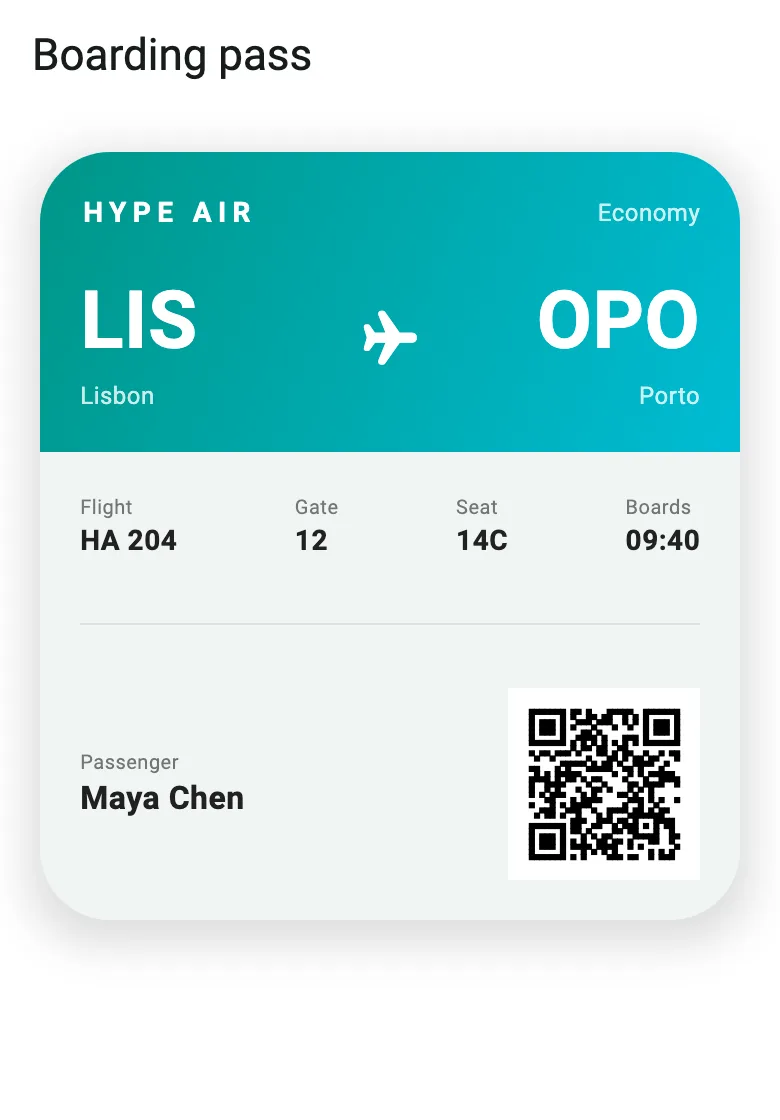
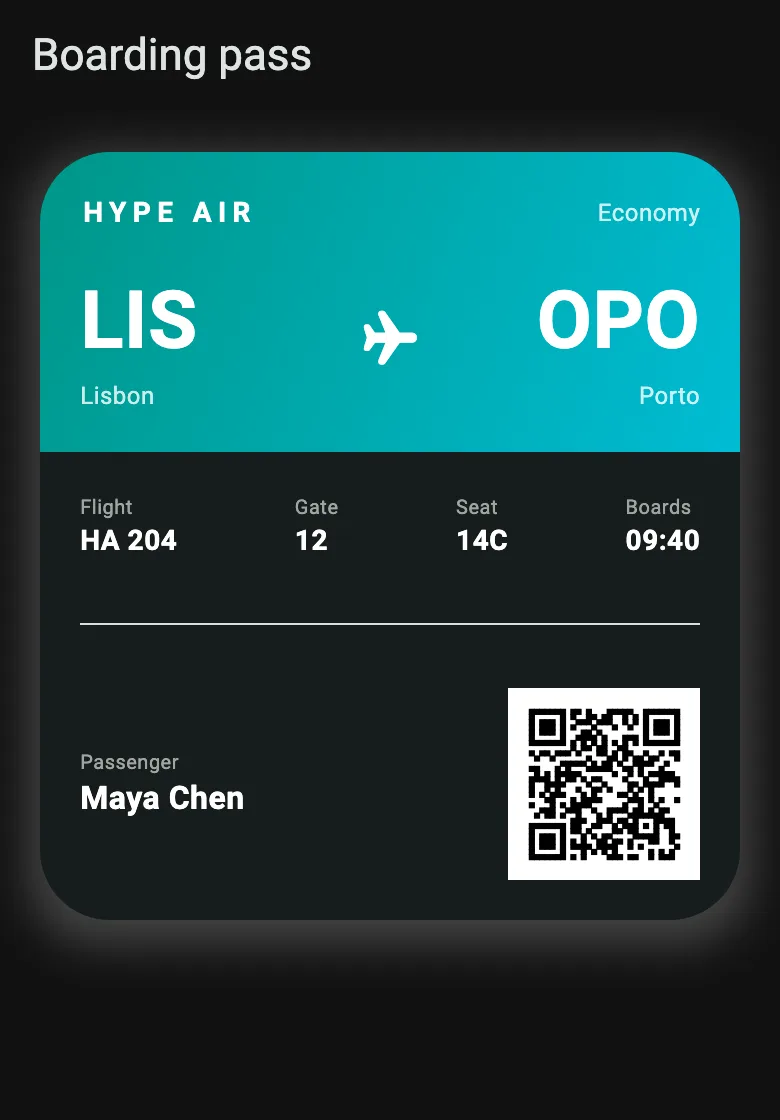 Layout and stylingBuild a boarding pass from the smallest app: a card in two parts, rows and columns inside it, then spacing, alignment, color and type.7 steps
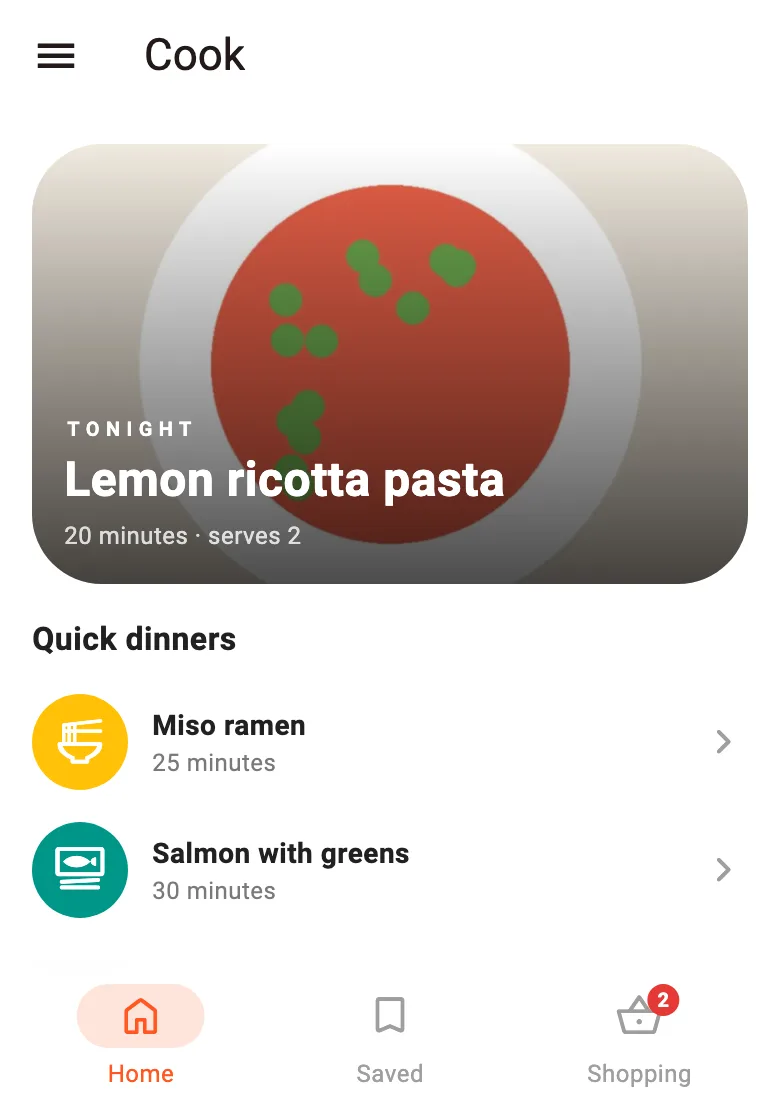
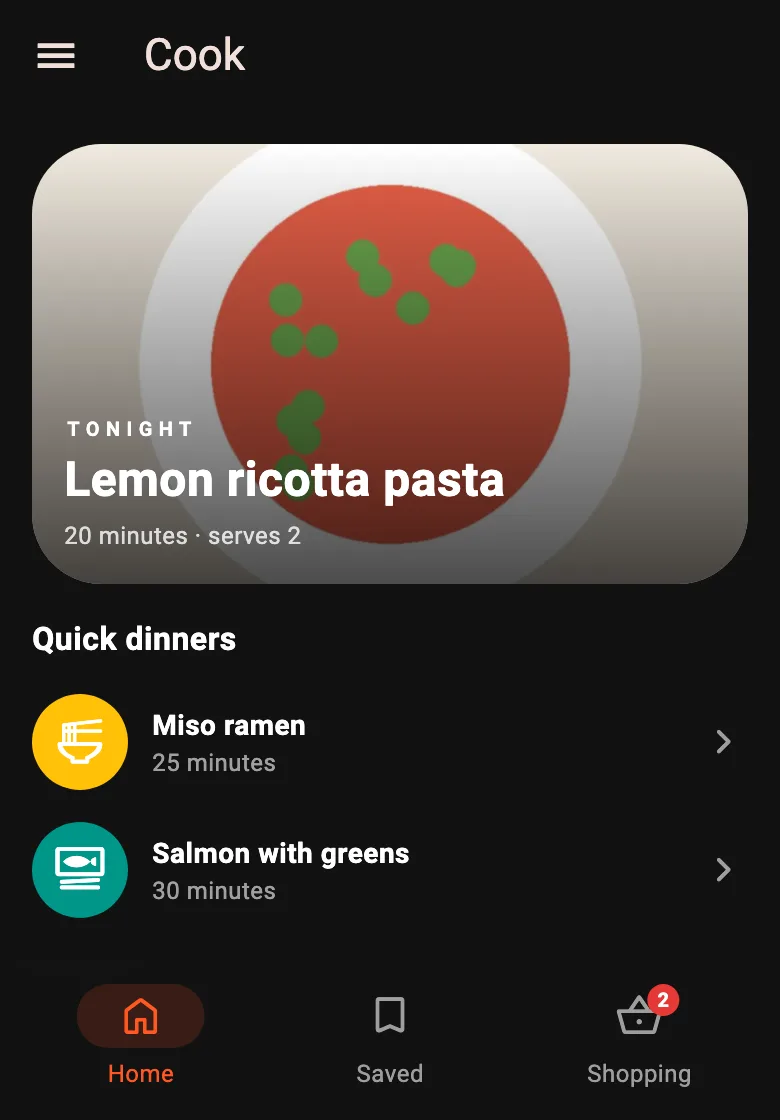 NavigationBuild a recipe app from the smallest app: a bottom bar with three tabs, a side drawer, and a home tab with a photo header and a list of dinners.8 steps
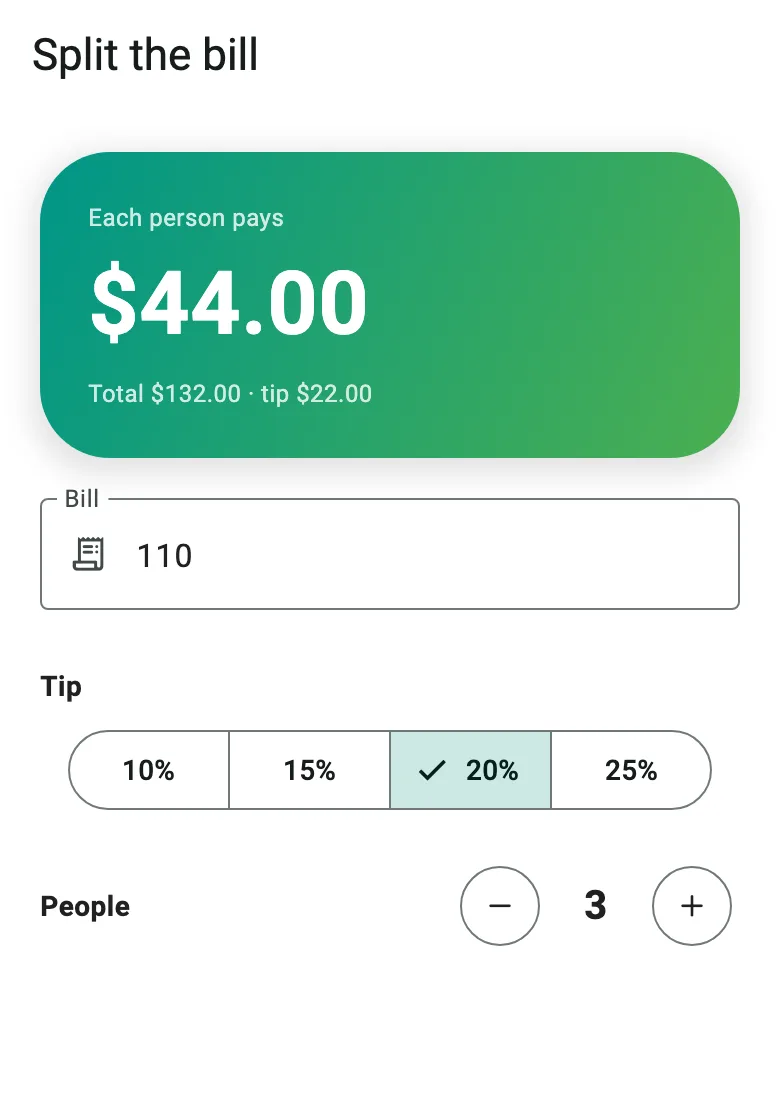
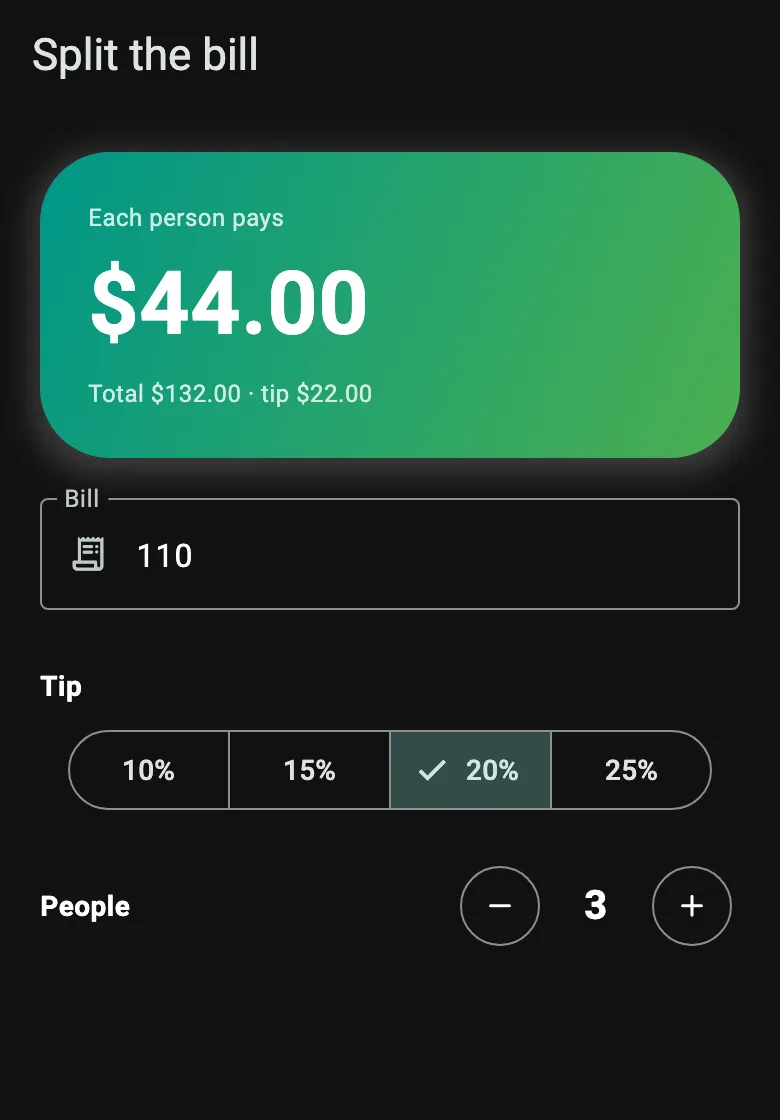 Forms and stateBuild a bill splitter from the smallest app: a number field, a choice of tip, a people counter, and a total that updates as you type.8 steps
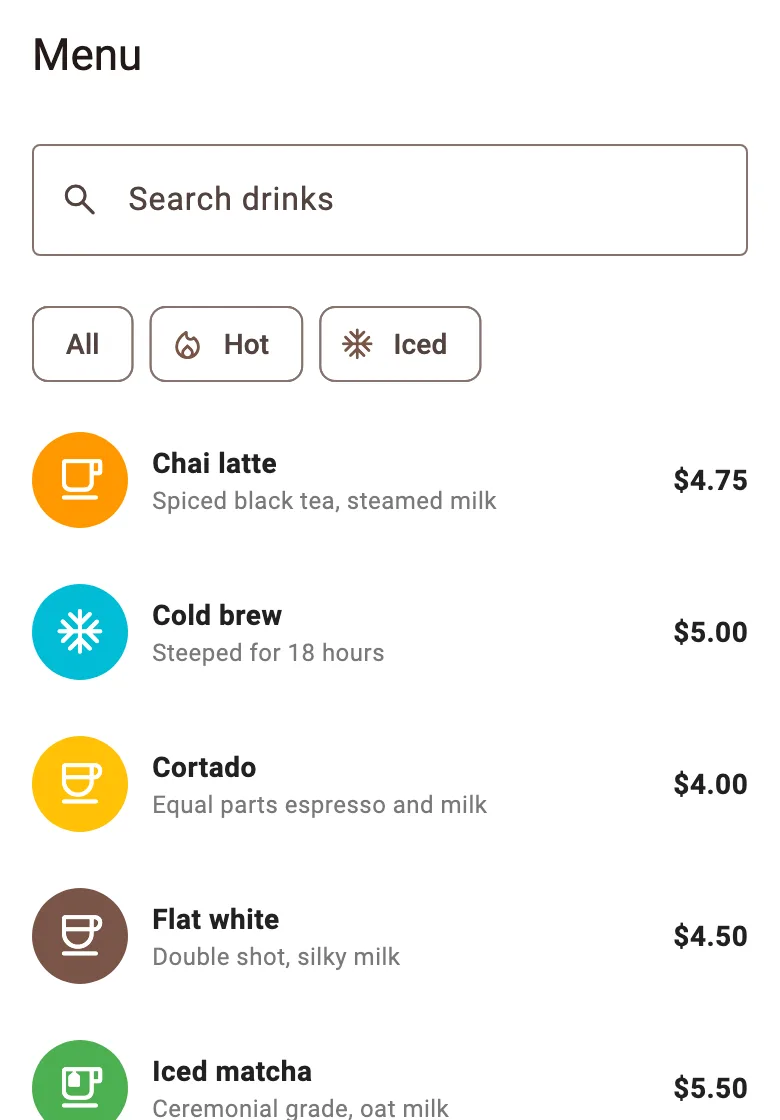
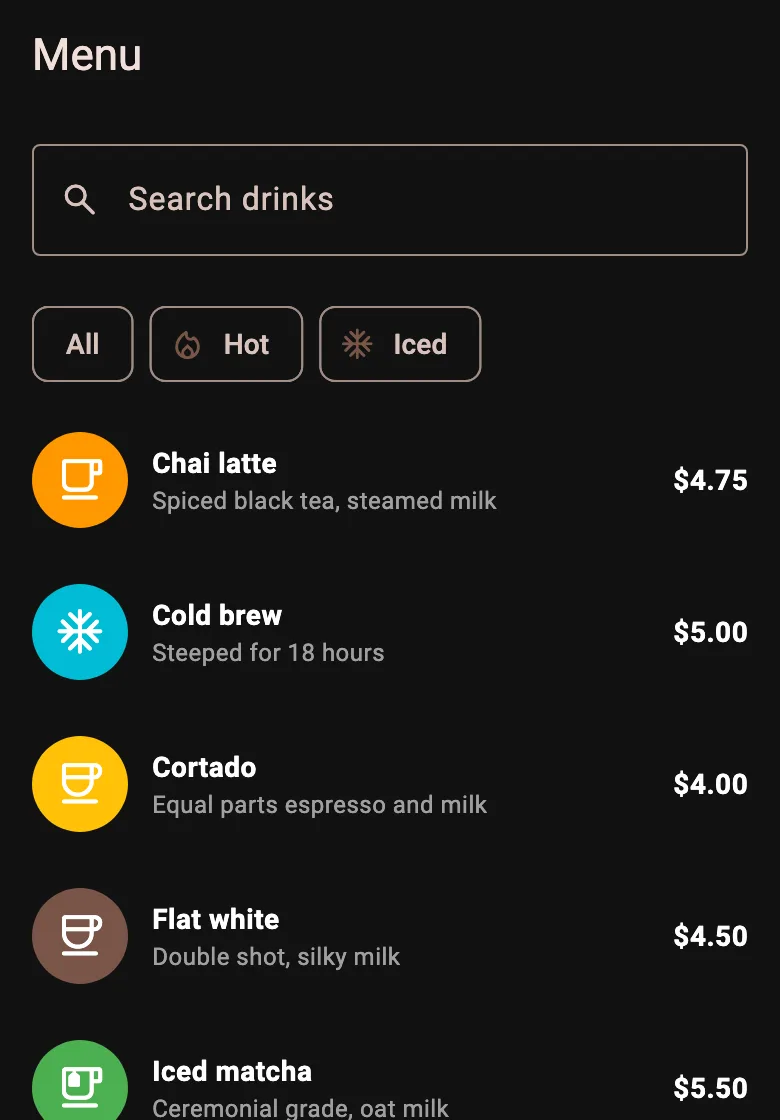 Lists and loopsBuild a café menu from the smallest app: rows from a table, a live search, filter chips, and a message when nothing matches.8 steps
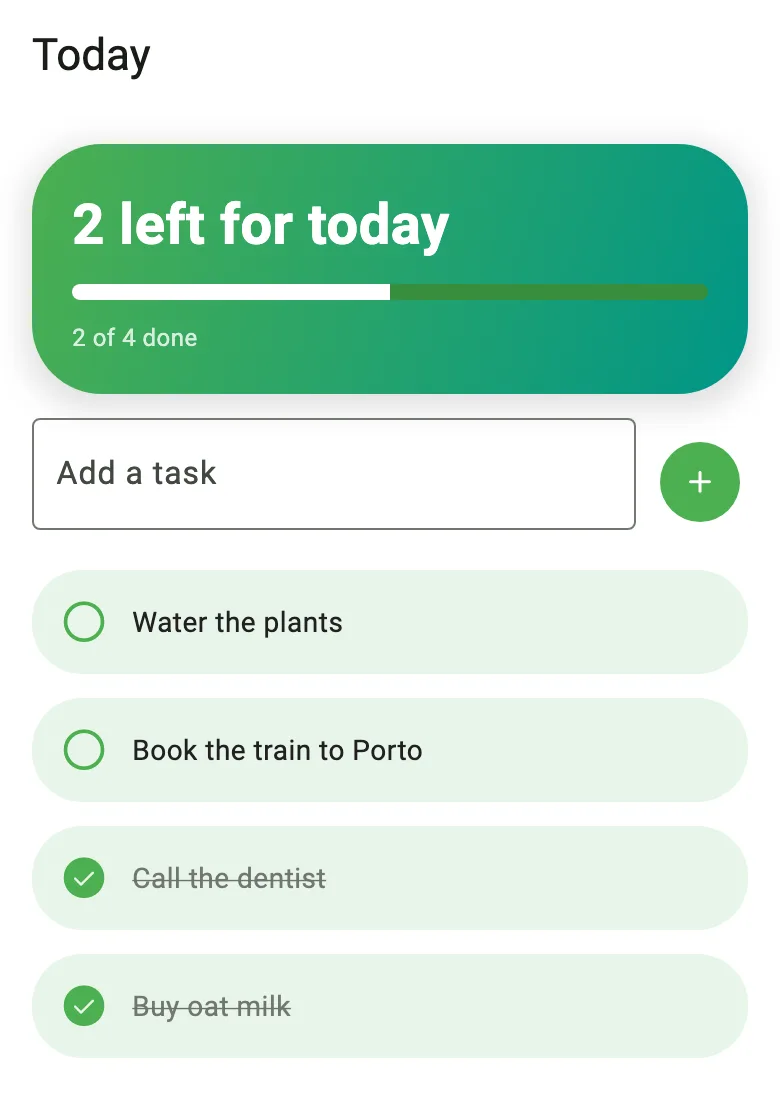
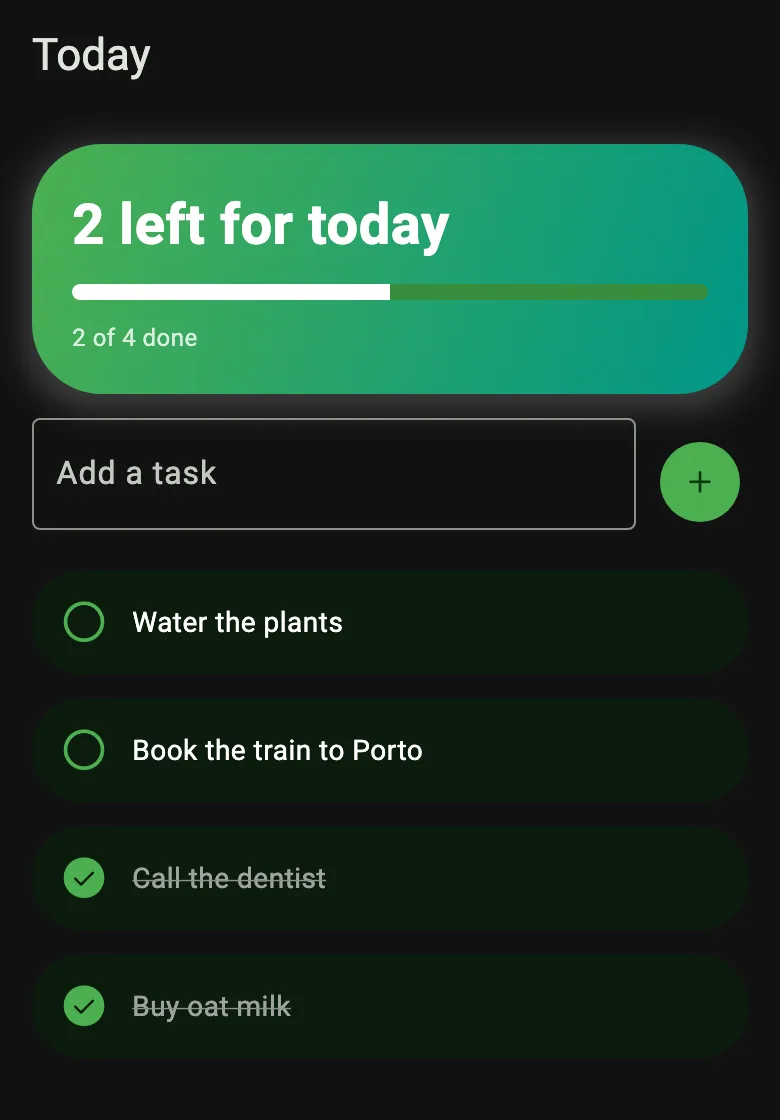 Data and databasesBuild a to-do list from the smallest app: a table on the phone, a field that adds to it, rows you tick and swipe away, and a count that keeps up.8 steps
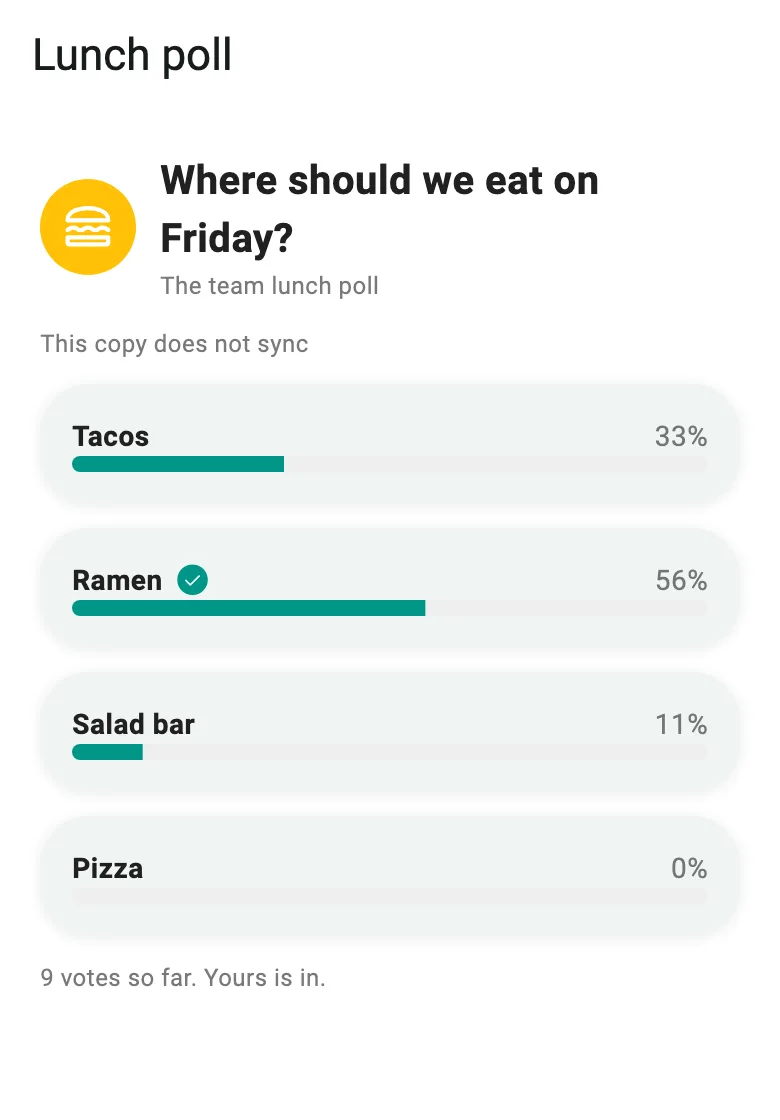
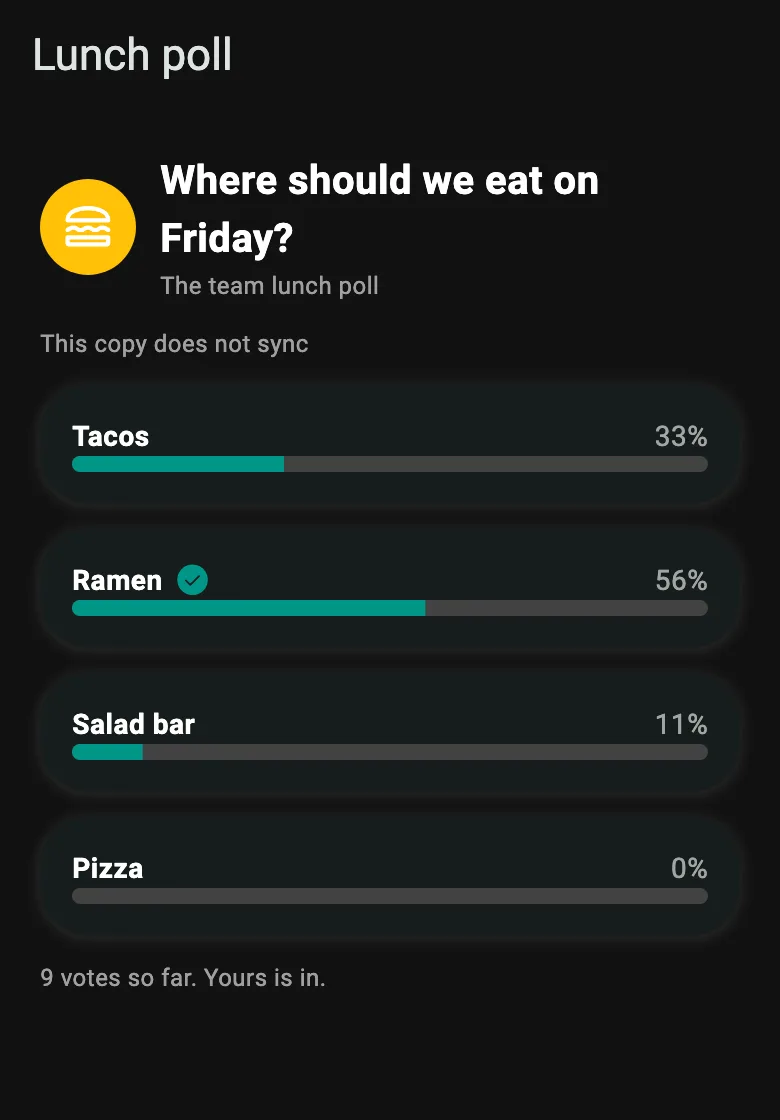 A poll that syncsBuild a lunch poll from the smallest app: a database on the phone, votes that count, one vote each, and then one attribute that shares it with every phone that has the app.9 steps
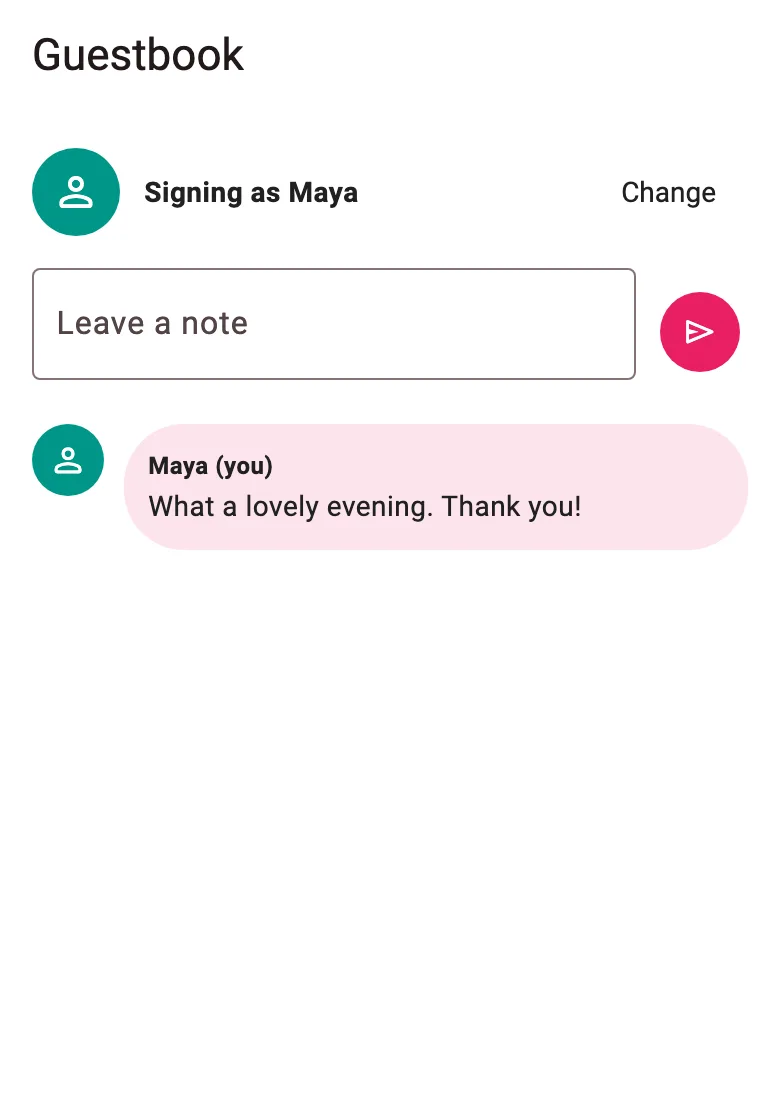
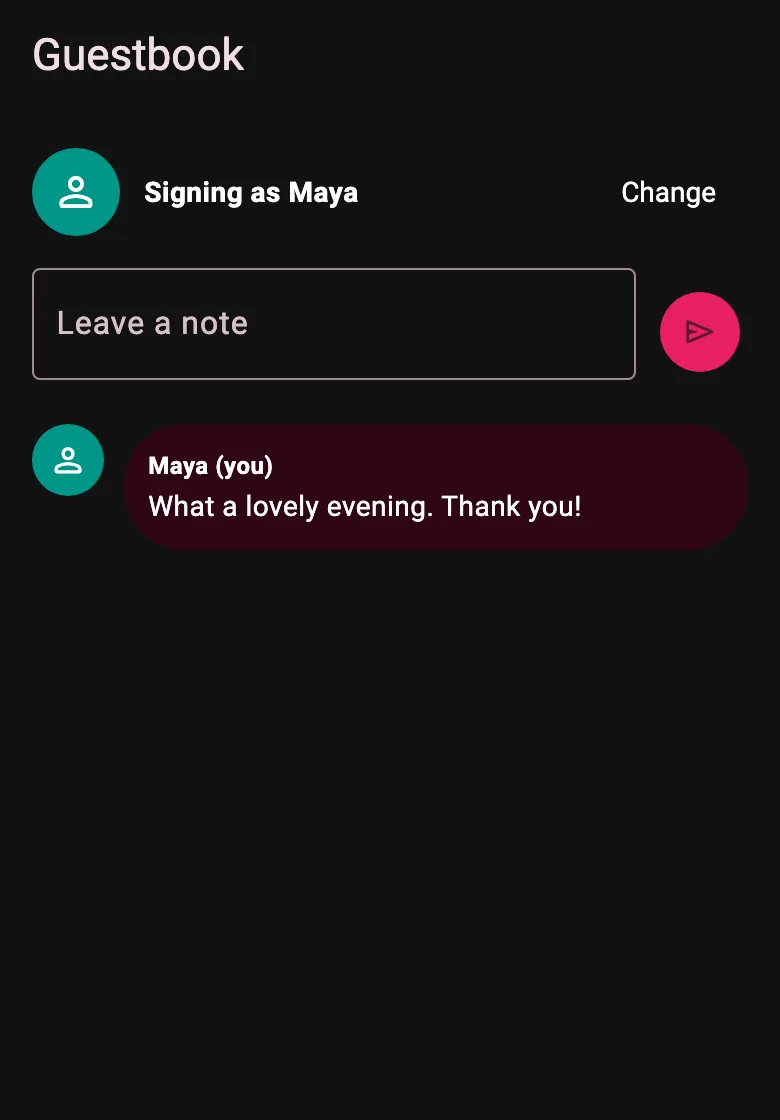 Who's using the app ($me)Build a guestbook from the smallest app: notes in a table, a name and a color for whoever is holding the phone, every note signed by its writer, and then the whole guestbook shared.8 steps
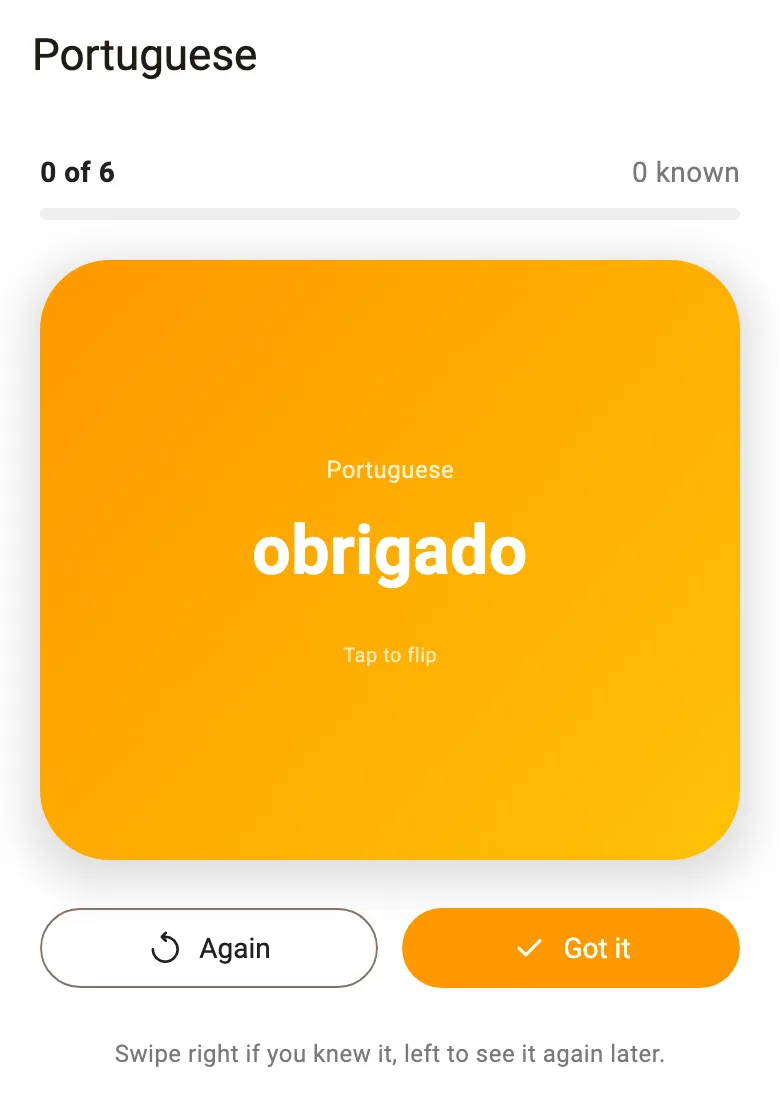
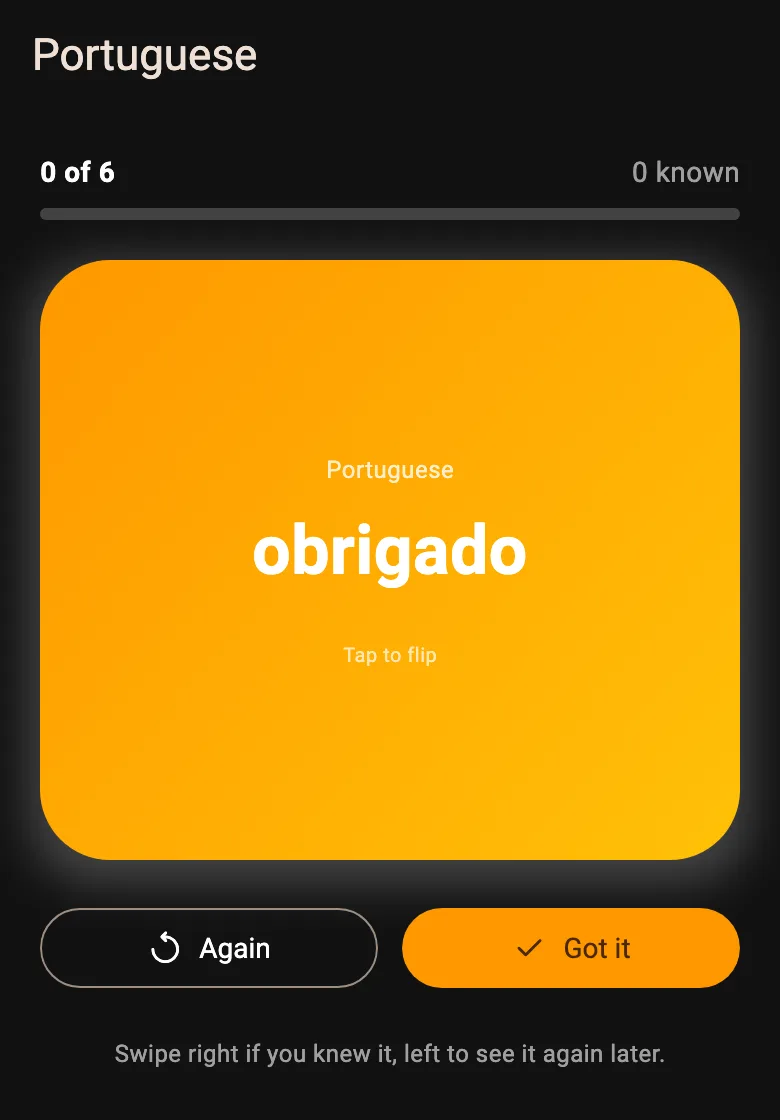 GesturesBuild a deck of flashcards from the smallest app: cards from a table, a tap that flips them, swipes that sort them, and a score that keeps count.8 steps
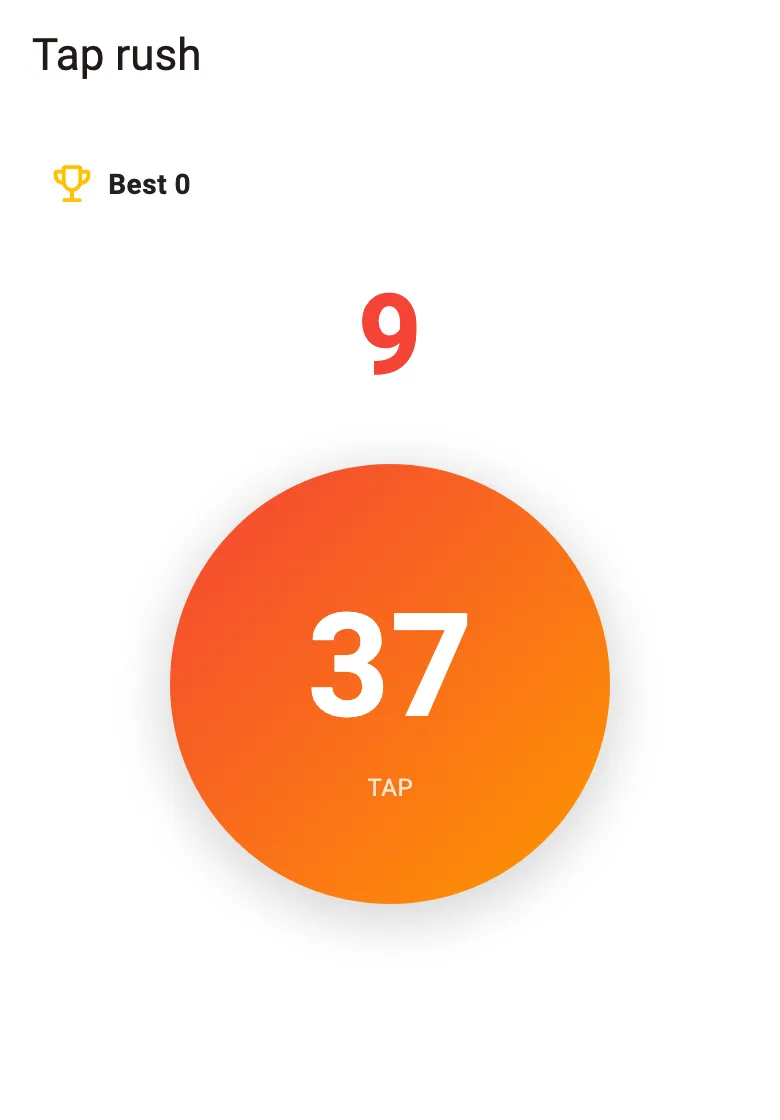
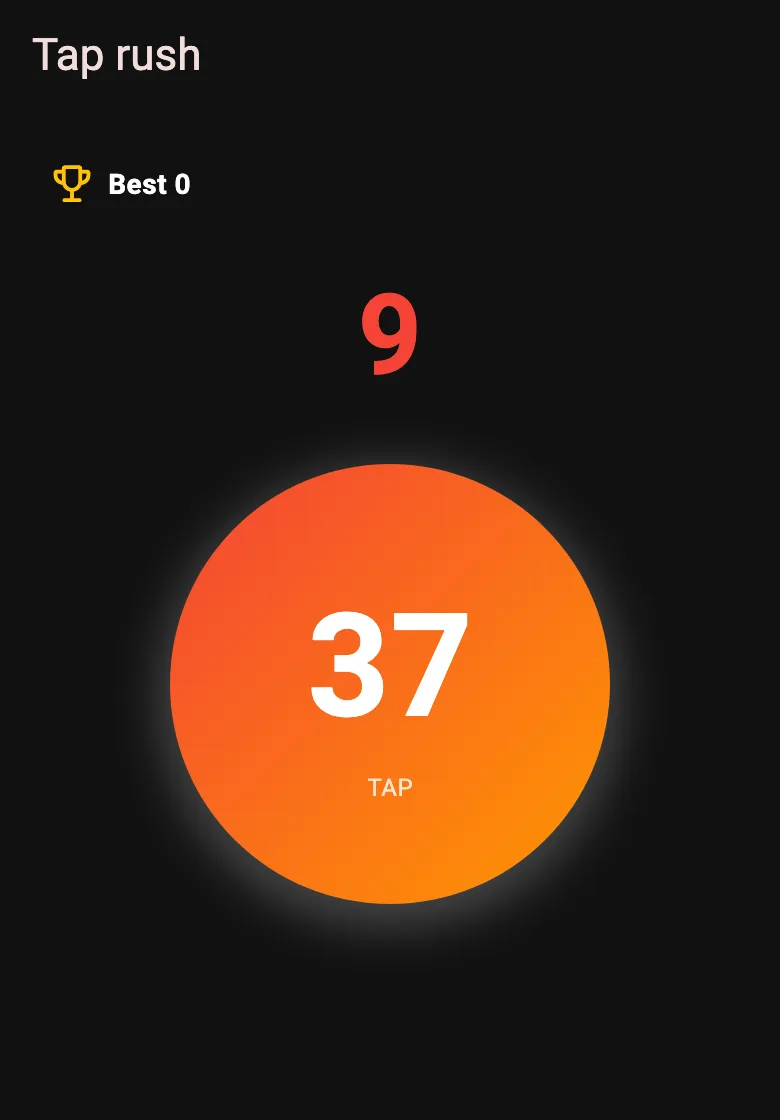 Animations and effectsBuild a 10-second tap game from the smallest app: three screens in one, a countdown, a tap counter, a best score that's remembered, and confetti when time's up.8 steps
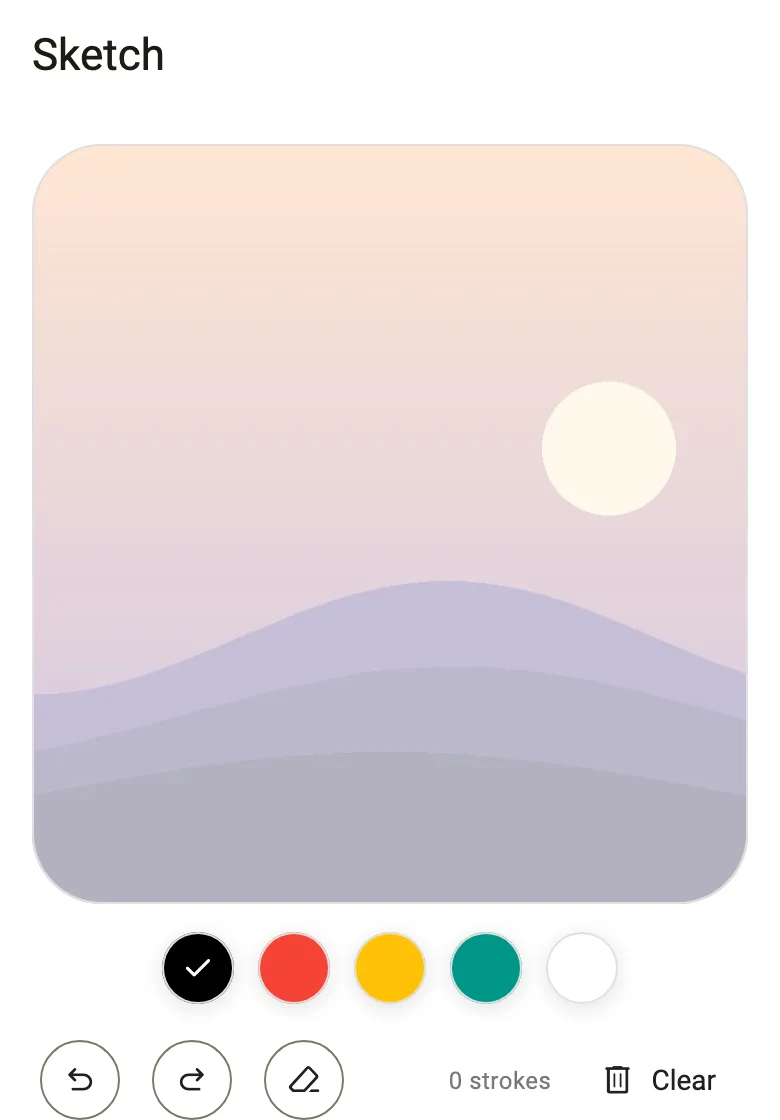
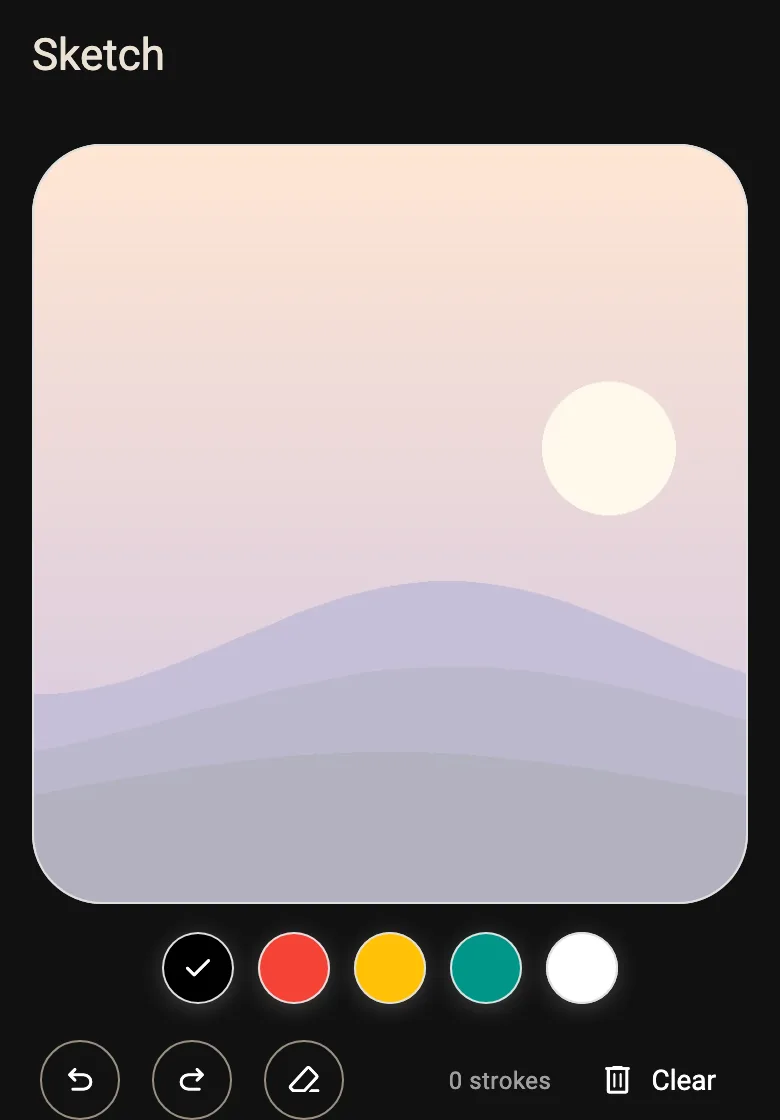 Drawing and mediaBuild a sketch pad from the smallest app: a canvas, a photo to trace, your own palette of colors, undo and an eraser, and ink that thickens as you slow down.8 steps
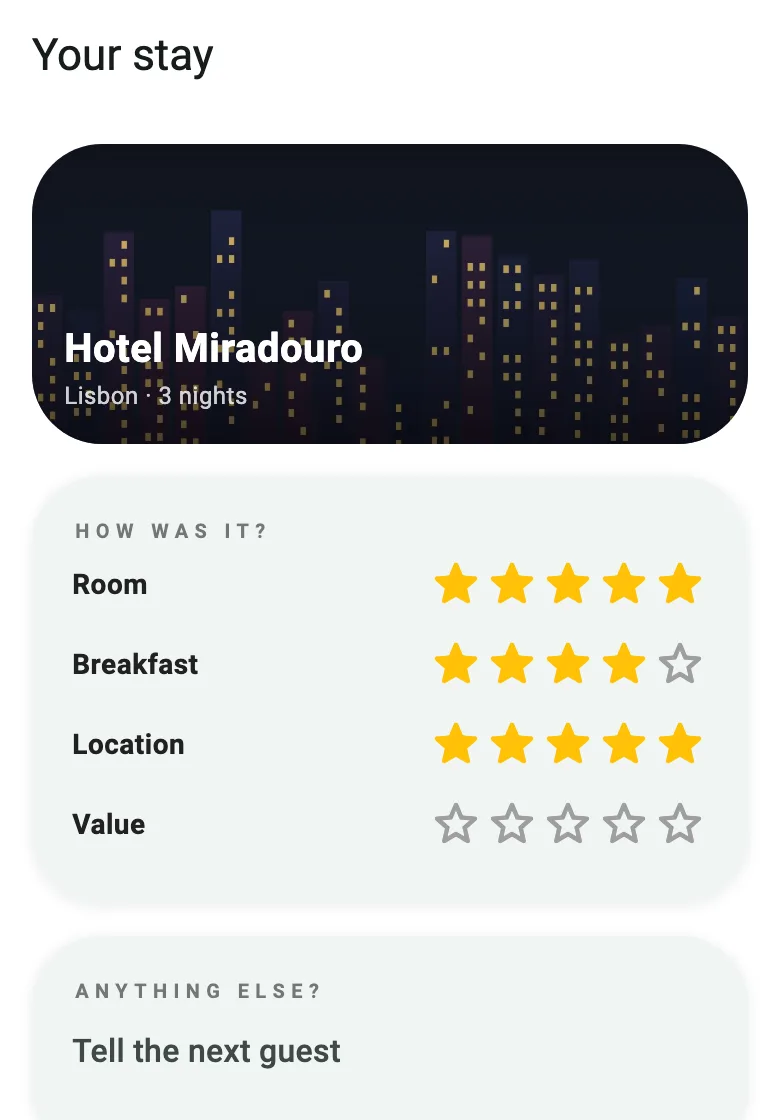
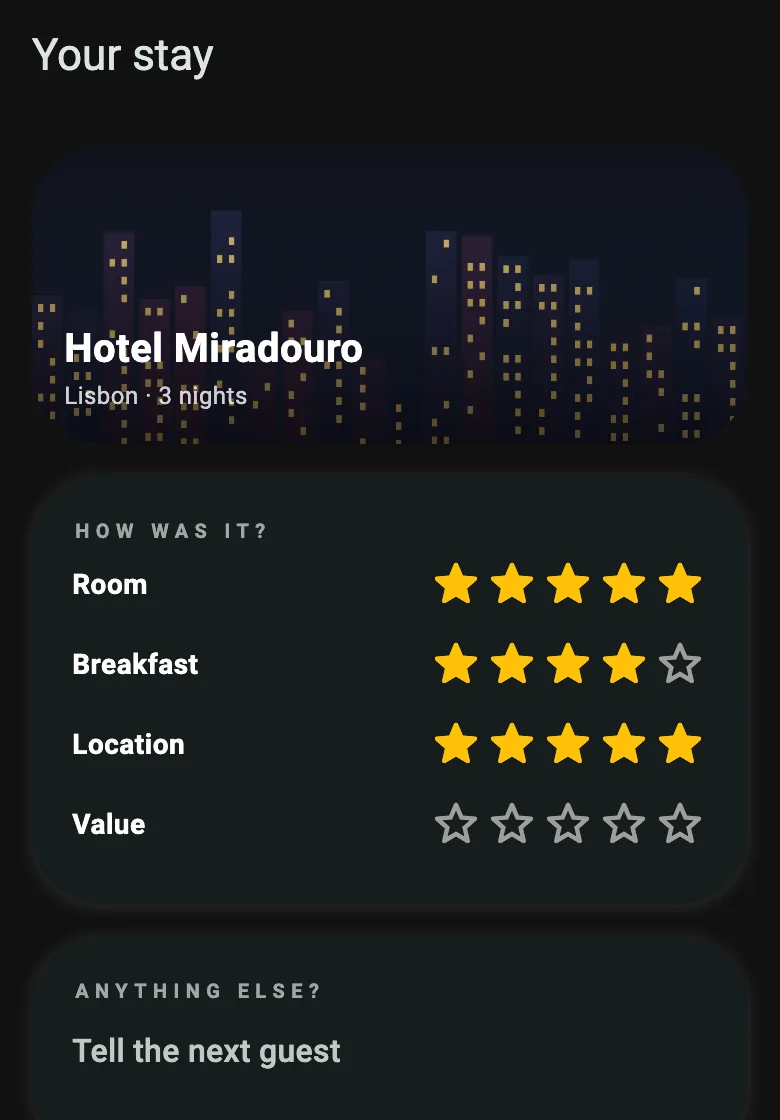 Your own tagsBuild a hotel review from the smallest app: a row of stars written once as a tag of your own, used four times, made tappable, wrapped in a card tag with a slot, under a photo header.8 steps
Cookbook
Recipes for the patterns real apps are made of, each one snippet built in a few steps.
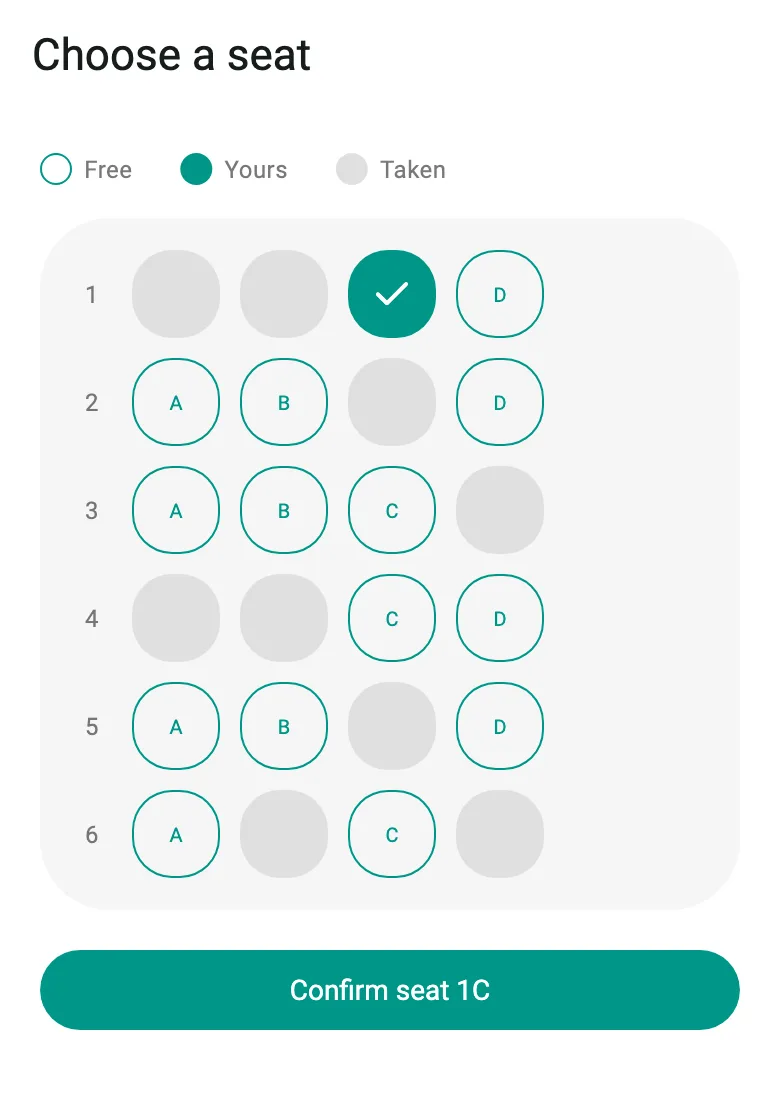
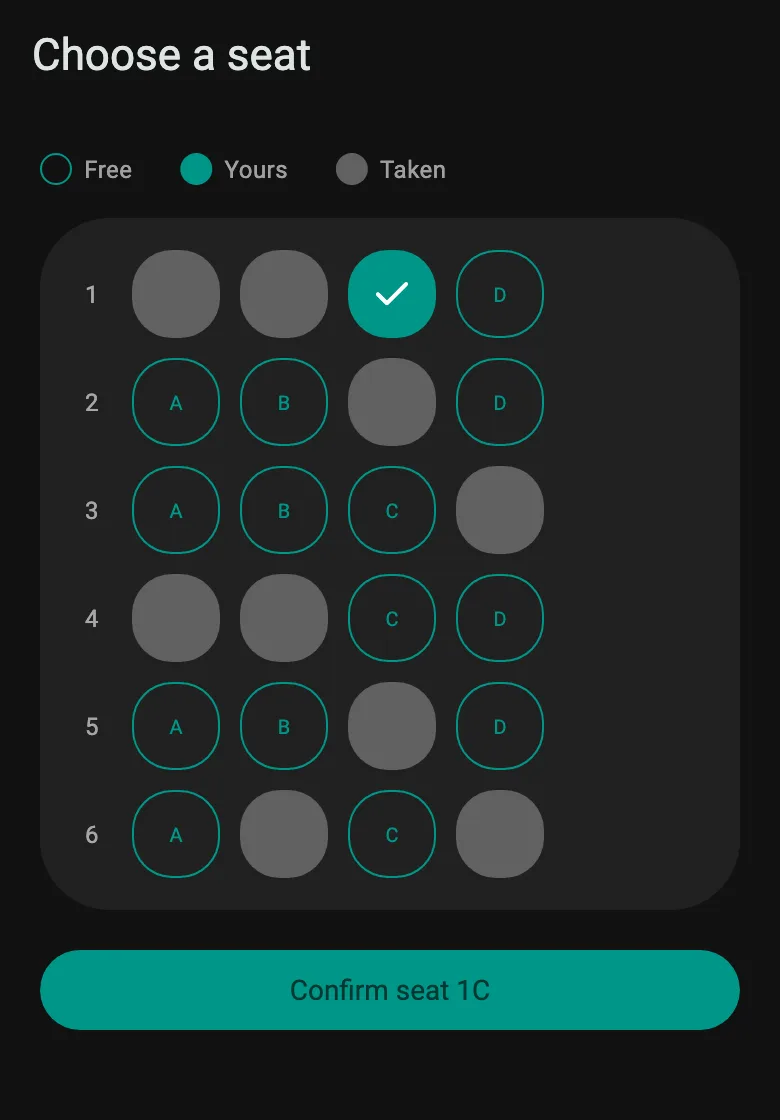 A seat pickerA grid of seats from a table, taken ones grayed out, and one you can pick, change and confirm, as on a flight or at a cinema.
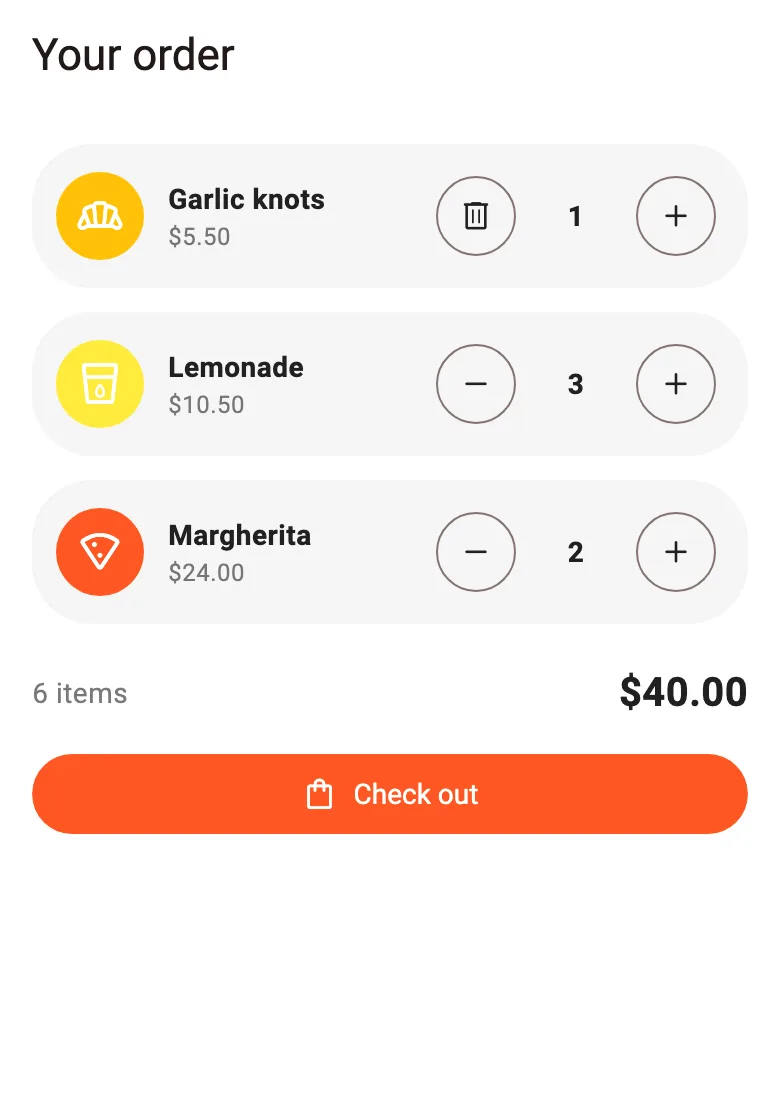
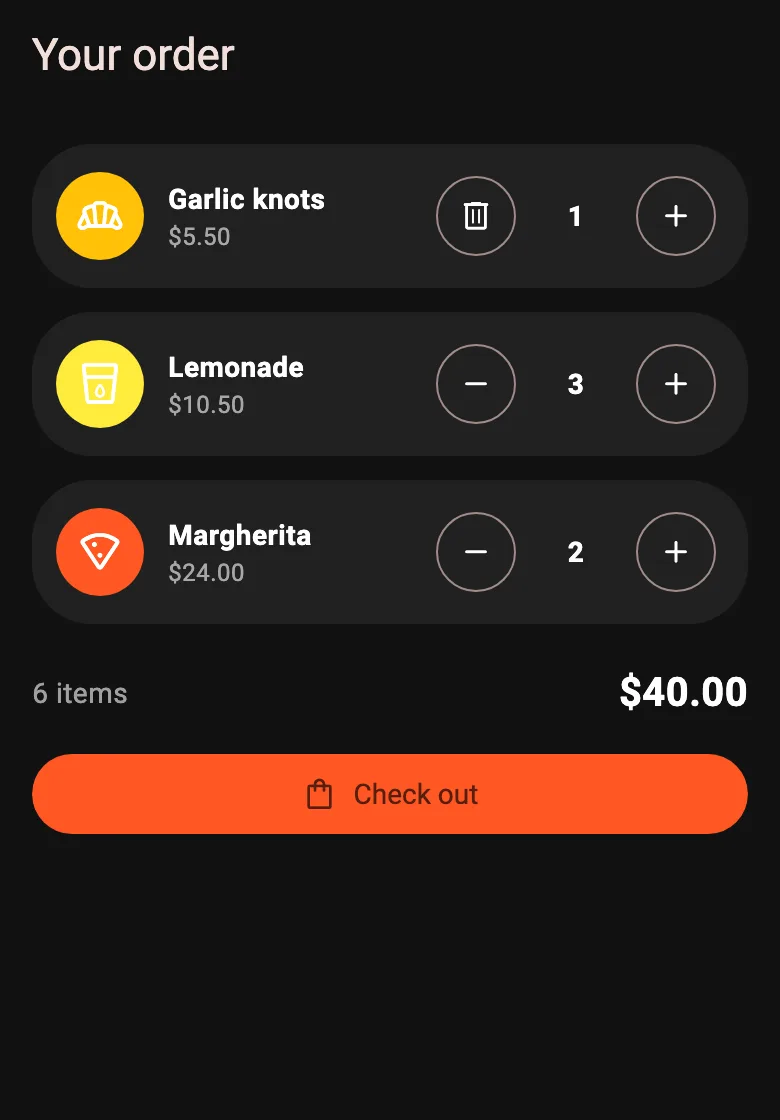 A cart with quantitiesOrder lines in a table, a minus and plus on each, a bin when there's one left, and a total the table keeps itself.
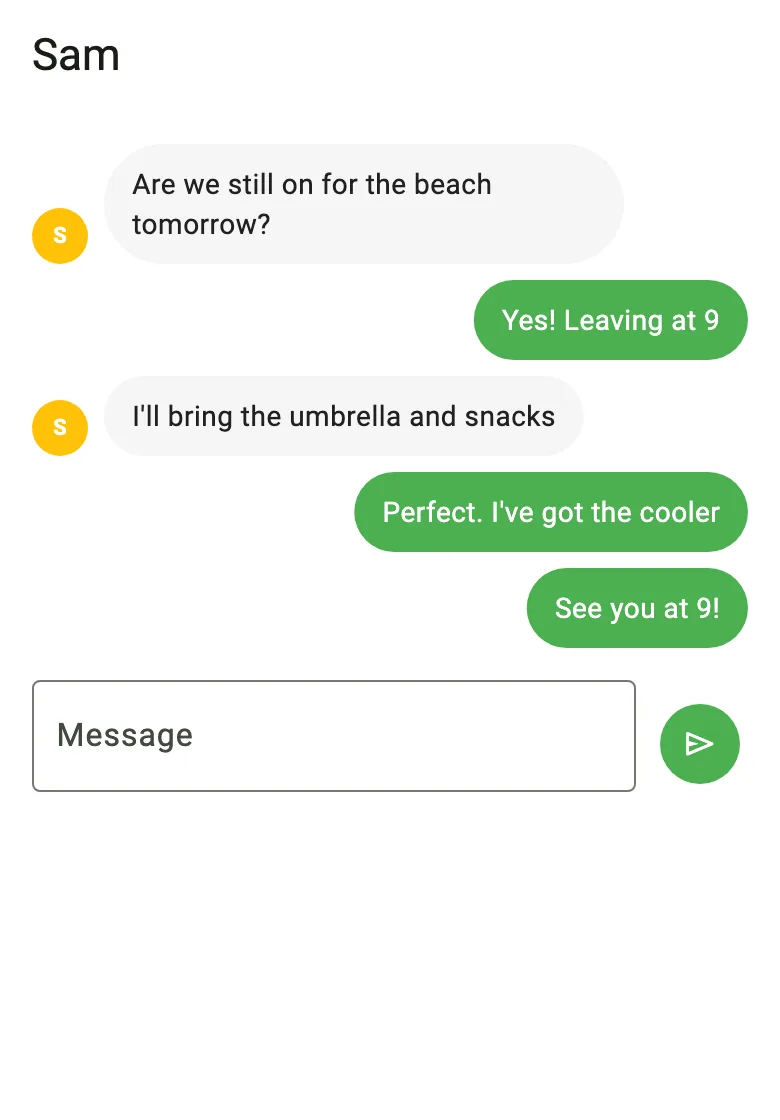
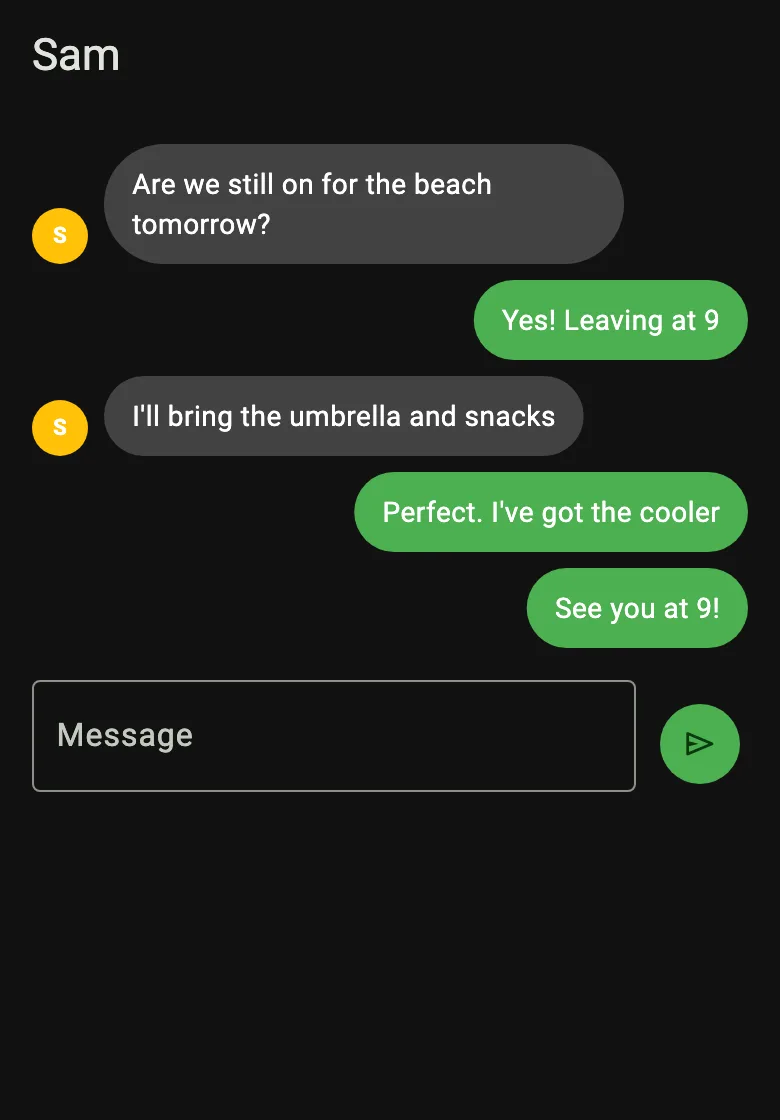 A chat threadMessages from a table, yours on the right in the app's color and theirs on the left with an avatar, and a composer that adds to the thread.
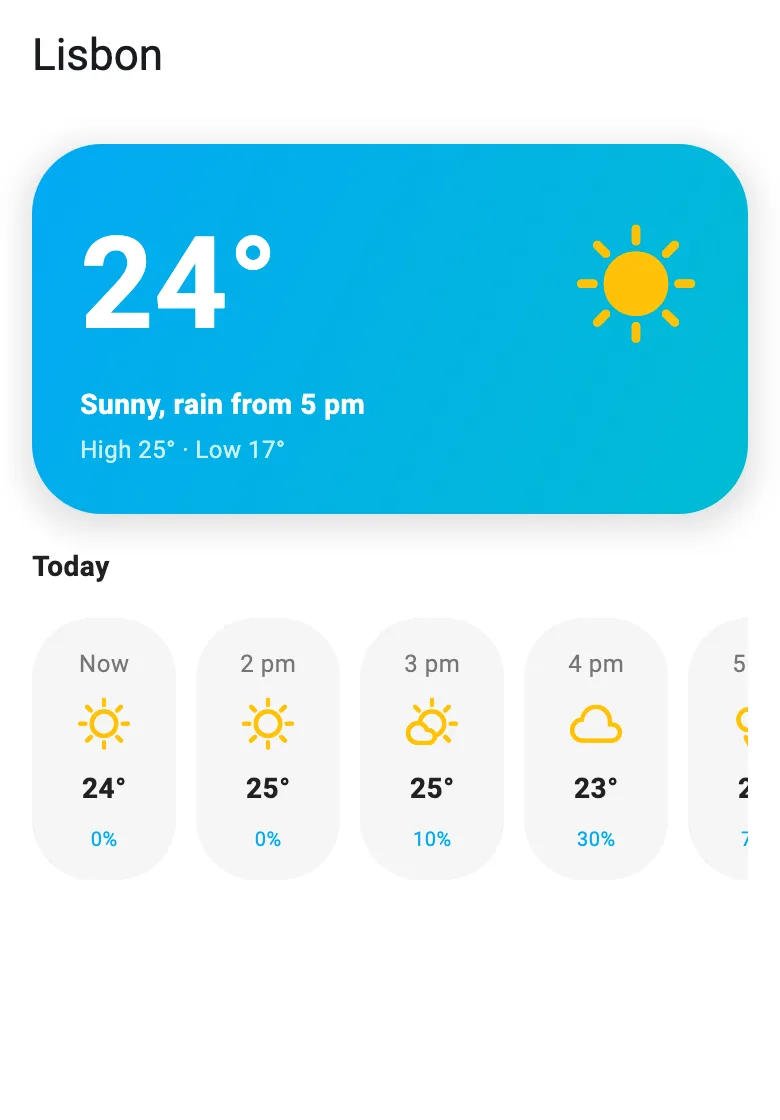
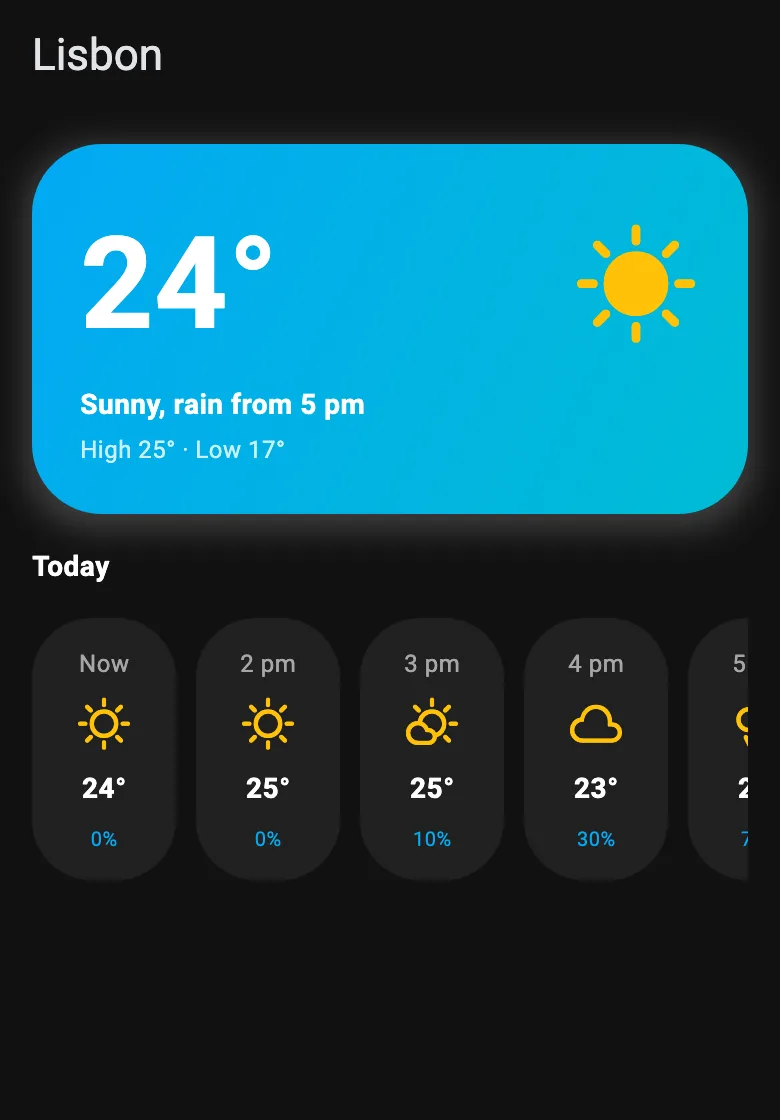 An hourly forecastThe weather now in a big card, and the hours ahead as a strip of cards you scroll sideways.
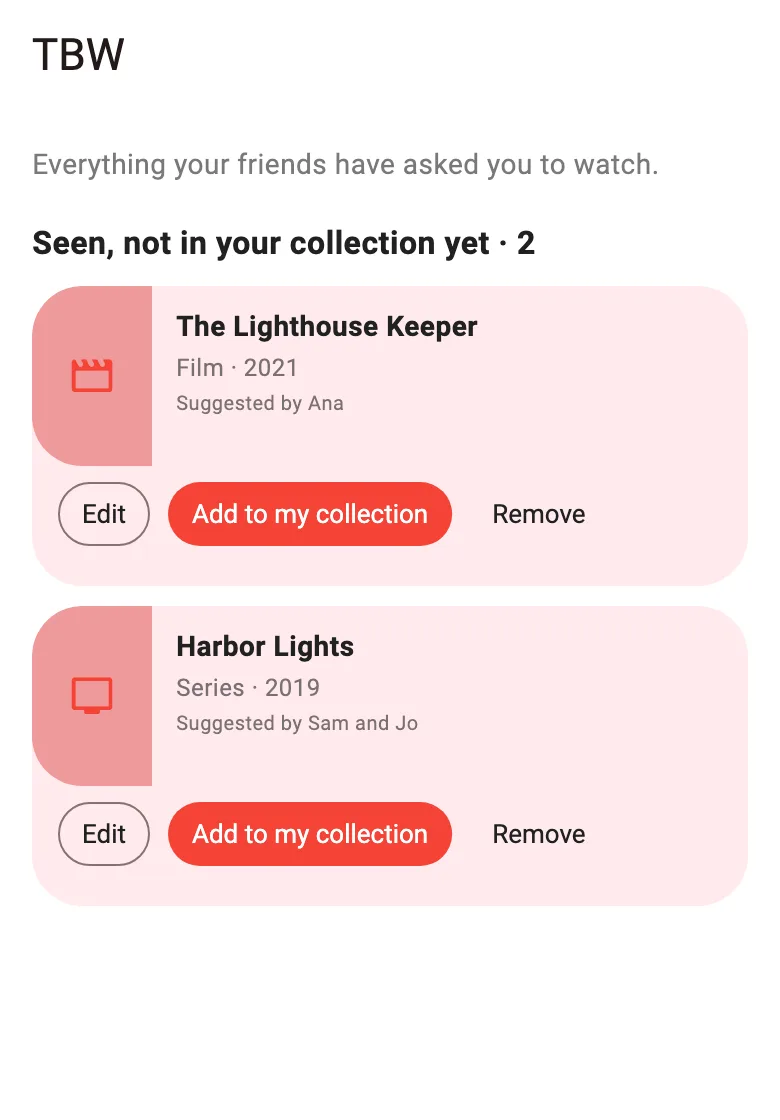
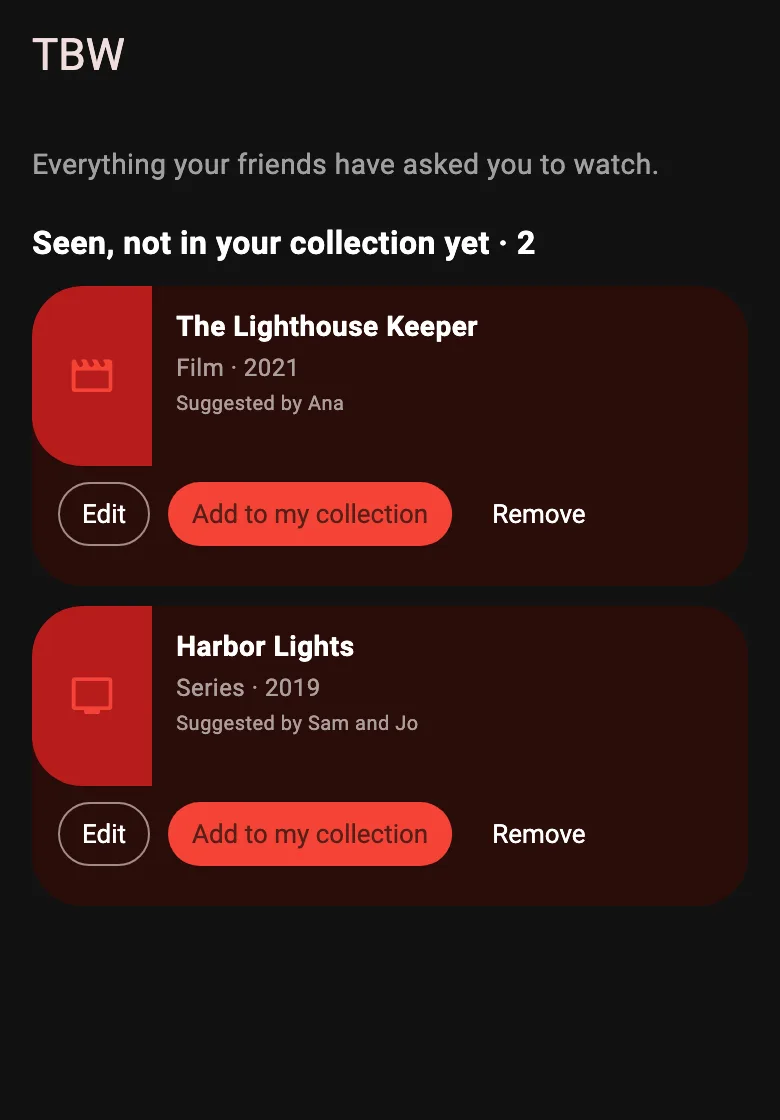 Rows the server updates (MoviePlz)A list where each row's buttons go to the server and the server sends back that row, changed, from MoviePlz's list of things friends asked you to watch.
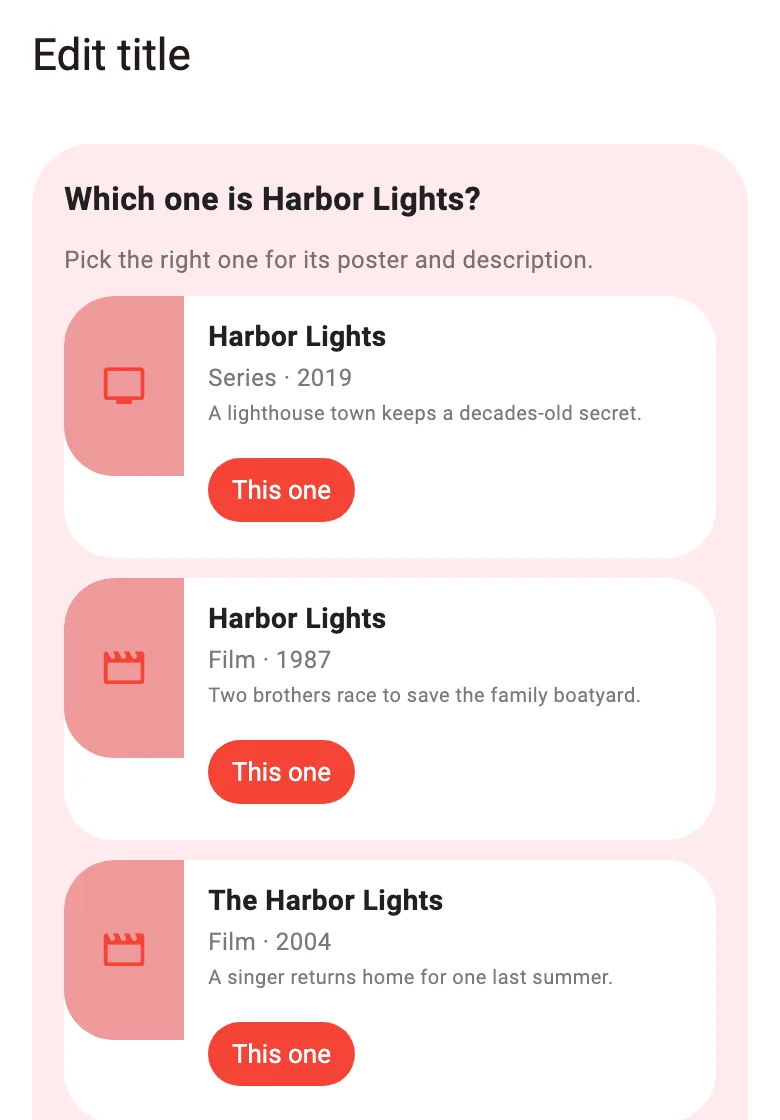
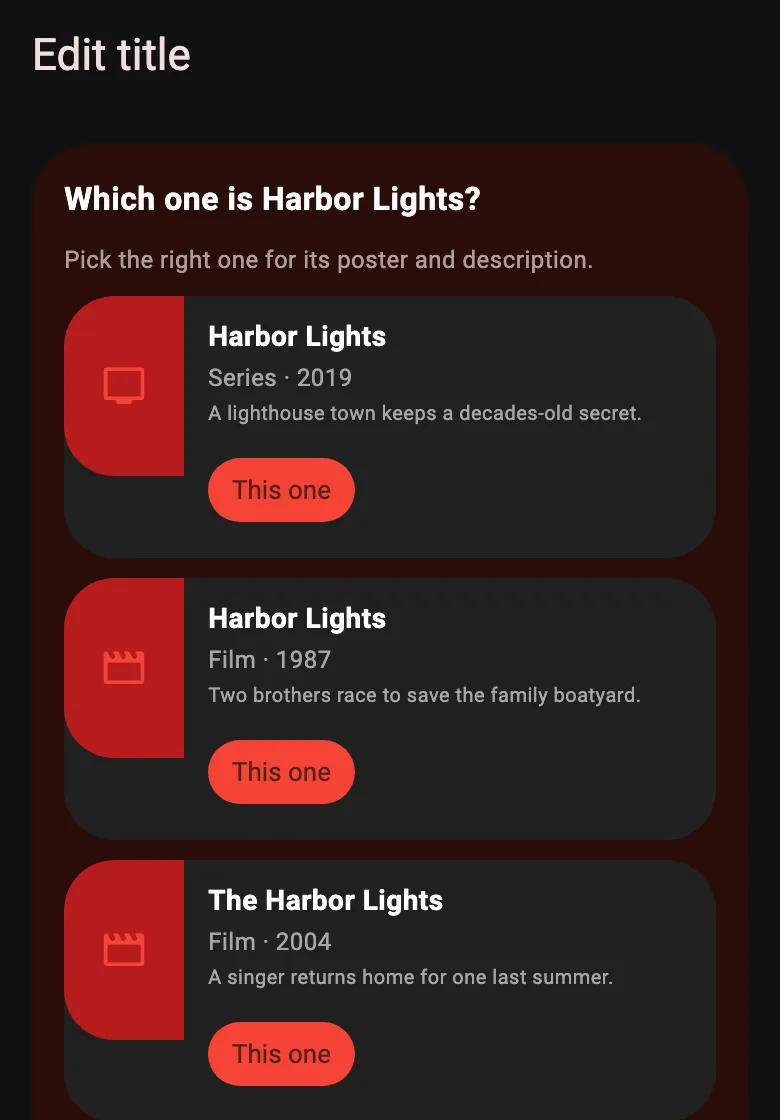 Pick the right match (MoviePlz)After you rename a title, the likeliest matches from a movie database, each with a This one button that the server answers, from MoviePlz.
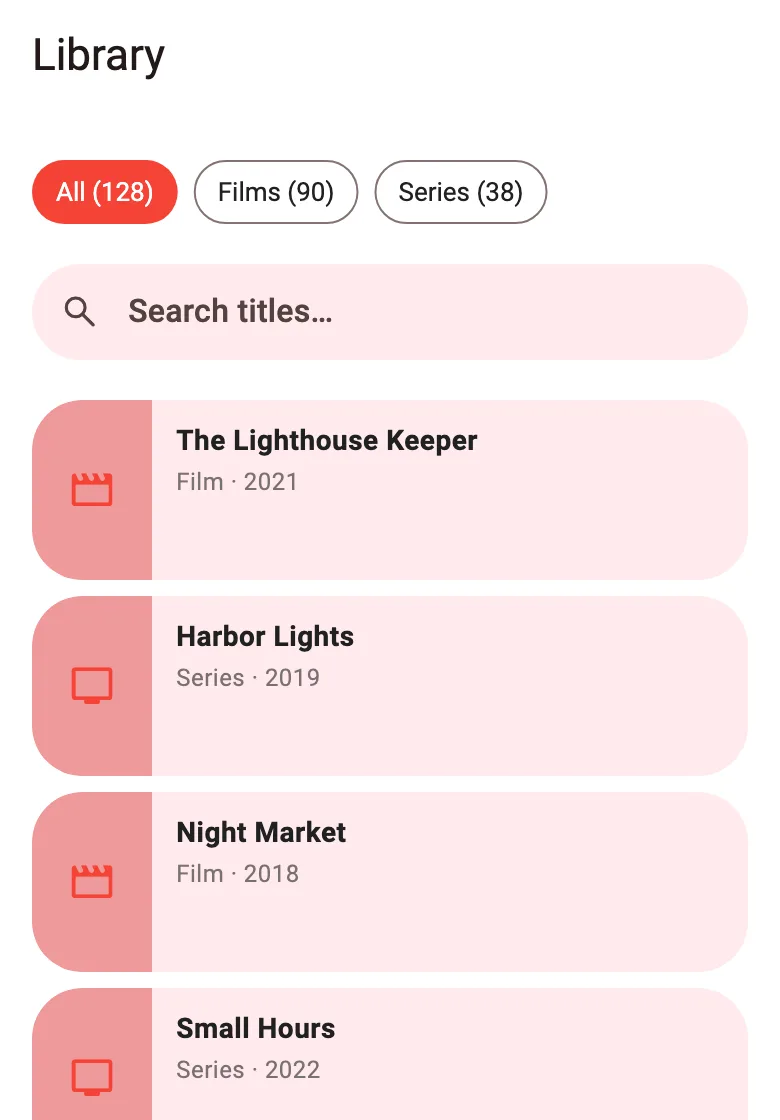
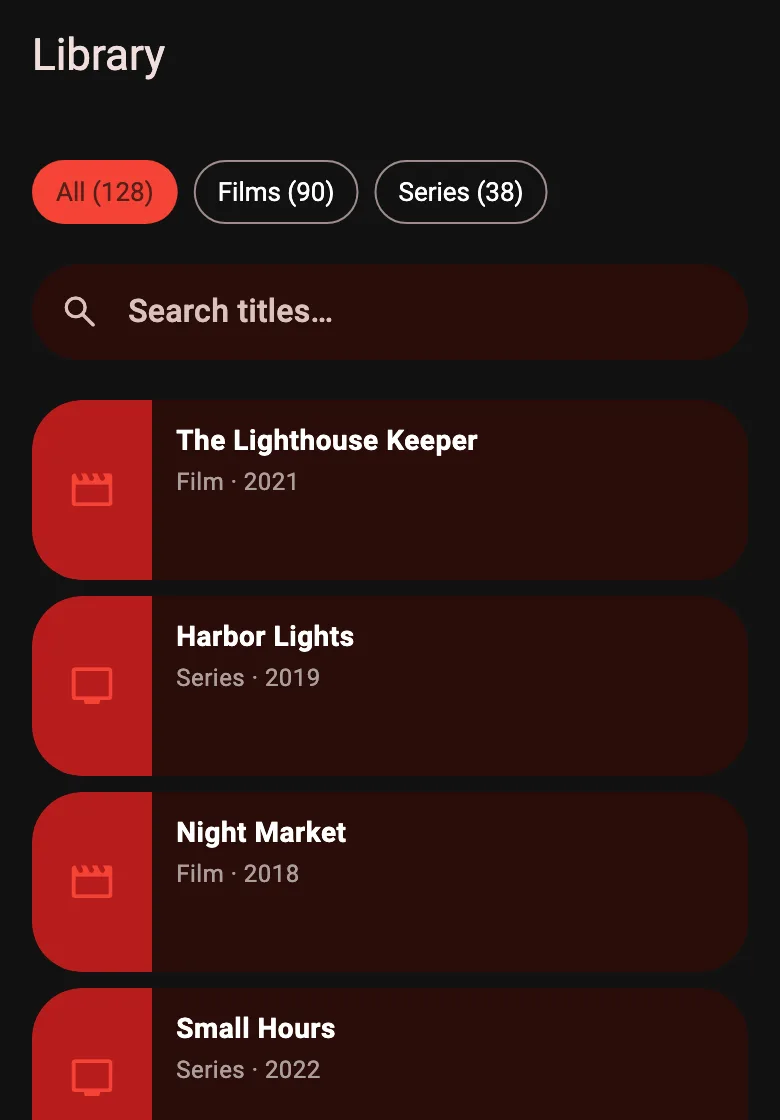 Search on the server (MoviePlz)A library with filters and a search box that asks the server as you type, and swaps in only the results, from MoviePlz.
Reference
Every tag, with an example and its picture, its attributes and their defaults. It's generated from the engine's own spec, so it always matches the engine.
- Structure<app>, <app-bar>, <drawer-header>, <drawer-left>, <drawer-right>, <list-tile>, …11 tags
- Layout<address>, <aside>, <background>, <block>, <card>, <center>, …32 tags
- Text<a>, <abbr>, <b>, <blockquote>, <br>, <code>, …27 tags
- Display<ad>, <avatar>, <badge>, <canvas-tool>, <caption>, <carousel>, …32 tags
- Forms and input<button>, <checkbox>, <chip>, <color-picker>, <data-cell>, <data-column>, …29 tags
- Media<audio>, <camera>, <canvas>, <file-picker>, <img>, <layer>, …13 tags
- Data<attr>, <slot>, <tag>3 tags
- Navigation<bottom-nav-item>, <bottom-navigation-bar>, <nav-item>, <navigation-rail>, <portal>, <rail-item>, …8 tags
- Overlays<bottom-sheet>, <dialog>, <dropdown>, <menu-item>, <popover>, <popup-menu>, …7 tags
- Metadata<config>, <globals>, <notification>, <shake>, <state>, <styles>6 tags
For AI tools
All of HAM is in one plain-text file, llms.txt. Every docs page is also Markdown: add .md to its address, or ask for text/markdown.