 Hype Apps
Shipyard · the hype CLI
Build apps for any device.
Powerful native controls, with simple HTML-like syntax.
Write it in Shipyard and see it on your phone as you type. Hype Apps 1.0 ships it to the App Store and Google Play.
Shipyard downloads are paused while we finish version 1.0.1. If you have a Hype Apps 1.0 license, we'll email you when it's ready to download.
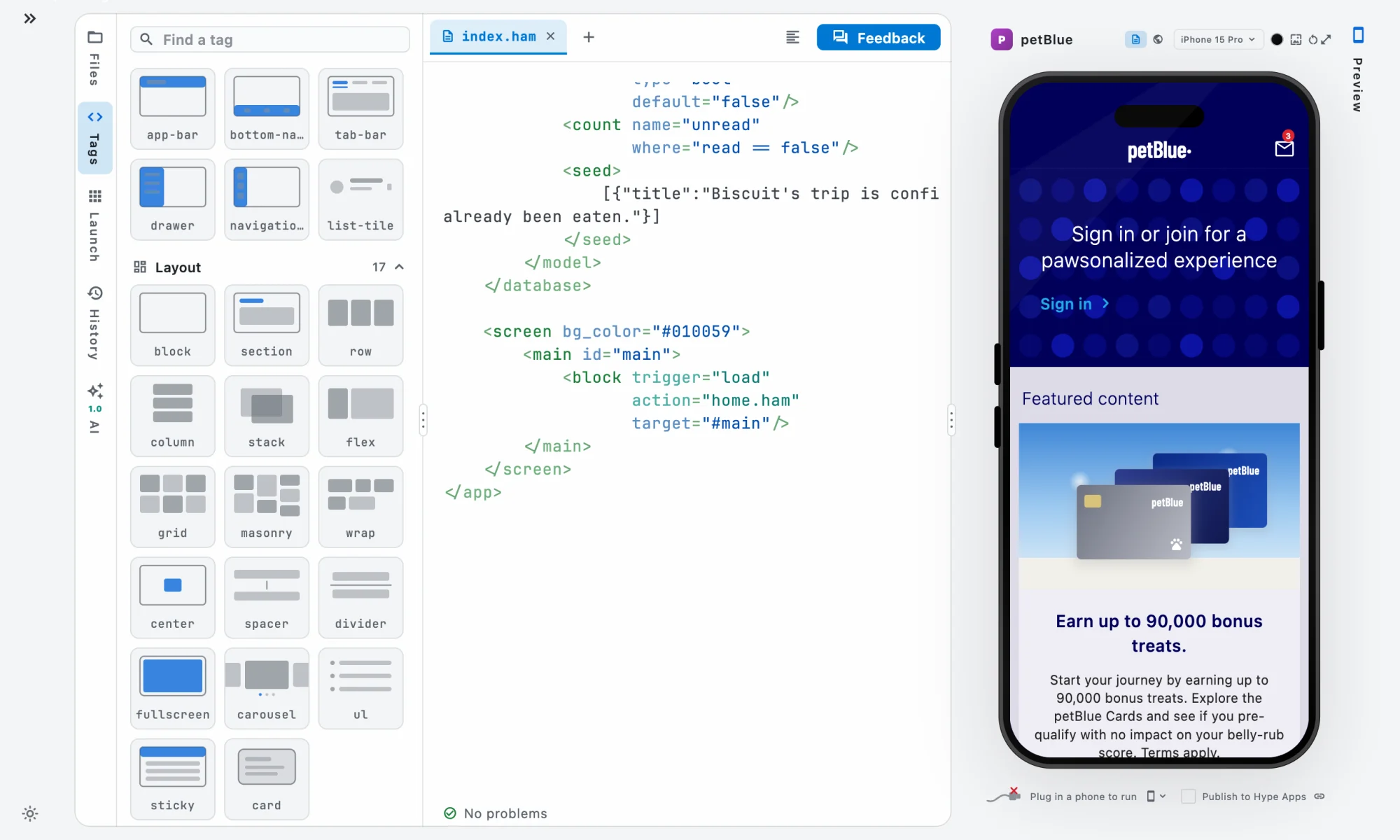
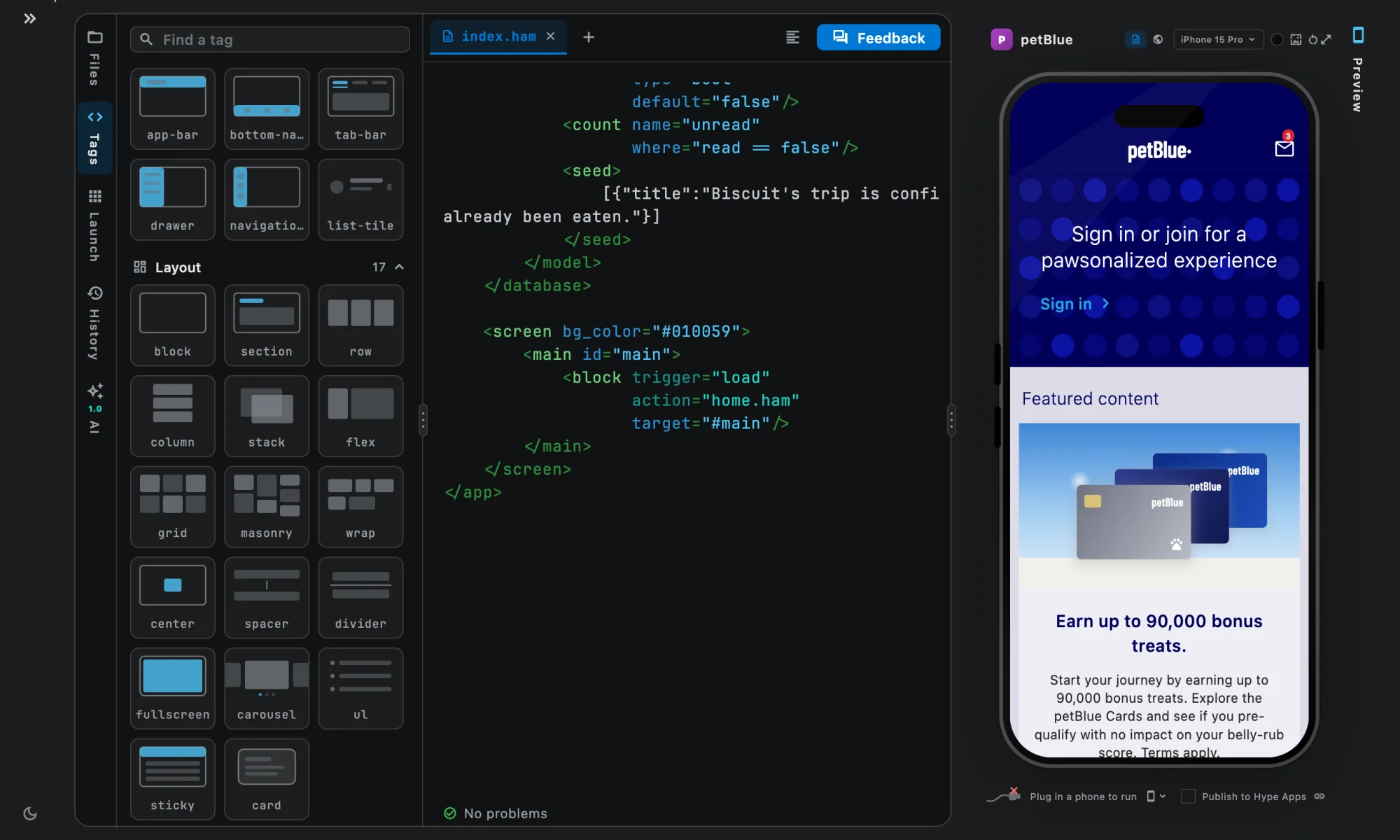
Shipyard on a Mac.
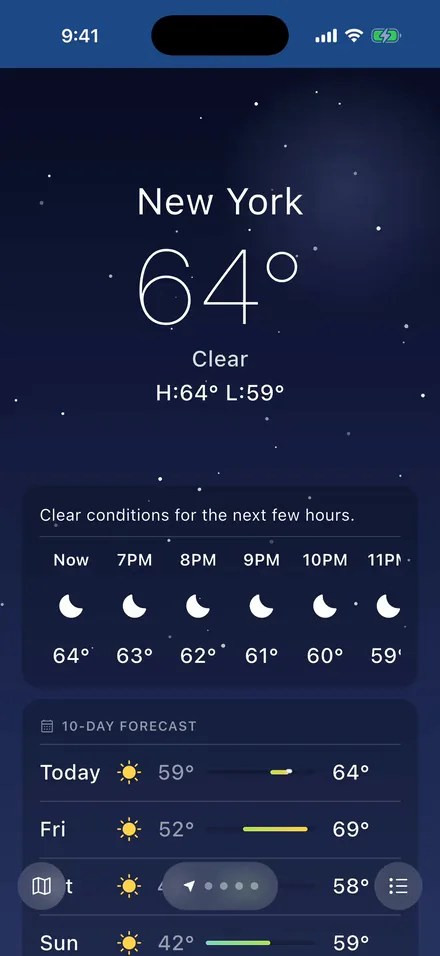
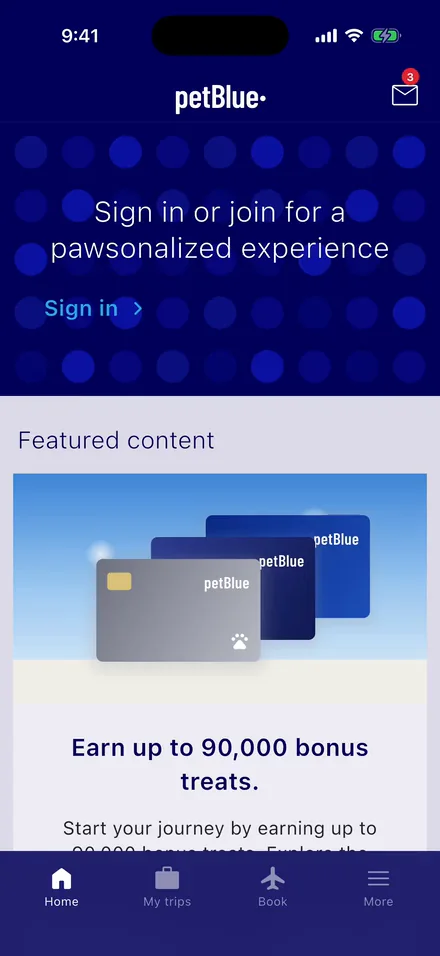
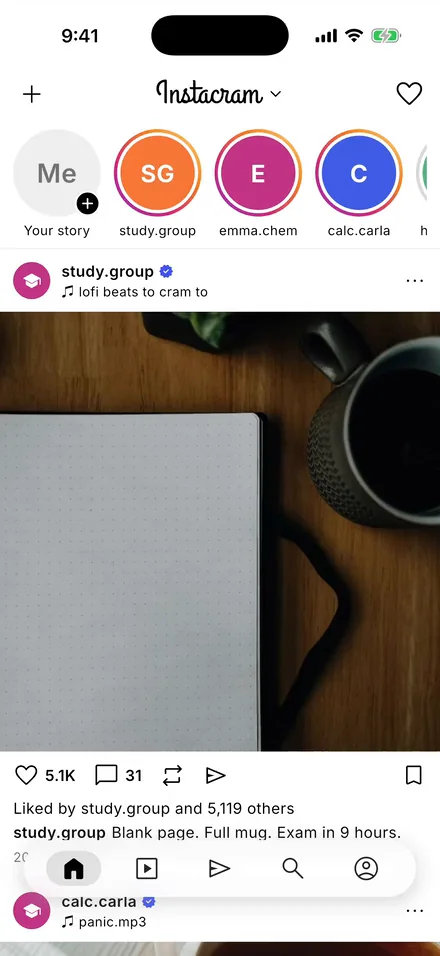
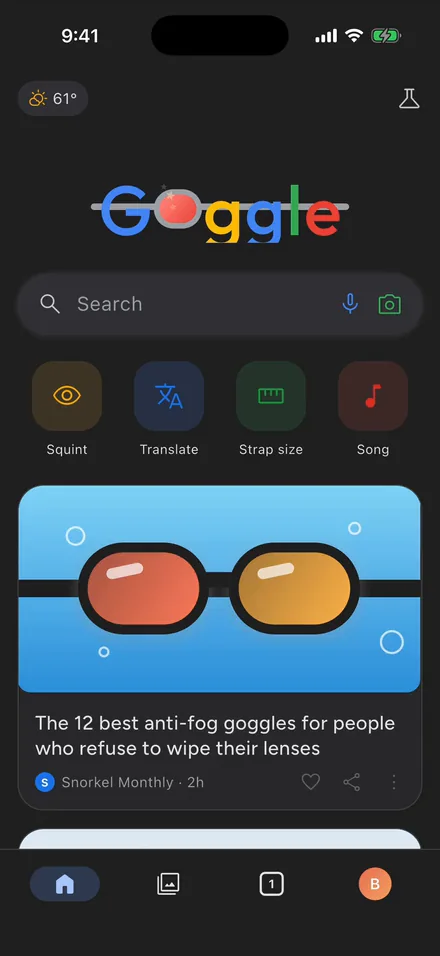
Made with Hype Apps
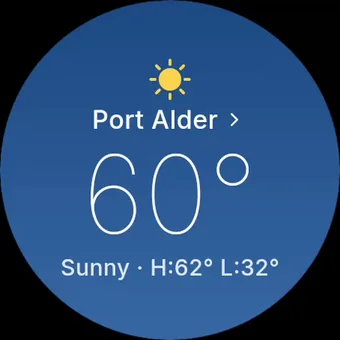
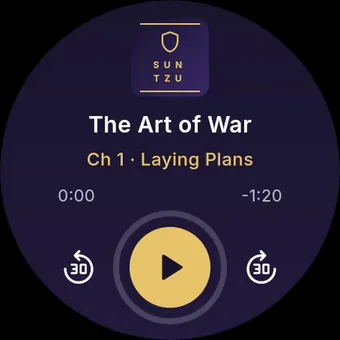
On phones, watches, tablets, and more
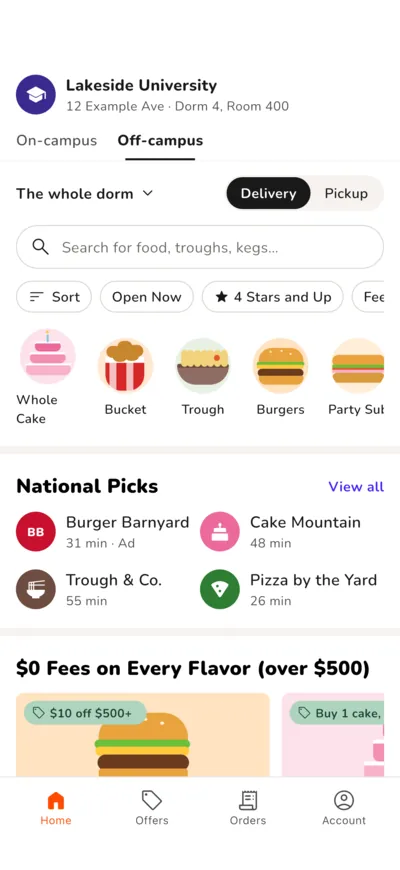
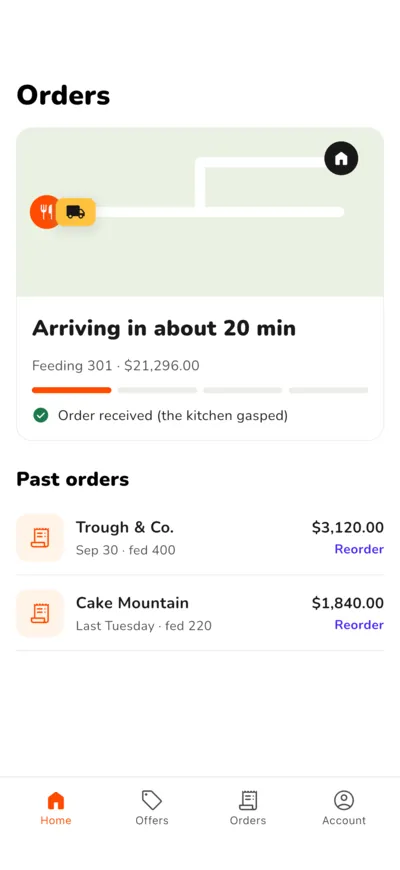
Every screen here is HAM, built in Shipyard. The apps are parodies, made to show the range.
How it works
Are you…
You write the app in HAM. Shipyard shows each change as you type and puts it on your phone.
Shipyard
free demo
Write the HAM yourself, with the screen it makes beside it. Every save shows on the preview, and on your phone.
On-device AI 1.0 helps you write and fix your app, running on your own Mac. The models download once; nothing to pay per use.
Shipyard downloads are paused while we finish version 1.0.1. If you have a Hype Apps 1.0 license, we'll email you when it's ready to download.
System requirements- Get ShipyardShipyard downloads are paused while we finish version 1.0.1. If you have a Hype Apps 1.0 license, we'll email you when it's ready to download.
- Write your screens in HAMA tag for each part of the screen and words for its look, with a palette of every component to click in. The preview beside the code follows every change, in phone, tablet and watch frames at once.
- Publish to Hype AppsGet the free Hype Apps app on your phone and tick Publish to Hype Apps: your app is in My Apps, updating as you save.
- Put it in the stores 1.0Shipyard builds, signs and uploads it to App Store Connect (TestFlight) and Google Play, as an app of its own with your icon and name. What the stores ask for
You describe the app to your AI agent (Claude Code, Codex, Cursor). It writes the screens in HAM, and hype, a small command-line tool, checks them and sends them to the Hype Apps app on your phone.
The hype command line 1.0, with your AI agent
Mac, Linux, Windows (WSL)
You type what you want in a sentence, the way you already talk to Claude. Claude writes the HAM files, runs hype to check them, fixes what hype reports, and sends the app to your phone. You watch it appear in the Hype Apps app; you don't need to read the terminal. Claude Code comes from Anthropic, on your own Claude plan; hype is what Hype Apps adds.
Using another agent? hype init --agent agents writes the same notes into AGENTS.md, which Codex, Cursor and others read. Or give your agent hypeapps.dev/start: you install hype with the install line in step 1, and the agent sets up the rest.
-
Install hype
Paste this into Terminal once. It downloads hype, checks the download is intact, puts it in a hidden folder in your home folder (~/.hype/bin), and adds one line to your terminal settings so typing hype works. Nothing else on your computer changes. You'll see a few lines ending in "hype start". Read the script first if you like: install.sh.
curl -fsSL https://hypeapps.dev/install.sh | sh
hype init --agent claudeRun it in an empty folder for your app. It adds a few small text files there: hype.toml (the app's name), a first screen (index.ham), and notes that teach Claude how HAM works and let it use hype by itself (.mcp.json, CLAUDE.md, .claude/). It changes nothing outside that folder; to undo it, delete the folder. The first time, hype asks you to accept its terms.hype pairConnects this computer to your phone. hype shows a short code; type it into "Got a code?" in the free Hype Apps app. No account, no email.- Ask Claude for an appStart Claude Code in that folder and say what you want ("a packing list for trips, with a checkbox per item"). Claude writes the screens, runs
hype checkto find mistakes and fixes them. If you let it open a simulator (hype run), it can also tap through the app (hype test) and take screenshots (hype shot) to check its work. You can let it run and read only its summary. hype pushSends the app to your phone; open Hype Apps → My Apps and it's there. Claude can run this for you. Withhype push --watch, every change Claude makes shows up on the phone a moment later.
Safe to try: hype charges nothing per use and sends no payment. What it adds is in ~/.hype, one line in your terminal settings, and your app's folder; deleting those removes it. Claude's own usage is billed by Anthropic under your plan, as it is today.
Everything without a 1.0 tag is free in the Demo.
Pricing
What's free and what's paid
No subscription. The Demo needs no license and no email.
Demo
Free
No license
- Shipyard: build and preview your apps
- Access to all 168 components
- Example apps to open and change
- Unlimited apps of your own in the Hype Apps app (My Apps)
- Phones, tablets and Wear OS
- The Hype Apps app, with Learn HAM
Hype Apps: Learn HAMFree on iPhone and Android. Scan to get it.
 One code for iPhone and Android
App Store · Google Play
Putting an app in the App Store or Google Play is Hype Apps 1.0.
Hype Apps 1.0
$49$99
Pre-sale · one-time
- Everything in the Demo
- Unlimited personal apps Installed locally on your device as standalone apps.
-
More are $20 each.
1 production app ticket
Ship one app to the stores
- On-device AI in Shipyard: describe it, get HAM
- The hype command line, made for AI agents
- Advanced video series
- Every update through 1.x, and a reduced price for 2.0
App Chad
$349
One-time
- Everything in Hype Apps 1.0
- Unlimited production apps
- Lifetime Chad or LadyChad status
A production app ticket is used when the app first goes live in a store. Test uploads (TestFlight, Google Play testing) and updates don't use one. Store accounts are paid to the stores: Apple $99 a year, Google $25 once. All pricing details
Start free
Not ready to download? Start in your browser
The Playground needs nothing installed, and the Hype Apps app is free on iPhone and Android. Whatever your experience, from your first line of code to building with an AI agent.
See it for yourselfGet Hype Apps: Learn HAM, free, and open the example apps on your phone.
One code for iPhone and AndroidApp Store · Google Play
New to building apps
- Nothing to install: the Playground works in your browser.
- HAM looks like HTML: a tag for each part of the screen, and words for its look, like
text-whiteorrounded-lg. - In the Hype Apps app, press and hold any screen to see the HAM that built it.
- The docs build a whole app one step at a time, from its first line.
You build with AI
- The whole HAM reference is public at hypeapps.dev/llms.txt, so any agent can write HAM for free.
- Your agent writes HAM; the screens are native components built into Hype Apps, not a web view.
- With Hype Apps 1.0, the
hypecommand line lets the agent check its own work:hype check,testandshot.
You're a developer
- Markup over native components, with htmx-style swaps, Alpine-style state and Tailwind-style classes.
- A reference page for every tag, an OpenAPI spec, the Playground API and an agent skill.
- How HAM fits the App Store's rules is in the FAQ.
What HAM is
A markup for arranging the app's own components
Native components, built in
Every tag is a component that ships inside the Hype Apps app: text, lists, cards, buttons, forms, the camera, motion sensors and local storage. Not a web view.
Change it, and the phone follows
Your screens come from where you keep them. Edit and save, and the phone shows the new version. New kinds of components arrive with updates to the app.
Familiar if you know the web
HTML-like tags, and Tailwind-style classes for the look. If you've never written either, start in the Playground: change a line, publish, and see it on your phone.
What you need
Shipyard runs on a Mac with macOS 12 or later, and on Windows and Linux; the Playground needs only a browser. The Hype Apps app and your store builds work on iPhone and iPad with iOS 15 or later, and on Android 7.0 or later. App Store builds need a Mac. Getting ready for the stores. Supported devices
Made by Lazarus Morrison
Computer scientist, 20 years building for the web, host of the hx-pod podcast and Hypermedia TV. About Hype Apps
Release emails
Optional. Get an email when there's a new release. Nothing else needs your email.