 Hype Apps
<canvas-tool>
A drawing tool written in HAM and loaded into a draw pad as a plugin: touch handlers, state and options.
Aliases
Reset to canonicalThis tag has more than one name. Every spelling is the same tag, so write whichever feels natural. Pick one and every example on this page uses it.
<canvas-tool name="lasso"
             label="Lasso"
             icon="gesture"
             cursor="crosshair"
             @on.touch.start="$tool.points = $event.doc_x + ',' + $event.doc_y"
             @on.touch.move="$tool.points = $tool.points + ' ' + $event.doc_x + ',' + $event.doc_y"
             @on.touch.end="#pad.select.path:$tool.points; $tool.points = ''">
    <state points=""/>
    <options>
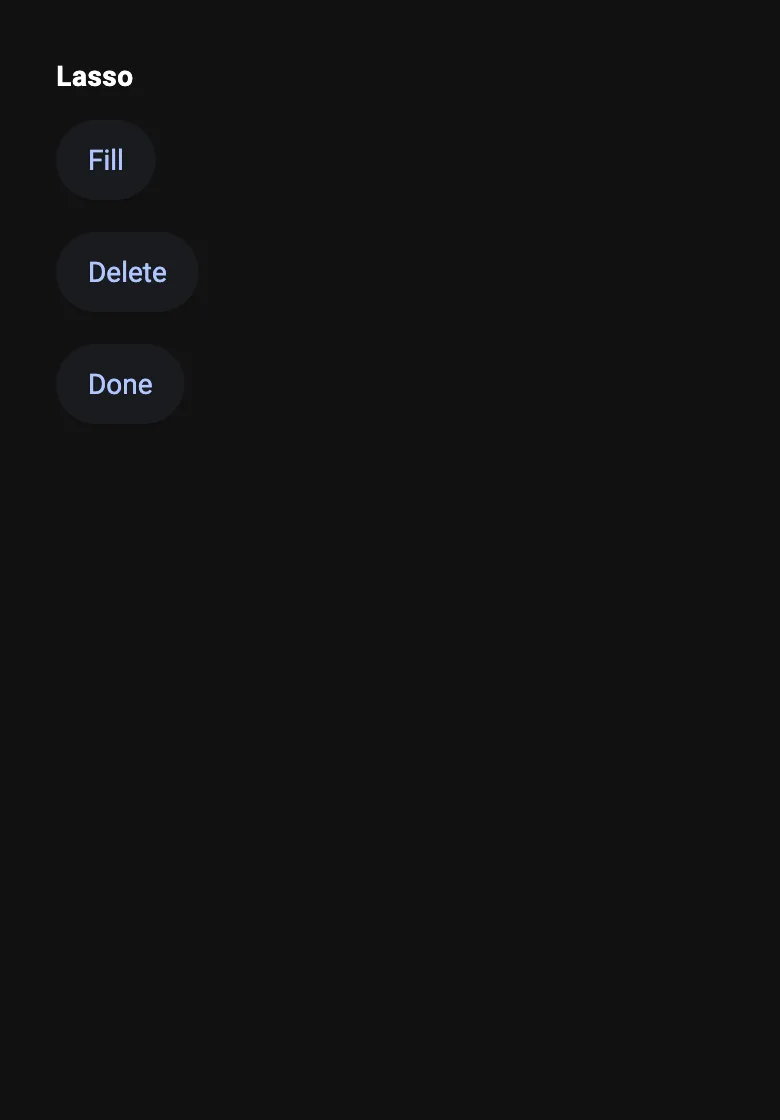
        <column style="gap-8 p-12 w-full h-220">
            <text style="font-semibold">Lasso</text>
            <button action="#pad.selection.fill">Fill</button>
            <button action="#pad.selection.delete">Delete</button>
            <button action="#pad.select.clear">Done</button>
        </column>
    </options>
</canvas-tool>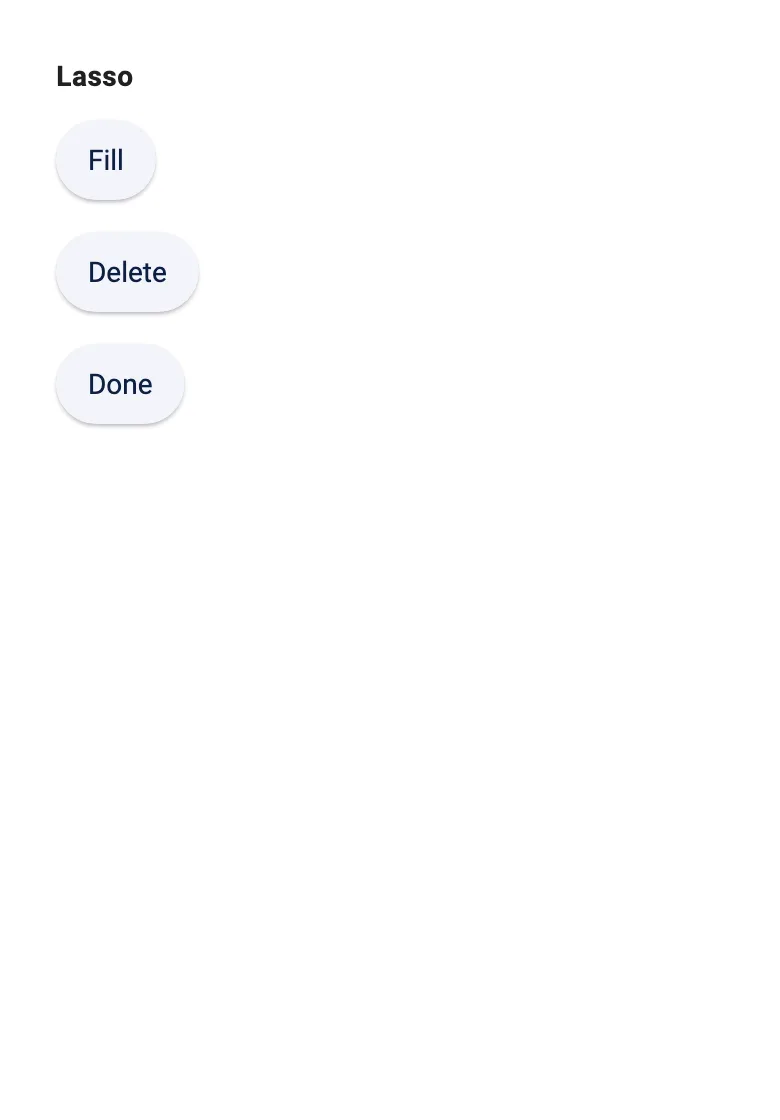
Attributes
| Name | What it does | Default |
|---|---|---|
cursor |
The pointer shown over the pad (crosshair, grab …). string |
|
icon |
A Material symbol for the tool. string |
|
label |
The name shown in a tool list. string |
|
name |
The tool's name, a word (#id.tool:name, $id.tool). string |
Any tag also takes gestures: @on.tap, @on.longpress, @on.doubletap and @on.swipeleft (and right, up and down). @click runs on a tap too.