 Hype Apps
<options>
Inside a drawing tool written in HAM, the tool's options popover.
<draw-tool name="lasso"
           label="Lasso"
           icon="gesture">
    <options>
        <column style="gap-8 p-12">
            <text style="font-semibold">Lasso</text>
            <button action="#pad.selection.fill">Fill</button>
            <button action="#pad.selection.delete">Delete</button>
            <button action="#pad.tool.options:close">Done</button>
        </column>
    </options>
</draw-tool>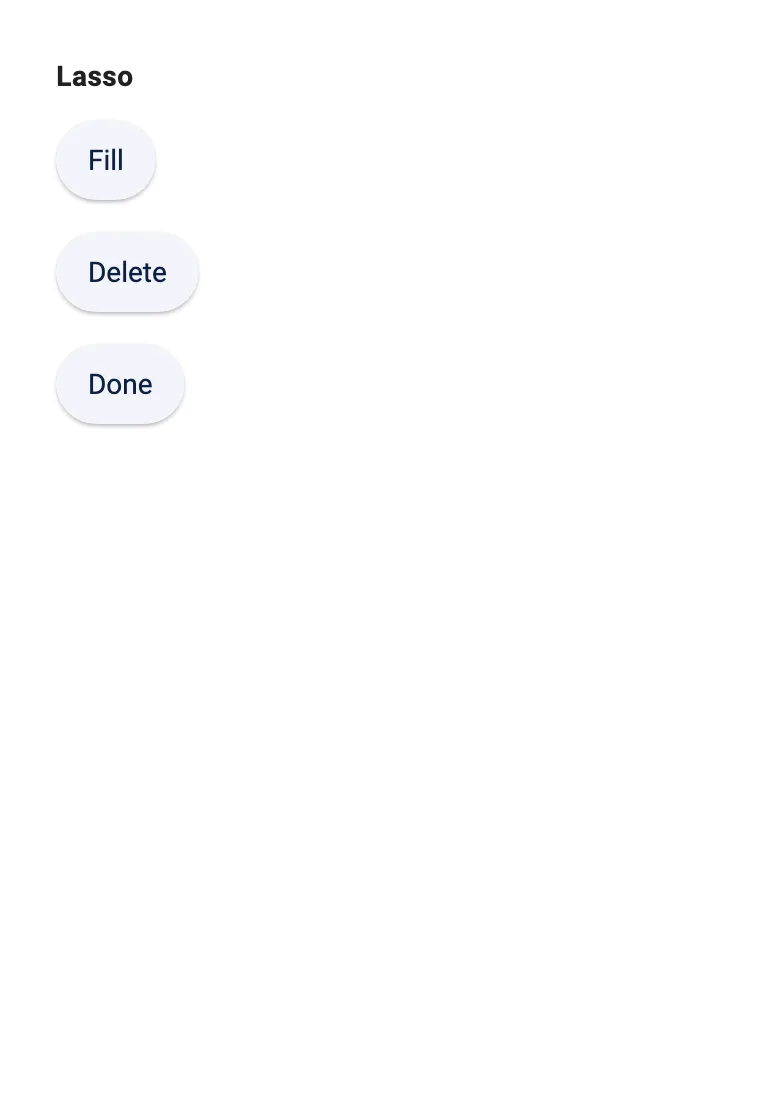
Any tag also takes gestures: @on.tap, @on.longpress, @on.doubletap and @on.swipeleft (and right, up and down). @click runs on a tap too.