 Hype Apps
<screen>
A full app screen: the frame that holds the app bar, the main content, drawers and bottom navigation.
<screen>
    <app-bar title="Inbox"/>
    <main>
        <column style="w-full p-16 gap-8">
            <text style="font-bold">3 new messages</text>
            <text style="muted">Pull down to refresh.</text>
        </column>
    </main>
</screen>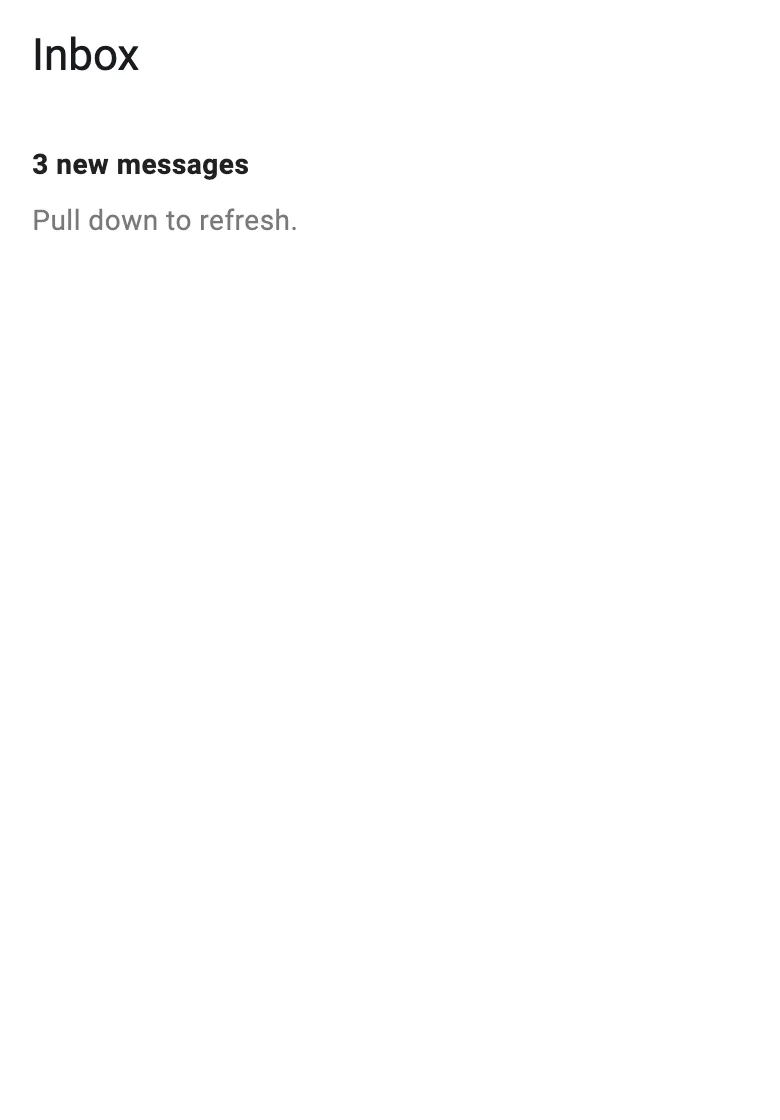
Attributes
| Name | What it does | Default |
|---|---|---|
autoscroll-delay |
Delay before autoscroll starts in seconds number |
0.0 |
autoscroll-loop |
Whether autoscroll loops continuously boolean |
false |
autoscroll-speed |
Autoscroll speed in pixels per second number |
|
bg_color |
Background color of the screen color |
|
round-safealso round_safe |
On a round watch: true keeps the page inside the circle (inset to the square it holds, a short page in its middle); false runs it full-bleed. Default: <config round_safe>, else true. boolean |
|
status_baralso status-bar |
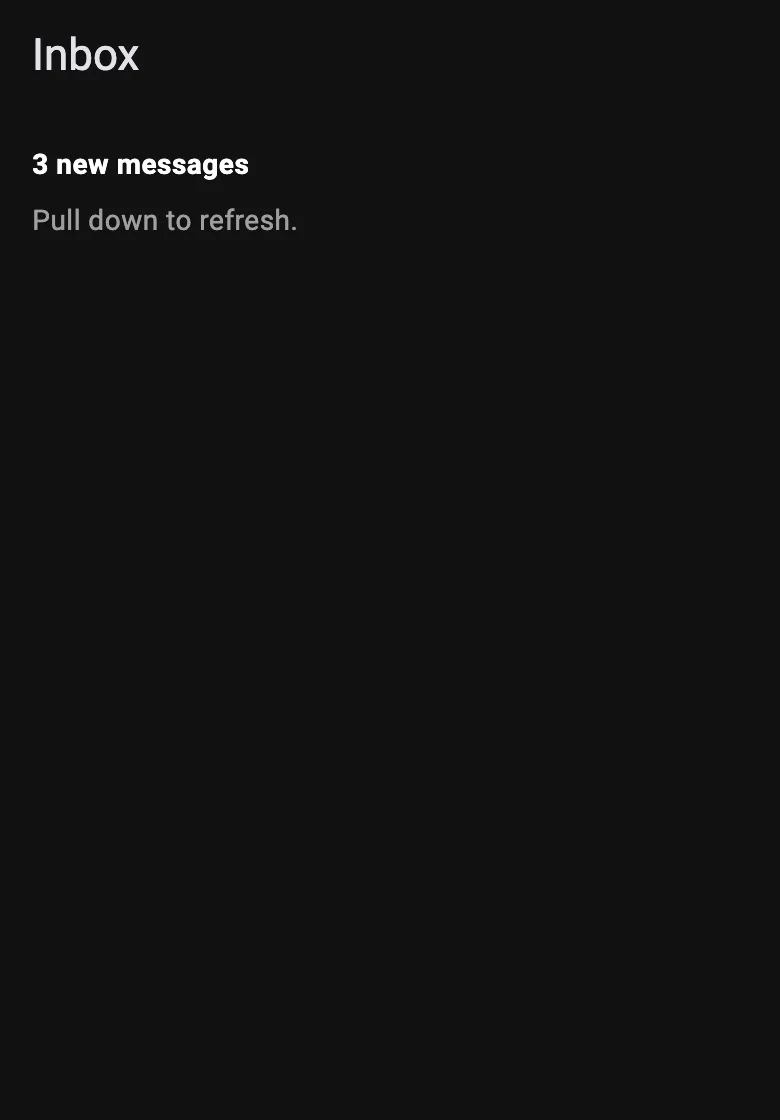
Status-bar icons: light (white, for a dark page), dark, or auto (from the screen background; an app bar picks from its own color). Default: <config status_bar>. light, dark, auto |
auto |
swipe-dismissalso swipe_dismiss |
On a watch: true lets a swipe from the left edge go back one page (the first page: leave the app), as Wear expects; false leaves the swipe to the page (a map, an edge carousel) and back to the system back. Default: <config swipe_dismiss>, else true. boolean |
Any tag also takes gestures: @on.tap, @on.longpress, @on.doubletap and @on.swipeleft (and right, up and down). @click runs on a tap too.