 Hype Apps
<radio-group>
Holds a set of radios as one choice, published as a variable named by name=.
Aliases
Reset to canonicalThis tag has more than one name. Every spelling is the same tag, so write whichever feels natural. Pick one and every example on this page uses it.
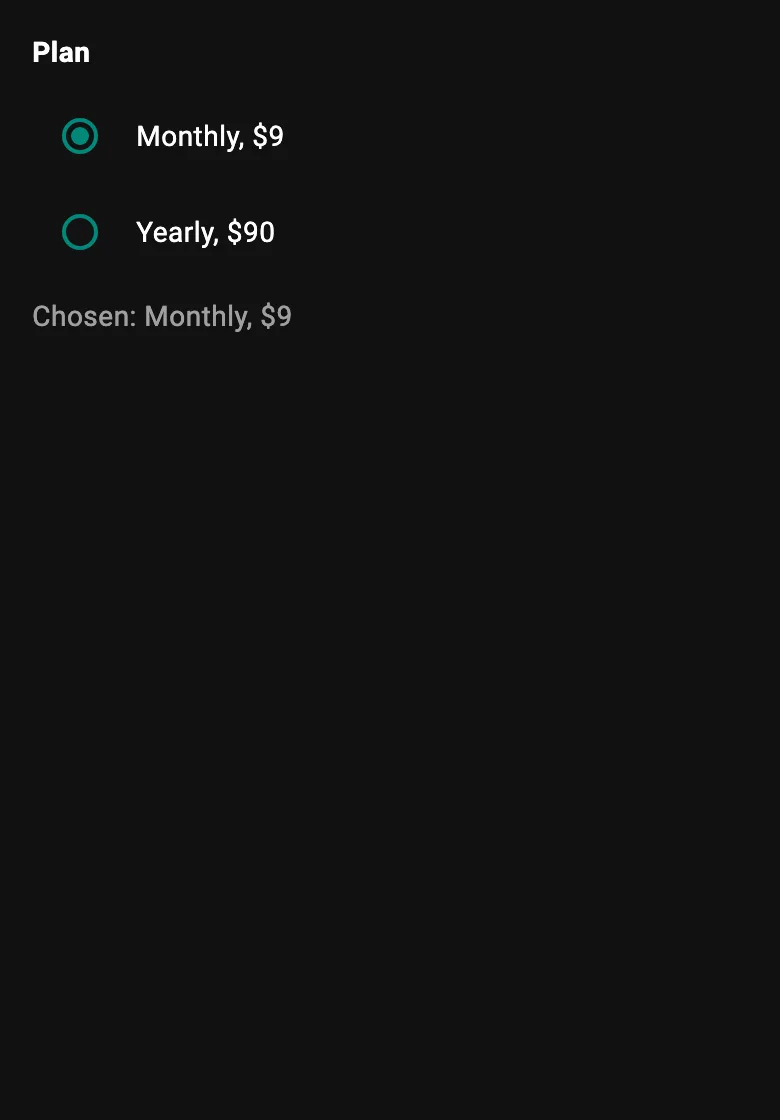
<column style="w-full gap-8">
    <text style="font-semibold">Plan</text>
    <radio-group id="plan"
                 name="plan">
        <radio value="monthly"
               color="teal-600"
               label="Monthly, $9"
               selected="true"/>
        <radio value="yearly"
               color="teal-600"
               label="Yearly, $90"/>
    </radio-group>
    <text @text="'Chosen: ' + #plan.label"
          style="muted"></text>
</column>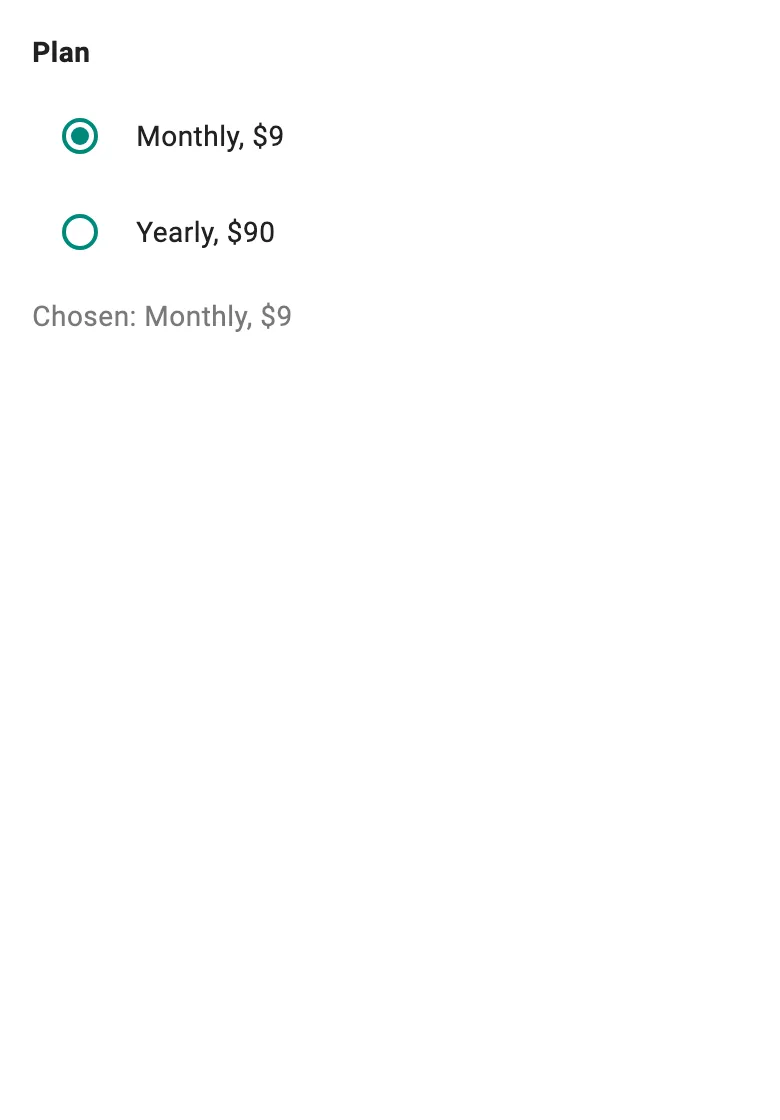
Attributes
| Name | What it does | Default |
|---|---|---|
name |
Variable name for form scoping string |
Readings
| Name | What it does |
|---|---|
count |
How many options the control offers. |
index |
The selected option's position, from 0; -1 when none. |
label |
The selected option's text; empty when none is selected. |
value |
The selected option's value; empty when none is selected. |
Any tag also takes gestures: @on.tap, @on.longpress, @on.doubletap and @on.swipeleft (and right, up and down). @click runs on a tap too.