 Hype Apps
<color-picker>
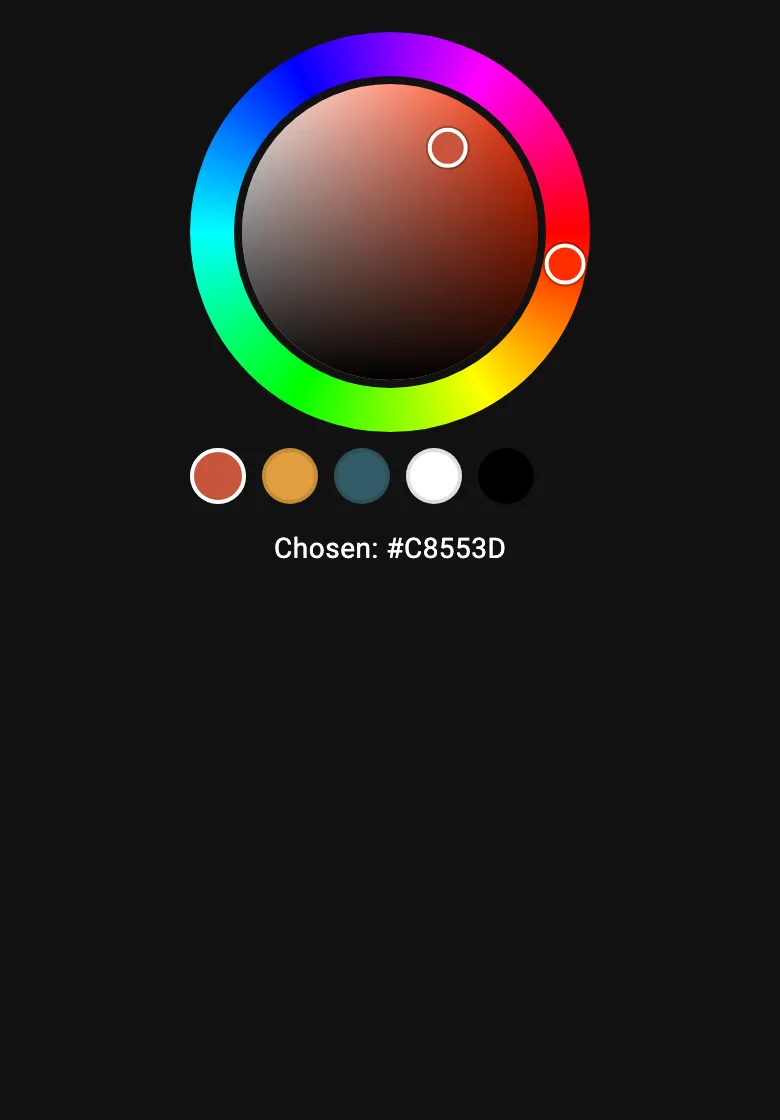
A color picker: a hue ring round a disc, with swatches; the chosen color goes into a variable.
Aliases
Reset to canonicalThis tag has more than one name. Every spelling is the same tag, so write whichever feels natural. Pick one and every example on this page uses it.
<column style="gap-12 items-center">
    <color-picker id="pick"
                  name="color"
                  value="#C8553D"
                  size="200"
                  palette="#C8553D,#E09F3E,#335C67,#FFFFFF,#000000"/>
    <text @text="'Chosen: ' + $color"></text>
</column>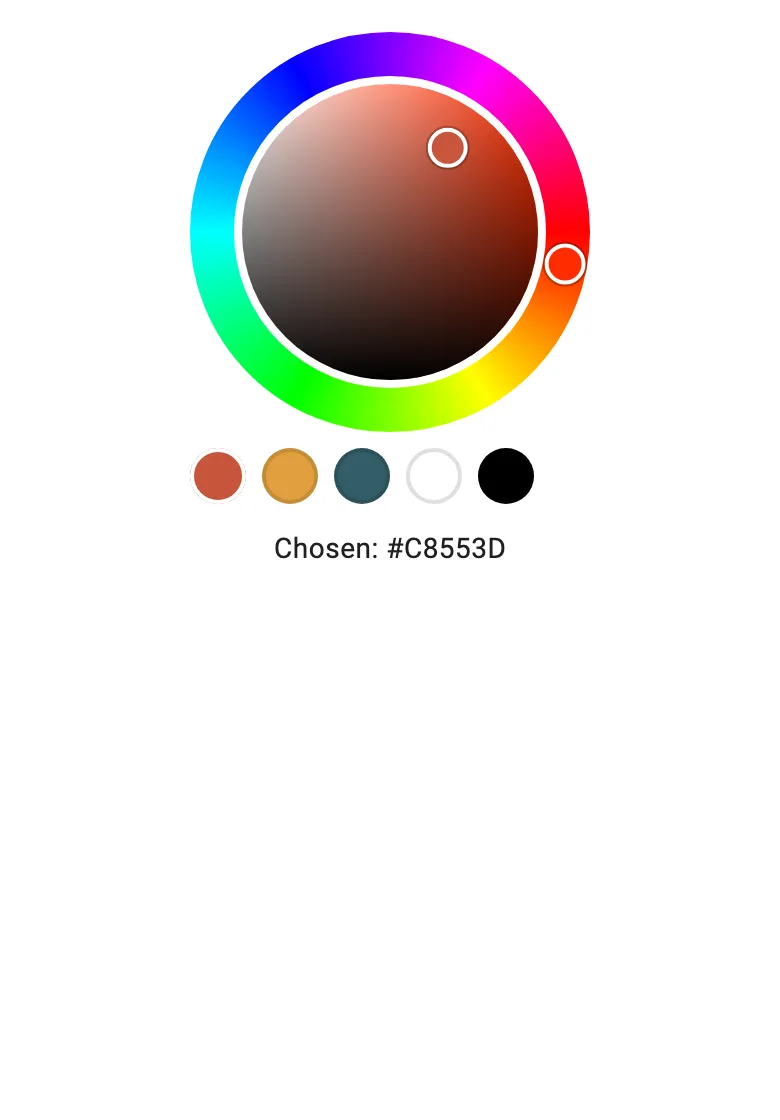
Attributes
| Name | What it does | Default |
|---|---|---|
mode |
disc: a hue ring round a saturation/brightness disc; classic: a saturation/brightness square with a hue bar; sliders: hue, saturation and brightness sliders; palette: the swatches only. disc, classic, sliders, palette |
disc |
name |
Variable name for form scoping; holds the hex. string |
|
palette |
Comma-separated swatches shown under the picker (all of palette mode); a tap picks one. string |
|
recent |
Keep the last N colors picked as a row of swatches, newest first ($id.recent). number |
0 |
size |
The disc's / square's / sliders' width in px. number |
240 |
value |
The color shown: any HAM color (#C8553D, teal-500). color |
#000000 |
Readings
| Name | What it does |
|---|---|
brightness |
The brightness, 0–1. |
hue |
The hue, 0–360. |
recent |
The last recent= colors picked, newest first (a list of hex). |
saturation |
The saturation, 0–1. |
value |
The color picked, as #RRGGBB, live as the finger moves. |
Any tag also takes gestures: @on.tap, @on.longpress, @on.doubletap and @on.swipeleft (and right, up and down). @click runs on a tap too.