 Hype Apps
<zoom>
A container whose content pinch-zooms and pans, with zoom commands and live readings.
<column style="w-full gap-12">
    <zoom id="photo"
          max="6"
          double-tap="2"
          zoom-animate="250"
          style="w-full h-300 rounded-xl">
        <img src="https://hypeapps.dev/gallery/assets/city.jpg"
             style="w-full h-full"
             fit="cover"/>
    </zoom>
    <row style="gap-8 items-center">
        <button action="#photo.zoom:2"
                style="bg-teal-600 text-white">Zoom 2×</button>
        <text @text="'zoom ' + $photo.zoom"
              style="muted"></text>
    </row>
</column>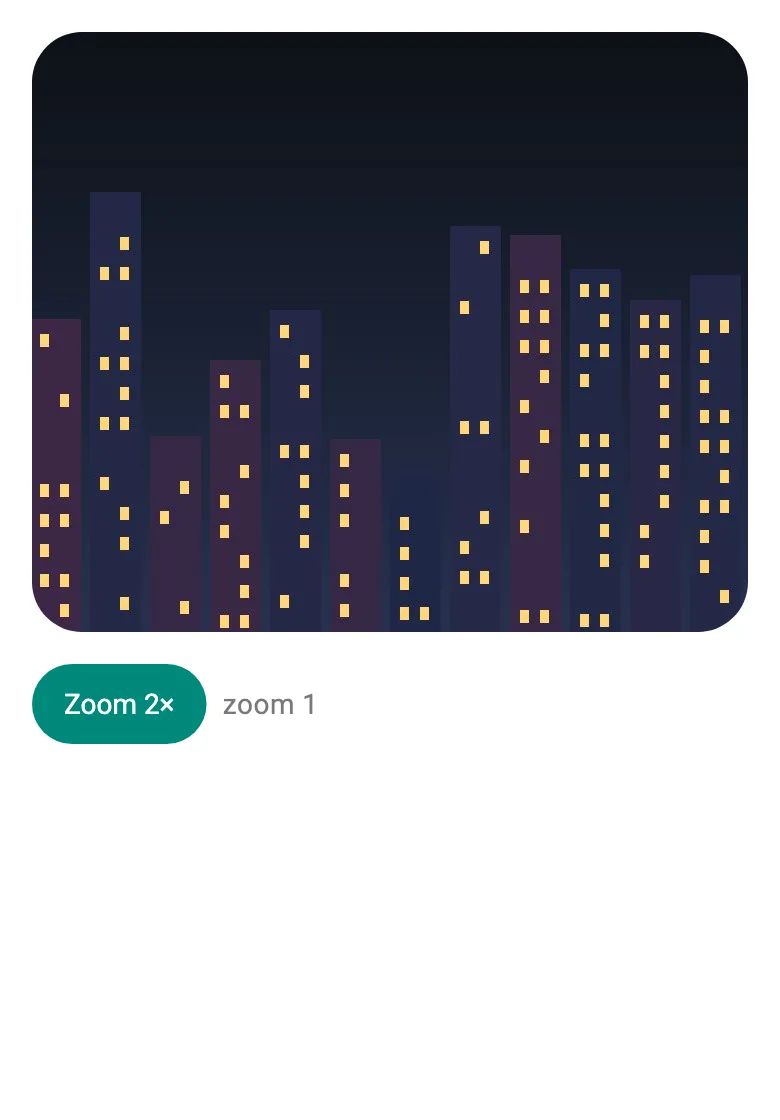
Attributes
| Name | What it does | Default |
|---|---|---|
double-tap |
A zoom factor a double tap toggles to and back from, about the tap; 0 (the default) does nothing, and the children's own taps are untouched. number |
0 |
max |
The largest zoom, up to 8. number |
8 |
min |
The smallest zoom, 1–8. number |
1 |
rotate |
A two-finger twist turns the content with the pinch, one gesture, about the fingers; false (the default): a twist is ignored, as before. The rotate command always works. boolean |
false |
snap-angle |
Degrees within which a twist snaps to a quarter turn (0, 90, 180, -90); 0 never snaps. number |
5 |
zoom-animate |
Milliseconds a commanded zoom, rotate or reset glides instead of jumping; a pinch is always direct. number |
0 |
Commands
| Name | What it does |
|---|---|
reset |
Back to zoom 1, no pan, no rotation. |
rotate |
Turn the content to that angle (-180..180, 0 as laid out), about the center or about a point of the container, which stays put; glides over zoom-animate ms. |
zoom |
Zoom to a factor, about the center, or about a point of the container (zoom:2@100,80: logical px from its top left, which stays put). |
Readings
| Name | What it does |
|---|---|
rotation |
The view's rotation in degrees, -180..180 (0 as laid out). |
x |
The pan offset: where the content's left edge sits, logical px (0 or negative). |
y |
The pan offset of the top edge, logical px. |
zoom |
The zoom factor (1 = as laid out). |
Any tag also takes gestures: @on.tap, @on.longpress, @on.doubletap and @on.swipeleft (and right, up and down). @click runs on a tap too.