 Hype Apps
<step>
One step in a stepper: a title, an optional subtitle and a state that sets its icon and color.
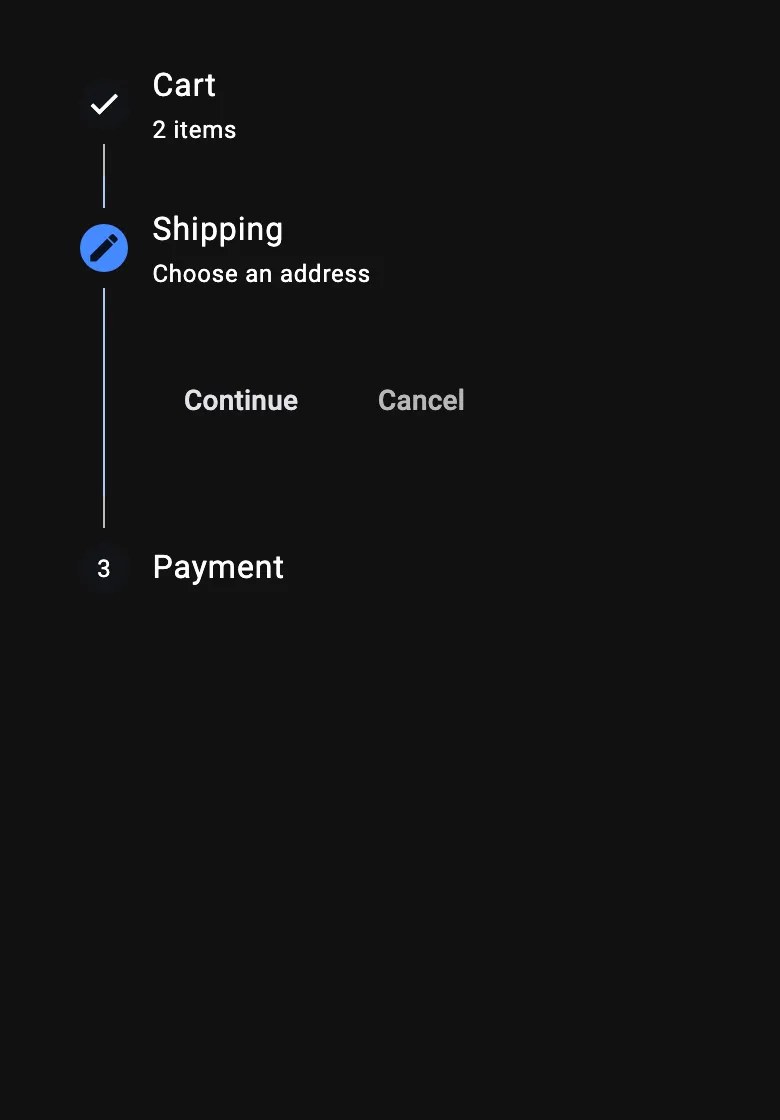
<stepper>
    <step title="Cart"
          subtitle="2 items"
          state="complete"/>
    <step title="Shipping"
          subtitle="Choose an address"
          state="editing"/>
    <step title="Payment"/>
</stepper>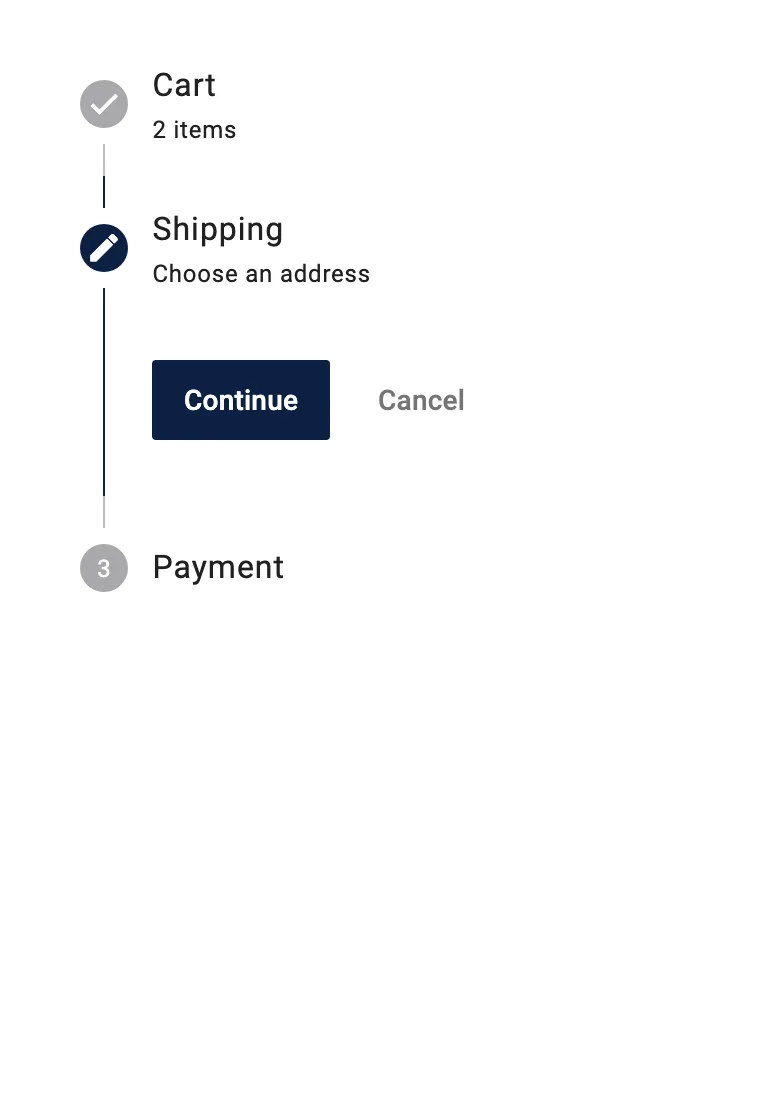
Attributes
| Name | What it does | Default |
|---|---|---|
state |
The step's state (its icon and color). indexed, complete, editing, error, disabled |
indexed |
subtitle |
Step subtitle string |
|
title |
Step title string |
Step |
Any tag also takes gestures: @on.tap, @on.longpress, @on.doubletap and @on.swipeleft (and right, up and down). @click runs on a tap too.