 Hype Apps
<select>
A dropdown field built from <option> children; the chosen value is published under name=.
<column style="w-full gap-12">
    <select id="size"
            name="size"
            label="Size">
        <option value="s">Small</option>
        <option value="m"
                selected="true">Medium</option>
        <option value="l">Large</option>
    </select>
    <text @text="'Size: ' + #size.label"
          style="muted"></text>
</column>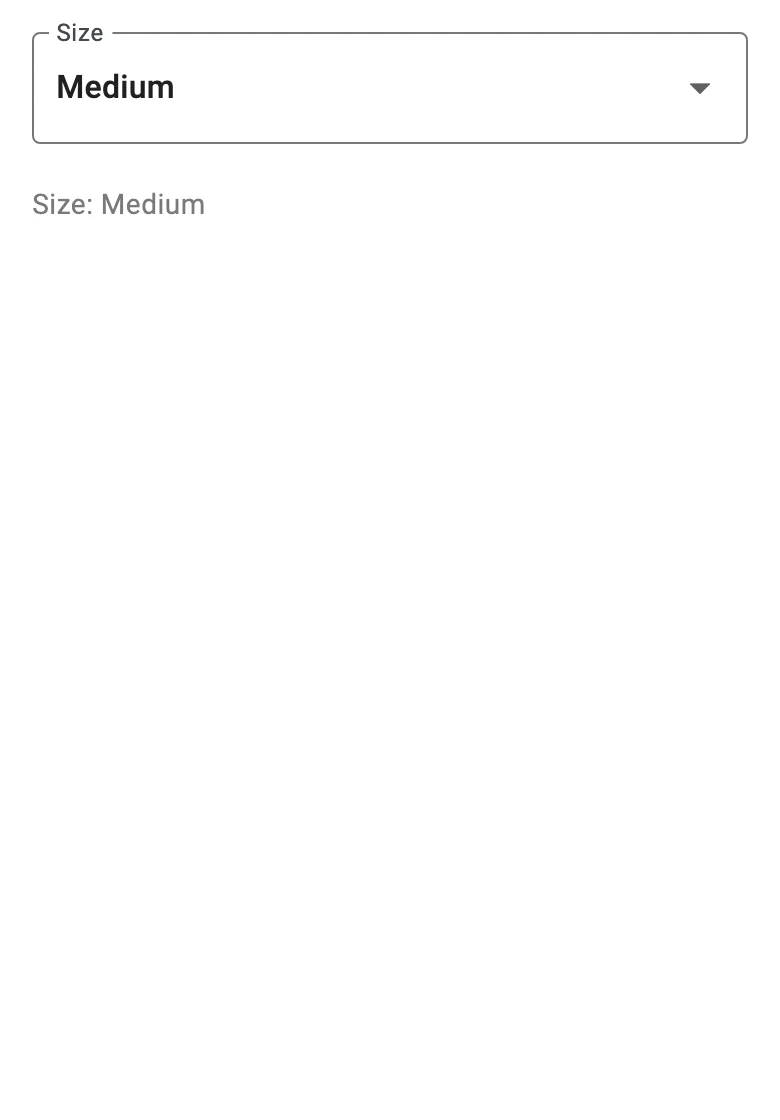

Attributes
| Name | What it does | Default |
|---|---|---|
icon |
Prefix icon string |
|
label |
Label string |
|
name |
Variable name for form scoping string |
|
placeholder |
Placeholder text string |
Select an option |
style |
Style classes string |
Readings
| Name | What it does |
|---|---|
count |
How many options the control offers. |
index |
The selected option's position, from 0; -1 when none. |
label |
The selected option's text; empty when none is selected. |
value |
The selected option's value; empty when none is selected. |
Any tag also takes gestures: @on.tap, @on.longpress, @on.doubletap and @on.swipeleft (and right, up and down). @click runs on a tap too.