 Hype Apps
<segment>
One option in a segmented button: a value with a label, an icon or both.
<column style="w-full gap-12">
    <segmented-button name="view">
        <segment value="day"
                 label="Day"/>
        <segment value="week"
                 label="Week"
                 selected="true"/>
        <segment value="month"
                 label="Month"/>
    </segmented-button>
    <text @text="'Showing the ' + $view"
          style="muted"></text>
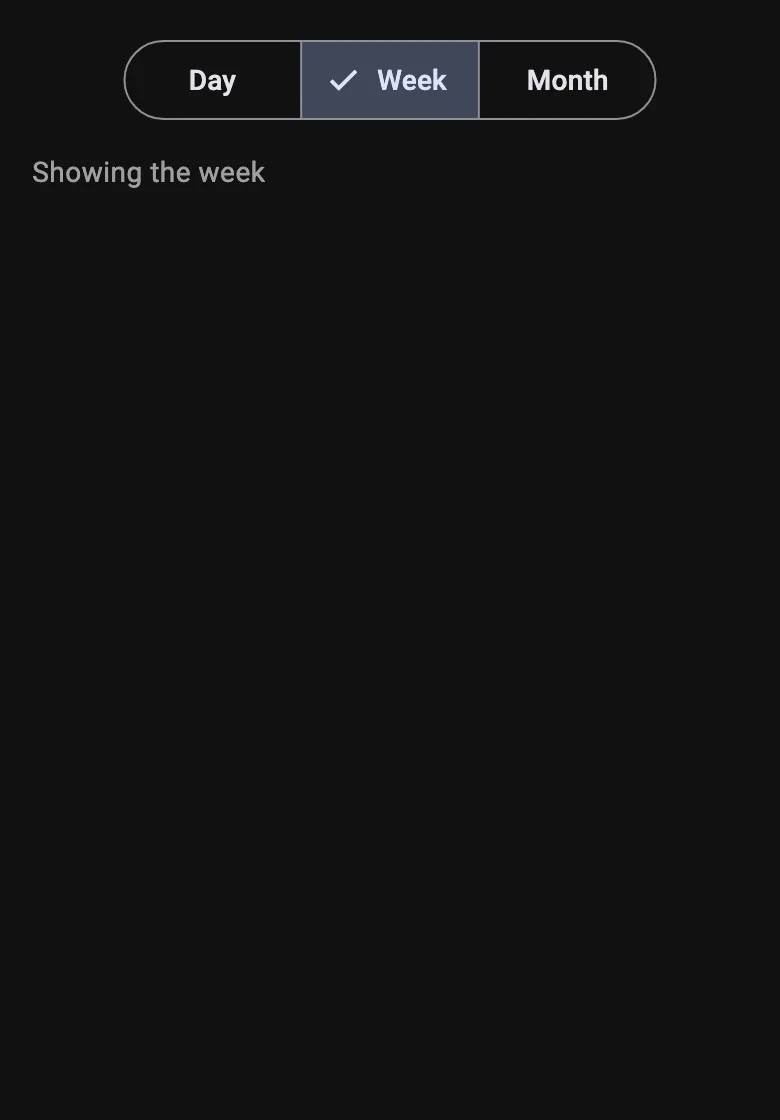
</column>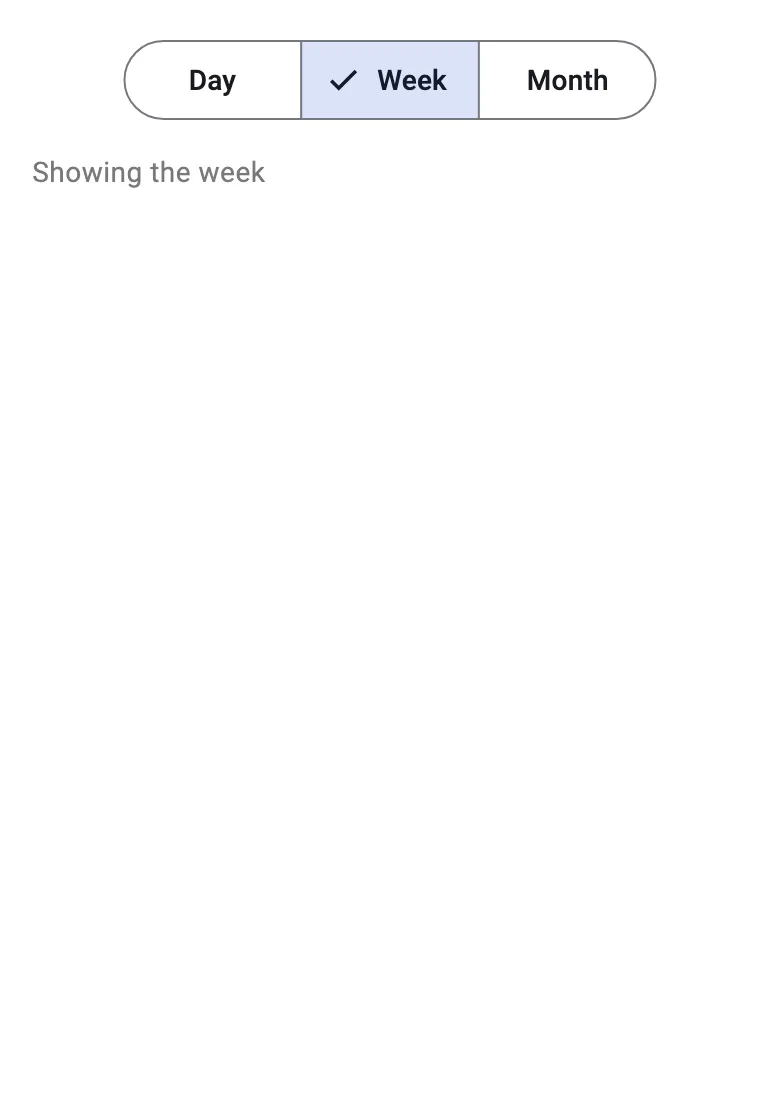
Attributes
| Name | What it does | Default |
|---|---|---|
icon |
Icon name string |
|
label |
Segment label (defaults to value) string |
|
selected |
Initially selected boolean |
false |
value |
Segment value string |
Any tag also takes gestures: @on.tap, @on.longpress, @on.doubletap and @on.swipeleft (and right, up and down). @click runs on a tap too.