 Hype Apps
<range-slider>
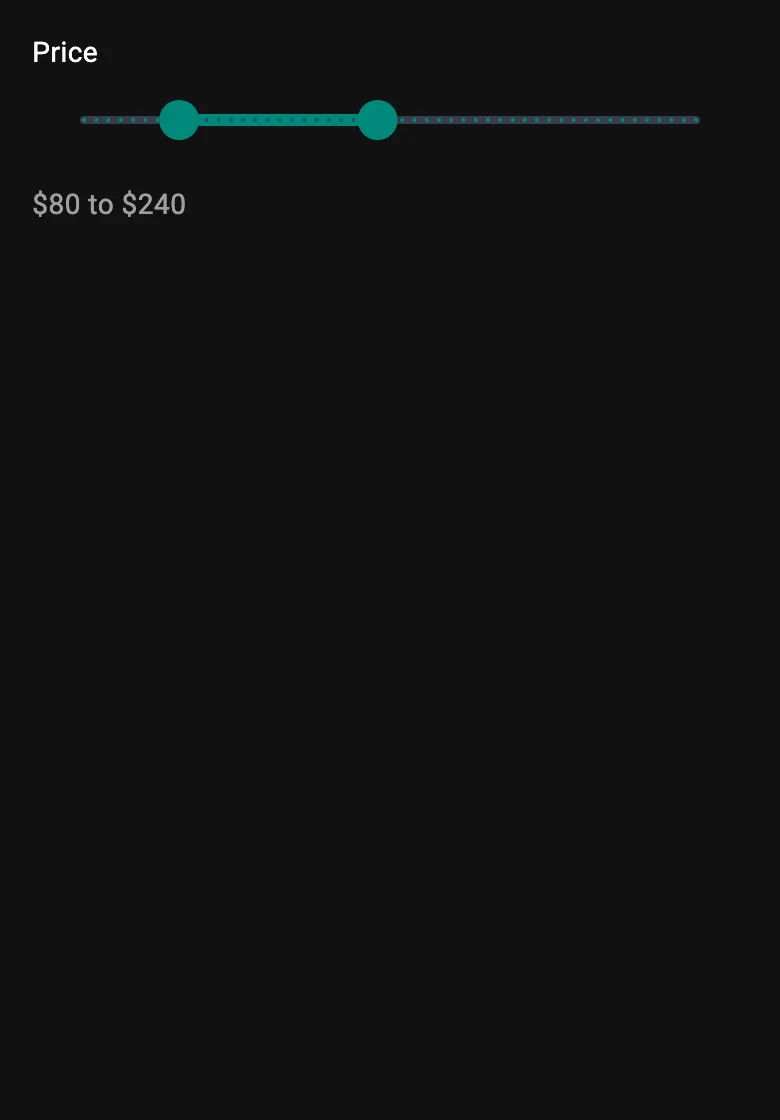
A slider with two thumbs that picks a range; name="price" publishes price_min and price_max.
<column style="w-full gap-8">
    <range-slider name="price"
                  min="0"
                  max="500"
                  start="80"
                  end="240"
                  divisions="50"
                  color="teal-600"
                  label="Price"/>
    <text @text="'$' + $price_min + ' to $' + $price_max"
          style="muted"></text>
</column>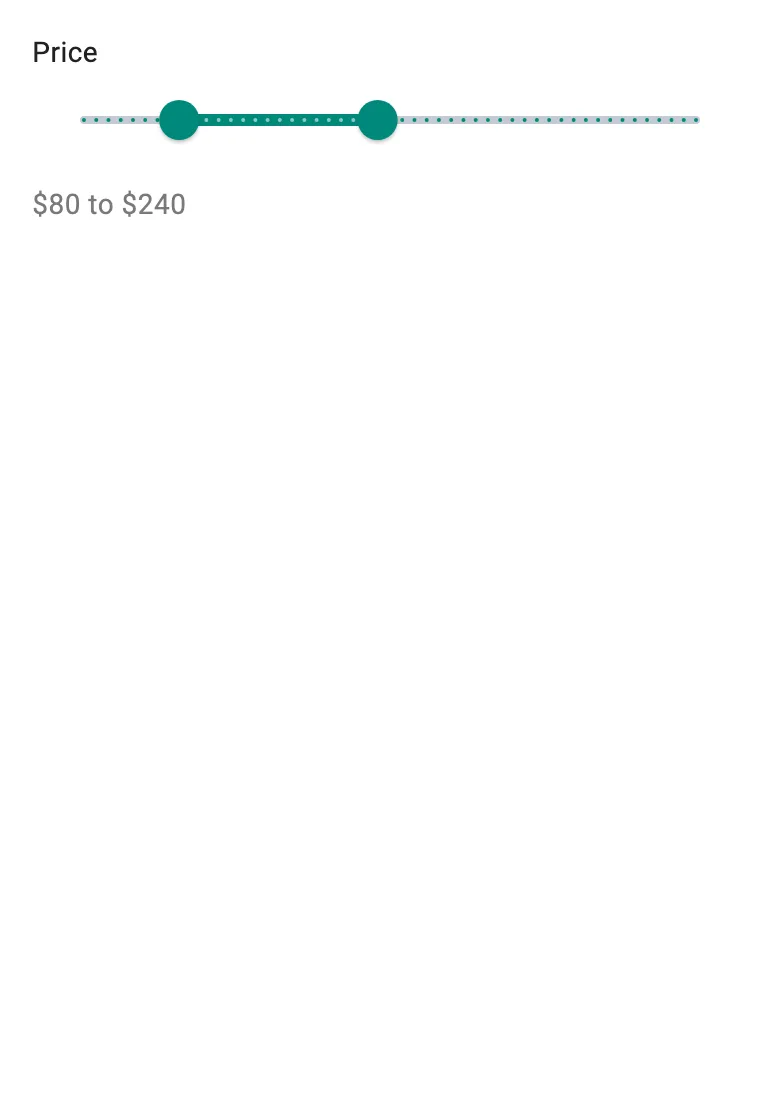
Attributes
| Name | What it does | Default |
|---|---|---|
color |
Active color color |
|
divisions |
Number of discrete steps number |
|
end |
End value number |
max |
label |
Label text string |
|
max |
Range maximum number |
100 |
min |
Range minimum number |
0 |
name |
Two variables, name_min and name_max (numbers on the slider's steps), sent as two fields; a change carries $event.min / $event.max. string |
|
start |
Start value number |
min |
Readings
| Name | What it does |
|---|---|
divisions |
The divisions= in force; empty when the slider is continuous. |
dragging |
Whether a thumb is being dragged. |
end |
The upper thumb, live as it moves. |
max |
The max= in force. |
min |
The min= in force, as the control resolves it. |
start |
The lower thumb, live as it moves. |
value |
Both thumbs as the form sends them: "start-end". |
Any tag also takes gestures: @on.tap, @on.longpress, @on.doubletap and @on.swipeleft (and right, up and down). @click runs on a tap too.