 Hype Apps
<progress>
A horizontal bar that fills to show progress, from value out of max.
Aliases
Reset to canonicalThis tag has more than one name. Every spelling is the same tag, so write whichever feels natural. Pick one and every example on this page uses it.
<column style="gap-8 w-full">
    <row style="w-full justify-between">
        <text style="font-bold">Project Hail Mary</text>
        <text style="muted">64%</text>
    </row>
    <progress value="64"
              max="100"
              height="8"
              radius="4"
              color="teal-600"/>
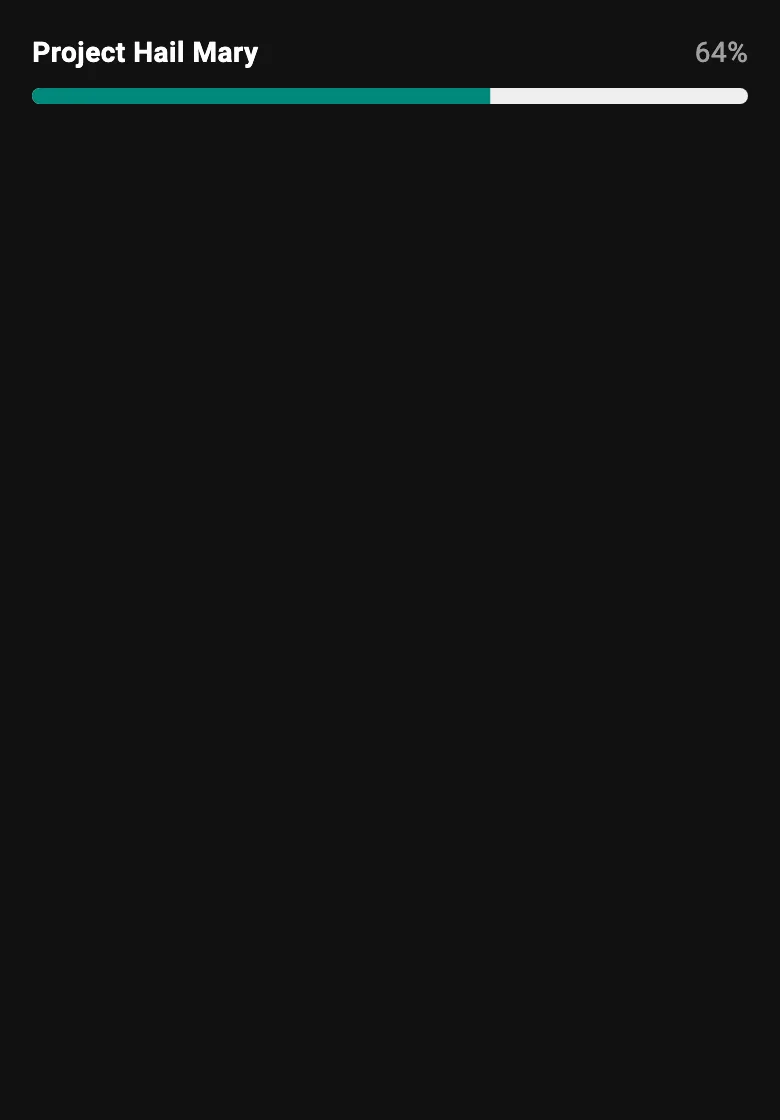
</column>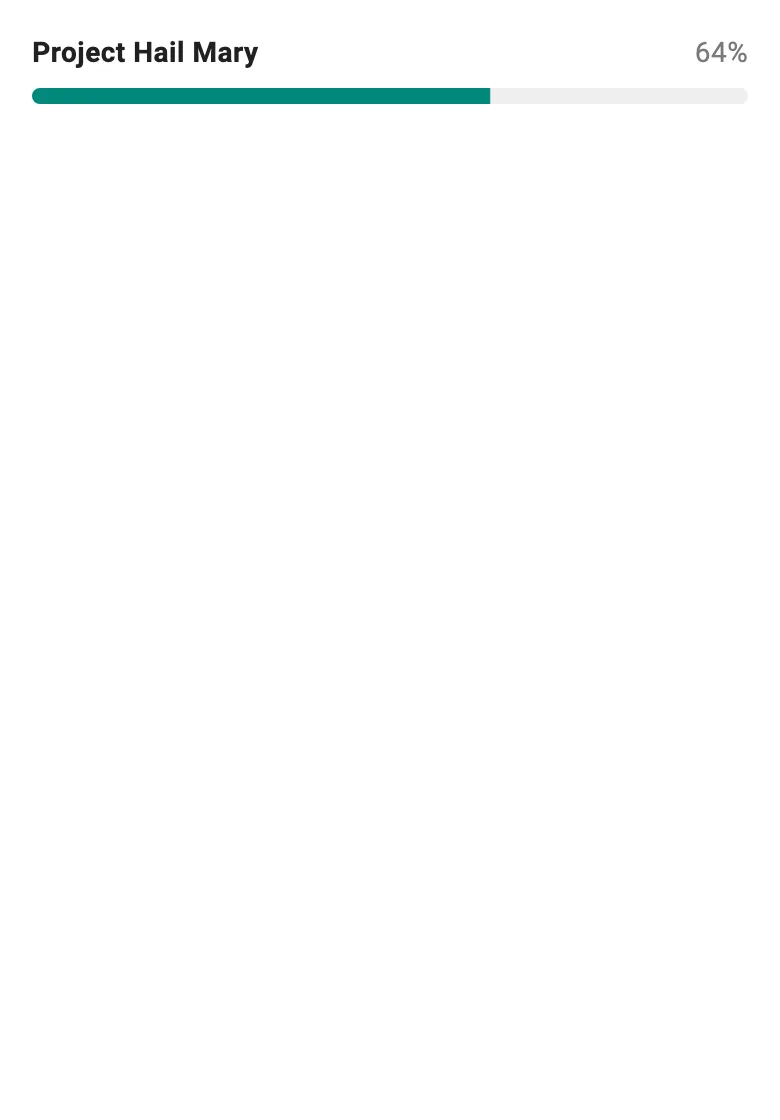
Attributes
| Name | What it does | Default |
|---|---|---|
background-color |
Track color; light:/dark: alternatives pick by theme (background-color="light:gray-200 dark:gray-800") color |
gray-200 |
color |
Bar color; light:/dark: alternatives pick by theme (color="light:teal-600 dark:teal-300") color |
|
height |
Bar height number |
4 |
max |
The value that means full, as in HTML <progress>: value="40" max="100" fills 40%. number |
1 |
radius |
Border radius number |
2 |
value |
Progress 0.0-1.0 (null = indeterminate) number |
Any tag also takes gestures: @on.tap, @on.longpress, @on.doubletap and @on.swipeleft (and right, up and down). @click runs on a tap too.