 Hype Apps
<popover>
Floats its children next to another element, like a reactions bar over a Like button.
<column style="items-center w-full pt-80">
    <button id="like"
            icon="thumb_up"
            action-longpress="#reactions.open">Like</button>
    <popover id="reactions"
             anchor="#like"
             open="true"
             arrow="true"
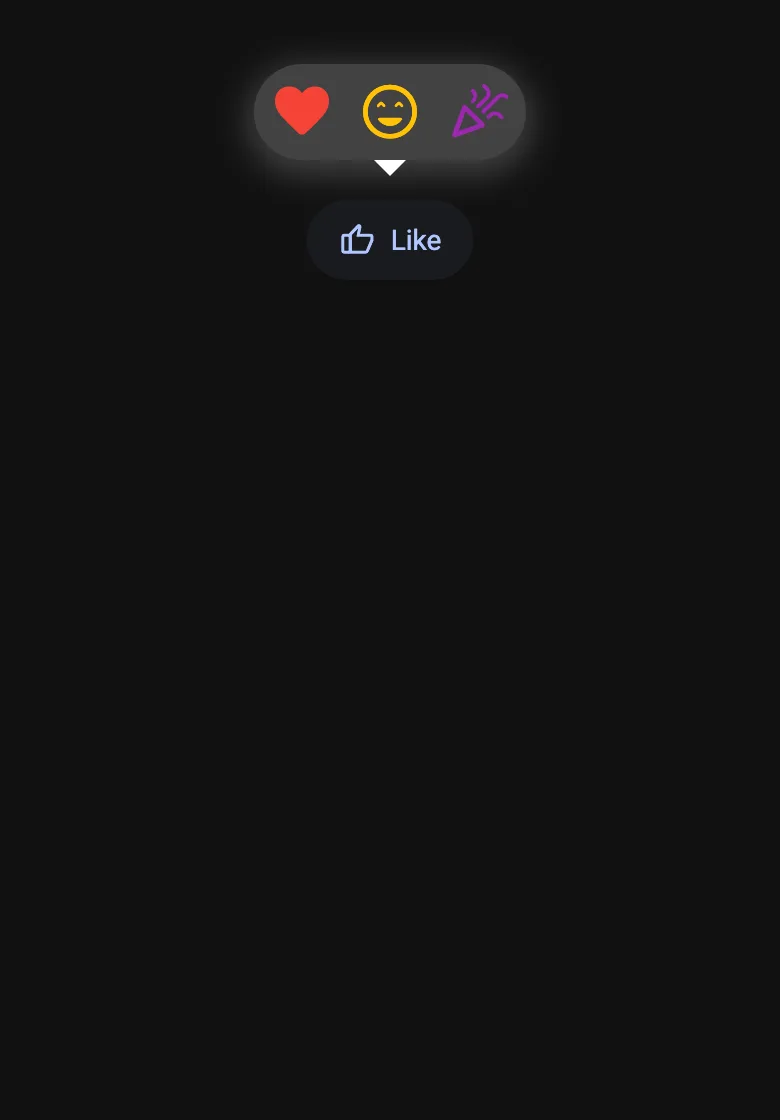
             style="bg-white dark:bg-gray-800 rounded-full p-8 shadow-lg">
        <row style="gap-12">
            <icon name="favorite fill red size-32"/>
            <icon name="sentiment_very_satisfied size-32 amber"/>
            <icon name="celebration size-32 purple"/>
        </row>
    </popover>
</column>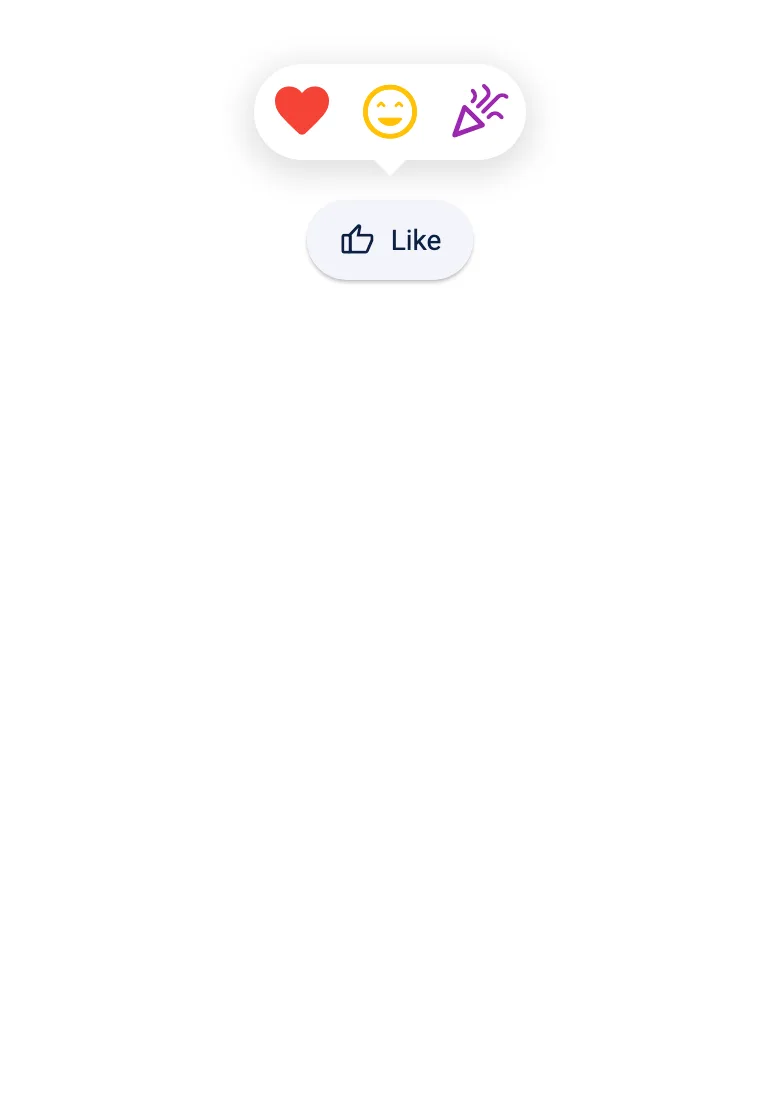
Attributes
| Name | What it does | Default |
|---|---|---|
anchor |
The id of the element it points at (#like or like). Without one, where the popover is written. string |
|
arrow |
A small triangle in the box's color pointing at the anchor. boolean |
false |
dismiss |
outside: a tap anywhere else closes it (and is not passed on). none: only #id.close does. outside, none |
outside |
gap |
Space between the anchor and the box (and its arrow), px. number |
8 |
open |
Open when it first shows. boolean |
false |
placement |
Which side of the anchor. With no room there it opens on the other side; it is kept on screen. top, bottom, left, right |
top |
Commands
| Name | What it does |
|---|---|
close |
Hide it. |
open |
Show it next to its anchor ($id.open becomes true). |
toggle |
Open it when closed, close it when open. |
Readings
| Name | What it does |
|---|---|
open |
Whether it is showing. |
Any tag also takes gestures: @on.tap, @on.longpress, @on.doubletap and @on.swipeleft (and right, up and down). @click runs on a tap too.