 Hype Apps
<animation>
Plays a Lottie vector animation from a JSON file; taps and media commands control it.
Aliases
Reset to canonicalThis tag has more than one name. Every spelling is the same tag, so write whichever feels natural. Pick one and every example on this page uses it.
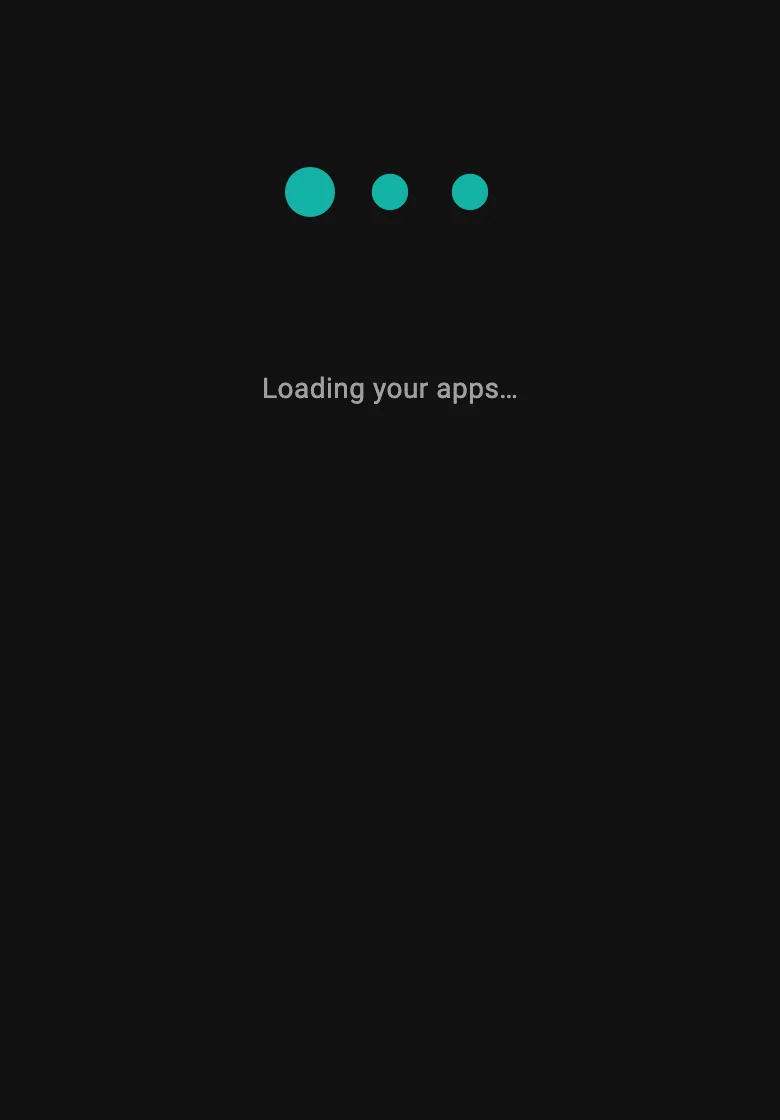
<column style="gap-8 items-center w-full">
    <animation id="logo"
               src="https://hypeapps.dev/gallery/assets/loader.json"
               width="160"
               height="160"
               repeat="true"/>
    <text style="muted">Loading your apps…</text>
</column>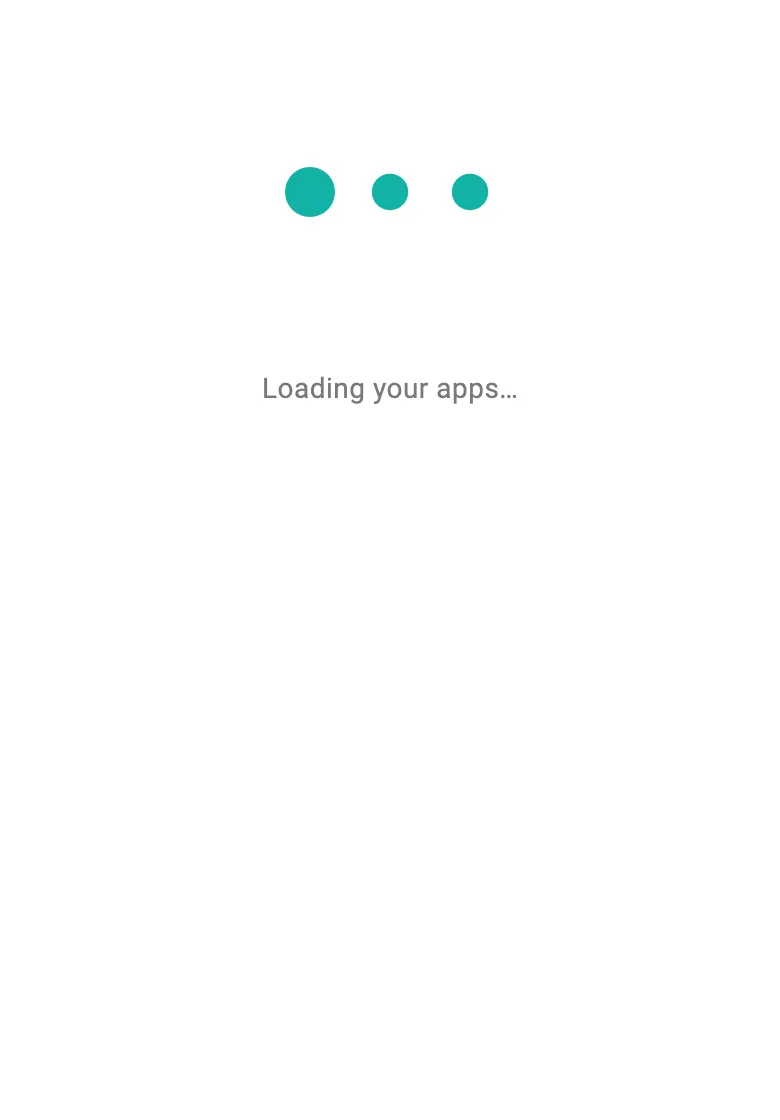
Attributes
| Name | What it does | Default |
|---|---|---|
autoplay |
Play by itself once loaded and seen (a third of it on screen): one below the fold plays when scrolled to boolean |
true |
fit |
Animation fit mode (BoxFit) contain, cover, fill, fitWidth, fitHeight, none |
contain |
height |
Animation height in pixels number |
200 |
id |
Media command registry ID (#id.play, #id.reset, #id.stop) string |
|
offscreen |
wait: autoplay starts once a third of it is on screen. play: at once, seen or not (an animation tied to a moment). wait, play |
wait |
repeat |
Loop playback boolean |
false |
src |
The .json Lottie file: https://, a server or asset path, file:/ (the app's own file when it runs from its files) or a path on the device, as <img src>. None, or one that can't be loaded: its space stays empty and a debug warning says why. string |
|
width |
Animation width in pixels number |
200 |
Commands
| Name | What it does |
|---|---|
play |
Play the animation. |
reset |
Back to the first frame. |
stop |
Stop it. |
Any tag also takes gestures: @on.tap, @on.longpress, @on.doubletap and @on.swipeleft (and right, up and down). @click runs on a tap too.