 Hype Apps
<image>
Shows a picture from a URL or the app's files, sized and cropped by its style.
Aliases
Reset to canonicalThis tag has more than one name. Every spelling is the same tag, so write whichever feels natural. Pick one and every example on this page uses it.
<column style="gap-12 w-full">
    <image src="https://hypeapps.dev/gallery/assets/landscape.jpg"
           style="w-full h-200 rounded-xl"
           fit="cover"/>
    <text style="muted text-sm">Dusk over the hills</text>
</column>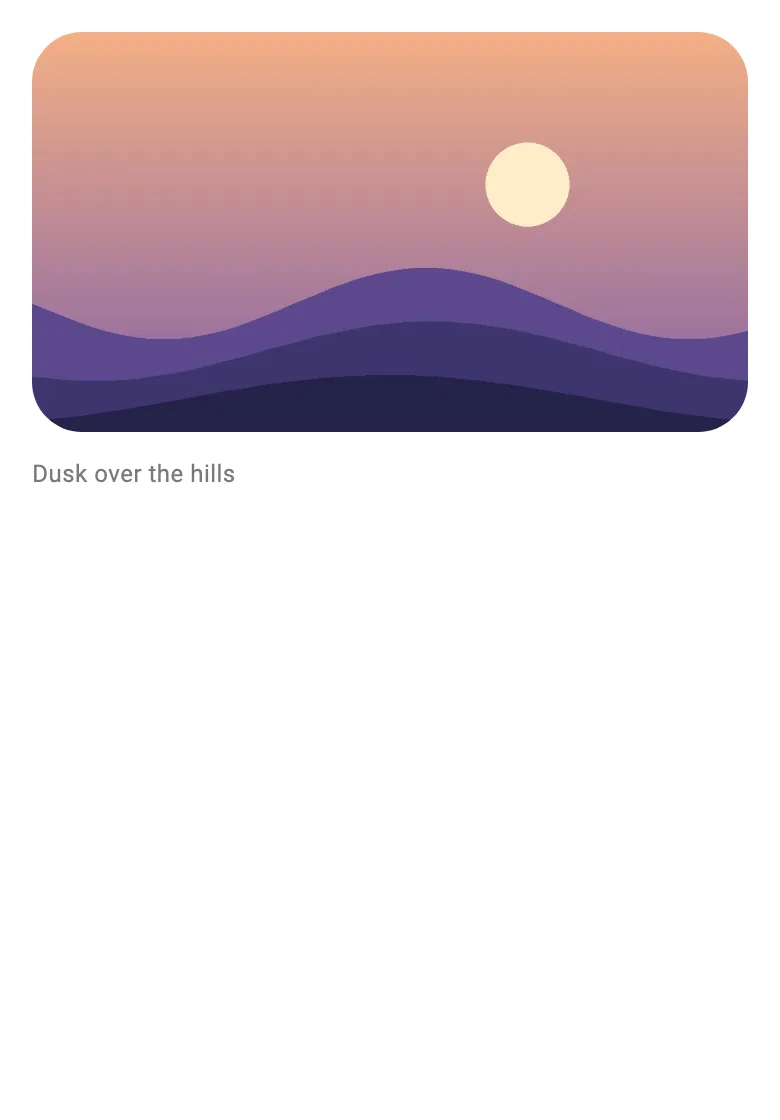

Attributes
| Name | What it does | Default |
|---|---|---|
alt |
Accessibility label string |
|
fit |
Image fit mode (BoxFit) cover, contain, fill, fitWidth, fitHeight, none |
cover |
height |
Fixed height in pixels number |
|
loading |
Loading placeholder: fade, spinner, text:..., image:..., none string |
fade |
src |
Image source: https://, a base-relative /path, file:/ (bundle), blob:, or a media: reference (a photo kept by <file-picker> / <camera>; a kept file that is gone shows the broken box, never a fetch). $variables interpolate. string |
|
width |
Fixed width in pixels number |
Any tag also takes gestures: @on.tap, @on.longpress, @on.doubletap and @on.swipeleft (and right, up and down). @click runs on a tap too.