 Hype Apps
<container>
The general-purpose container: groups children and gives them padding, color, corners and a border.
Aliases
Reset to canonicalThis tag has more than one name. Every spelling is the same tag, so write whichever feels natural. Pick one and every example on this page uses it.
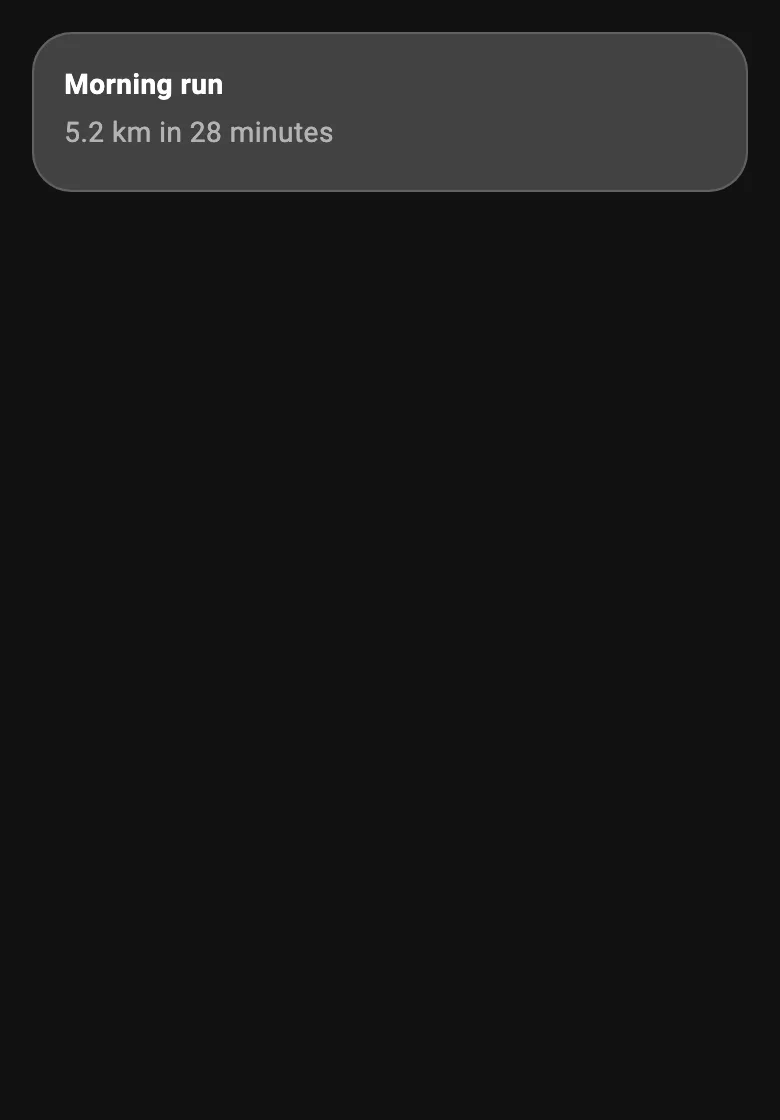
<container style="p-16 rounded-lg bg-gray-100 dark:bg-gray-800 border border-gray-200 dark:border-gray-700">
    <p style="font-bold">Morning run</p>
    <p style="muted">5.2 km in 28 minutes</p>
</container>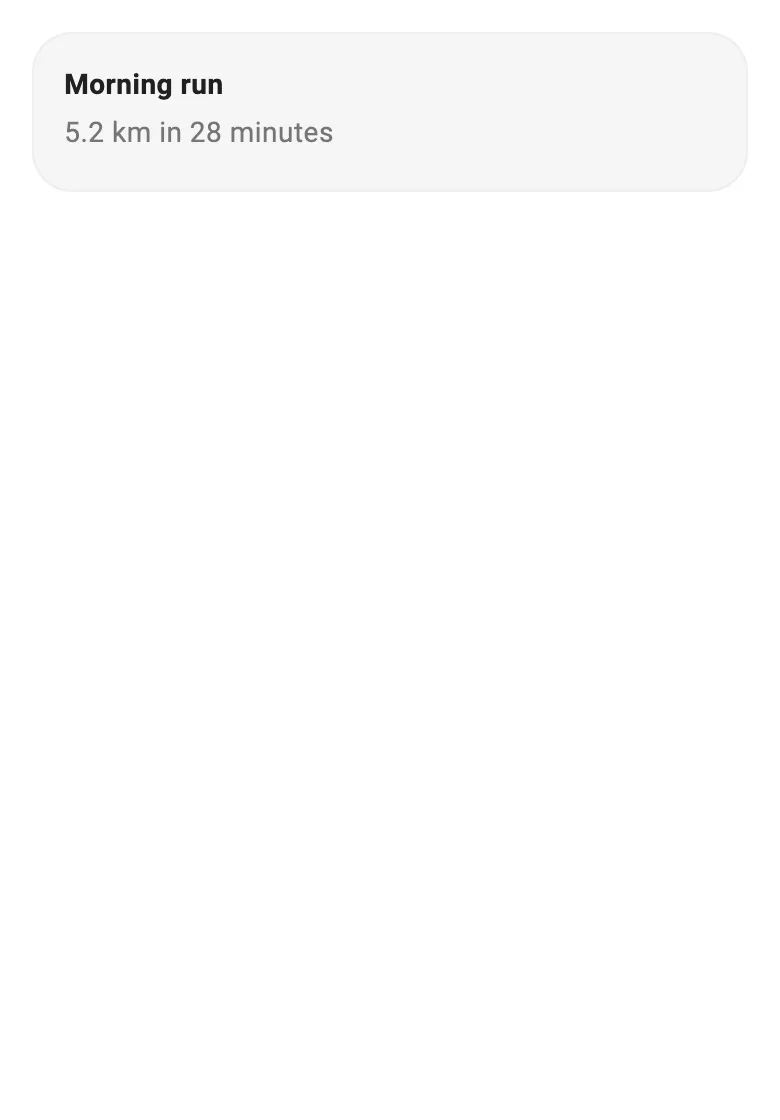
Attributes
| Name | What it does | Default |
|---|---|---|
autoscroll-delay |
Autoscroll delay in seconds number |
0.0 |
autoscroll-loop |
Whether autoscroll loops boolean |
false |
autoscroll-restart |
Autoscroll restart delay in seconds, or 'false' to disable string |
|
autoscroll-speed |
Autoscroll speed in pixels per second number |
|
autoscroll-target |
page: scroll the screen; self: scroll inside this box (give it a height). parent is accepted as self. page, self |
page |
style |
Style classes (inline, flow, stretch, items-*) string |
Any tag also takes gestures: @on.tap, @on.longpress, @on.doubletap and @on.swipeleft (and right, up and down). @click runs on a tap too.