 Hype Apps
<wrap>
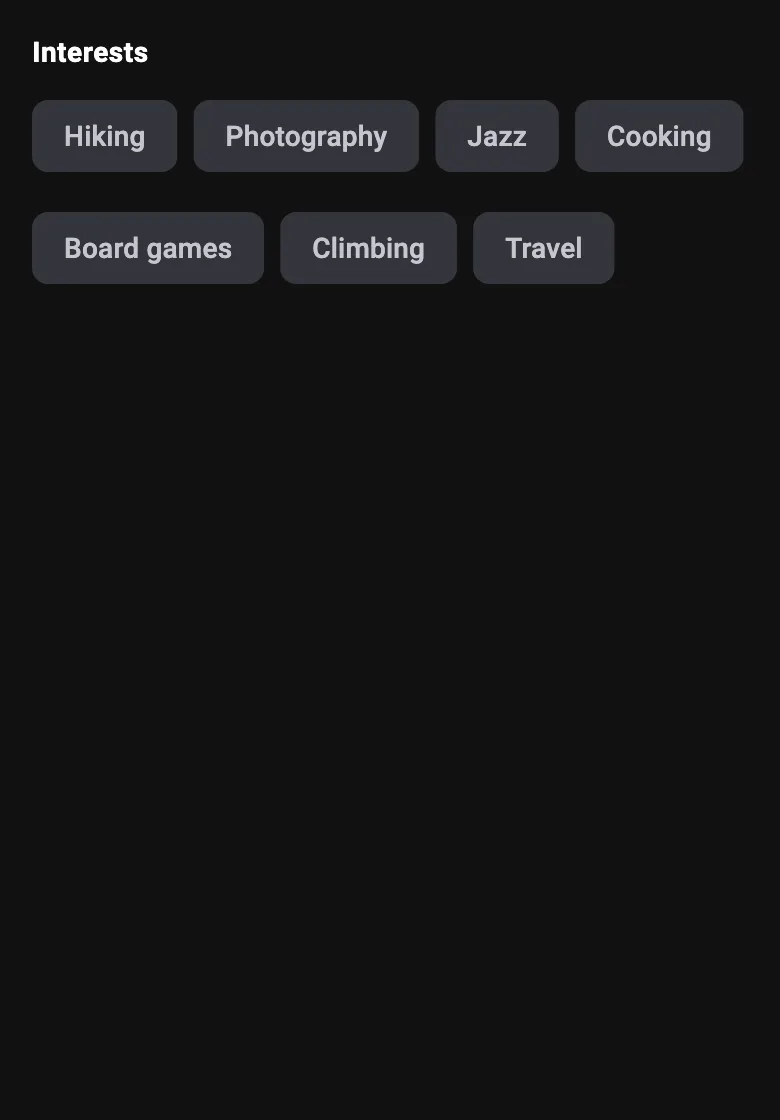
Flows its children along a line and onto the next when the line is full, like words in a paragraph.
Aliases
Reset to canonicalThis tag has more than one name. Every spelling is the same tag, so write whichever feels natural. Pick one and every example on this page uses it.
<column style="w-full gap-8">
    <text style="font-semibold">Interests</text>
    <wrap spacing="8 8">
        <chip>Hiking</chip>
        <chip>Photography</chip>
        <chip>Jazz</chip>
        <chip>Cooking</chip>
        <chip>Board games</chip>
        <chip>Climbing</chip>
        <chip>Travel</chip>
    </wrap>
</column>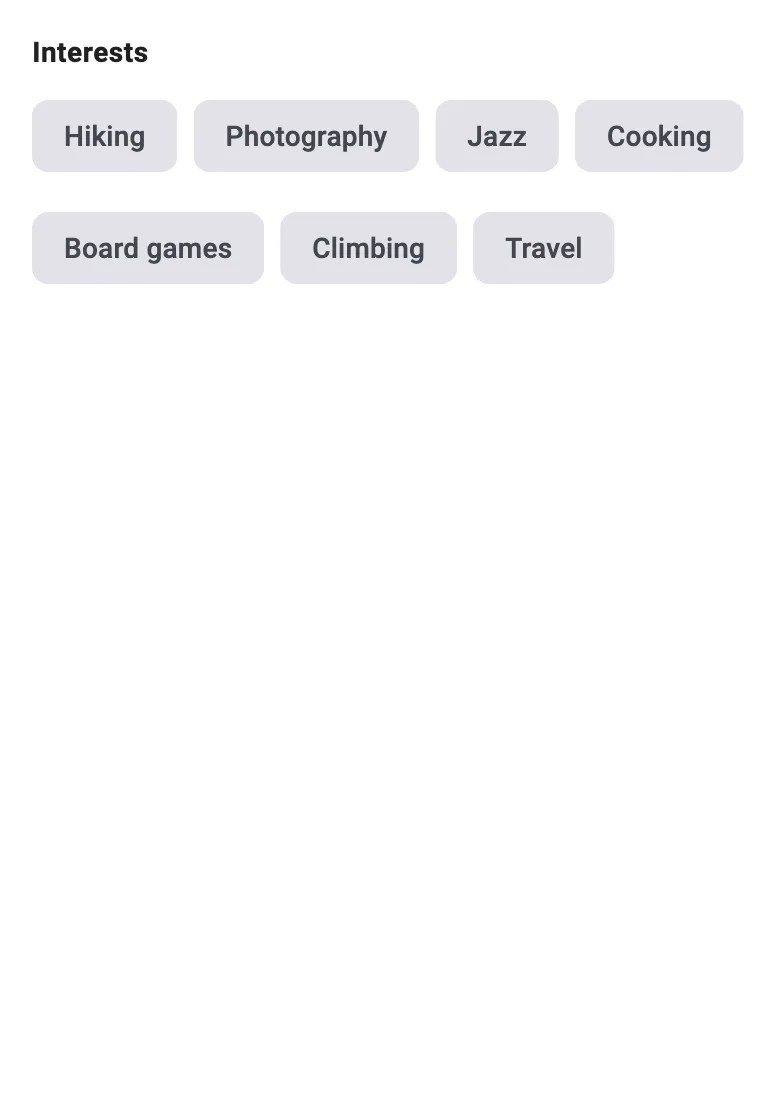
Attributes
| Name | What it does | Default |
|---|---|---|
align |
Alignment of items start, center, end, spaceBetween, spaceAround, spaceEvenly |
start |
horizontal-space |
Horizontal spacing; overrides spacing. number |
|
run-spacing |
Vertical space between rows number |
0 |
spacing |
Space between items: "8" (both axes), "8 12" or "8,12" (horizontal, vertical) number |
0 |
vertical-space |
Vertical spacing; overrides spacing. number |
Any tag also takes gestures: @on.tap, @on.longpress, @on.doubletap and @on.swipeleft (and right, up and down). @click runs on a tap too.