 Hype Apps
<water>
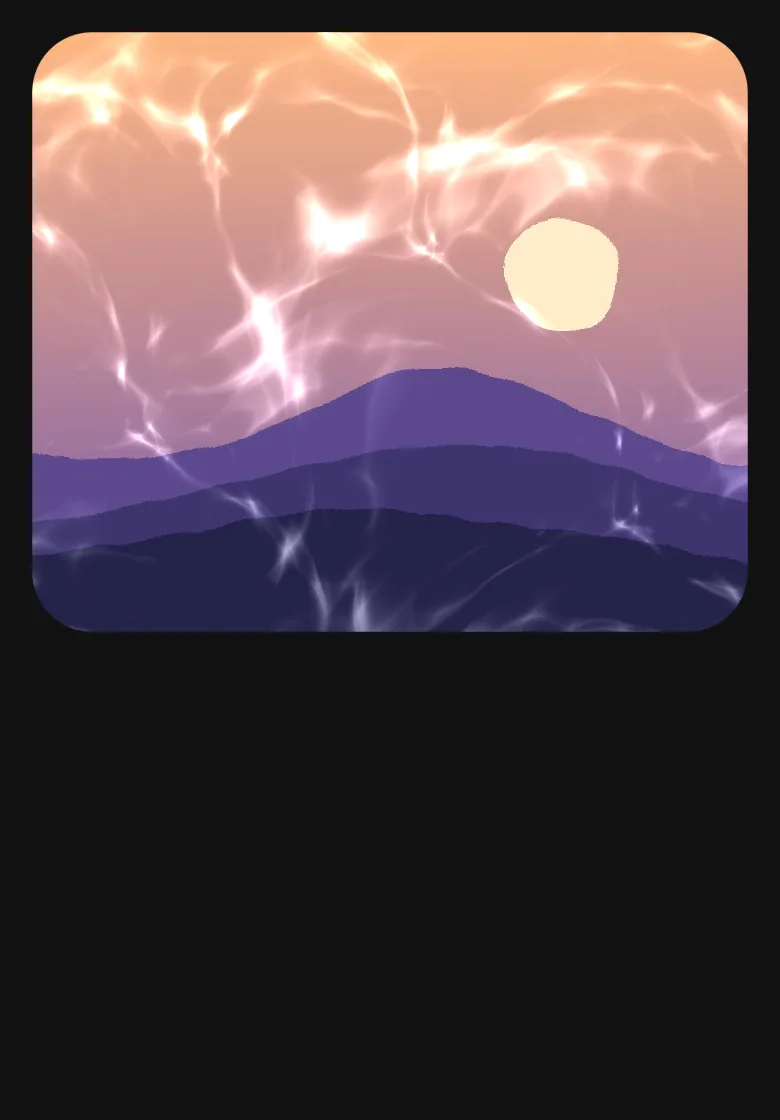
Shows its content through moving water: a shader bends it along waves, with caustics, tint and tap ripples.
<water intensity="0.5"
       scale="140"
       chop="0.2"
       caustics="0.6"
       style="rounded-2xl">
    <img src="https://hypeapps.dev/gallery/assets/landscape.jpg"
         style="w-full h-300"
         fit="cover"/>
</water>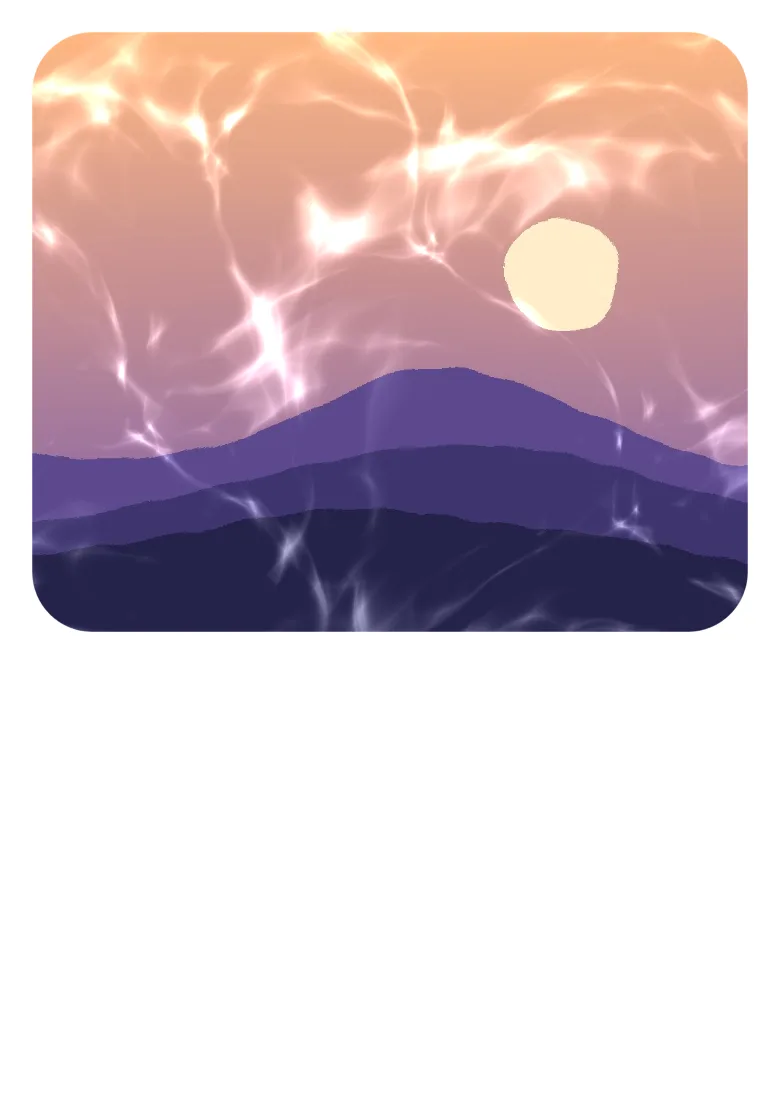
Attributes
| Name | What it does | Default |
|---|---|---|
caustics |
Bright light lines where the surface focuses light: true (0.6), or a strength 0 to 1. string |
false |
chop |
0 calm to 1 choppy: finer, sharper waves on top. number |
0.3 |
intensity |
How far the water bends the content, 0 (flat) to 1. number |
0.4 |
ripples |
A tap sends a ring through the water. boolean |
true |
scale |
Wavelength of the main waves, px. number |
120 |
speed |
How fast the water moves (0 = still). number |
1 |
tint |
A color over the content; its alpha is how much (#1E90FF33). color |
Any tag also takes gestures: @on.tap, @on.longpress, @on.doubletap and @on.swipeleft (and right, up and down). @click runs on a tap too.