 Hype Apps
<video>
A video player with a poster, controls and media commands such as #id.play and #id.pause.
This tag needs a device to play the video, so try it on your phone.
<column style="w-full gap-8">
    <video id="trailer"
           src="highlands.mp4"
           poster="https://hypeapps.dev/gallery/assets/landscape.jpg"
           fit="cover"/>
    <text style="font-semibold">Highlands from above</text>
    <text style="muted text-sm">4 min · Drone footage</text>
</column>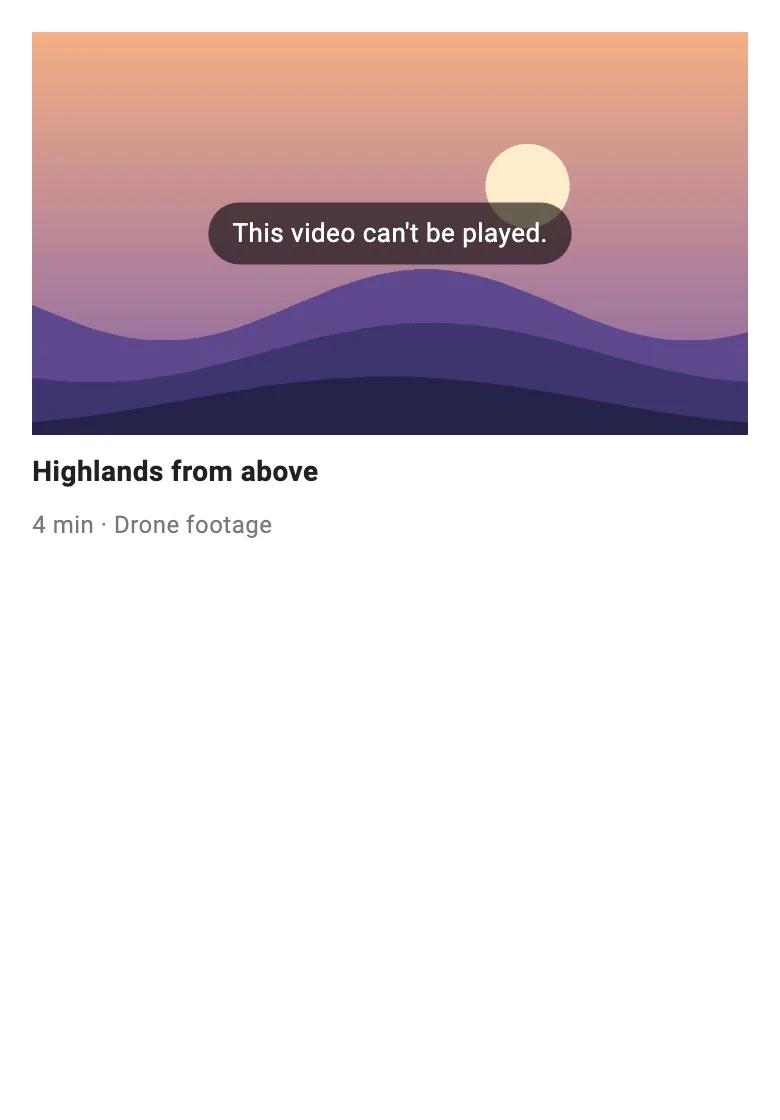
Attributes
| Name | What it does | Default |
|---|---|---|
autoplay |
Auto-play on load (muted on web) boolean |
false |
chapters |
Chapters to use instead of the file's own: a WebVTT (kind chapters) or Podcasting 2.0 JSON URL, inline JSON, or "0:00 Intro; 12:30 Part two". none: no chapters, the file is never read for them. string |
|
controls |
Show player controls boolean |
true |
cues |
A cue track, the timed lines spoken in the media (a transcript, captions, lyrics): a WebVTT or JSON URL, or JSON in place ([[start, end, text], ...]). The player follows it and publishes the line (and word) being spoken; fetched once, only when something reads it. string |
|
fit |
Video fit mode (BoxFit) contain, cover, fill |
contain |
height |
Explicit height (16:9 ratio default) number |
|
id |
Media command registry ID for remote control string |
|
loop |
Loop playback boolean |
false |
muted |
Start muted boolean |
false |
poster |
Image shown before first play, while the video loads, and under a short note if it can't be played string |
|
speed |
Playback speed number |
1.0 |
src |
Video URL (https://, file:/) string |
|
volume |
Volume 0.0-1.0 number |
1.0 |
Commands
| Name | What it does |
|---|---|
chapter |
Seek to a chapter's start: the next, the previous (or the start of this one when more than 3 s in), the first, the last, or chapter N (from 1). |
cue |
Seek to a cue's start: the next, the previous (or the start of this one when more than 3 s in), the first, the last, or cue N (from 1). |
mute |
Toggle mute. |
pause |
Pause playback. |
play |
Start playback. |
seek |
Jump to a position. |
speed |
Playback rate. |
stop |
Stop and rewind. |
toggle |
Play/pause. |
volume |
Volume 0.0–1.0. |
Readings
| Name | What it does |
|---|---|
chapter |
The chapter playing, as one entry of chapters, following the play position; index 0 and an empty title before the first, or with none. |
chapters |
The chapters, a list of {index, title, start, end} (seconds; index from 1; url and image when the source has them), empty when there are none. Read from the file itself (MP4/M4A/M4B, MP3, Ogg, Opus, FLAC, Matroska/WebM) or chapters=, only once something reads it. |
cue |
The cue being spoken, as one entry of cues plus speaking (false in the silence after it, until the next starts), following the play position. It changes only when the line does; index 0 and an empty text before the first, or with no track. |
cues |
The cue track (cues=), a list of {index, id, start, end, text} (seconds; index from 1; id the source's own, else the index), empty without one. Read once, only when something reads it. |
duration |
Length in whole seconds, once known. |
playing |
Whether it is playing. |
position |
Play position in whole seconds. |
speed |
Playback speed (1 is normal). |
word |
The word being spoken in the current cue, {index, text, start, end} (index from 1), when the track times its words; index 0 and an empty text otherwise. |
Any tag also takes gestures: @on.tap, @on.longpress, @on.doubletap and @on.swipeleft (and right, up and down). @click runs on a tap too.