 Hype Apps
<tag>
Defines a tag of your own from built-in markup; every attribute but name is a prop with a default.
<tag name="price-tag"
     label="Item">
    <attr name="price"
          type="text"
          default="0.00"/>
    <row style="w-full p-12 rounded-lg border border-gray-300 dark:border-gray-700 justify-between">
        <text @text="$label"></text>
        <text @text="'$' + $price"
              style="font-bold"></text>
    </row>
</tag>

<column style="w-full gap-8">
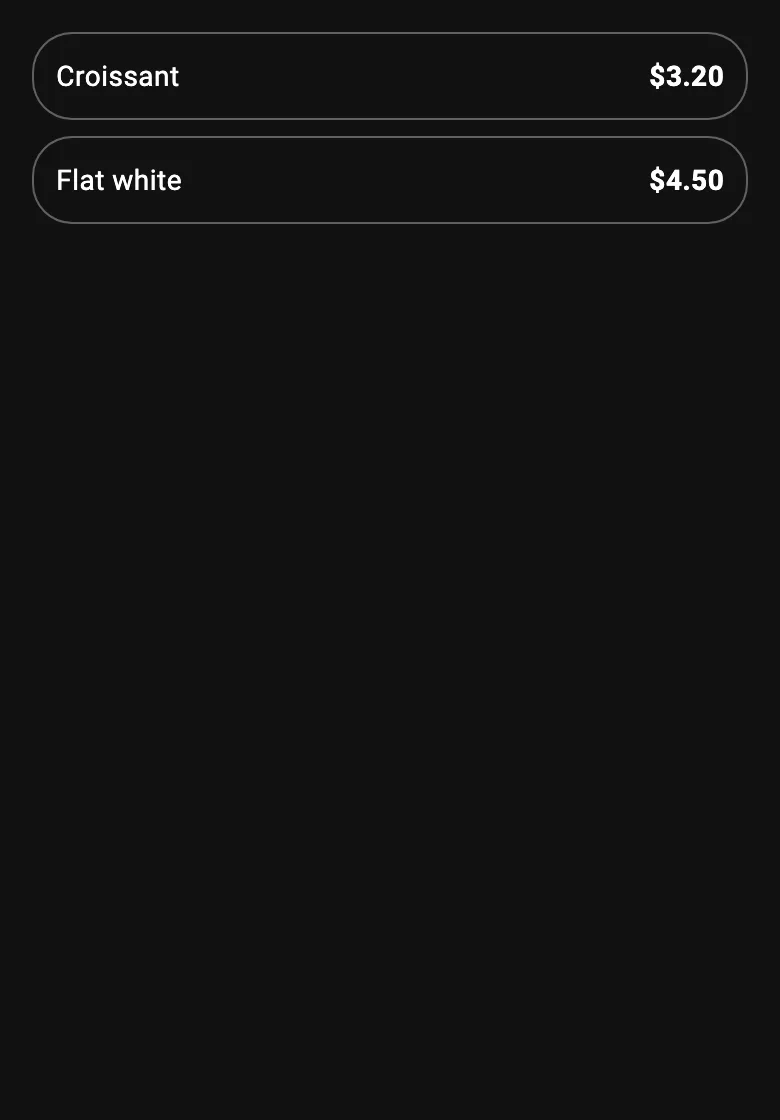
    <price-tag label="Croissant"
               price="3.20"/>
    <price-tag label="Flat white"
               price="4.50"/>
</column>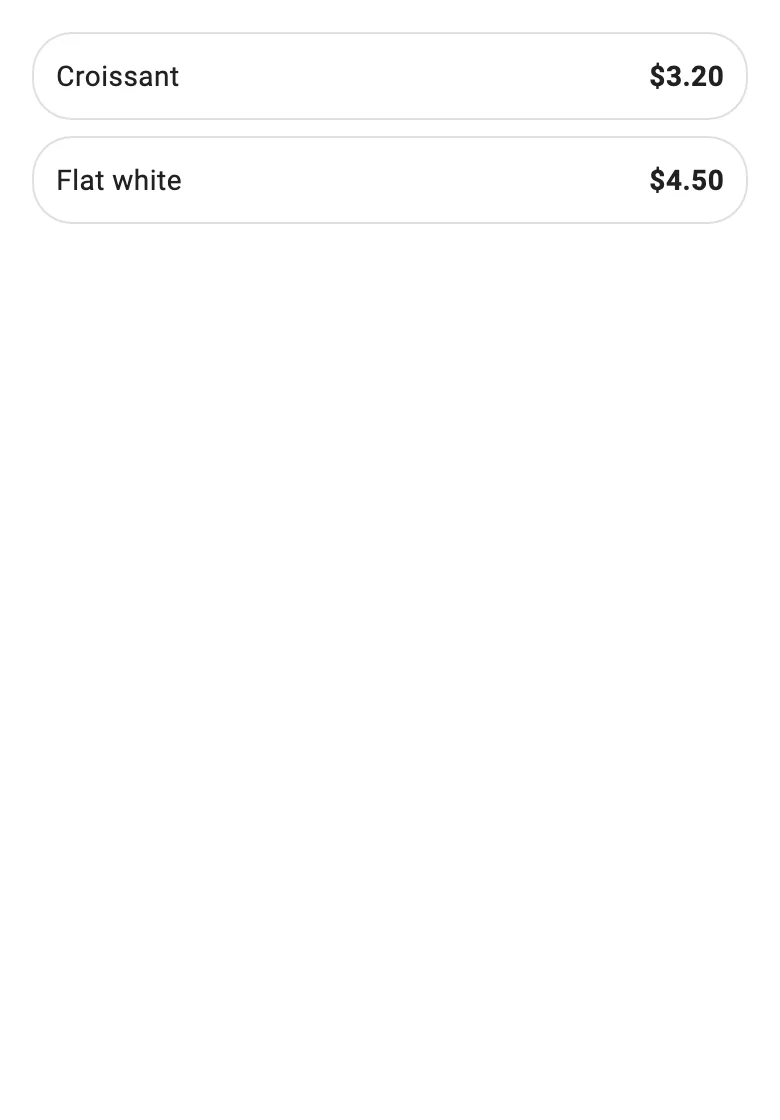
Attributes
| Name | What it does | Default |
|---|---|---|
attrs |
The older spelling of the props: "count=0, color=amber, label" (name=default); the same as writing each as an attribute of <tag>. string |
|
name |
The tag's name: lowercase, a letter first, at least one hyphen (rating-stars). string |
Any tag also takes gestures: @on.tap, @on.longpress, @on.doubletap and @on.swipeleft (and right, up and down). @click runs on a tap too.