 Hype Apps
<sticky>
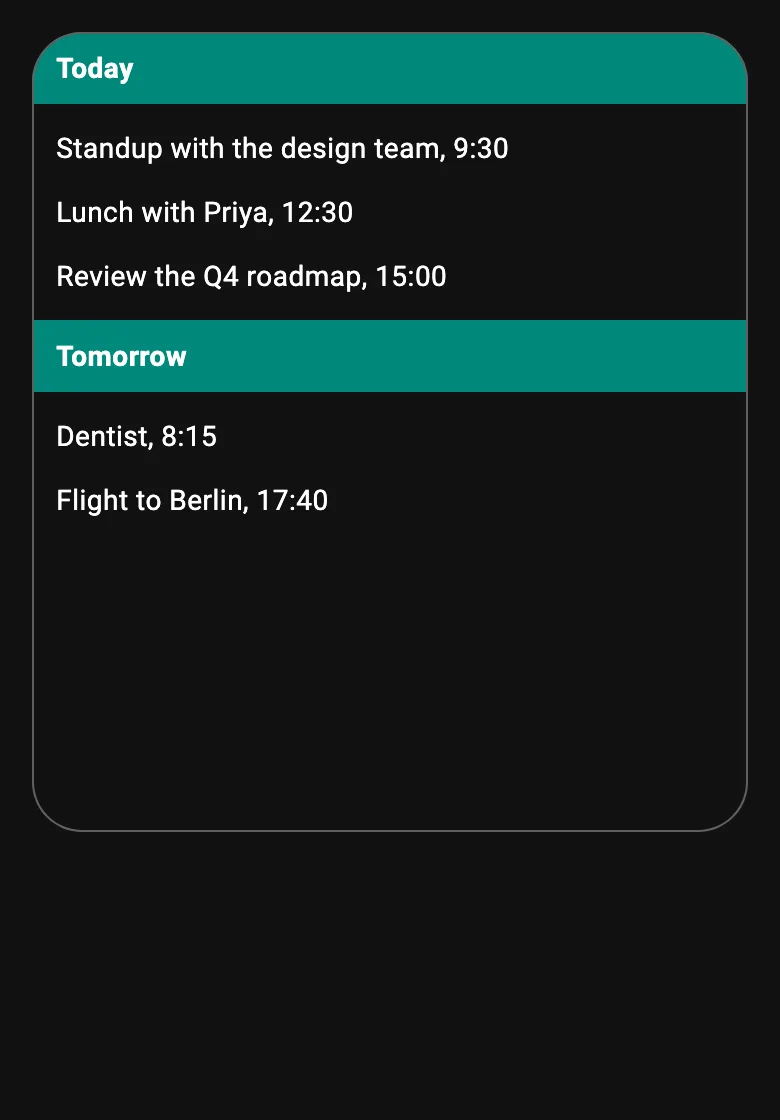
A header that pins to the top of its scrolling list while its section scrolls under it.
<block style="w-full h-400 rounded-xl border border-gray-300 dark:border-gray-700">
    <main>
        <sticky min-height="36"
                max-height="36">
            <block style="w-full px-12 py-8 bg-teal-600">
                <text style="text-white font-semibold">Today</text>
            </block>
        </sticky>
        <column style="p-12 gap-12">
            <text>Standup with the design team, 9:30</text>
            <text>Lunch with Priya, 12:30</text>
            <text>Review the Q4 roadmap, 15:00</text>
        </column>
        <sticky min-height="36"
                max-height="36">
            <block style="w-full px-12 py-8 bg-teal-600">
                <text style="text-white font-semibold">Tomorrow</text>
            </block>
        </sticky>
        <column style="p-12 gap-12">
            <text>Dentist, 8:15</text>
            <text>Flight to Berlin, 17:40</text>
        </column>
    </main>
</block>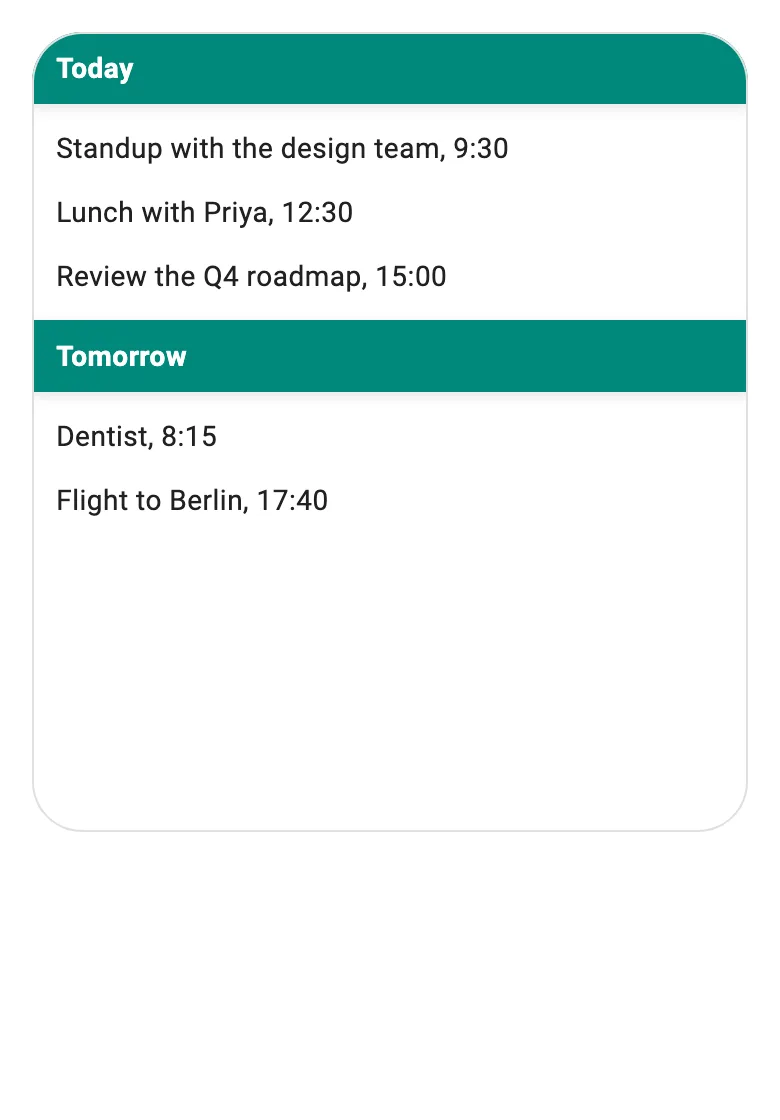
Attributes
| Name | What it does | Default |
|---|---|---|
max-height |
Maximum pinned height number |
50 |
min-height |
Minimum pinned height number |
50 |
mode |
Pinning mode: replace (push-off) or stack (accumulate) replace, stack |
replace |
Any tag also takes gestures: @on.tap, @on.longpress, @on.doubletap and @on.swipeleft (and right, up and down). @click runs on a tap too.