 Hype Apps
<stack>
Layers its children on top of each other, each drawn over the last, like a caption over a photo.
<stack style="w-full h-220 rounded-xl">
    <img src="https://hypeapps.dev/gallery/assets/city.jpg"
         style="w-full h-220"
         fit="cover"/>
    <column style="w-full h-220 p-12 justify-end items-start">
        <block style="px-12 py-6 rounded-full bg-#00000099">
            <text style="text-white font-semibold">Lisbon, 18°</text>
        </block>
    </column>
</stack>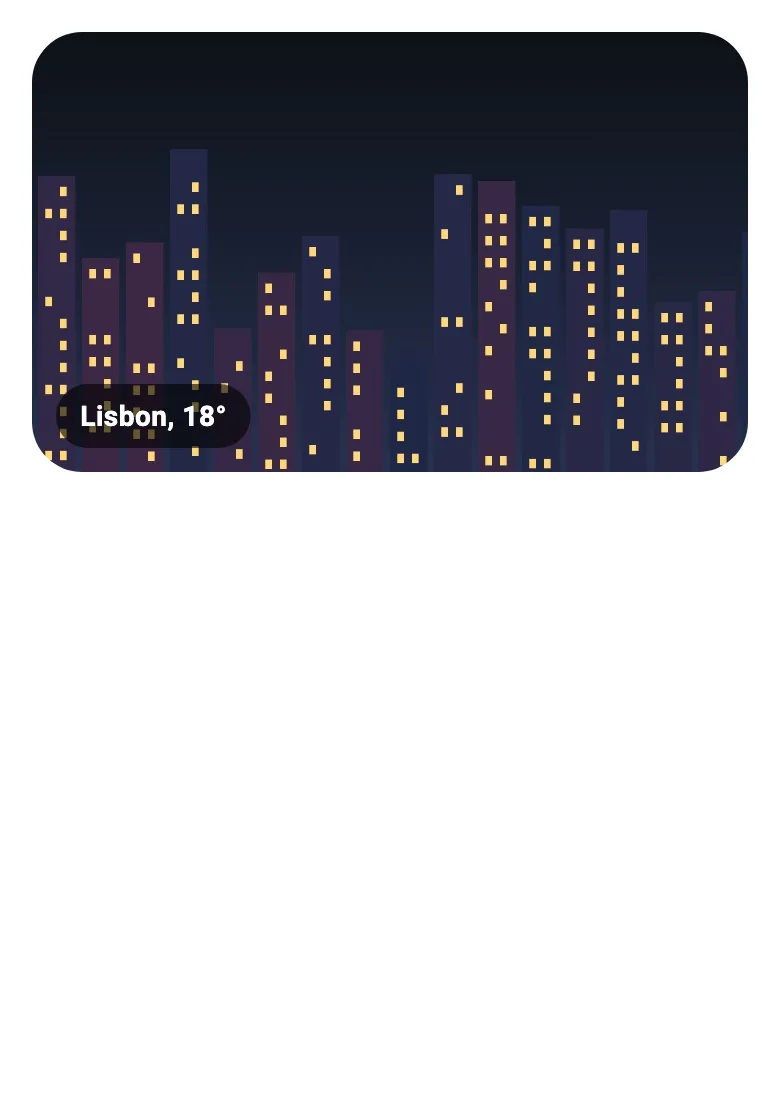
Attributes
| Name | What it does | Default |
|---|---|---|
clip |
false lets children paint outside the stack bounds. boolean |
true |
Any tag also takes gestures: @on.tap, @on.longpress, @on.doubletap and @on.swipeleft (and right, up and down). @click runs on a tap too.