 Hype Apps
<path>
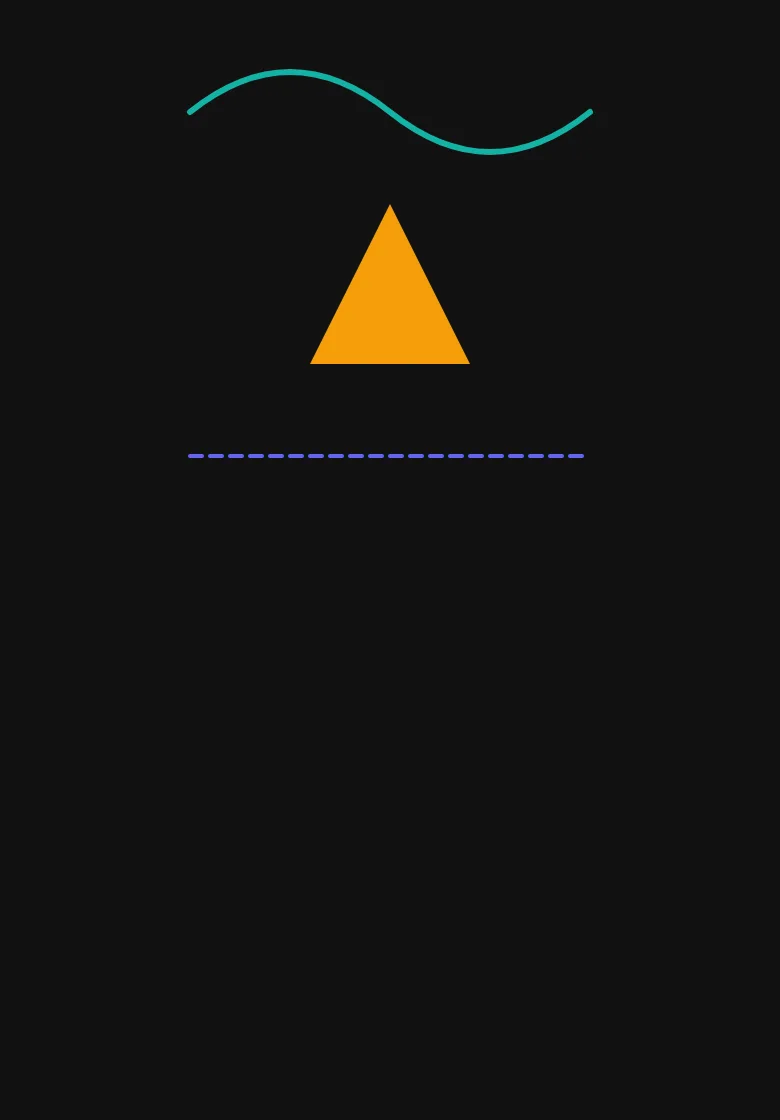
A vector shape from points or SVG-like path data, stroked, filled or dashed.
<column style="gap-16 w-full items-center">
    <path d="M 0 40 Q 50 0 100 40 Q 150 80 200 40"
          stroke="#13B3A6"
          stroke-width="3"
          style="w-200 h-60"/>
    <path points="10,90 50,10 90,90"
          closed="true"
          fill="#F59E0B"
          style="w-100 h-100"/>
    <path d="M 0 20 L 200 20"
          stroke="#6366F1"
          stroke-width="2"
          dash="6 4"
          style="w-200 h-40"/>
</column>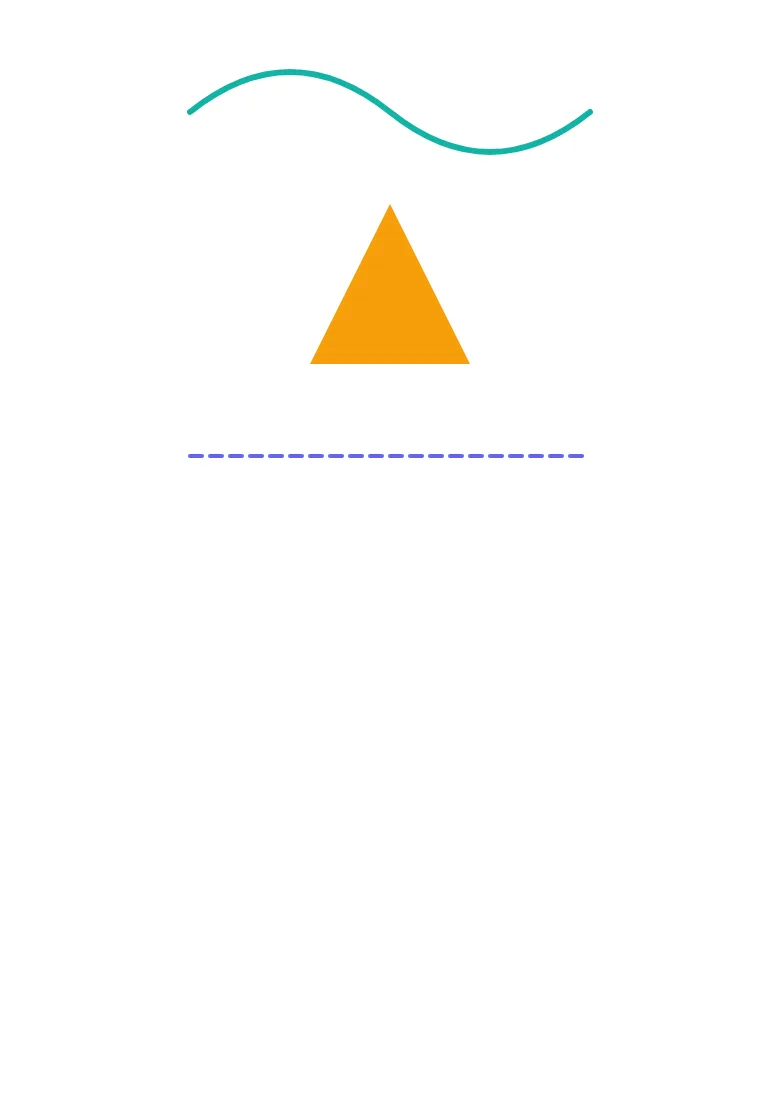
Attributes
| Name | What it does | Default |
|---|---|---|
cap |
The line cap. round, butt, square |
round |
closed |
Join the last point to the first. boolean |
false |
d |
An SVG path: M L H V C S Q T A Z, absolute or relative (a command cut short ends the path there). Takes precedence over points. string |
|
dash |
Dashes: "on off" lengths ("6 4"), or one number for equal dashes. string |
|
fill |
The fill color (none by default). none |
|
in |
A <canvas>'s id (#pad): the path overlays that pad in document coordinates and follows its view. string |
|
join |
The line join. round, miter, bevel |
round |
opacity |
The shape's opacity, 0–1. number |
1 |
points |
The vertices, "x,y x,y …", a polyline (closed="true" joins the ends). string |
|
stroke |
The outline color (black when there is no fill; none for no outline). none |
|
stroke-width |
The outline width (on screen, for an overlay). number |
1 |
viewbox |
On its own: "x y w h", the coordinate space scaled to fit the box, as SVG's viewBox. string |
Any tag also takes gestures: @on.tap, @on.longpress, @on.doubletap and @on.swipeleft (and right, up and down). @click runs on a tap too.