 Hype Apps
<nav>
A nav region, as in HTML: a block that holds a set of links.
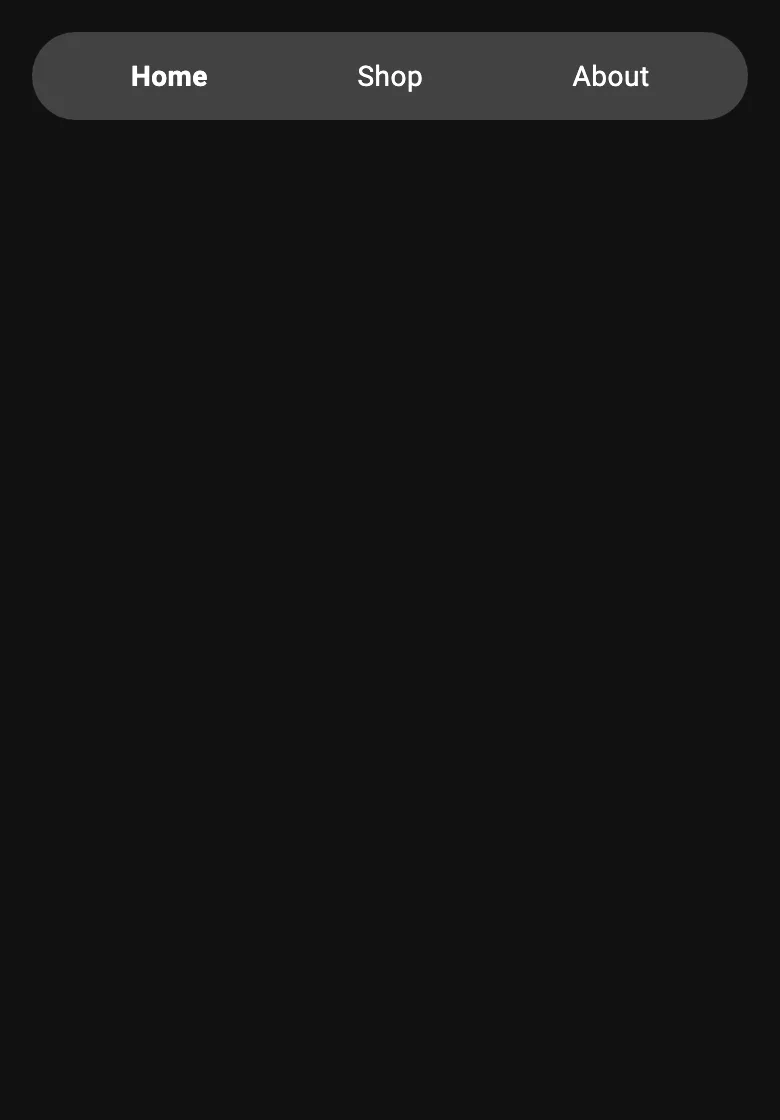
<nav style="w-full flex-row justify-around p-12 rounded-xl bg-gray-100 dark:bg-gray-800">
    <navigate action="home">
        <text style="font-bold">Home</text>
    </navigate>
    <navigate action="shop">
        <text>Shop</text>
    </navigate>
    <navigate action="about">
        <text>About</text>
    </navigate>
</nav>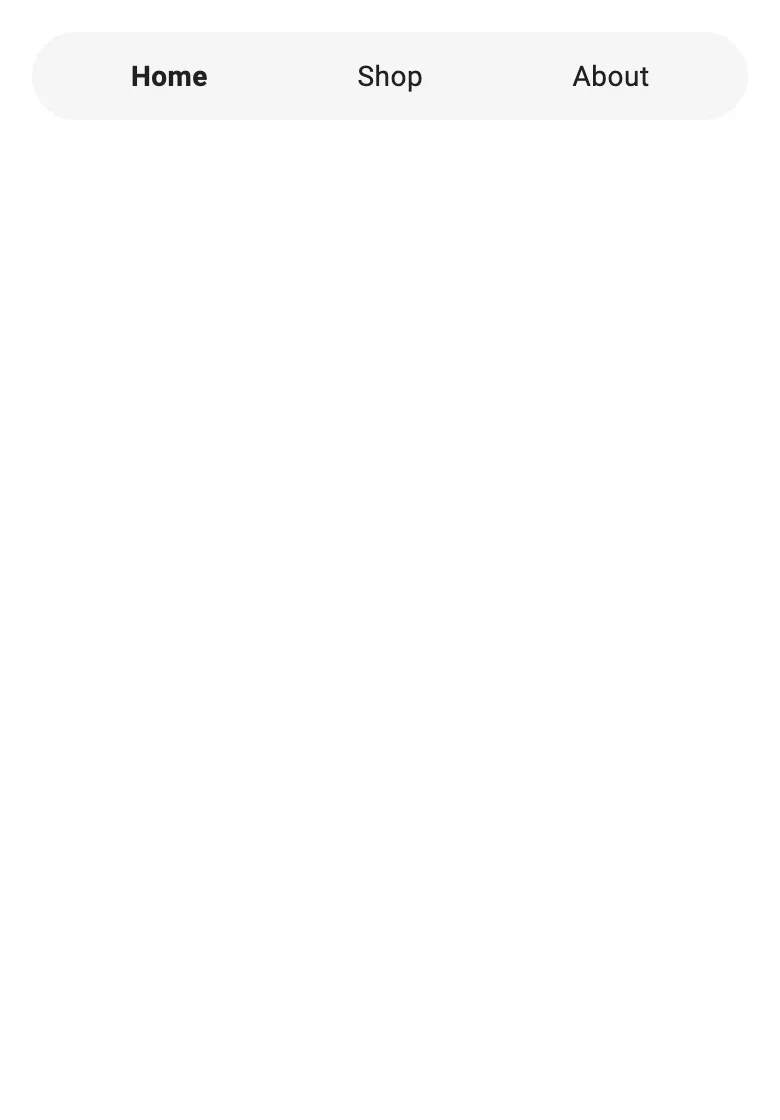
Attributes
| Name | What it does | Default |
|---|---|---|
autoscroll-delay |
Autoscroll delay in seconds number |
0.0 |
autoscroll-loop |
Whether autoscroll loops boolean |
false |
autoscroll-restart |
Autoscroll restart delay in seconds, or 'false' to disable string |
|
autoscroll-speed |
Autoscroll speed in pixels per second number |
|
autoscroll-target |
page: scroll the screen; self: scroll inside this box (give it a height). parent is accepted as self. page, self |
page |
style |
Style classes string |
Any tag also takes gestures: @on.tap, @on.longpress, @on.doubletap and @on.swipeleft (and right, up and down). @click runs on a tap too.