Hype Apps
A poll that syncs
Build a lunch poll from the smallest app: a database on the phone, votes that count, one vote each, and then one attribute that shares it with every phone that has the app.
9 steps · ends in a lunch poll that everyone with the app votes in
Aliases
Reset to canonicalThis tag has more than one name. Every spelling is the same tag, so write whichever feels natural. Pick one and every example on this page uses it.
HAM Sync shares an app's database between every install of the app. You declare the database in markup, add sync="on", and each phone keeps a copy that stays in step with everyone else's. Votes cast offline still count once the phone is back online.
This guide builds a lunch poll. It works on one phone first, and then a single attribute makes it shared.
Step 1 of 9
Start with the smallest app
Every HAM document starts with <app>. A <screen> is one page of the app, and <main> holds what's on it: for now, one line of <text>.
<app> <screen> <main> <text>Hello</text> </main> </screen></app>

Step 2 of 9
Add a title bar and a color
<app-bar> gives the screen its title across the top. <config primary_color="teal"> sets the color the app's controls use, so every button you add from here on is teal. Use a named color like teal, amber or rose.
<app> <config primary_color="teal"/> <screen> <app-bar title="Lunch poll"/> <main> <text>Hello</text> </main> </screen></app>

Step 3 of 9
Write the poll
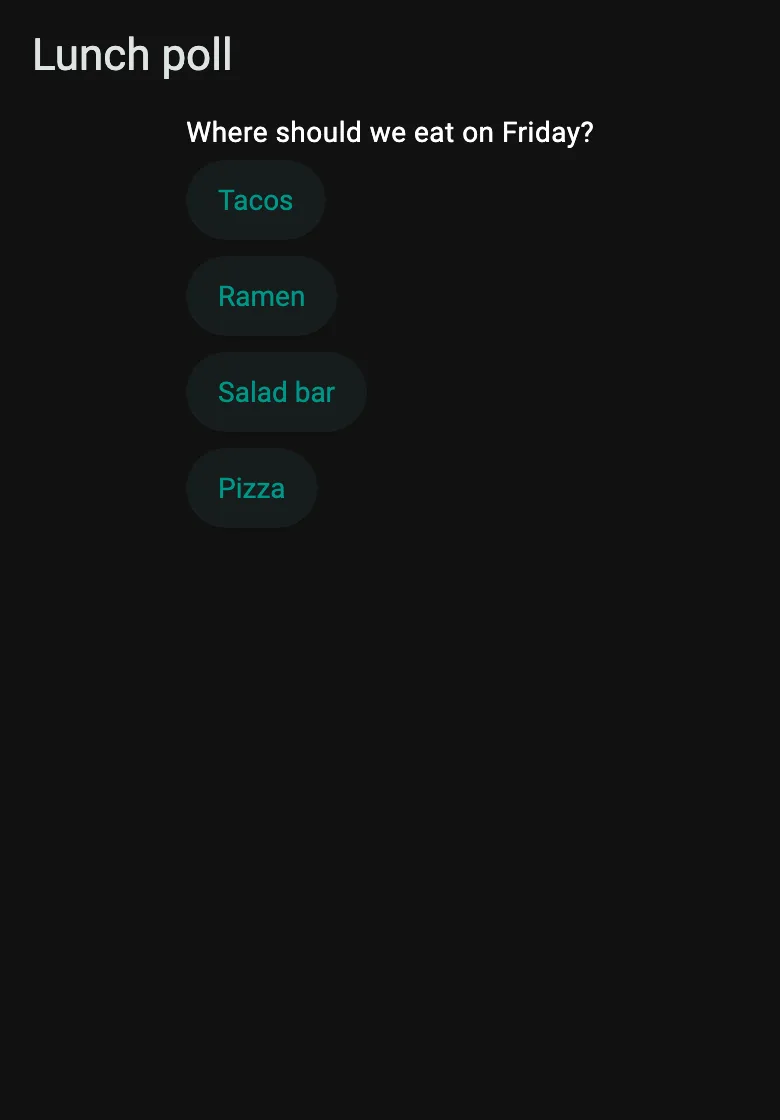
The placeholder goes, and the content comes in, with nothing behind it yet: a <column> with the question and one <button> for each answer. This is how the poll should read before any of it works.
<app> <config primary_color="teal"/> <screen> <app-bar title="Lunch poll"/> <main> <column> <text>Where should we eat on Friday?</text> <button>Tacos</button> <button>Ramen</button> <button>Salad bar</button> <button>Pizza</button> </column> </main> </screen></app>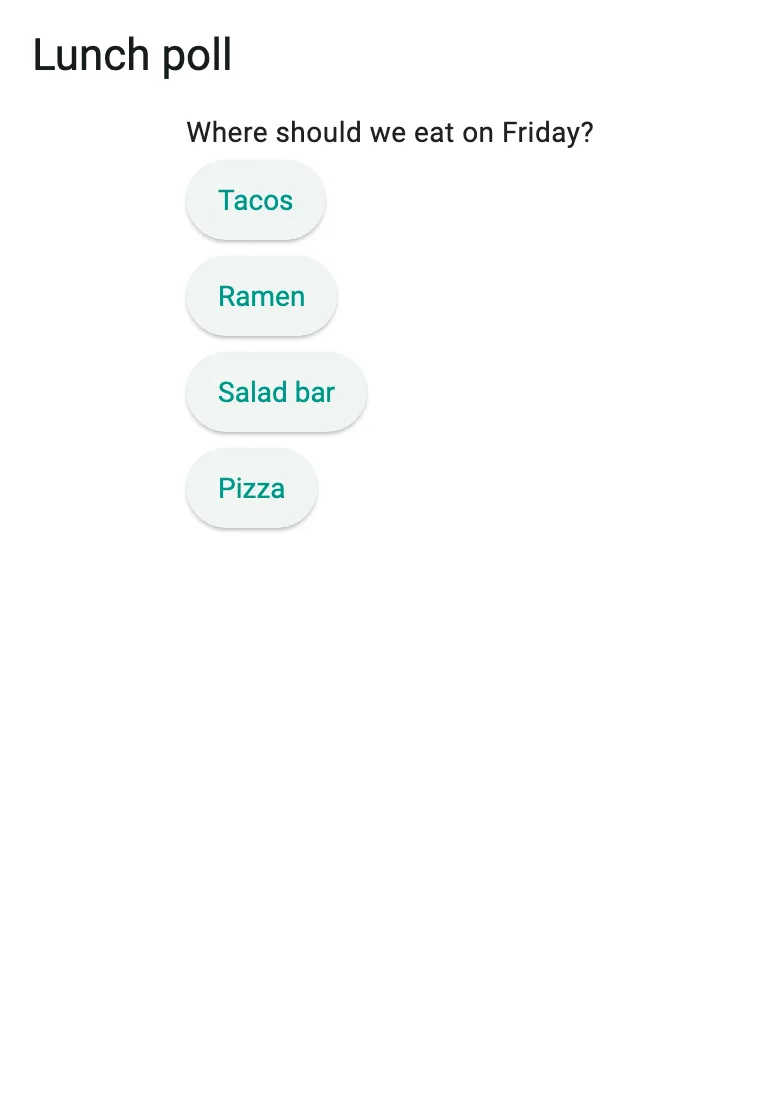
Step 4 of 9
Keep the answers in a database
Typing each answer into a button works for four, but a poll's answers are data. A <database> declares a database that lives on the phone, and a <model> is one table in it, with a <field> for each column. <seed> gives the table its starting rows, once, the first time the app opens.
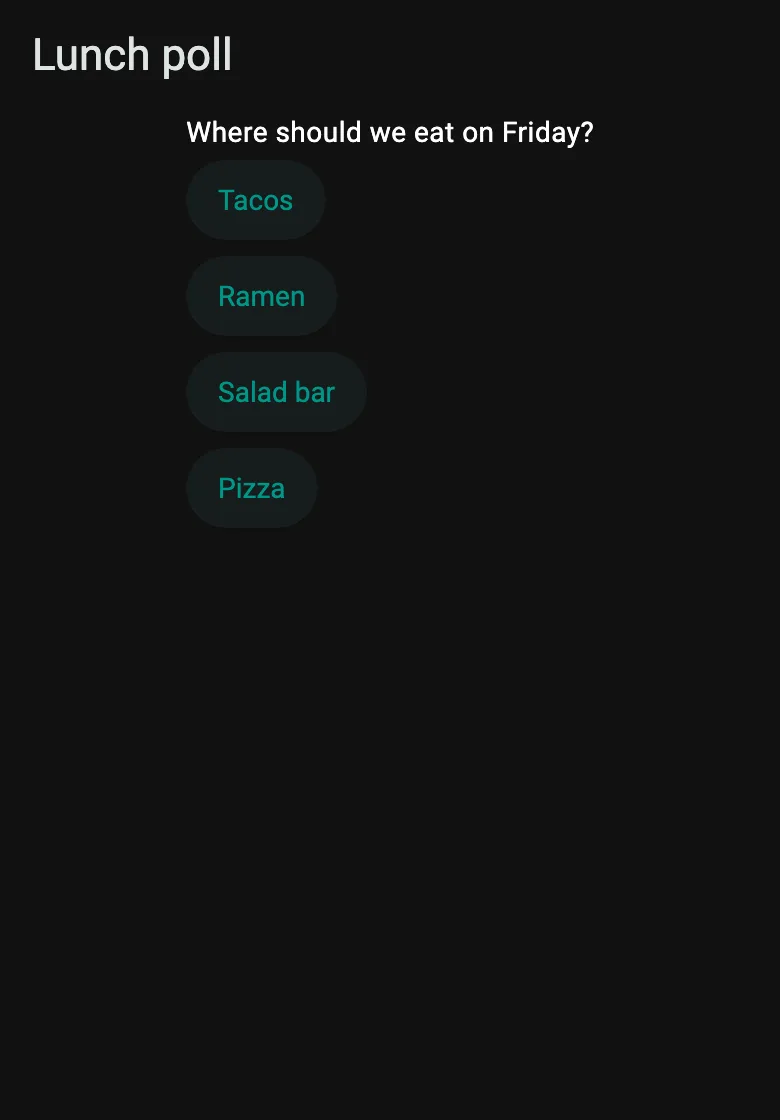
<@foreach in="answer"> repeats what's inside it for each row of the table, with the row as $a. The four hand-written buttons become one, and @{$a.label} puts each row's label into its button.
<app> <config primary_color="teal"/> <database name="lunch" version="1"> <model name="answer"> <field name="key"/> <field name="label"/> <seed key="key">[{"key": "tacos", "label": "Tacos"}, {"key": "ramen", "label": "Ramen"}, {"key": "salad", "label": "Salad bar"}, {"key": "pizza", "label": "Pizza"}]</seed> </model> </database> <screen> <app-bar title="Lunch poll"/> <main> <column> <text>Where should we eat on Friday?</text> <@foreach in="answer" as="a"> <button>@{$a.label}</button> </@foreach> </column> </main> </screen></app>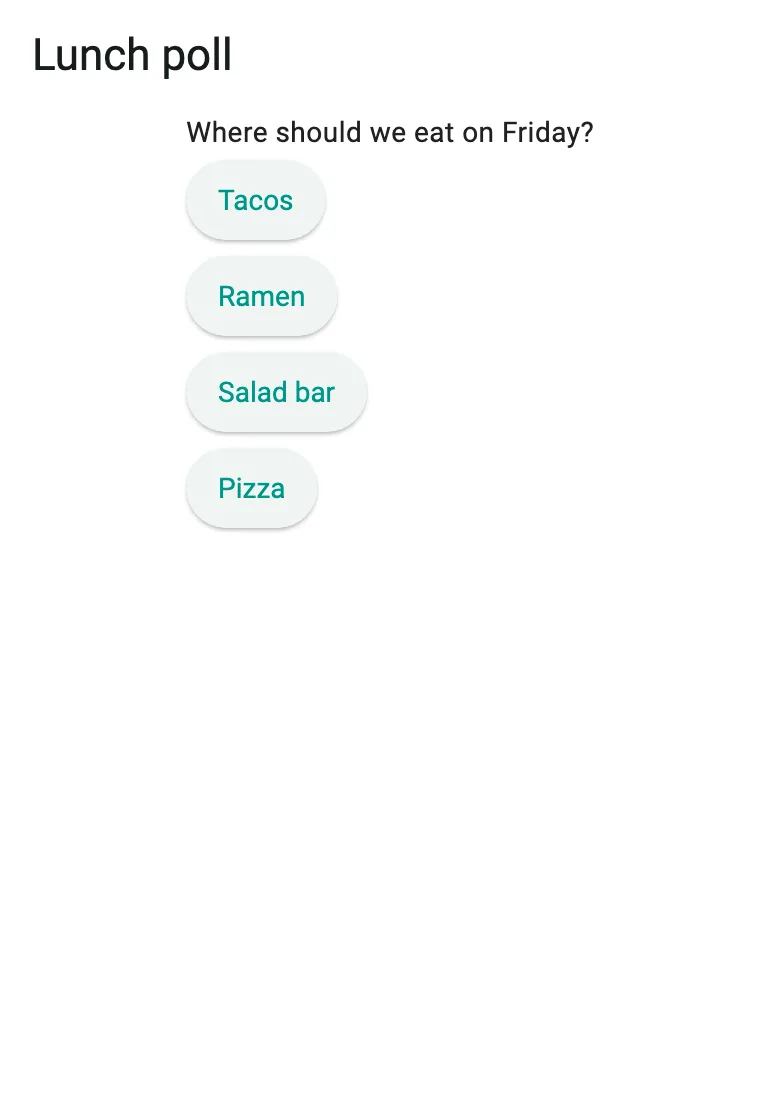
Step 5 of 9
Count the votes
A vote needs a count to add to. type="counter" makes the votes field a counter: a number you add to rather than overwrite, which matters once more than one phone is adding.
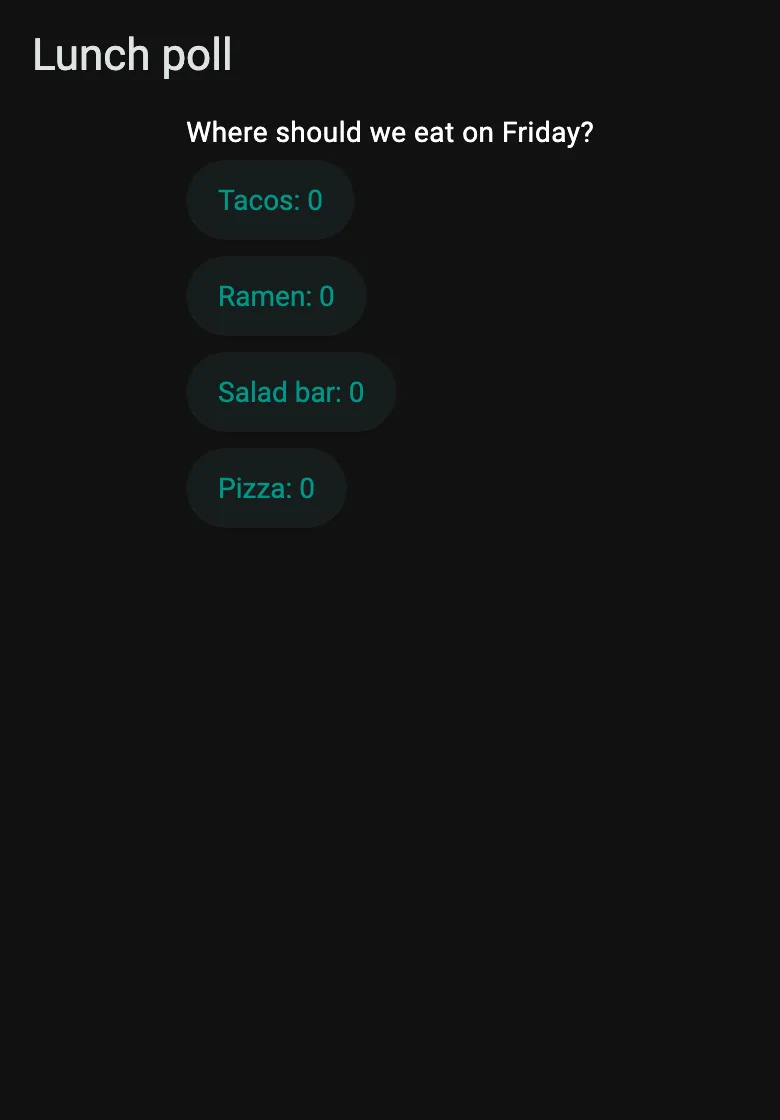
The button's action runs #db.answer.increment:$a.id,votes when you tap it. That's an action on the database: add one to this row's votes. The label shows the count, and it updates as soon as the row changes, because every <@foreach> follows its table live.
<app> <config primary_color="teal"/> <database name="lunch" version="1"> <model name="answer"> <field name="key"/> <field name="label"/> <field name="votes" type="counter"/> <seed key="key">[{"key": "tacos", "label": "Tacos"}, {"key": "ramen", "label": "Ramen"}, {"key": "salad", "label": "Salad bar"}, {"key": "pizza", "label": "Pizza"}]</seed> </model> </database> <screen> <app-bar title="Lunch poll"/> <main> <column> <text>Where should we eat on Friday?</text> <@foreach in="answer" as="a"> <button action="#db.answer.increment:$a.id,votes"> @{$a.label}: @{$a.votes} </button> </@foreach> </column> </main> </screen></app>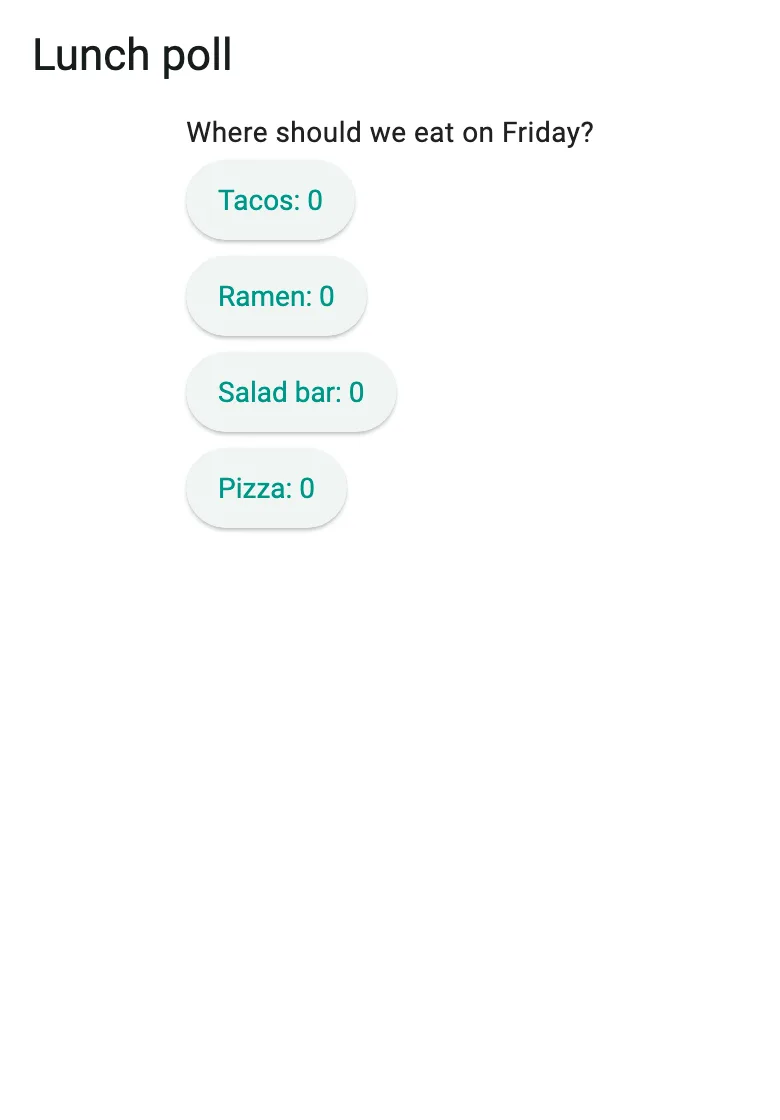
Step 6 of 9
One vote each
Tapping the same button ten times shouldn't count ten times. A second model, vote, keeps a row for the vote you cast. Tapping an answer now does two things, separated by ;: it creates your vote row and adds one to that answer's count.
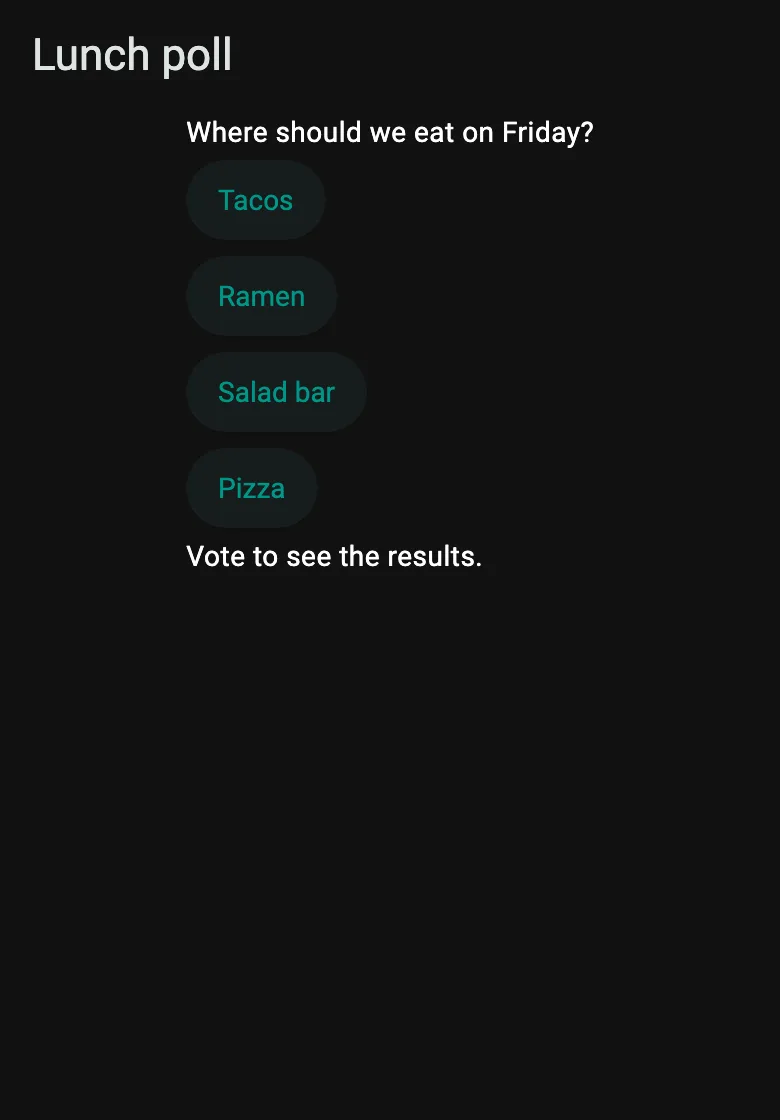
The outer <@foreach in="vote" limit="1"> shows its content when there's a vote, and <@empty> shows the buttons when there isn't one. So before you vote you see the buttons, and after you vote you see the results. <sum name="total" of="votes"/> adds up every answer's count as $db.answer.total, and each answer shows its share with a <progress>.
<app> <config primary_color="teal"/> <database name="lunch" version="1"> <model name="answer"> <field name="key"/> <field name="label"/> <field name="votes" type="counter"/> <sum name="total" of="votes"/> <seed key="key">[{"key": "tacos", "label": "Tacos"}, {"key": "ramen", "label": "Ramen"}, {"key": "salad", "label": "Salad bar"}, {"key": "pizza", "label": "Pizza"}]</seed> </model> <model name="vote"> <field name="answer"/> </model> </database> <screen> <app-bar title="Lunch poll"/> <main> <column> <text>Where should we eat on Friday?</text> <@foreach in="vote" as="mine" limit="1"> <@foreach in="answer" as="a"> <row> <text>@{$a.label}</text> <text> @{round($a.votes * 100 / max(1, $db.answer.total))}% </text> </row> <progress value="$a.votes" max="$db.answer.total"/> </@foreach> <text> @{$db.answer.total == 1 ? '1 vote' : $db.answer.total + ' votes'} so far. Yours is in. </text> <@empty> <@foreach in="answer" as="a"> <button action="#db.vote.create:answer=$a.key; #db.answer.increment:$a.id,votes"> @{$a.label} </button> </@foreach> <text>Vote to see the results.</text> </@foreach> </column> </main> </screen></app>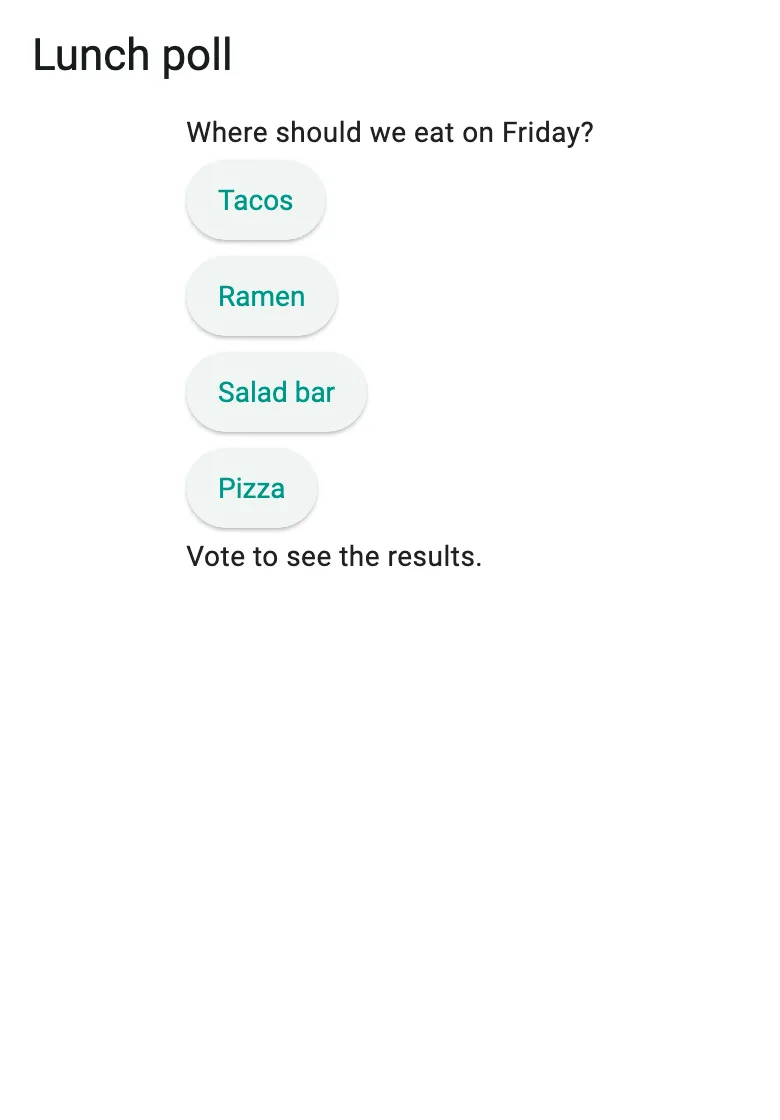
Step 7 of 9
Style it
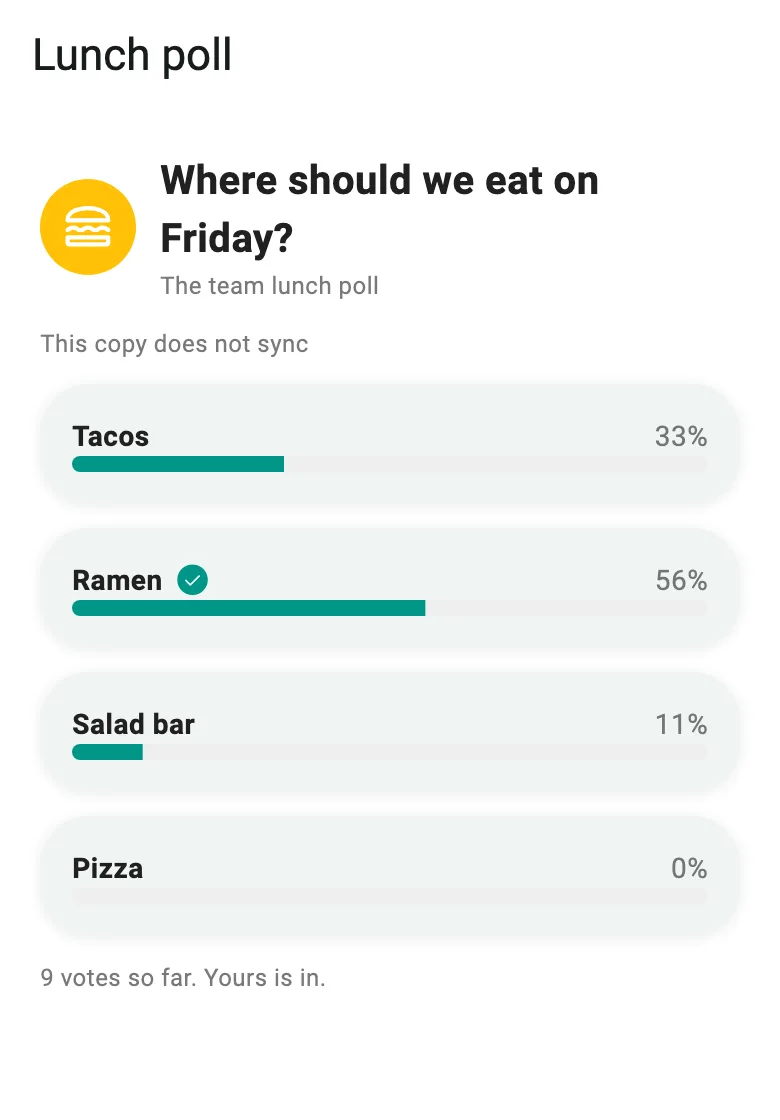
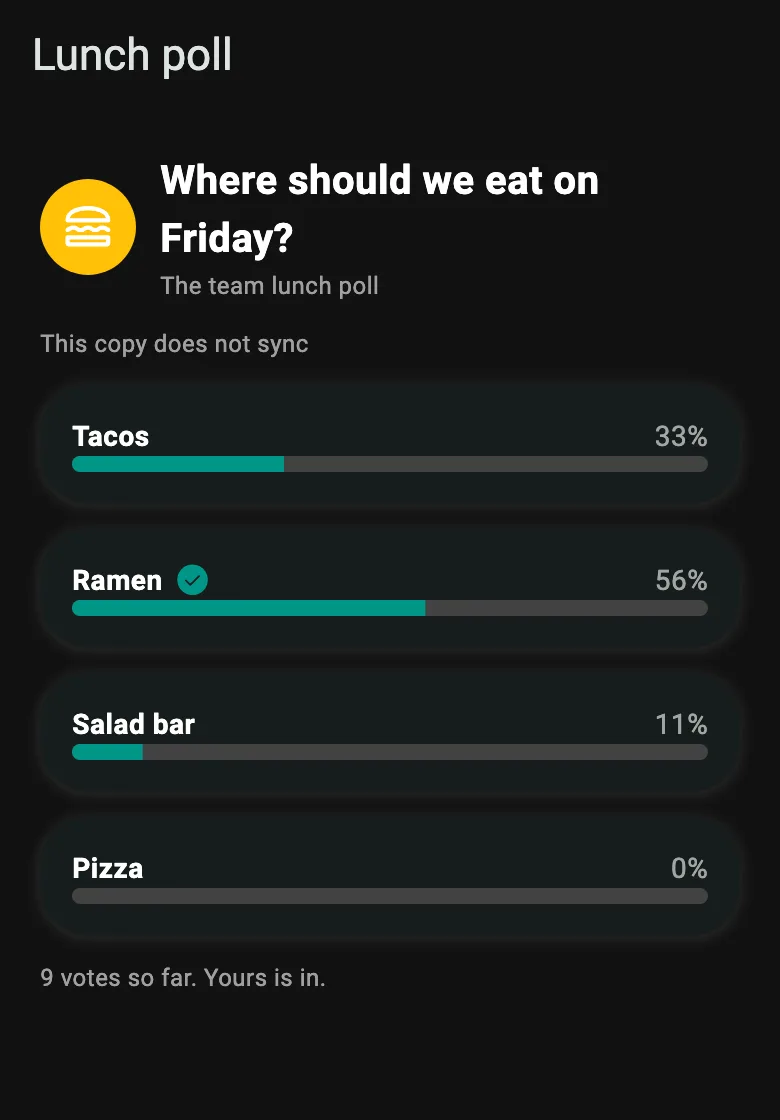
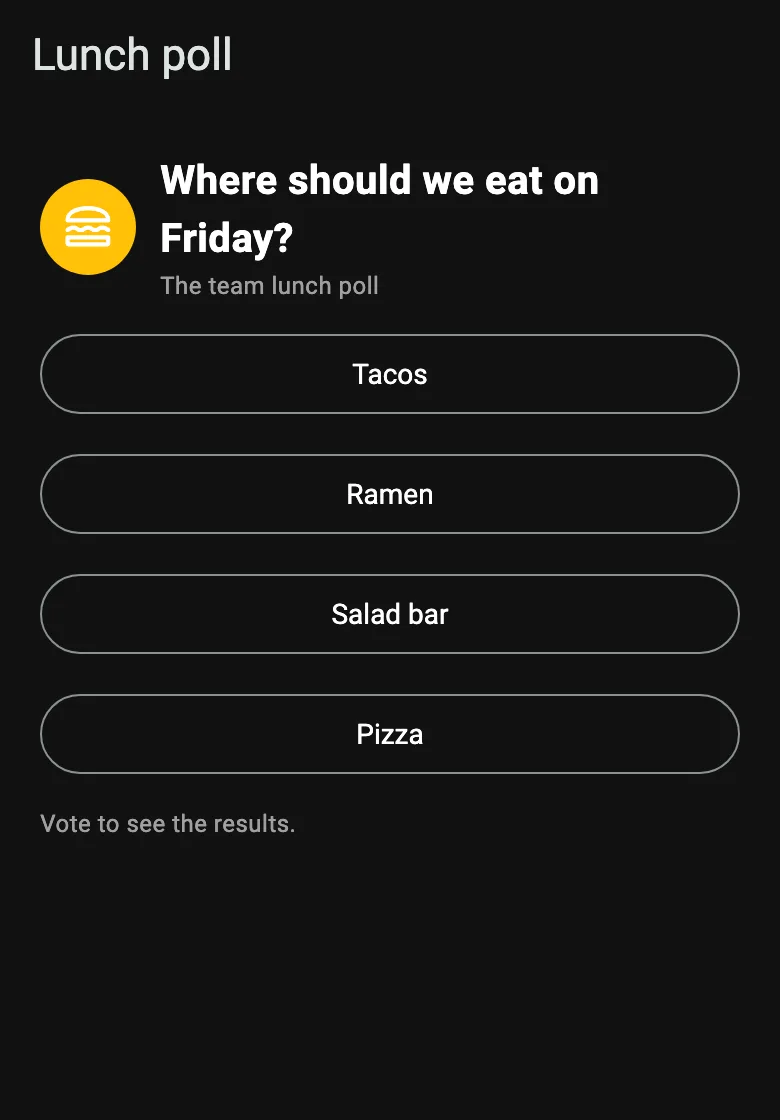
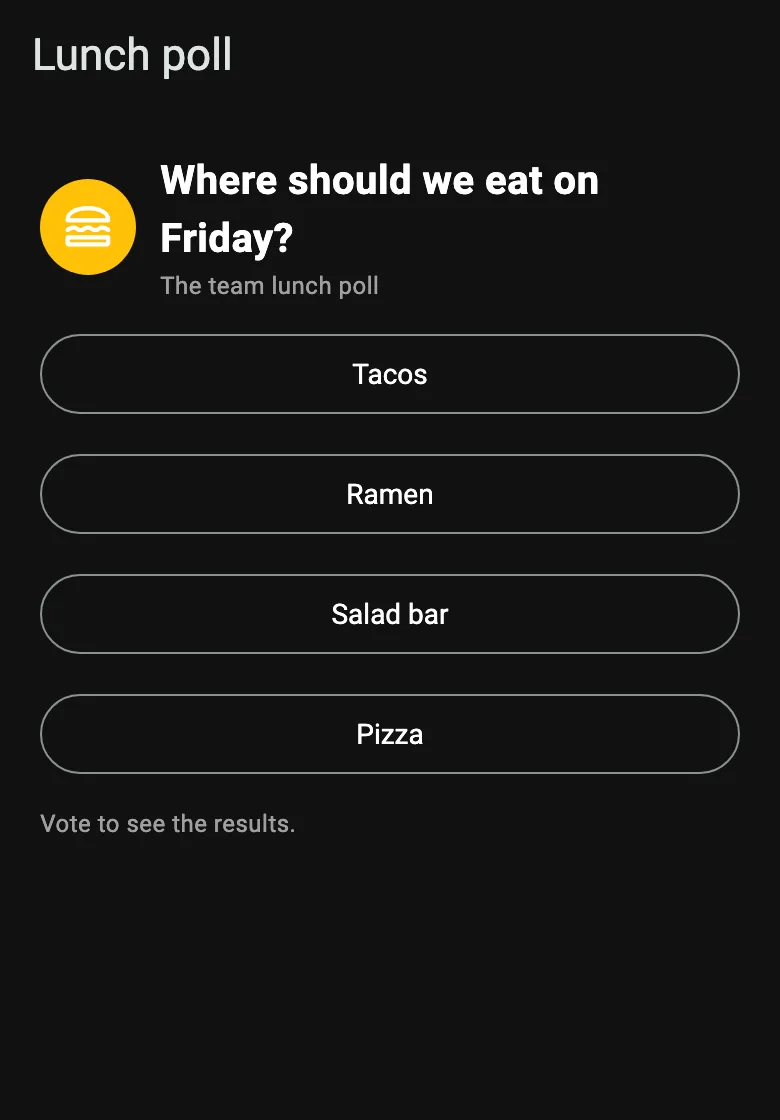
The poll works, so now it gets its look:
- The question gets a header: an
<avatar>with a Material icon (lunch_dining) beside a title and a subtitle.flex="1"lets the text take the rest of the row. - Each result is a
<card>, with the label and the percentage at either end of arow(justify-between), over a teal<progress>. - A filled check (
check_circle fill) marks the answer you voted for.@show="$a.key == $mine.answer"shows it on that row only. - The buttons are
outlinedand full width, andhaptic:selectiongives a small tap you can feel when you vote.
<app> <config primary_color="teal"/> <database name="lunch" version="1"> <model name="answer"> <field name="key"/> <field name="label"/> <field name="votes" type="counter"/> <sum name="total" of="votes"/> <seed key="key">[{"key": "tacos", "label": "Tacos"}, {"key": "ramen", "label": "Ramen"}, {"key": "salad", "label": "Salad bar"}, {"key": "pizza", "label": "Pizza"}]</seed> </model> <model name="vote"> <field name="answer"/> </model> </database> <screen> <app-bar title="Lunch poll"/> <main> <column style="w-full p-20 gap-12"> <row style="w-full gap-12 items-center"> <avatar icon="lunch_dining" size="48" color="amber"/> <column flex="1"> <text style="font-xl font-bold">Where should we eat on Friday?</text> <text style="muted font-sm">The team lunch poll</text> </column> </row> <@foreach in="vote" as="mine" limit="1"> <@foreach in="answer" as="a"> <card style="w-full gap-8"> <row style="w-full justify-between"> <row style="gap-6 items-center"> <text style="font-bold">@{$a.label}</text> <icon name="check_circle fill size-sm teal" @show="$a.key == $mine.answer"/> </row> <text style="muted"> @{round($a.votes * 100 / max(1, $db.answer.total))}% </text> </row> <progress value="$a.votes" max="$db.answer.total" height="8" radius="4" color="teal" background-color="light:grey-200 dark:grey-800"/> </card> </@foreach> <text style="muted font-sm"> @{$db.answer.total == 1 ? '1 vote' : $db.answer.total + ' votes'} so far. Yours is in. </text> <@empty> <@foreach in="answer" as="a"> <button action="#db.vote.create:answer=$a.key; #db.answer.increment:$a.id,votes; haptic:selection" variant="outlined" style="w-full">@{$a.label}</button> </@foreach> <text style="muted font-sm">Vote to see the results.</text> </@foreach> </column> </main> </screen></app>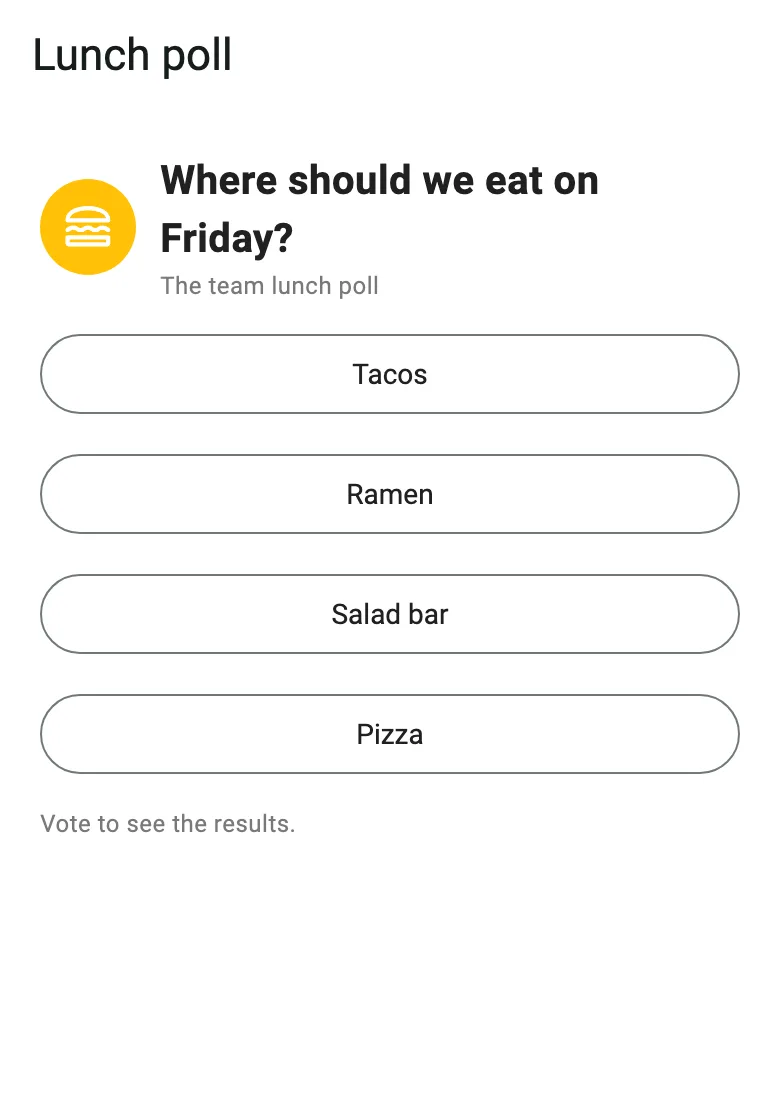
Step 8 of 9
Share it with every phone
So far each phone has its own poll. One attribute changes that: sync="on" on the database. Every install of the app now shares the same rows, so everyone votes in the same poll and sees the same totals. Two people voting at the same moment, or offline, both count, because counters merge by adding. A copy opened inside the Hype Apps player keeps its own poll, so share an installed app to see the votes add up.
Every synced row also records which install wrote it, as an anonymous id in created_by, and $db.sync.me is this install's id. With everyone's votes in the table, the poll finds yours with where="created_by == $db.sync.me", so each phone still gets one vote.
Each change is encrypted on the phone before it's sent. hypeapps.dev stores the poll but can't read it.
<app> <config primary_color="teal"/> <database name="lunch" version="1" sync="on"> <model name="answer"> <field name="key"/> <field name="label"/> <field name="votes" type="counter"/> <sum name="total" of="votes"/> <seed key="key">[{"key": "tacos", "label": "Tacos"}, {"key": "ramen", "label": "Ramen"}, {"key": "salad", "label": "Salad bar"}, {"key": "pizza", "label": "Pizza"}]</seed> </model> <model name="vote"> <field name="answer"/> </model> </database> <screen> <app-bar title="Lunch poll"/> <main> <column style="w-full p-20 gap-12"> <row style="w-full gap-12 items-center"> <avatar icon="lunch_dining" size="48" color="amber"/> <column flex="1"> <text style="font-xl font-bold">Where should we eat on Friday?</text> <text style="muted font-sm">The team lunch poll</text> </column> </row> <@foreach in="vote" where="created_by == $db.sync.me" as="mine" limit="1"> <@foreach in="answer" as="a"> <card style="w-full gap-8"> <row style="w-full justify-between"> <row style="gap-6 items-center"> <text style="font-bold">@{$a.label}</text> <icon name="check_circle fill size-sm teal" @show="$a.key == $mine.answer"/> </row> <text style="muted"> @{round($a.votes * 100 / max(1, $db.answer.total))}% </text> </row> <progress value="$a.votes" max="$db.answer.total" height="8" radius="4" color="teal" background-color="light:grey-200 dark:grey-800"/> </card> </@foreach> <text style="muted font-sm"> @{$db.answer.total == 1 ? '1 vote' : $db.answer.total + ' votes'} so far. Yours is in. </text> <@empty> <@foreach in="answer" as="a"> <button action="#db.vote.create:answer=$a.key; #db.answer.increment:$a.id,votes; haptic:selection" variant="outlined" style="w-full">@{$a.label}</button> </@foreach> <text style="muted font-sm">Vote to see the results.</text> </@foreach> </column> </main> </screen></app>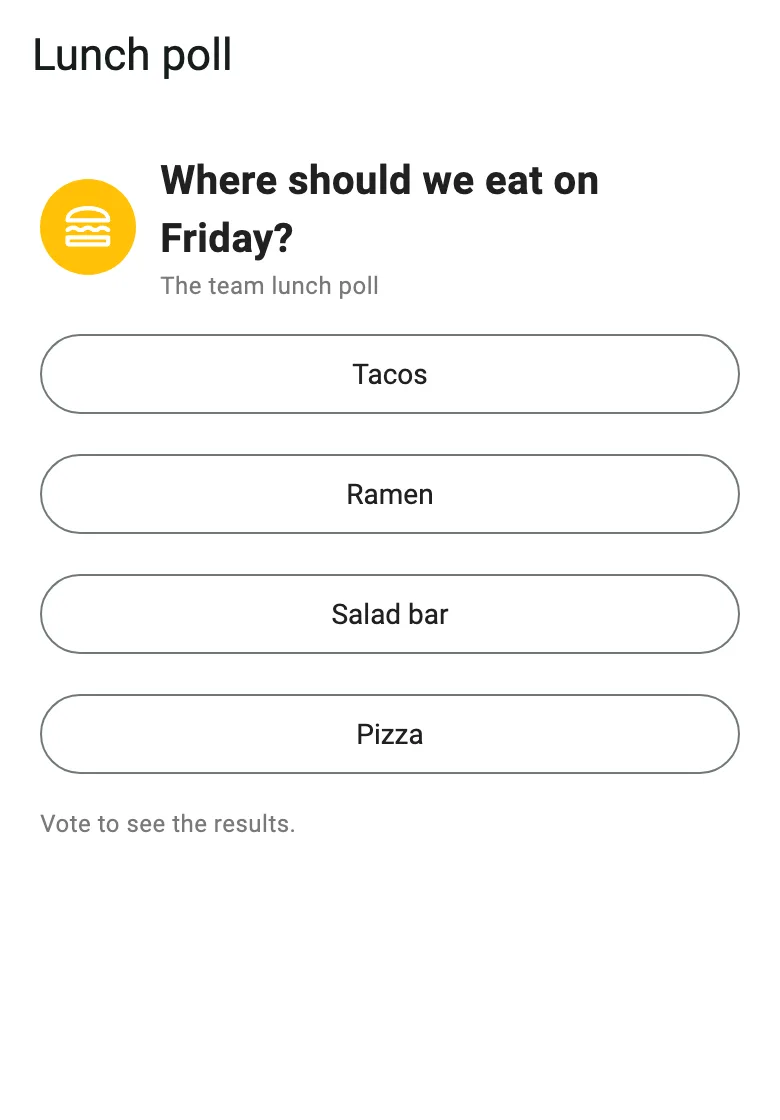
Step 9 of 9
Show the sync status
Last, a line that says whether the poll is up to date. $db.sync.status is ok when the phone has everyone's latest votes, syncing while it's catching up, offline with no connection, and local when the app doesn't sync, as in this preview. The ? and : pick a message for each.
That's a poll the whole team can vote in, built from one snippet.
<app> <config primary_color="teal"/> <database name="lunch" version="1" sync="on"> <model name="answer"> <field name="key"/> <field name="label"/> <field name="votes" type="counter"/> <sum name="total" of="votes"/> <seed key="key">[{"key": "tacos", "label": "Tacos"}, {"key": "ramen", "label": "Ramen"}, {"key": "salad", "label": "Salad bar"}, {"key": "pizza", "label": "Pizza"}]</seed> </model> <model name="vote"> <field name="answer"/> </model> </database> <screen> <app-bar title="Lunch poll"/> <main> <column style="w-full p-20 gap-12"> <row style="w-full gap-12 items-center"> <avatar icon="lunch_dining" size="48" color="amber"/> <column flex="1"> <text style="font-xl font-bold">Where should we eat on Friday?</text> <text style="muted font-sm">The team lunch poll</text> </column> </row> <text style="muted font-sm" @text="$db.sync.status == 'ok' ? 'Up to date' : $db.sync.status == 'offline' ? 'Offline: your vote counts when you are back' : $db.sync.status == 'local' ? 'This copy does not sync' : 'Syncing…'"/> <@foreach in="vote" where="created_by == $db.sync.me" as="mine" limit="1"> <@foreach in="answer" as="a"> <card style="w-full gap-8"> <row style="w-full justify-between"> <row style="gap-6 items-center"> <text style="font-bold">@{$a.label}</text> <icon name="check_circle fill size-sm teal" @show="$a.key == $mine.answer"/> </row> <text style="muted"> @{round($a.votes * 100 / max(1, $db.answer.total))}% </text> </row> <progress value="$a.votes" max="$db.answer.total" height="8" radius="4" color="teal" background-color="light:grey-200 dark:grey-800"/> </card> </@foreach> <text style="muted font-sm"> @{$db.answer.total == 1 ? '1 vote' : $db.answer.total + ' votes'} so far. Yours is in. </text> <@empty> <@foreach in="answer" as="a"> <button action="#db.vote.create:answer=$a.key; #db.answer.increment:$a.id,votes; haptic:selection" variant="outlined" style="w-full">@{$a.label}</button> </@foreach> <text style="muted font-sm">Vote to see the results.</text> </@foreach> </column> </main> </screen></app>