Hype Apps
Your own tags
Build a hotel review from the smallest app: a row of stars written once as a tag of your own, used four times, made tappable, wrapped in a card tag with a slot, under a photo header.
8 steps · ends in a hotel review built from two tags of your own
Aliases
Reset to canonicalThese tags have more than one name. Every spelling is the same tag, so write whichever feels natural. Pick one and every example on this page uses it.
When the same piece of markup shows up again and again, make it a tag. <tag name="rating-row"> defines one from built-in tags, with attributes of its own, and from then on <rating-row label="Room" count="4"/> is replaced by that markup with the attributes filled in. It's a template, expanded when the page is read: nothing new runs on the phone, and every part of it is still a native component.
This guide builds a hotel review out of two tags of its own.
Step 1 of 8
Start with the smallest app
Every HAM document starts with <app>. A <screen> is one page of the app, and <main> holds what's on it: for now, one line of <text>.
<app> <screen> <main> <text>Hello</text> </main> </screen></app>

Step 2 of 8
Add a title bar and a color
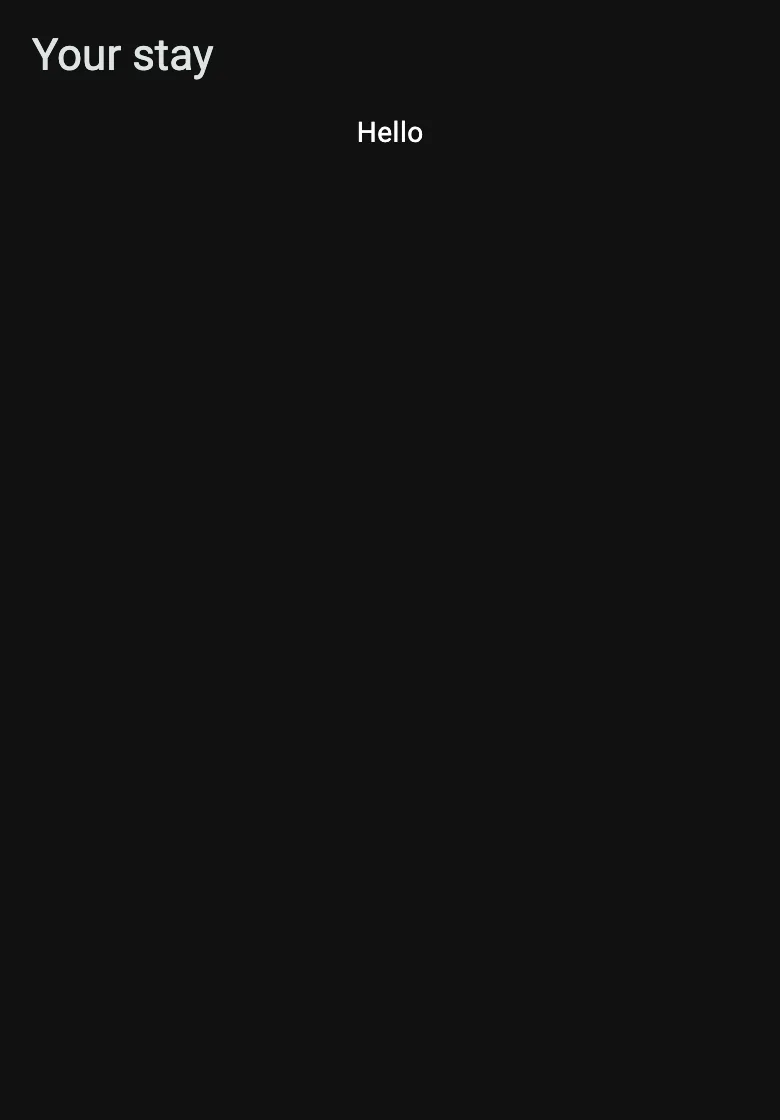
<app-bar> puts the screen's title across the top, and <config primary_color="teal"> gives every control a teal. Use a named color like teal, amber or rose.
<app> <config primary_color="teal"/> <screen> <app-bar title="Your stay"/> <main> <text>Hello</text> </main> </screen></app>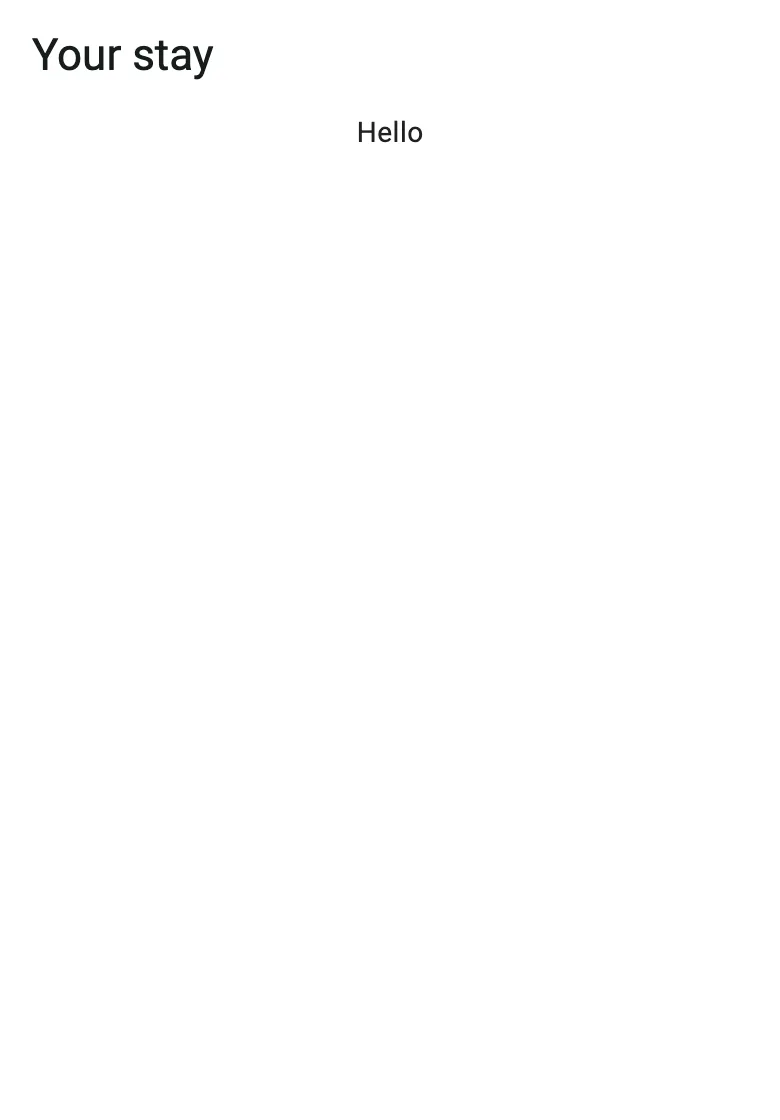
Step 3 of 8
Write one rating by hand
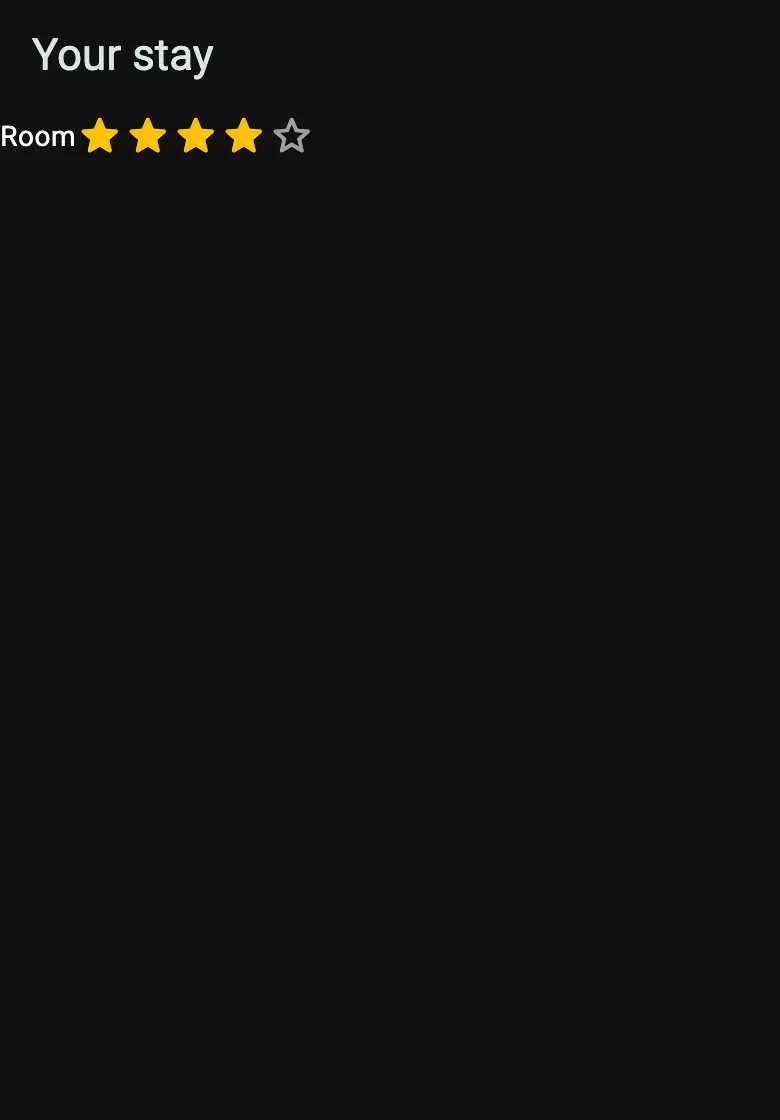
A <row> with a label and five stars: four filled star fill amber icons and one plain grey star. It's one rating, written out. A review needs four, and writing it out four times is where a tag comes in.
<app> <config primary_color="teal"/> <screen> <app-bar title="Your stay"/> <main> <column> <row> <text>Room</text> <icon name="star fill amber"/> <icon name="star fill amber"/> <icon name="star fill amber"/> <icon name="star fill amber"/> <icon name="star grey"/> </row> </column> </main> </screen></app>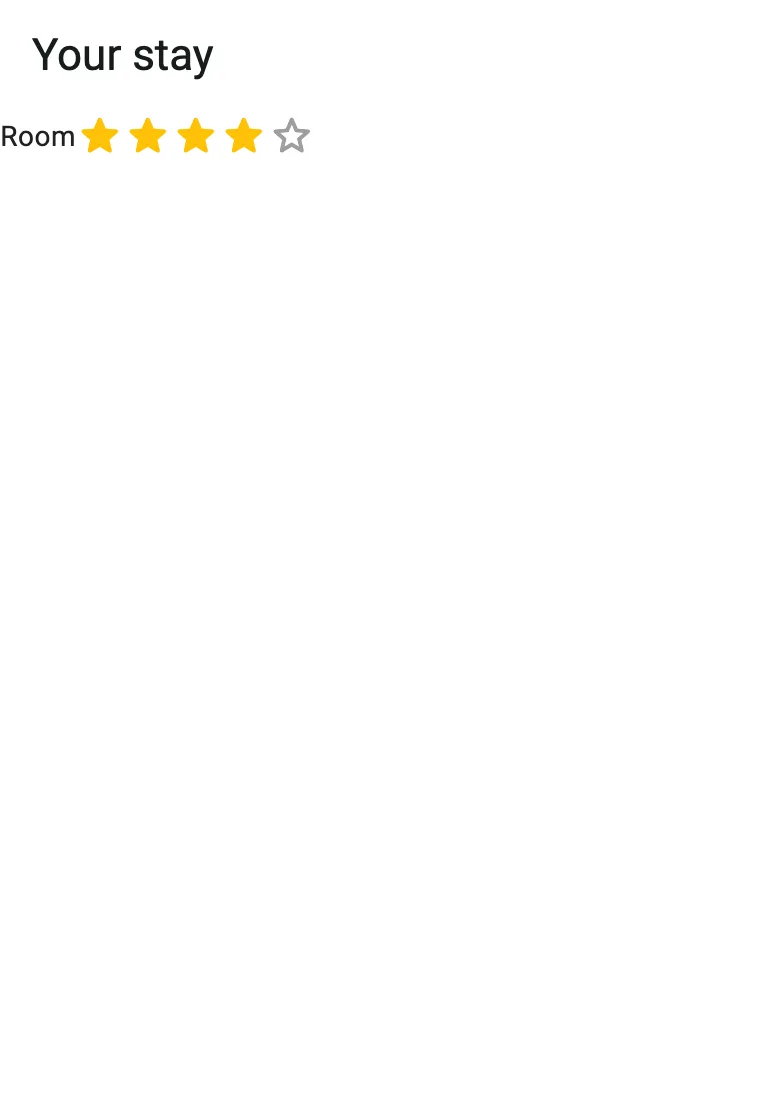
Step 4 of 8
Make it a tag
<tag name="rating-row" label="Rating" count="0"> defines the tag. Its attributes other than name are its props, with their defaults, and inside it they're variables: $label and $count. Tag names need a hyphen, so they never clash with a built-in.
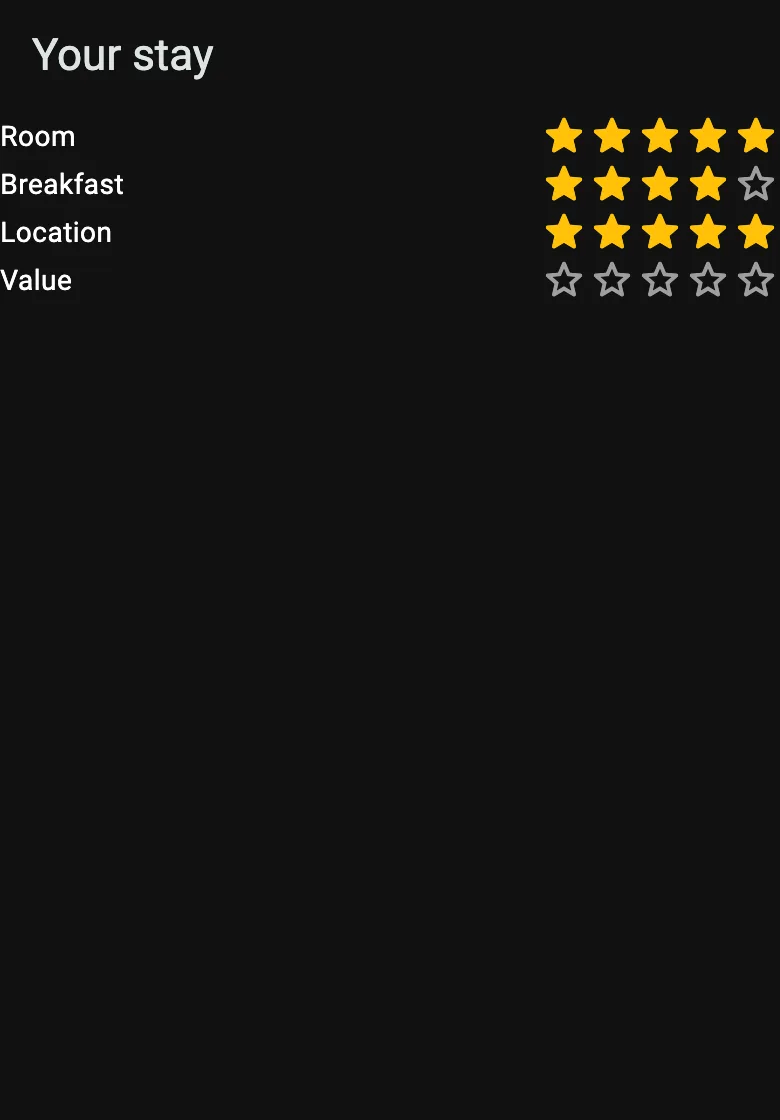
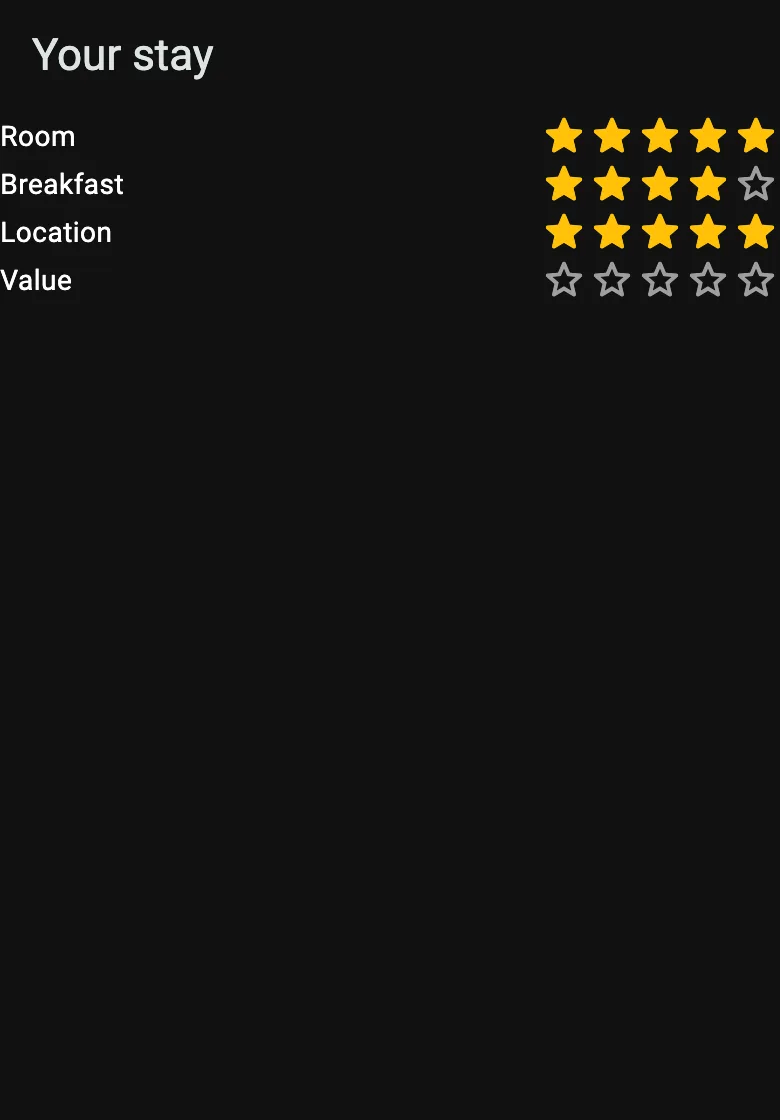
The five icons become a loop: <@for i="1..5"> repeats its content with $i from 1 to 5, and each star shows filled while $i <= $count and grey after. Then four <rating-row>s, one line each, make the review. The last leaves out count, so it starts at the default, 0.
<app> <config primary_color="teal"/> <tag name="rating-row" label="Rating" count="0"> <row> <text flex="1">@{$label}</text> <@for i="1..5"> <icon name="star fill amber" @show="$i <= $count"/> <icon name="star grey" @show="$i > $count"/> </@for> </row> </tag> <screen> <app-bar title="Your stay"/> <main> <column> <rating-row label="Room" count="5"/> <rating-row label="Breakfast" count="4"/> <rating-row label="Location" count="5"/> <rating-row label="Value"/> </column> </main> </screen></app>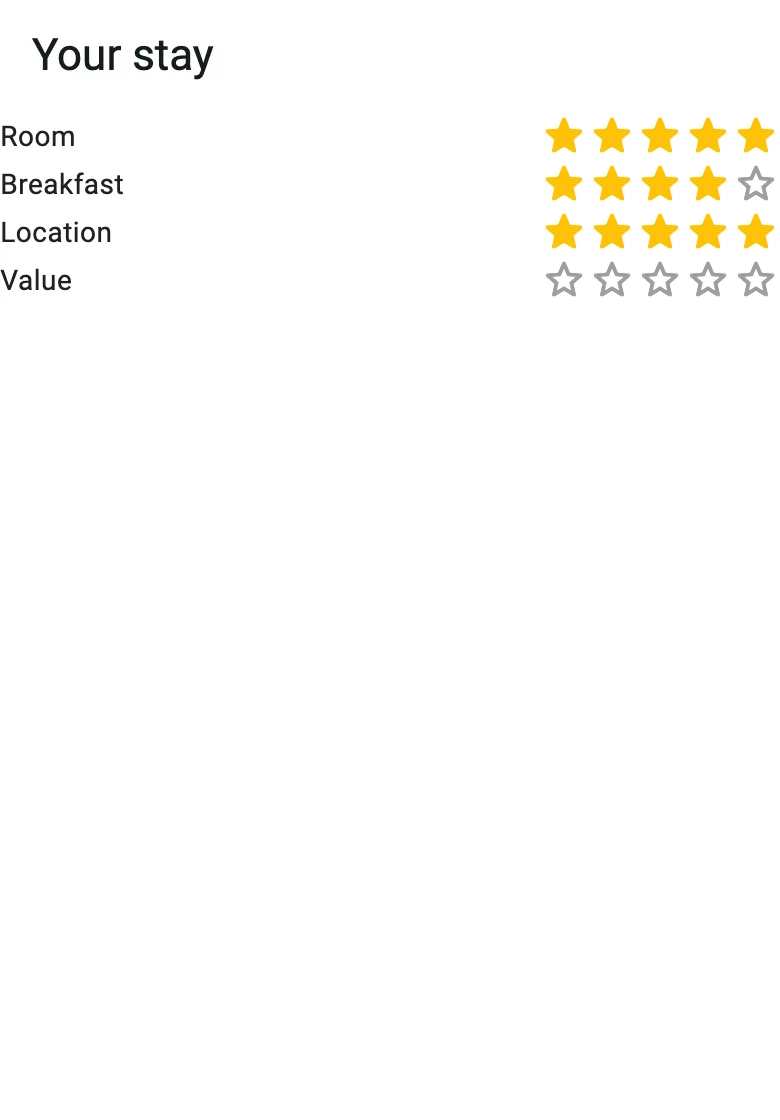
Step 5 of 8
Tap to rate
Each star gets @click="$count = $i". Every <rating-row> is its own copy, so tapping the third star of Breakfast sets that row's $count to 3 and leaves the others alone.
<app> <config primary_color="teal"/> <tag name="rating-row" label="Rating" count="0"> <row> <text flex="1">@{$label}</text> <@for i="1..5"> <icon name="star fill amber" @show="$i <= $count" @click="$count = $i"/> <icon name="star grey" @show="$i > $count" @click="$count = $i"/> </@for> </row> </tag> <screen> <app-bar title="Your stay"/> <main> <column> <rating-row label="Room" count="5"/> <rating-row label="Breakfast" count="4"/> <rating-row label="Location" count="5"/> <rating-row label="Value"/> </column> </main> </screen></app>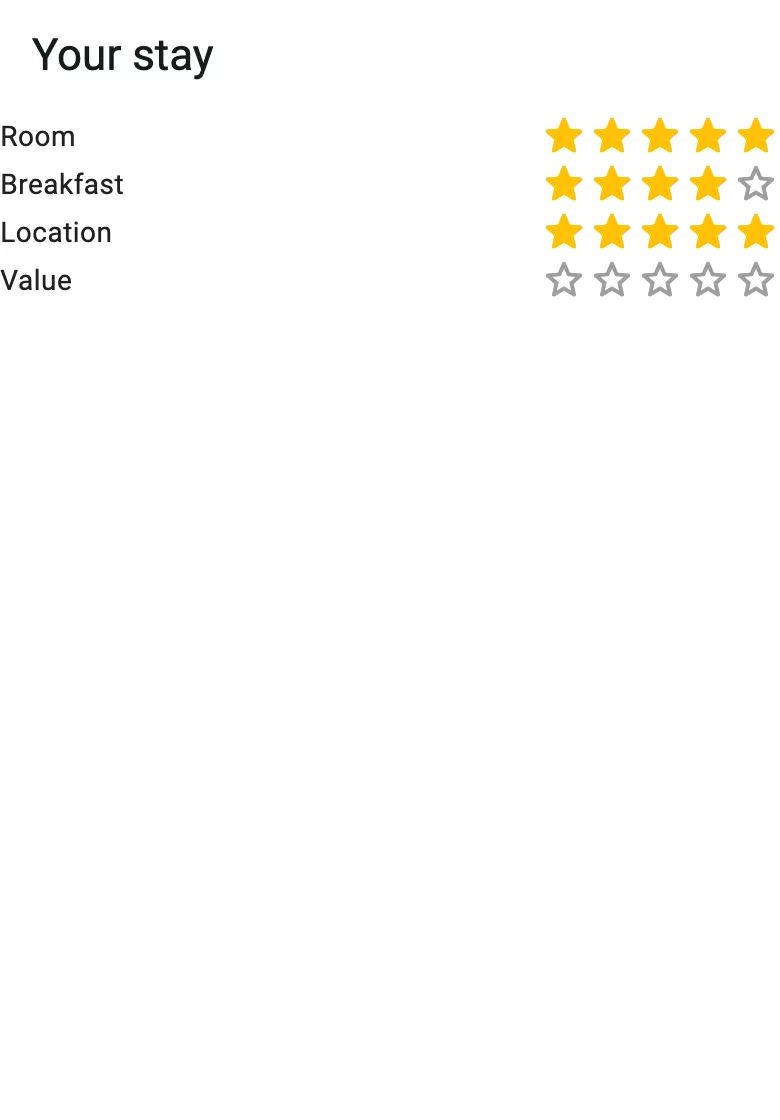
Step 6 of 8
A tag that wraps
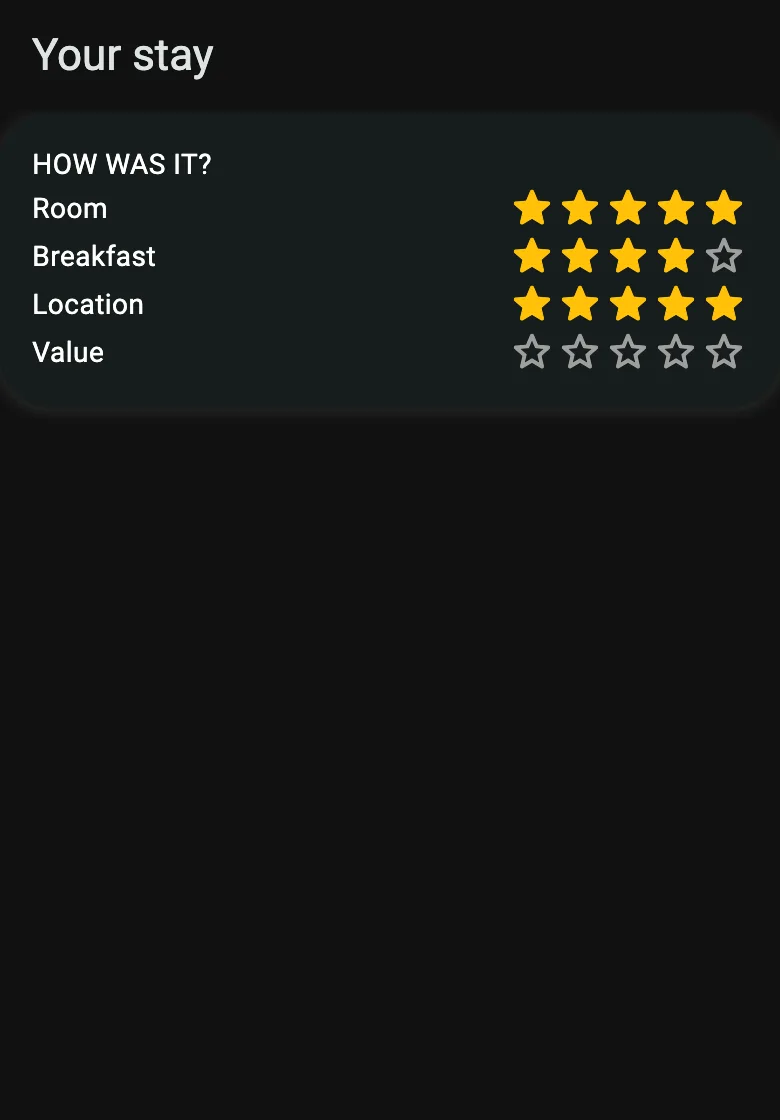
A second tag, section-card, is a card with a small title. <slot/> marks where whatever you put inside <section-card> goes. Wrapping the four ratings in <section-card title="HOW WAS IT?"> puts them on the card, under its title.
<app> <config primary_color="teal"/> <tag name="rating-row" label="Rating" count="0"> <row> <text flex="1">@{$label}</text> <@for i="1..5"> <icon name="star fill amber" @show="$i <= $count" @click="$count = $i"/> <icon name="star grey" @show="$i > $count" @click="$count = $i"/> </@for> </row> </tag> <tag name="section-card" title="Section"> <card> <text>@{$title}</text> <slot/> </card> </tag> <screen> <app-bar title="Your stay"/> <main> <column> <section-card title="HOW WAS IT?"> <rating-row label="Room" count="5"/> <rating-row label="Breakfast" count="4"/> <rating-row label="Location" count="5"/> <rating-row label="Value"/> </section-card> </column> </main> </screen></app>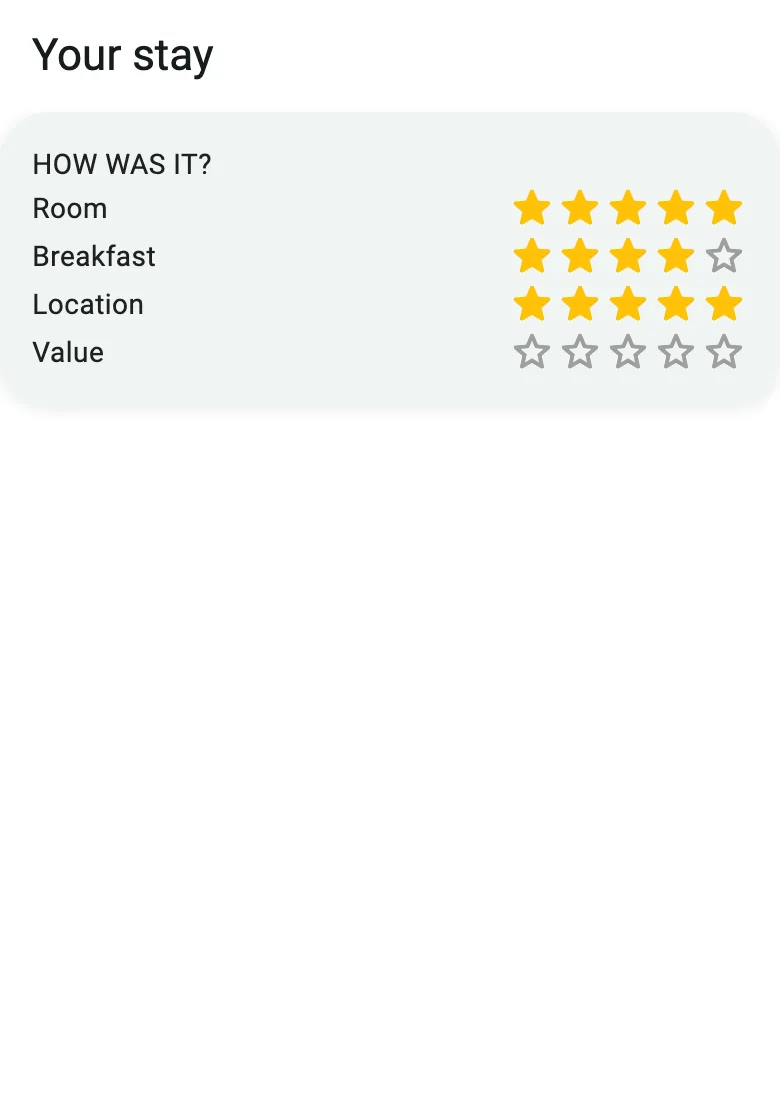
Step 7 of 8
Finish the page
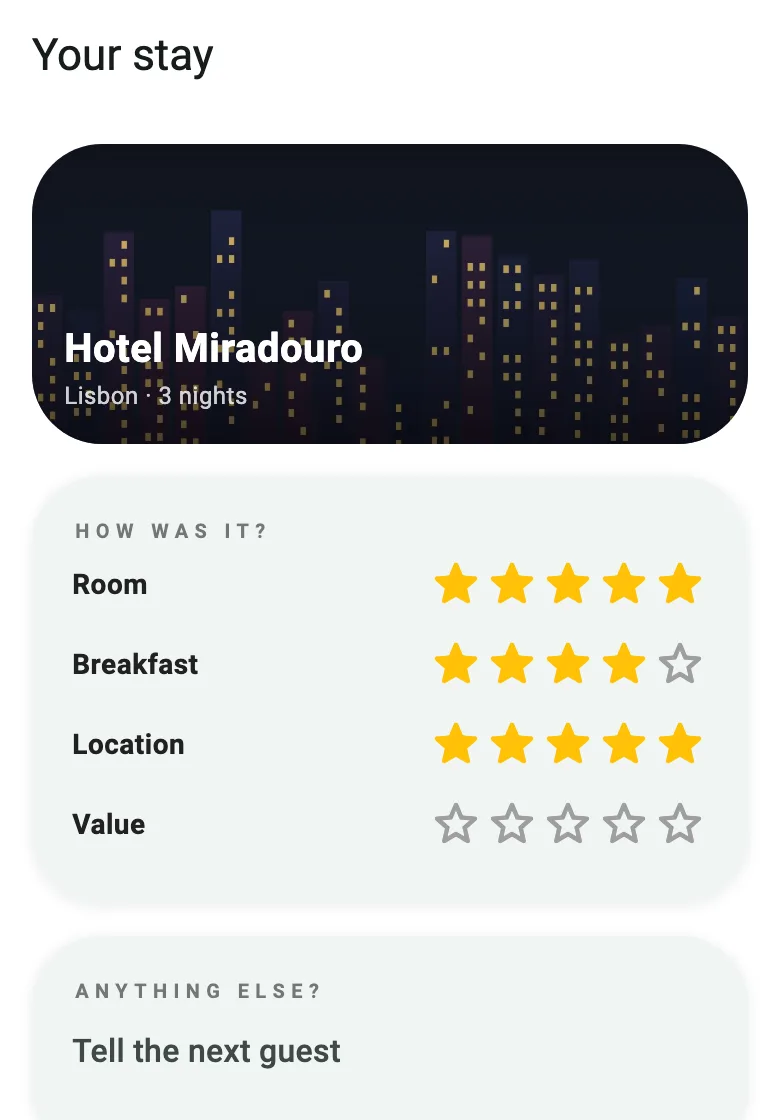
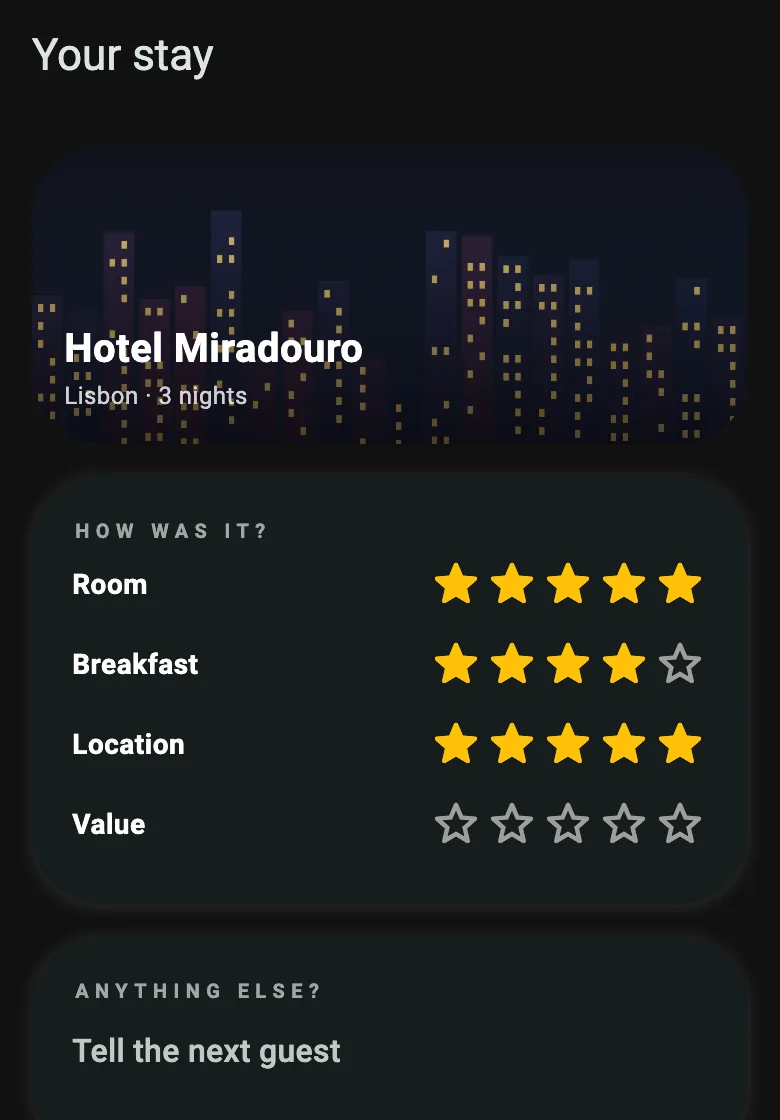
A photo header (a <stack> with the photo, a dark fade and the hotel's name pinned to its bottom left), a second section-card around a note field, and a Send review button. The second card is one line of markup, because the tag is already written.
<app> <config primary_color="teal"/> <tag name="rating-row" label="Rating" count="0"> <row> <text flex="1">@{$label}</text> <@for i="1..5"> <icon name="star fill amber" @show="$i <= $count" @click="$count = $i"/> <icon name="star grey" @show="$i > $count" @click="$count = $i"/> </@for> </row> </tag> <tag name="section-card" title="Section"> <card> <text>@{$title}</text> <slot/> </card> </tag> <screen> <app-bar title="Your stay"/> <main> <column> <stack style="w-full h-150 rounded-3xl"> <img src="https://hypeapps.dev/gallery/assets/city.jpg" style="inset-0" fit="cover"/> <container style="inset-0 gradient-t-transparent-black-b opacity-70"/> <column style="align-bottom-left p-16"> <text style="text-white">Hotel Miradouro</text> <text style="text-white">Lisbon · 3 nights</text> </column> </stack> <section-card title="HOW WAS IT?"> <rating-row label="Room" count="5"/> <rating-row label="Breakfast" count="4"/> <rating-row label="Location" count="5"/> <rating-row label="Value"/> </section-card> <section-card title="ANYTHING ELSE?"> <input name="note" placeholder="Tell the next guest" variant="plain"/> </section-card> <button icon="send">Send review</button> </column> </main> </screen></app>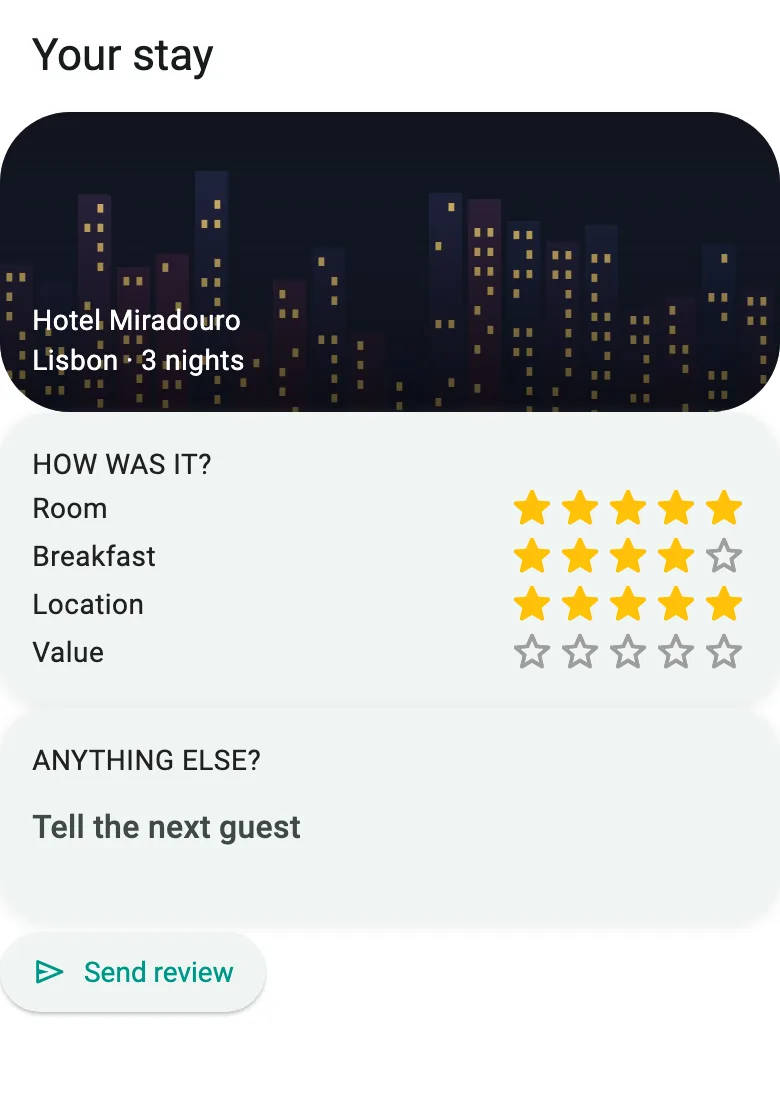
Step 8 of 8
Style it
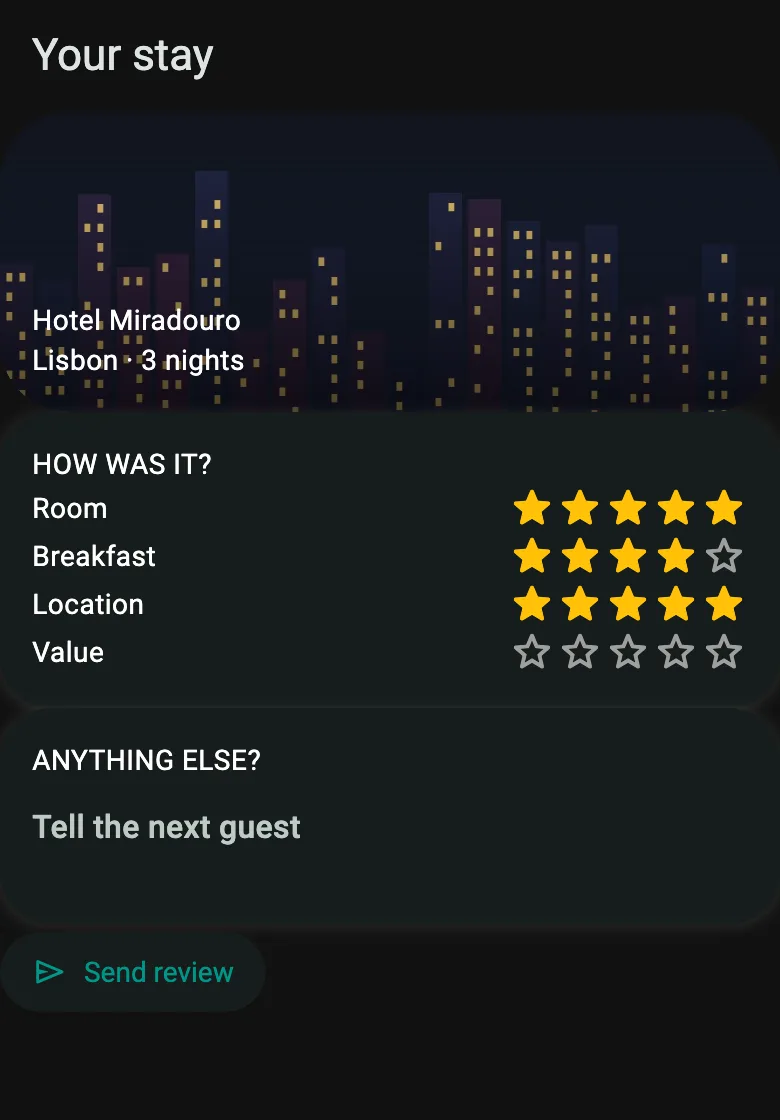
The styling goes inside the tags, so it lands everywhere they're used: bold labels and 28-point stars in each row, rounded 3xl cards with letter-spaced titles, and a full-width pill for Send.
That's a review screen: two tags of your own, written once, used six times.
<app> <config primary_color="teal"/> <tag name="rating-row" label="Rating" count="0"> <row style="w-full items-center py-6"> <text style="font-bold" flex="1">@{$label}</text> <@for i="1..5"> <icon name="star fill size-28 amber" @show="$i <= $count" @click="$count = $i; haptic:selection"/> <icon name="star size-28 grey" @show="$i > $count" @click="$count = $i; haptic:selection"/> </@for> </row> </tag> <tag name="section-card" title="Section"> <card style="w-full p-20 gap-8 rounded-3xl"> <text style="muted font-xs font-bold tracking-widest">@{$title}</text> <slot/> </card> </tag> <screen> <app-bar title="Your stay"/> <main> <column style="w-full p-16 gap-16"> <stack style="w-full h-150 rounded-3xl"> <img src="https://hypeapps.dev/gallery/assets/city.jpg" style="inset-0" fit="cover"/> <container style="inset-0 gradient-t-transparent-black-b opacity-70"/> <column style="align-bottom-left p-16"> <text style="text-white font-xl font-bold">Hotel Miradouro</text> <text style="text-white opacity-80 font-sm">Lisbon · 3 nights</text> </column> </stack> <section-card title="HOW WAS IT?"> <rating-row label="Room" count="5"/> <rating-row label="Breakfast" count="4"/> <rating-row label="Location" count="5"/> <rating-row label="Value"/> </section-card> <section-card title="ANYTHING ELSE?"> <input name="note" placeholder="Tell the next guest" variant="plain"/> </section-card> <button variant="filled" icon="send" style="w-full rounded-full">Send review</button> </column> </main> </screen></app>