Hype Apps
Navigation
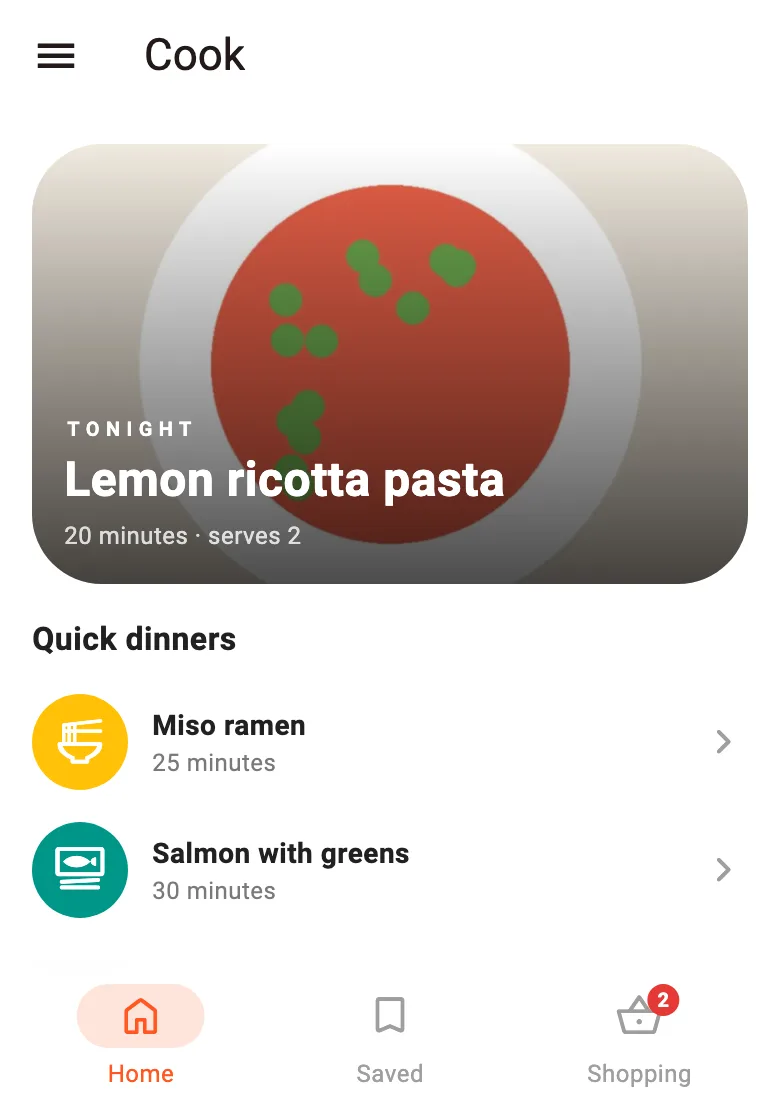
Build a recipe app from the smallest app: a bottom bar with three tabs, a side drawer, and a home tab with a photo header and a list of dinners.
8 steps · ends in a recipe app with tabs and a drawer
Aliases
Reset to canonicalThese tags have more than one name. Every spelling is the same tag, so write whichever feels natural. Pick one and every example on this page uses it.
Navigation in a HAM app uses the platform's own pieces: a bottom bar of tabs, a drawer that slides in from the side, a title bar with a menu button. Switching tabs is just a variable changing, so the whole app can live in one document and switch instantly. When a tap should open a new page with its own back gesture, navigate: pushes it, the way a link would.
This guide builds a recipe app with three tabs and a drawer.
Step 1 of 8
Start with the smallest app
Every HAM document starts with <app>. A <screen> is one page of the app, and <main> holds what's on it: for now, one line of <text>.
<app> <screen> <main> <text>Hello</text> </main> </screen></app>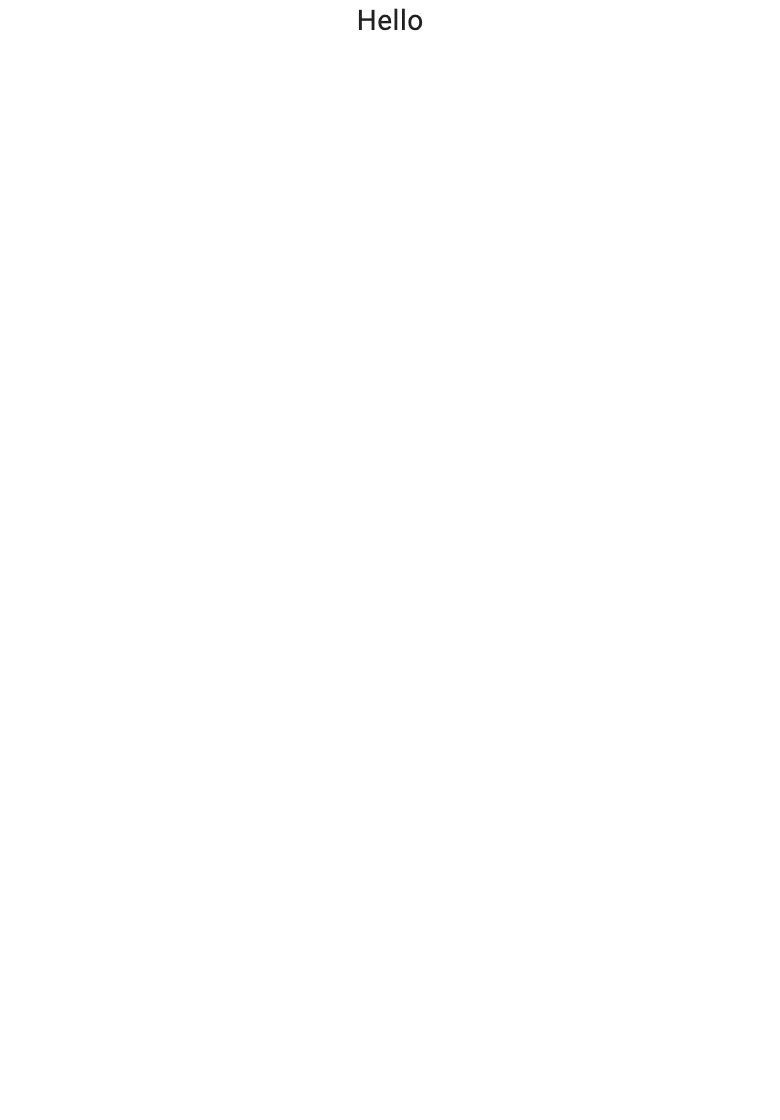
Step 2 of 8
Add a title bar and a color
<app-bar> puts the app's name across the top, and <config primary_color="deep-orange"> gives it a warm, kitchen color. Use a named color like deep-orange, teal or amber.
<app> <config primary_color="deep-orange"/> <screen> <app-bar title="Cook"/> <main> <text>Hello</text> </main> </screen></app>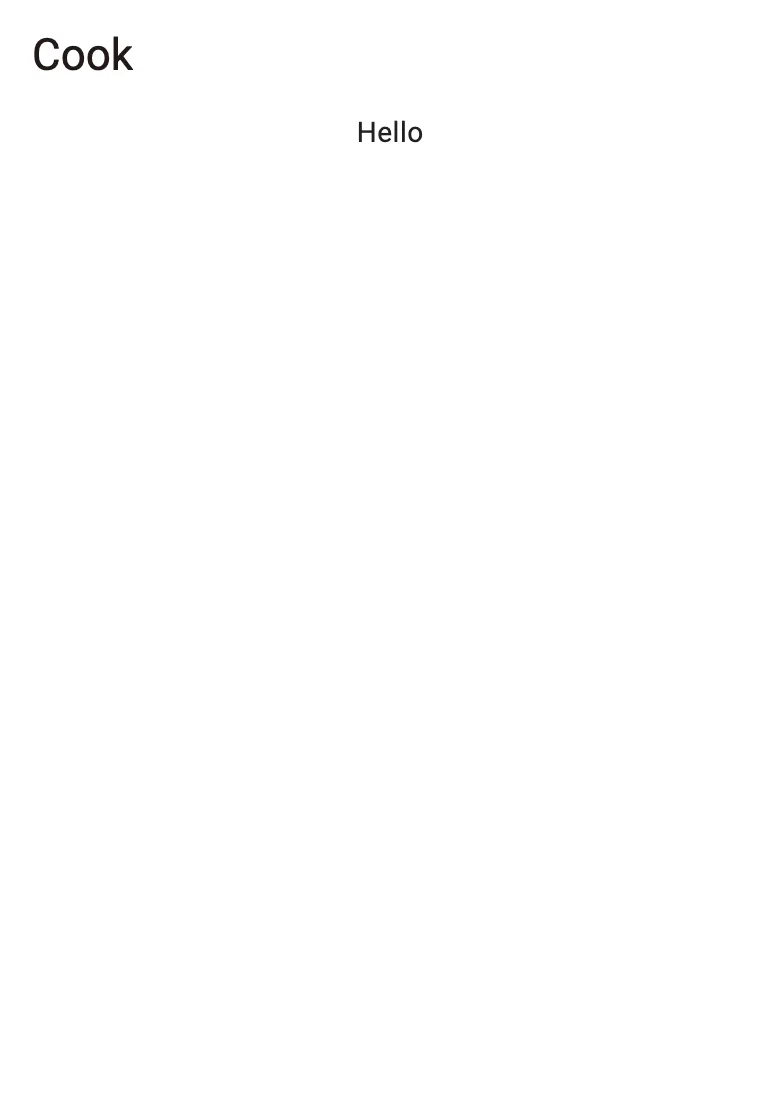
Step 3 of 8
Add a bottom bar
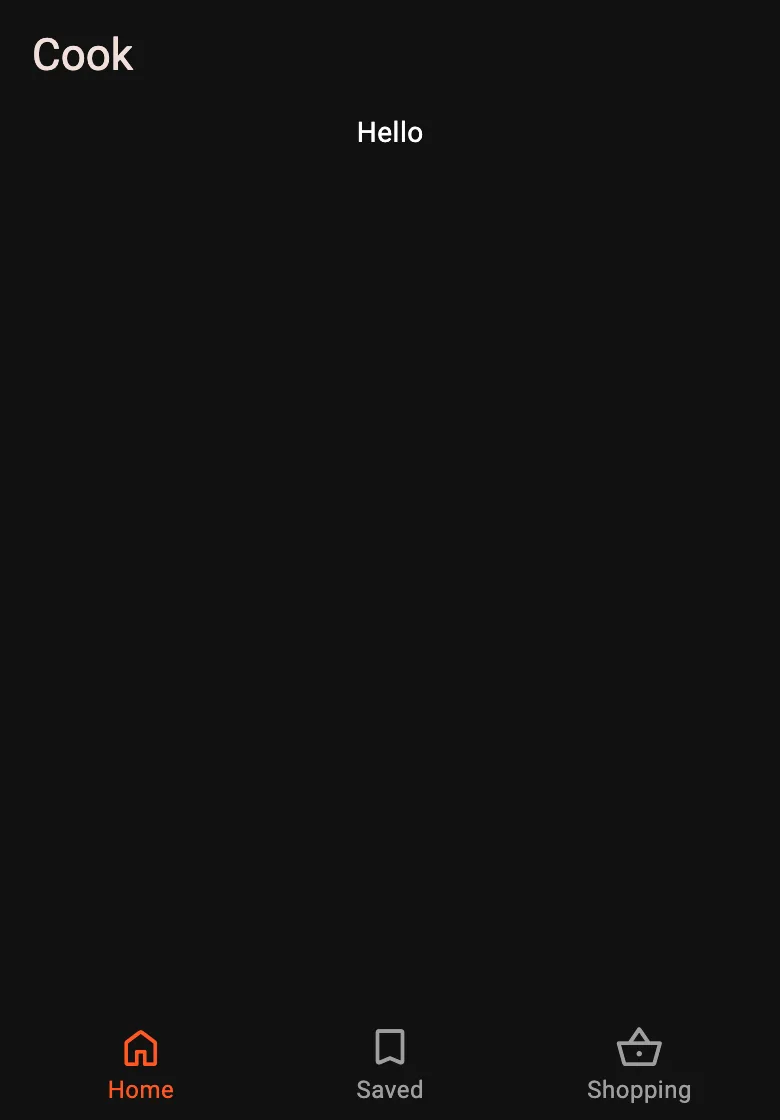
<bottom-navigation-bar> is the bar of tabs along the bottom of the screen, and each <bottom-nav-item> is one tab, with a label and a Material icon. It goes inside <screen>, after <main>. The tabs don't switch anything yet.
<app> <config primary_color="deep-orange"/> <screen> <app-bar title="Cook"/> <main> <text>Hello</text> </main> <bottom-navigation-bar> <bottom-nav-item label="Home" icon="home"/> <bottom-nav-item label="Saved" icon="bookmark"/> <bottom-nav-item label="Shopping" icon="shopping_basket"/> </bottom-navigation-bar> </screen></app>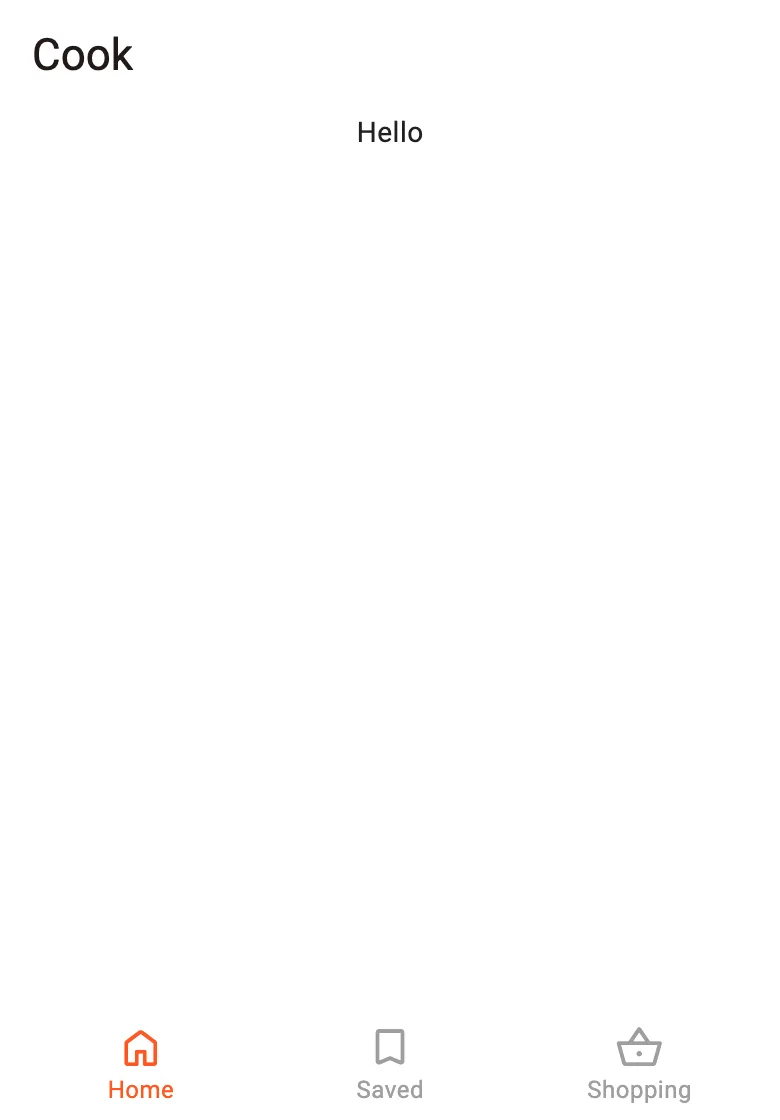
Step 4 of 8
Switch tabs
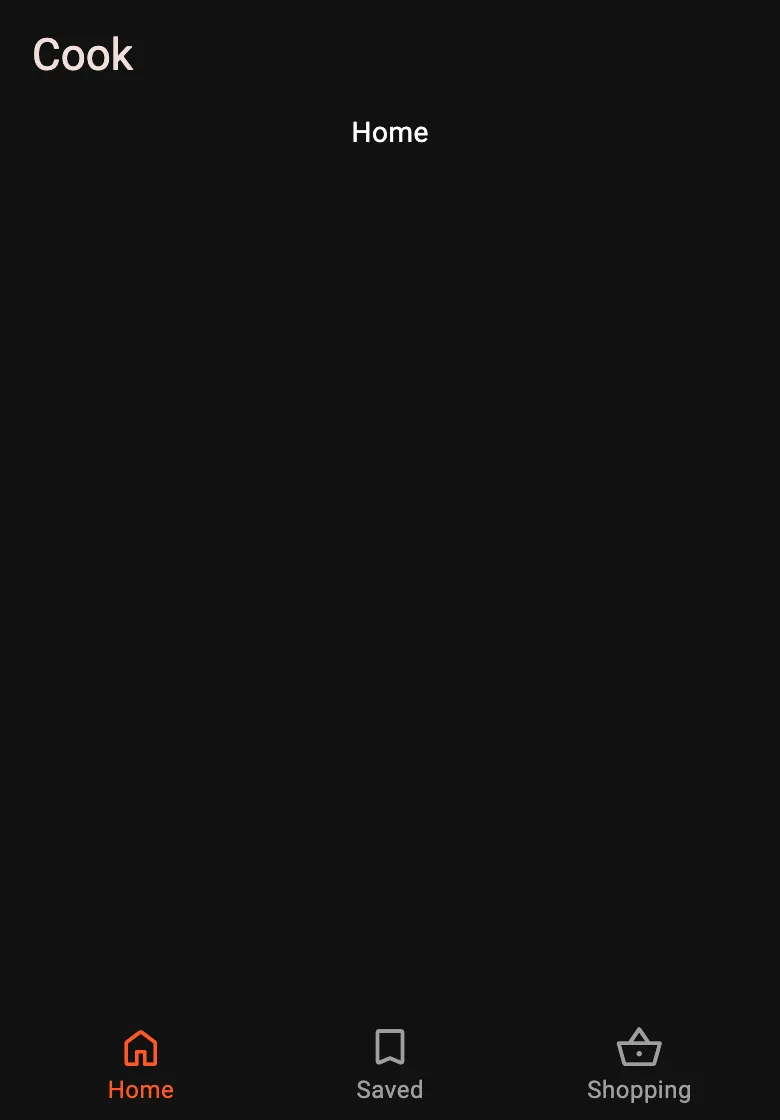
A tab is a variable. <globals tab="home"/> declares $tab for the whole app, starting at home. Each item's action sets it ($tab = 'saved'), and selected="true" marks the first tab.
<main> now holds three columns, one per tab, and @show="$tab == 'saved'" shows each only while its tab is picked. Tap a tab and its column shows, instantly.
<app> <config primary_color="deep-orange"/> <globals tab="home"/> <screen> <app-bar title="Cook"/> <main> <column @show="$tab == 'home'"> <text>Home</text> </column> <column @show="$tab == 'saved'"> <text>Saved</text> </column> <column @show="$tab == 'list'"> <text>Shopping list</text> </column> </main> <bottom-navigation-bar> <bottom-nav-item label="Home" icon="home" selected="true" action="$tab = 'home'"/> <bottom-nav-item label="Saved" icon="bookmark" action="$tab = 'saved'"/> <bottom-nav-item label="Shopping" icon="shopping_basket" action="$tab = 'list'"/> </bottom-navigation-bar> </screen></app>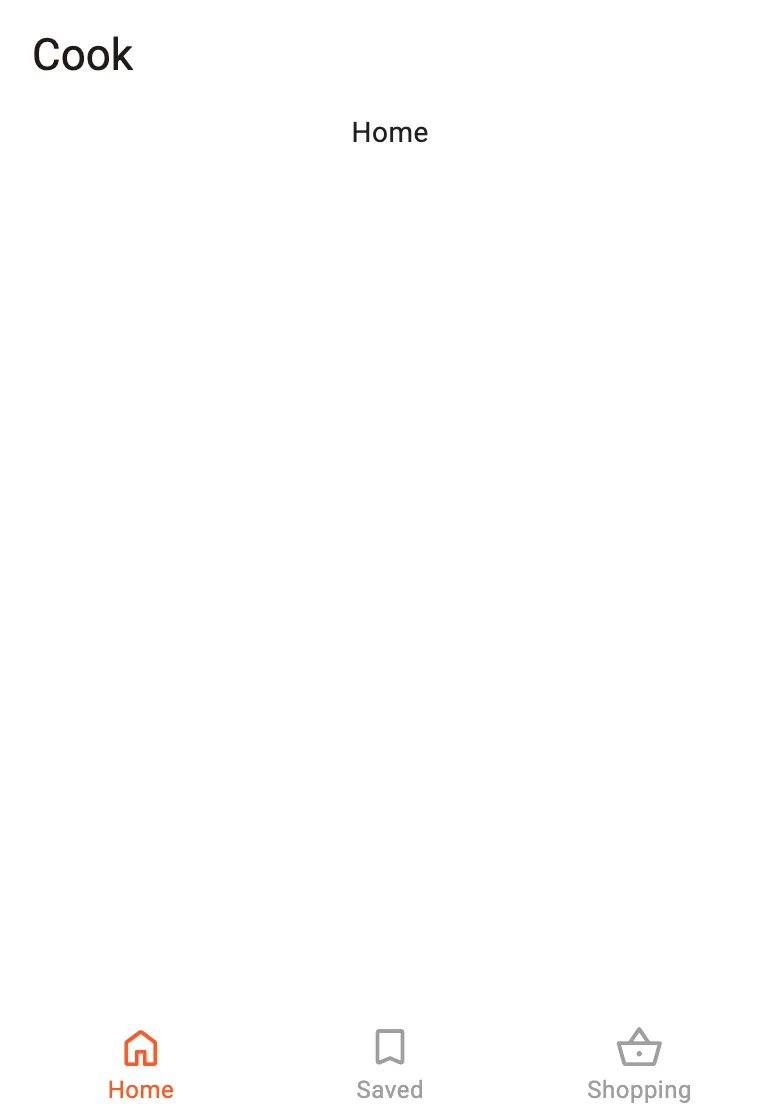
Step 5 of 8
Add a drawer
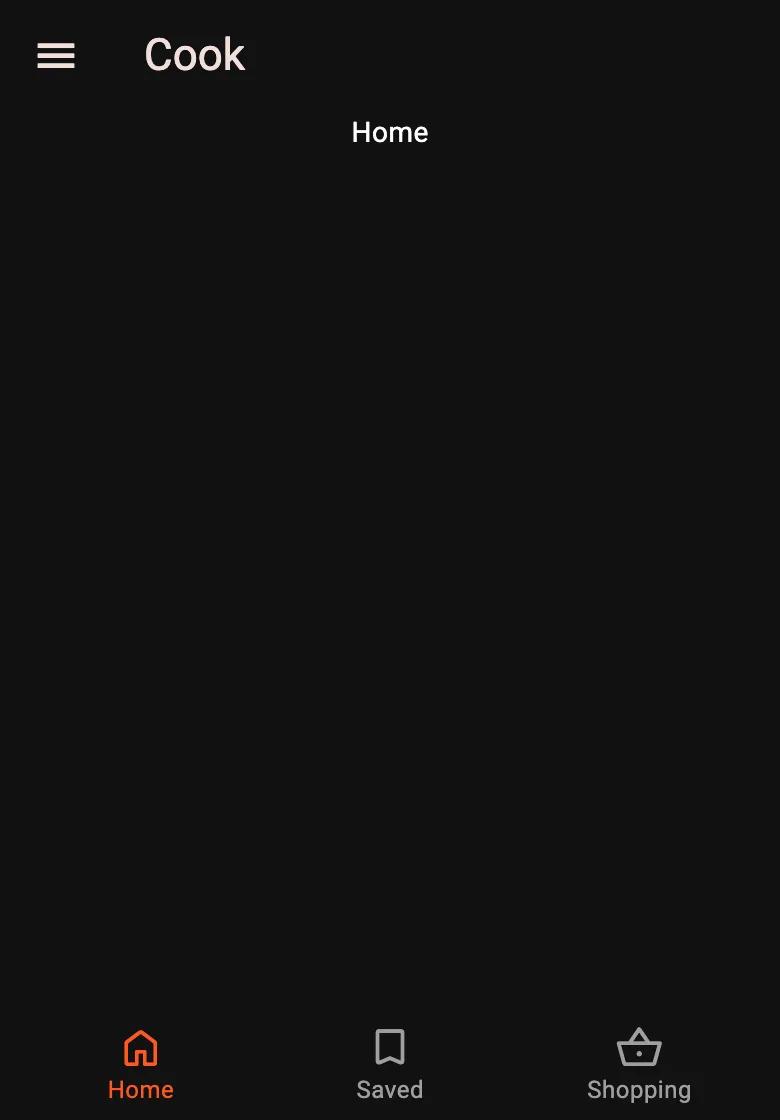
<drawer-left> is the panel that slides in from the left. Its <drawer-header> holds who's signed in, and each <list-tile> is a row with an icon. leading_icon="menu" puts the menu button on the title bar, and tapping it opens the drawer. A swipe in from the edge opens it too.
<app> <config primary_color="deep-orange"/> <globals tab="home"/> <screen> <app-bar title="Cook" leading_icon="menu"/> <drawer-left> <drawer-header> <column> <avatar text="MC" size="56" color="deep-orange"/> <text>Maya Chen</text> <text>12 recipes saved</text> </column> </drawer-header> <list-tile icon="settings">Settings</list-tile> <list-tile icon="help">Help</list-tile> </drawer-left> <main> <column @show="$tab == 'home'"> <text>Home</text> </column> <column @show="$tab == 'saved'"> <text>Saved</text> </column> <column @show="$tab == 'list'"> <text>Shopping list</text> </column> </main> <bottom-navigation-bar> <bottom-nav-item label="Home" icon="home" selected="true" action="$tab = 'home'"/> <bottom-nav-item label="Saved" icon="bookmark" action="$tab = 'saved'"/> <bottom-nav-item label="Shopping" icon="shopping_basket" action="$tab = 'list'"/> </bottom-navigation-bar> </screen></app>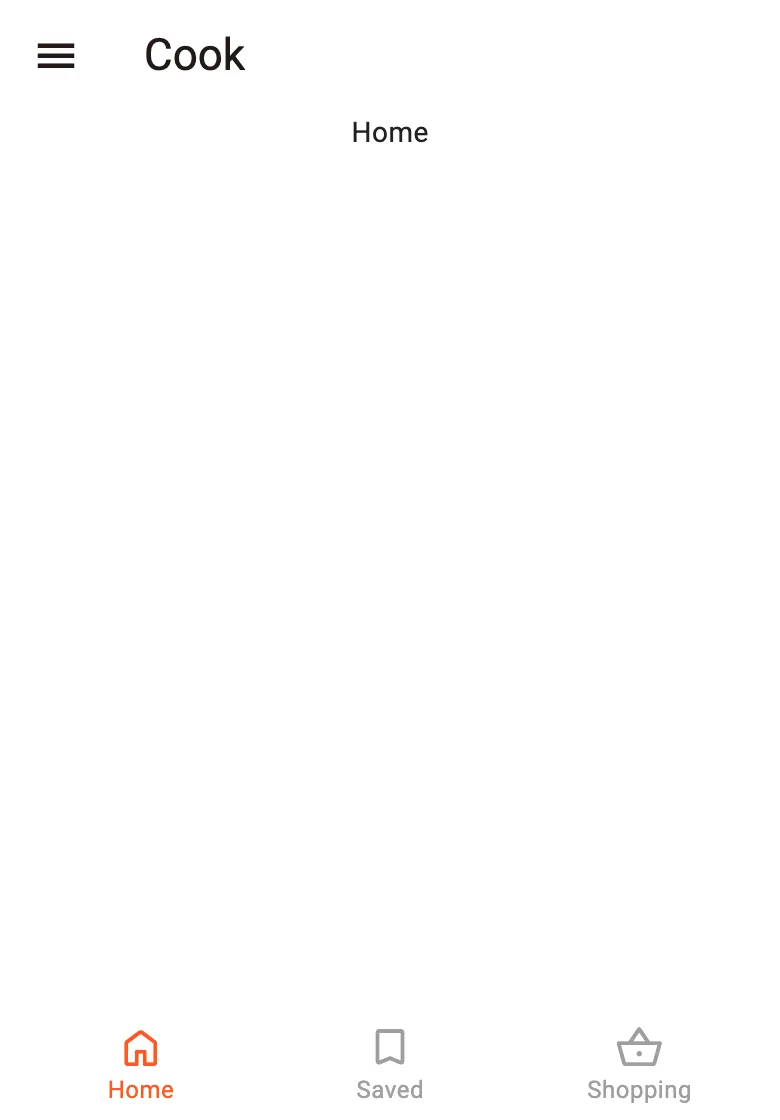
Step 6 of 8
Fill the home tab
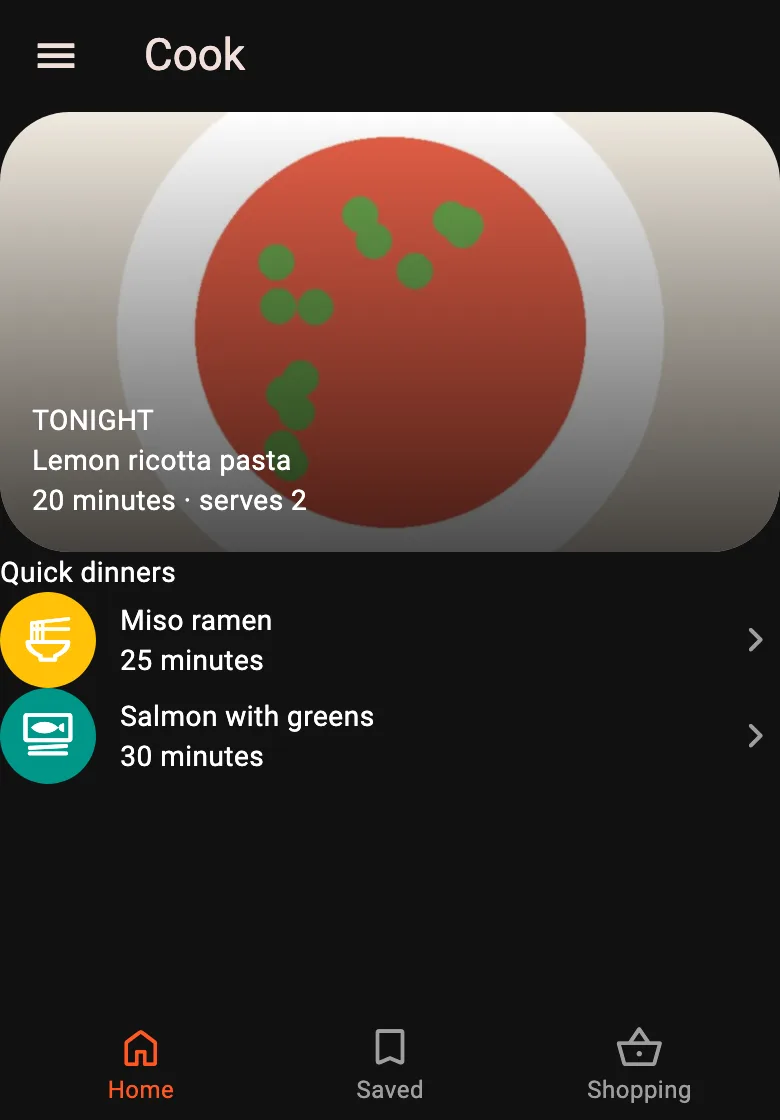
The home tab gets a photo header and a list:
- A
<stack>layers a photo, a dark fade over its lower half (gradient-t-transparent-black-b), and the dish's name, pinned to the bottom left withalign-bottom-left.inset-0stretches a layer over the whole stack. - Each dinner is a
<row>: an icon in an<avatar>, the name over the time, and a chevron.
<app> <config primary_color="deep-orange"/> <globals tab="home"/> <screen> <app-bar title="Cook" leading_icon="menu"/> <drawer-left> <drawer-header> <column> <avatar text="MC" size="56" color="deep-orange"/> <text>Maya Chen</text> <text>12 recipes saved</text> </column> </drawer-header> <list-tile icon="settings">Settings</list-tile> <list-tile icon="help">Help</list-tile> </drawer-left> <main> <column @show="$tab == 'home'"> <stack style="w-full h-220 rounded-3xl"> <img src="https://hypeapps.dev/gallery/assets/dish.jpg" style="inset-0" fit="cover"/> <box style="inset-0 gradient-t-transparent-black-b opacity-70"/> <column style="align-bottom-left p-16"> <text style="text-white">TONIGHT</text> <text style="text-white">Lemon ricotta pasta</text> <text style="text-white">20 minutes · serves 2</text> </column> </stack> <text>Quick dinners</text> <row style="w-full gap-12 items-center"> <avatar icon="ramen_dining" size="48" color="amber"/> <column flex="1"> <text>Miso ramen</text> <text>25 minutes</text> </column> <icon name="chevron_right grey"/> </row> <row style="w-full gap-12 items-center"> <avatar icon="set_meal" size="48" color="teal"/> <column flex="1"> <text>Salmon with greens</text> <text>30 minutes</text> </column> <icon name="chevron_right grey"/> </row> </column> <column @show="$tab == 'saved'"> <text>Saved</text> </column> <column @show="$tab == 'list'"> <text>Shopping list</text> </column> </main> <bottom-navigation-bar> <bottom-nav-item label="Home" icon="home" selected="true" action="$tab = 'home'"/> <bottom-nav-item label="Saved" icon="bookmark" action="$tab = 'saved'"/> <bottom-nav-item label="Shopping" icon="shopping_basket" action="$tab = 'list'"/> </bottom-navigation-bar> </screen></app>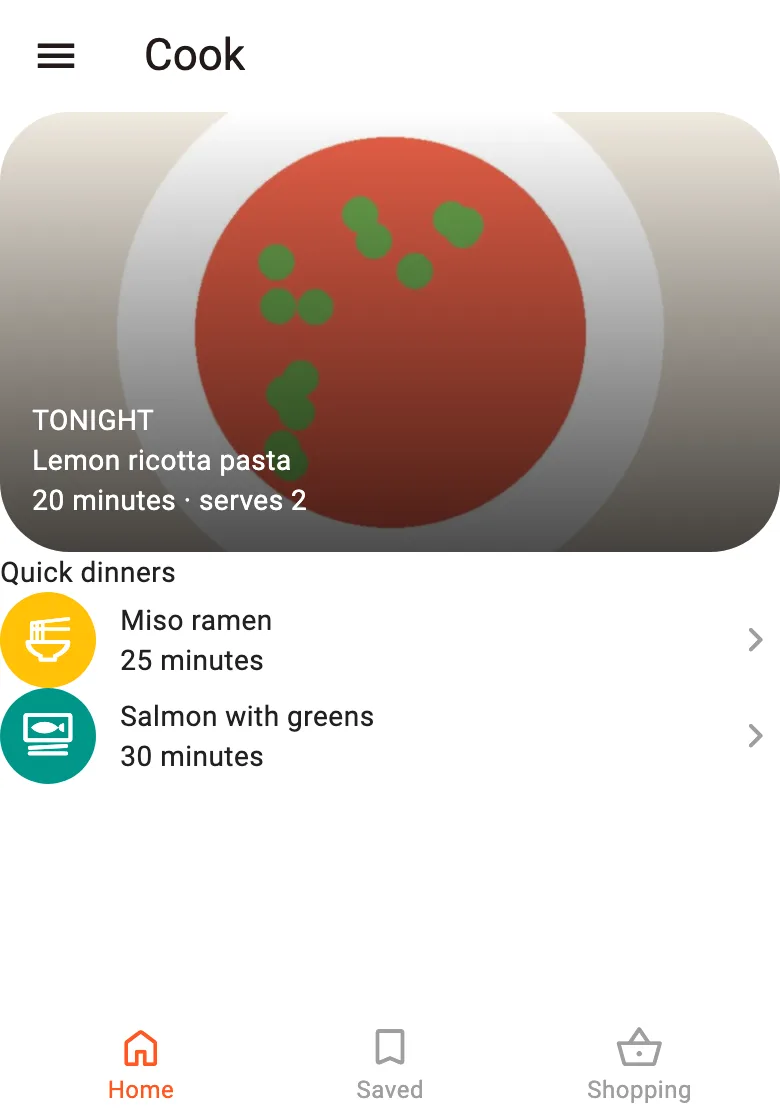
Step 7 of 8
Fill the other tabs
Saved gets a line saying what goes there. The shopping list gets <checkbox>es, the platform's own, already ticked or not with checked.
<app> <config primary_color="deep-orange"/> <globals tab="home"/> <screen> <app-bar title="Cook" leading_icon="menu"/> <drawer-left> <drawer-header> <column> <avatar text="MC" size="56" color="deep-orange"/> <text>Maya Chen</text> <text>12 recipes saved</text> </column> </drawer-header> <list-tile icon="settings">Settings</list-tile> <list-tile icon="help">Help</list-tile> </drawer-left> <main> <column @show="$tab == 'home'"> <stack style="w-full h-220 rounded-3xl"> <img src="https://hypeapps.dev/gallery/assets/dish.jpg" style="inset-0" fit="cover"/> <box style="inset-0 gradient-t-transparent-black-b opacity-70"/> <column style="align-bottom-left p-16"> <text style="text-white">TONIGHT</text> <text style="text-white">Lemon ricotta pasta</text> <text style="text-white">20 minutes · serves 2</text> </column> </stack> <text>Quick dinners</text> <row style="w-full gap-12 items-center"> <avatar icon="ramen_dining" size="48" color="amber"/> <column flex="1"> <text>Miso ramen</text> <text>25 minutes</text> </column> <icon name="chevron_right grey"/> </row> <row style="w-full gap-12 items-center"> <avatar icon="set_meal" size="48" color="teal"/> <column flex="1"> <text>Salmon with greens</text> <text>30 minutes</text> </column> <icon name="chevron_right grey"/> </row> </column> <column @show="$tab == 'saved'"> <text>Saved</text> <text>Recipes you save show up here.</text> </column> <column @show="$tab == 'list'"> <text>Shopping list</text> <checkbox label="Ricotta" checked="true"/> <checkbox label="Two lemons"/> <checkbox label="Spaghetti"/> </column> </main> <bottom-navigation-bar> <bottom-nav-item label="Home" icon="home" selected="true" action="$tab = 'home'"/> <bottom-nav-item label="Saved" icon="bookmark" action="$tab = 'saved'"/> <bottom-nav-item label="Shopping" icon="shopping_basket" action="$tab = 'list'"/> </bottom-navigation-bar> </screen></app>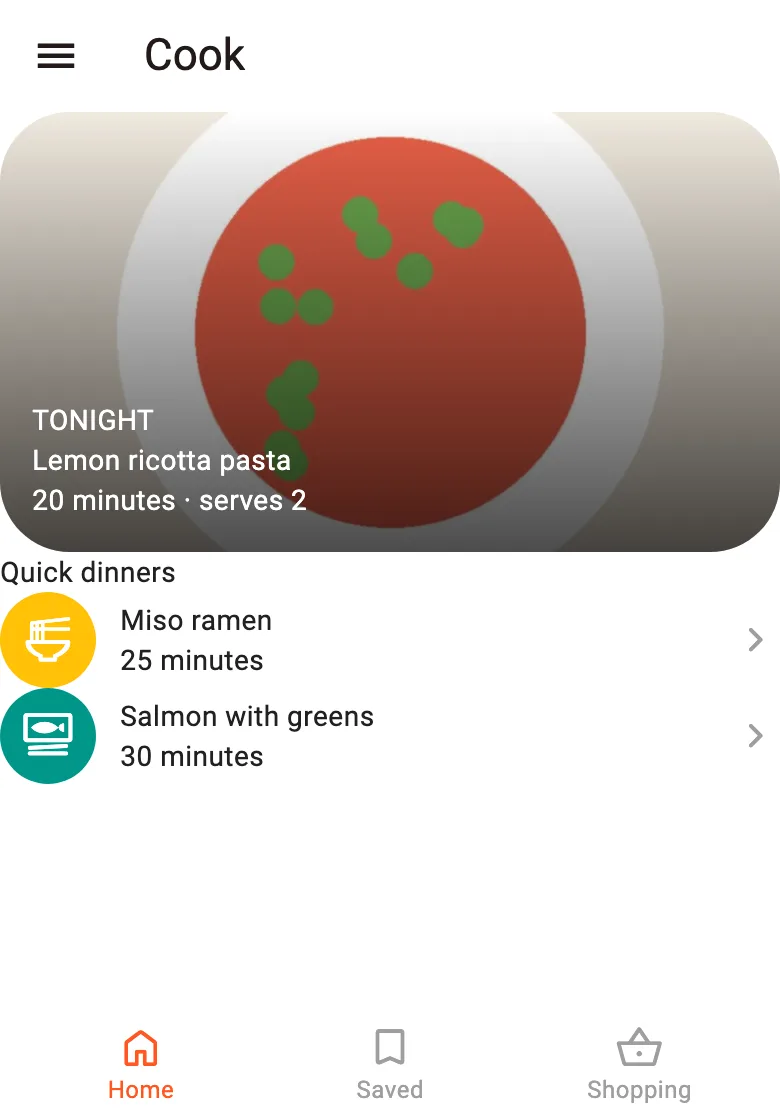
Step 8 of 8
Style it
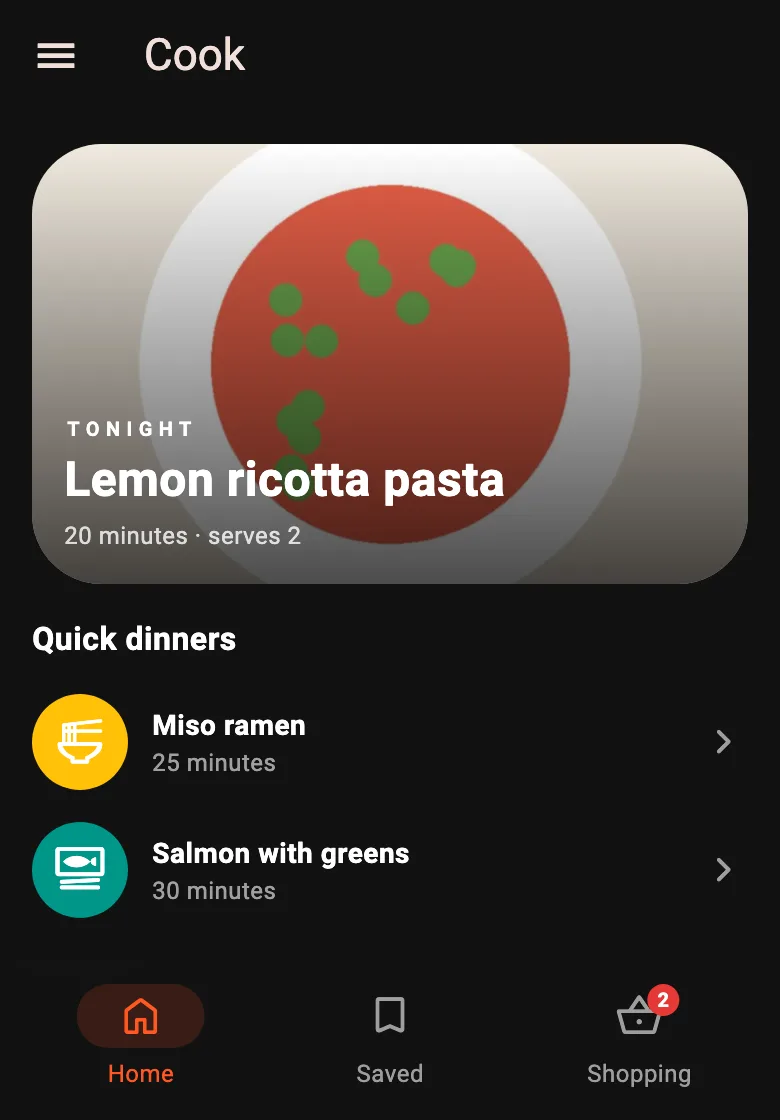
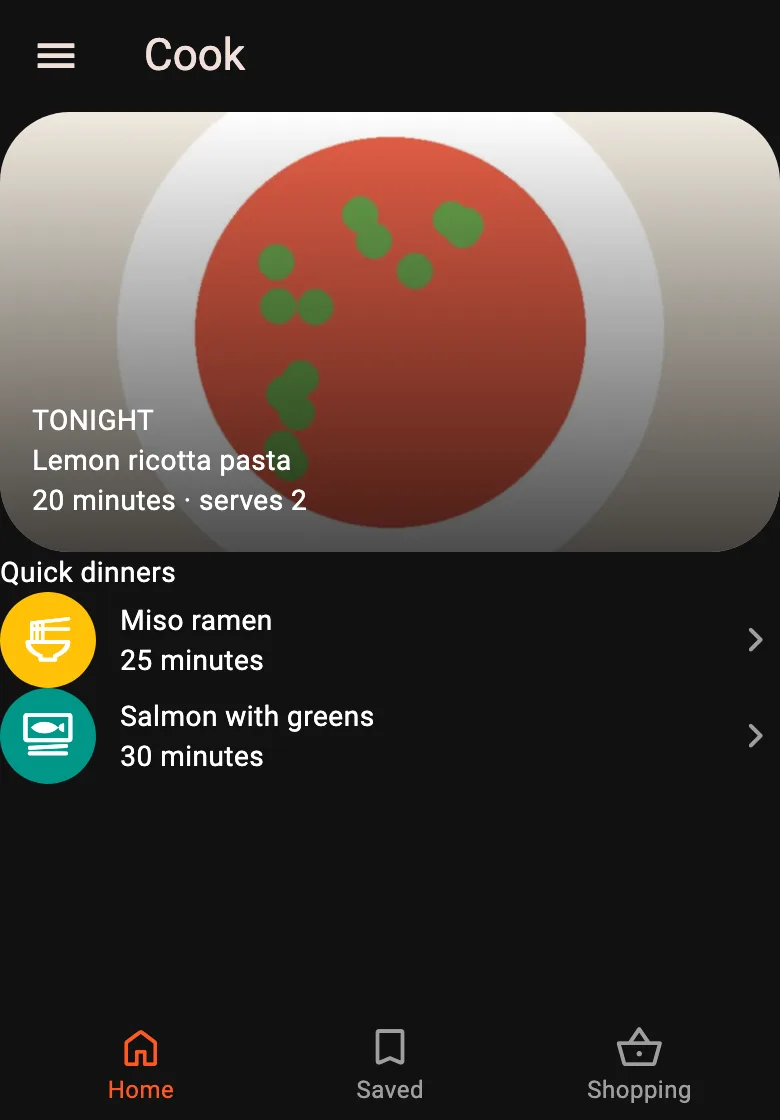
The finishing tokens: padding and gaps for each tab, a small letter-spaced TONIGHT over a big bold title, muted secondary lines, and bold headings. On the bar, indicator="pill" draws a pill behind the selected tab, and badge="2" puts a count on the shopping tab.
That's a recipe app: three tabs and a drawer, in one document, switching without a request to a server.
<app> <config primary_color="deep-orange"/> <globals tab="home"/> <screen> <app-bar title="Cook" leading_icon="menu"/> <drawer-left> <drawer-header> <column style="p-16 gap-8"> <avatar text="MC" size="56" color="deep-orange"/> <text style="font-bold">Maya Chen</text> <text style="muted font-sm">12 recipes saved</text> </column> </drawer-header> <list-tile icon="settings">Settings</list-tile> <list-tile icon="help">Help</list-tile> </drawer-left> <main> <column @show="$tab == 'home'" style="w-full p-16 gap-16"> <stack style="w-full h-220 rounded-3xl"> <img src="https://hypeapps.dev/gallery/assets/dish.jpg" style="inset-0" fit="cover"/> <box style="inset-0 gradient-t-transparent-black-b opacity-70"/> <column style="align-bottom-left p-16 gap-2"> <text style="text-white font-xs font-bold tracking-widest">TONIGHT</text> <text style="text-white font-2xl font-bold">Lemon ricotta pasta</text> <text style="text-white opacity-80 font-sm">20 minutes · serves 2</text> </column> </stack> <text style="font-lg font-bold">Quick dinners</text> <row style="w-full gap-12 items-center"> <avatar icon="ramen_dining" size="48" color="amber"/> <column flex="1"> <text style="font-bold">Miso ramen</text> <text style="muted font-sm">25 minutes</text> </column> <icon name="chevron_right grey"/> </row> <row style="w-full gap-12 items-center"> <avatar icon="set_meal" size="48" color="teal"/> <column flex="1"> <text style="font-bold">Salmon with greens</text> <text style="muted font-sm">30 minutes</text> </column> <icon name="chevron_right grey"/> </row> </column> <column @show="$tab == 'saved'" style="w-full p-16 gap-8"> <text style="font-lg font-bold">Saved</text> <text style="muted">Recipes you save show up here.</text> </column> <column @show="$tab == 'list'" style="w-full p-16 gap-4"> <text style="font-lg font-bold mb-8">Shopping list</text> <checkbox label="Ricotta" checked="true"/> <checkbox label="Two lemons"/> <checkbox label="Spaghetti"/> </column> </main> <bottom-navigation-bar indicator="pill"> <bottom-nav-item label="Home" icon="home" selected="true" action="$tab = 'home'"/> <bottom-nav-item label="Saved" icon="bookmark" action="$tab = 'saved'"/> <bottom-nav-item label="Shopping" icon="shopping_basket" badge="2" action="$tab = 'list'"/> </bottom-navigation-bar> </screen></app>