Hype Apps
Layout and styling
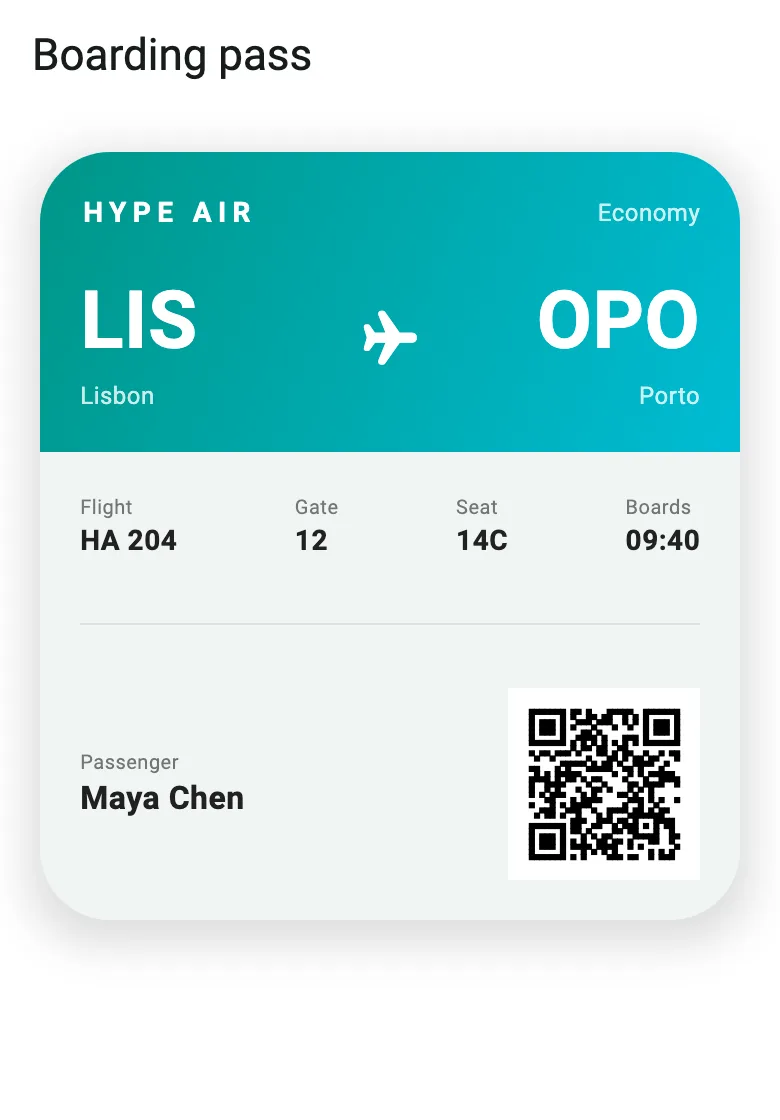
Build a boarding pass from the smallest app: a card in two parts, rows and columns inside it, then spacing, alignment, color and type.
7 steps · ends in a boarding pass with a QR code
Aliases
Reset to canonicalThis tag has more than one name. Every spelling is the same tag, so write whichever feels natural. Pick one and every example on this page uses it.
HAM lays out a screen the way you'd sketch it: things stacked in a <column>, side by side in a <row>, grouped on a <card>. Then the style attribute spaces, aligns, colors and sizes them with short tokens, much like Tailwind's. Everything is drawn by the platform's own layout, so it scrolls, resizes and follows the phone's text size like any native screen.
This guide builds a boarding pass, from the outside in: the card first, then what's on it, then how it looks.
Step 1 of 7
Start with the smallest app
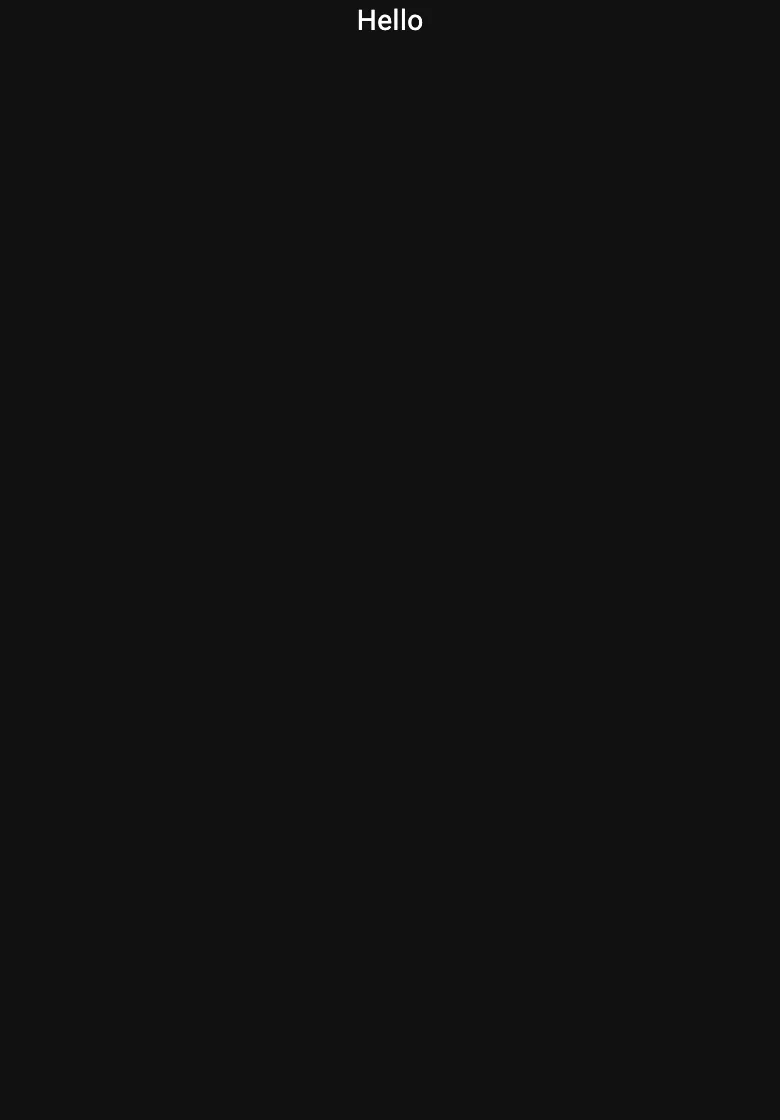
Every HAM document starts with <app>. A <screen> is one page of the app, and <main> holds what's on it: for now, one line of <text>.
<app> <screen> <main> <text>Hello</text> </main> </screen></app>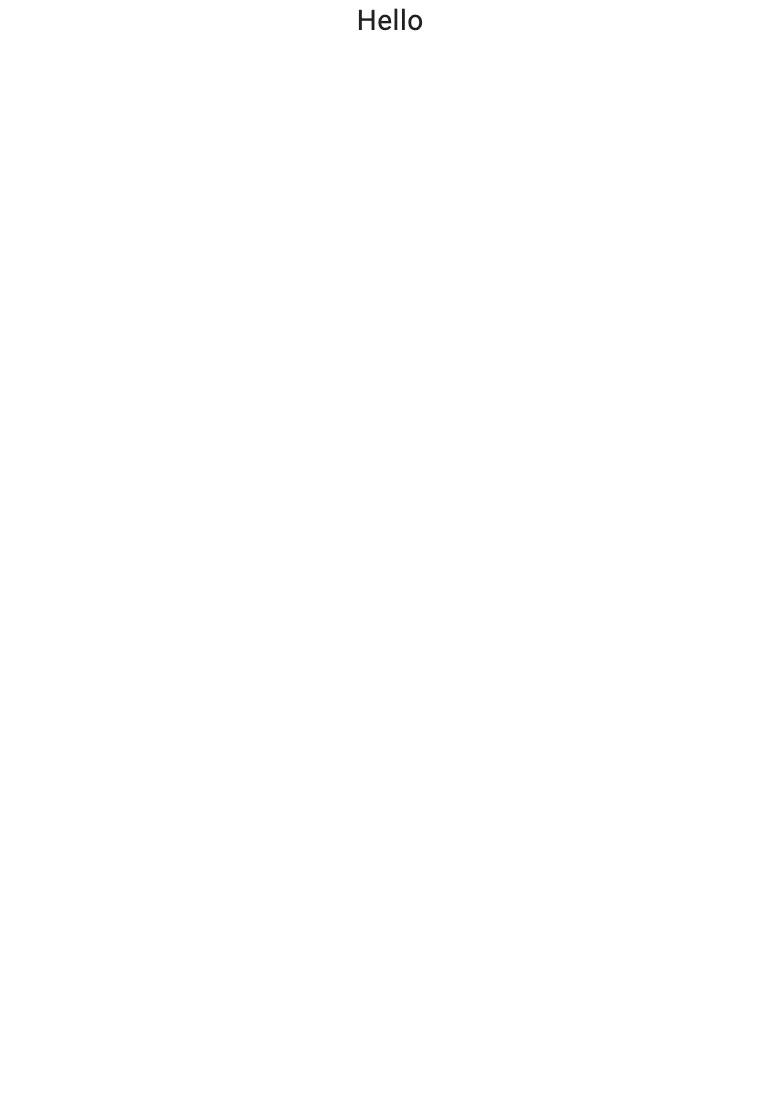
Step 2 of 7
Add a title bar and a color
<app-bar> puts the screen's title across the top, and <config primary_color="teal"> sets the app's color. Use a named color like teal, amber or rose.
<app> <config primary_color="teal"/> <screen> <app-bar title="Boarding pass"/> <main> <text>Hello</text> </main> </screen></app>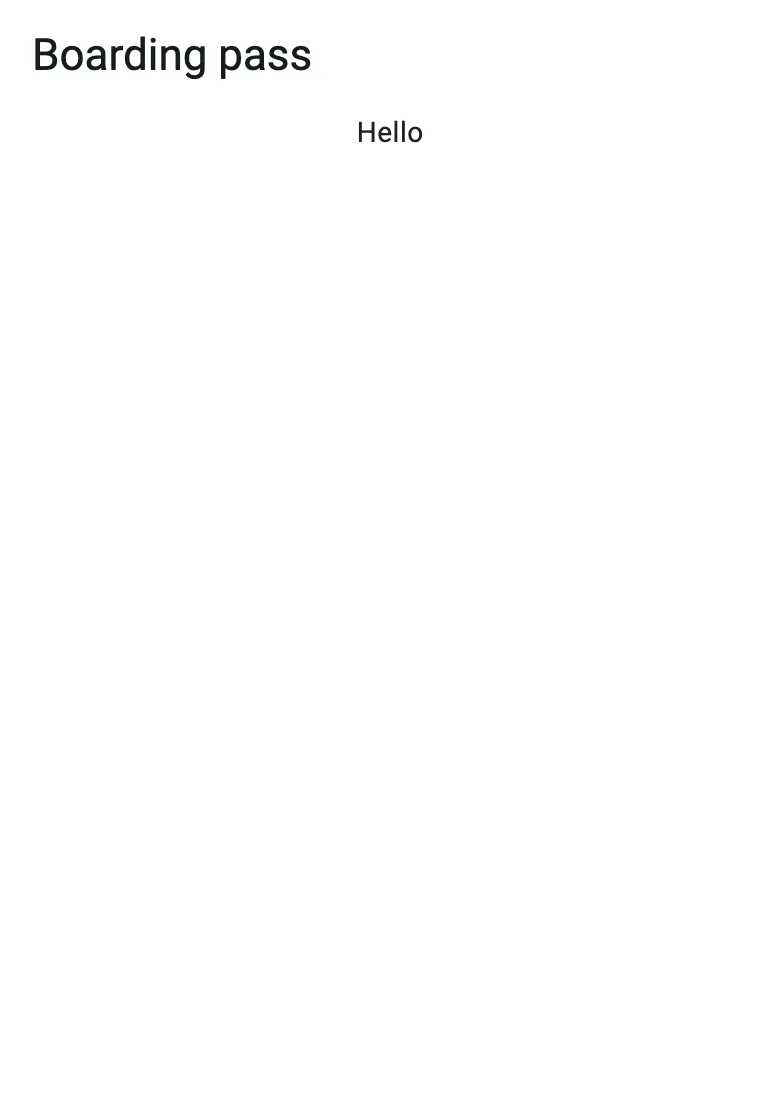
Step 3 of 7
Start with the card
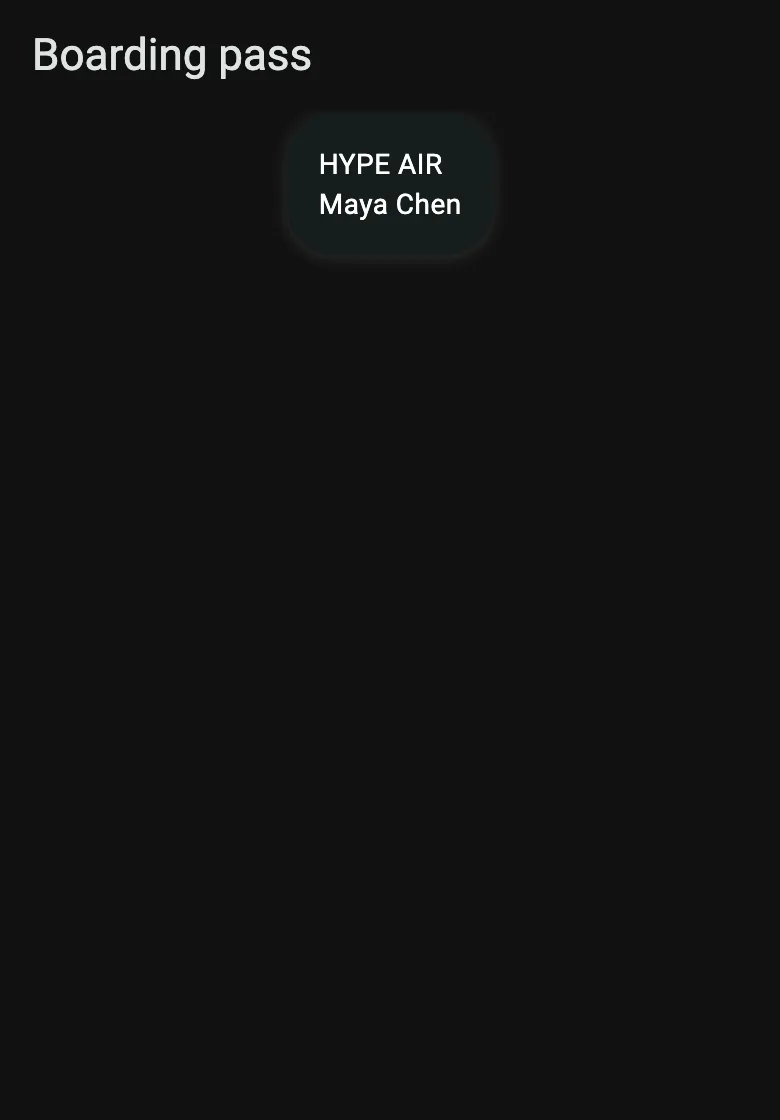
Build from the outside in. A <column> holds the page, a <card> is the pass, and the pass has two parts, each a <column>: the top for the airline and the route, the bottom for the details. For now each part holds one line, to show where things go.
<app> <config primary_color="teal"/> <screen> <app-bar title="Boarding pass"/> <main> <column> <card> <column> <text>HYPE AIR</text> </column> <column> <text>Maya Chen</text> </column> </card> </column> </main> </screen></app>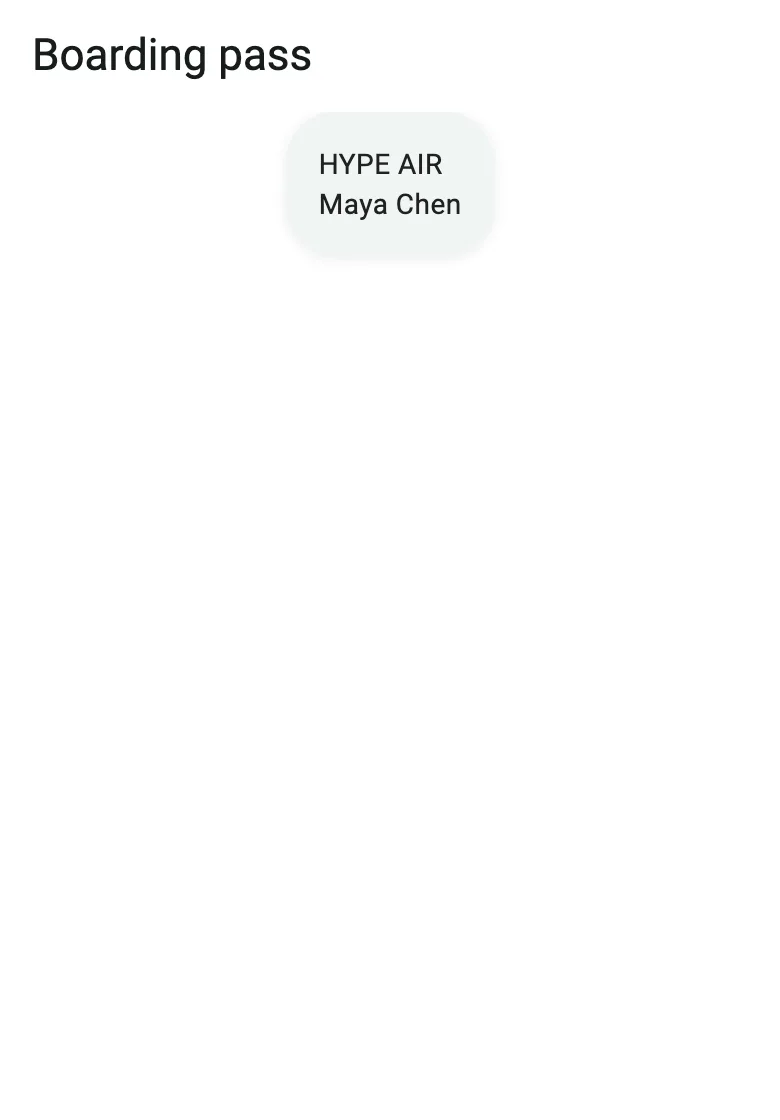
Step 4 of 7
Fill the top
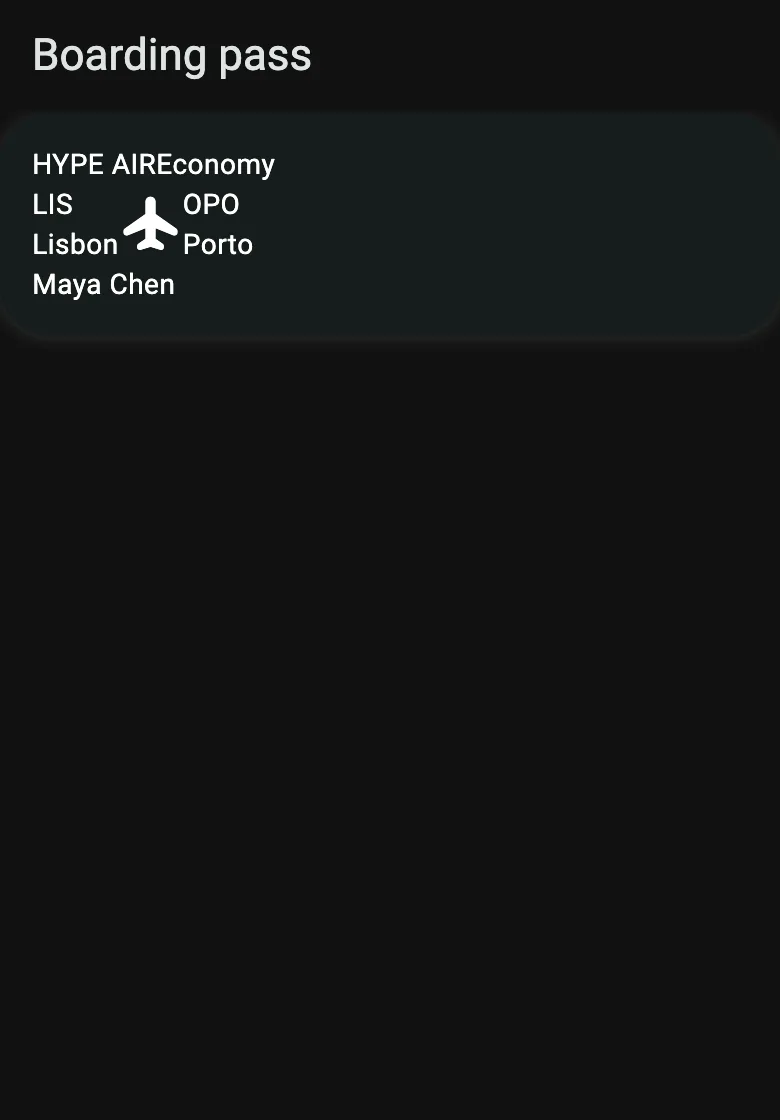
The top gets two <row>s, which lay things out side by side. The first holds the airline and the class. The second holds the route: a <column> for where you leave from (the code over the city), a plane <icon>, and a <column> for where you land.
<app> <config primary_color="teal"/> <screen> <app-bar title="Boarding pass"/> <main> <column> <card> <column> <row> <text>HYPE AIR</text> <text>Economy</text> </row> <row> <column> <text>LIS</text> <text>Lisbon</text> </column> <icon name="flight size-32"/> <column> <text>OPO</text> <text>Porto</text> </column> </row> </column> <column> <text>Maya Chen</text> </column> </card> </column> </main> </screen></app>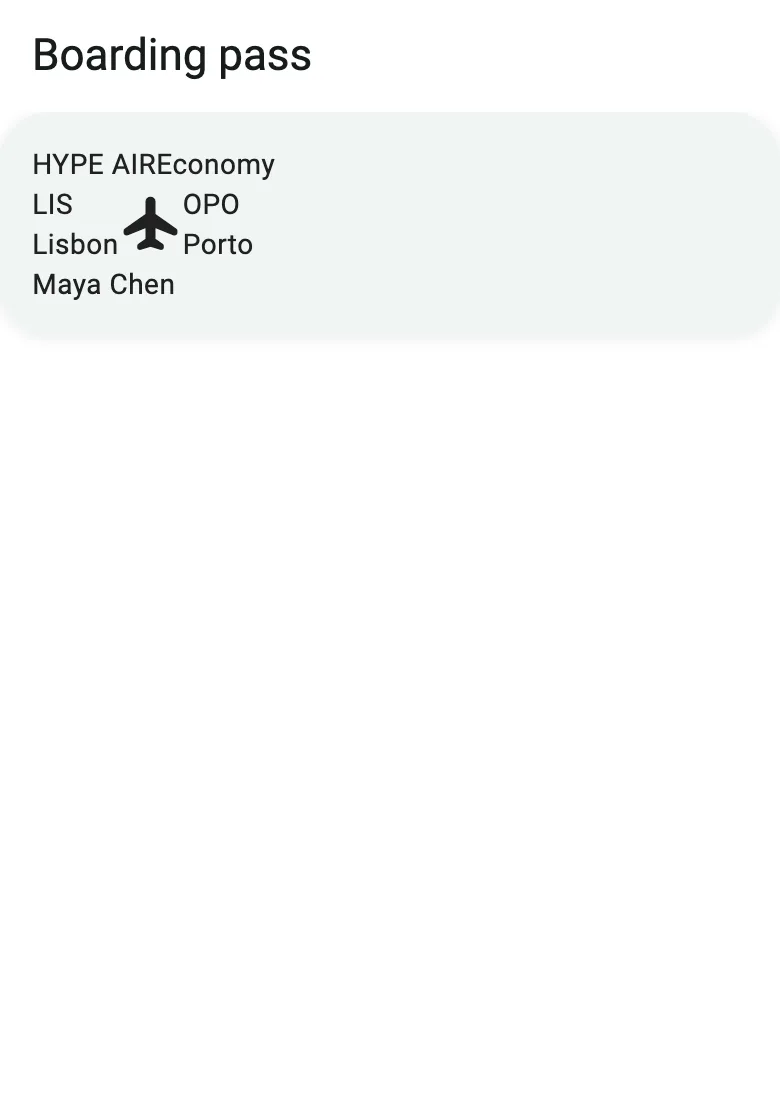
Step 5 of 7
Fill the bottom
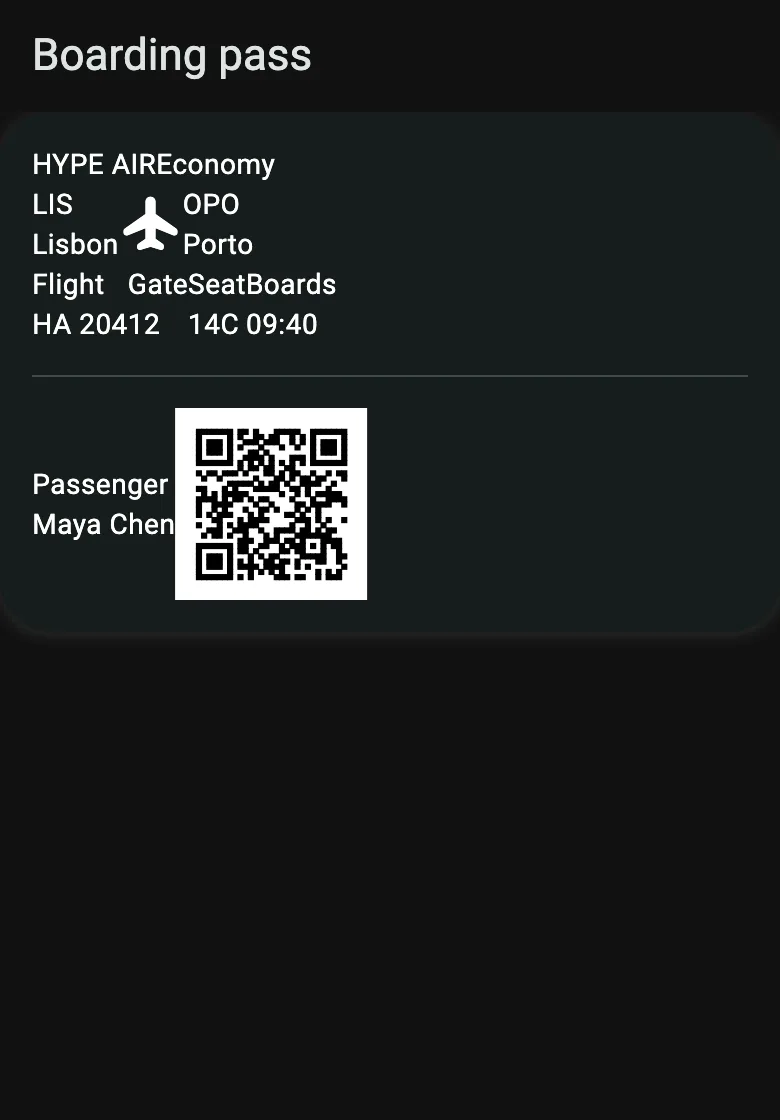
The bottom gets a row of four small columns, each a label over its value: flight, gate, seat and boarding time. A <hr> draws a line under them. Then the passenger's name, beside a <qr> code drawn on the phone from value: nothing is downloaded.
<app> <config primary_color="teal"/> <screen> <app-bar title="Boarding pass"/> <main> <column> <card> <column> <row> <text>HYPE AIR</text> <text>Economy</text> </row> <row> <column> <text>LIS</text> <text>Lisbon</text> </column> <icon name="flight size-32"/> <column> <text>OPO</text> <text>Porto</text> </column> </row> </column> <column> <row> <column> <text>Flight</text> <text>HA 204</text> </column> <column> <text>Gate</text> <text>12</text> </column> <column> <text>Seat</text> <text>14C</text> </column> <column> <text>Boards</text> <text>09:40</text> </column> </row> <hr/> <row> <column> <text>Passenger</text> <text>Maya Chen</text> </column> <qr value="HA204 LIS OPO 14C CHEN/MAYA" size="96" color="black" background="white"/> </row> </column> </card> </column> </main> </screen></app>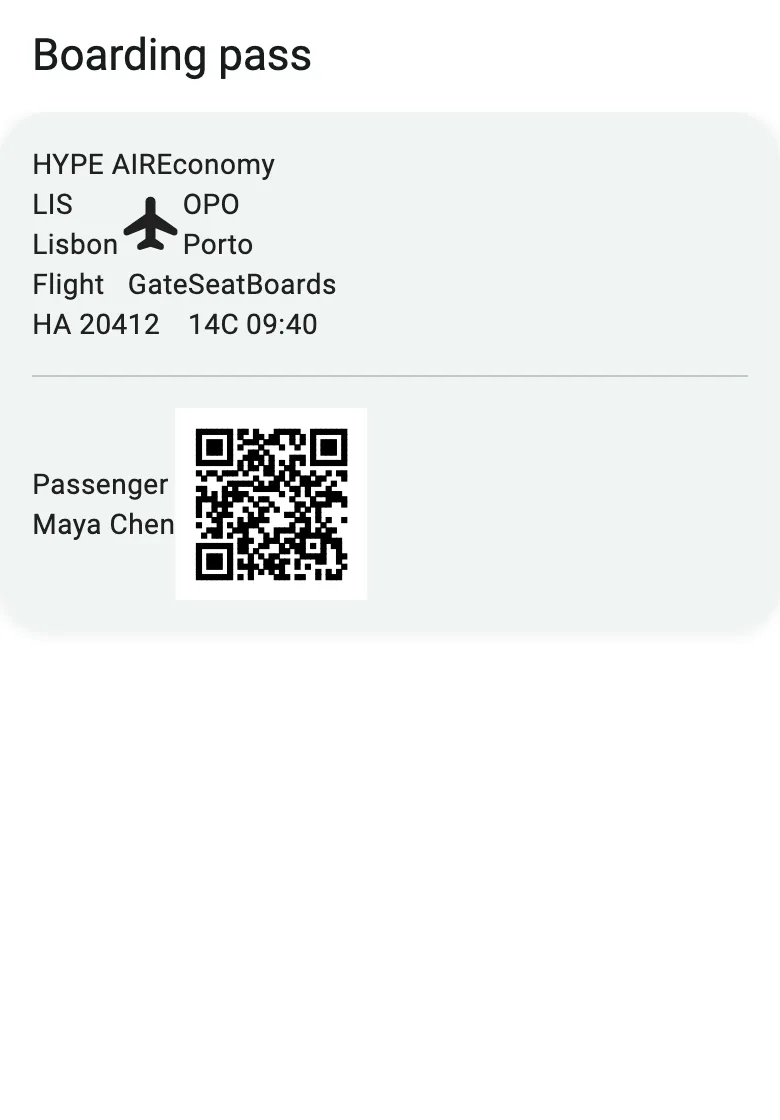
Step 6 of 7
Space and align it
Now the layout tokens, still without color:
p-20 gap-16pads each part and spaces what's in it;w-fullmakes rows and columns as wide as their parent.justify-betweenpushes a row's first and last items to its two ends, anditems-centerlines them up across.flex="1"makes the two airport columns share the row's width equally, so the plane sits in the middle, anditems-endlines the destination up on the right.
<app> <config primary_color="teal"/> <screen> <app-bar title="Boarding pass"/> <main> <column style="w-full p-20"> <card> <column style="w-full p-20 gap-16"> <row style="w-full justify-between items-center"> <text>HYPE AIR</text> <text>Economy</text> </row> <row style="w-full items-center"> <column flex="1"> <text>LIS</text> <text>Lisbon</text> </column> <icon name="flight size-32"/> <column flex="1" style="items-end"> <text>OPO</text> <text>Porto</text> </column> </row> </column> <column style="w-full p-20 gap-16"> <row style="w-full justify-between"> <column> <text>Flight</text> <text>HA 204</text> </column> <column> <text>Gate</text> <text>12</text> </column> <column> <text>Seat</text> <text>14C</text> </column> <column> <text>Boards</text> <text>09:40</text> </column> </row> <hr/> <row style="w-full justify-between items-center"> <column> <text>Passenger</text> <text>Maya Chen</text> </column> <qr value="HA204 LIS OPO 14C CHEN/MAYA" size="96" color="black" background="white"/> </row> </column> </card> </column> </main> </screen></app>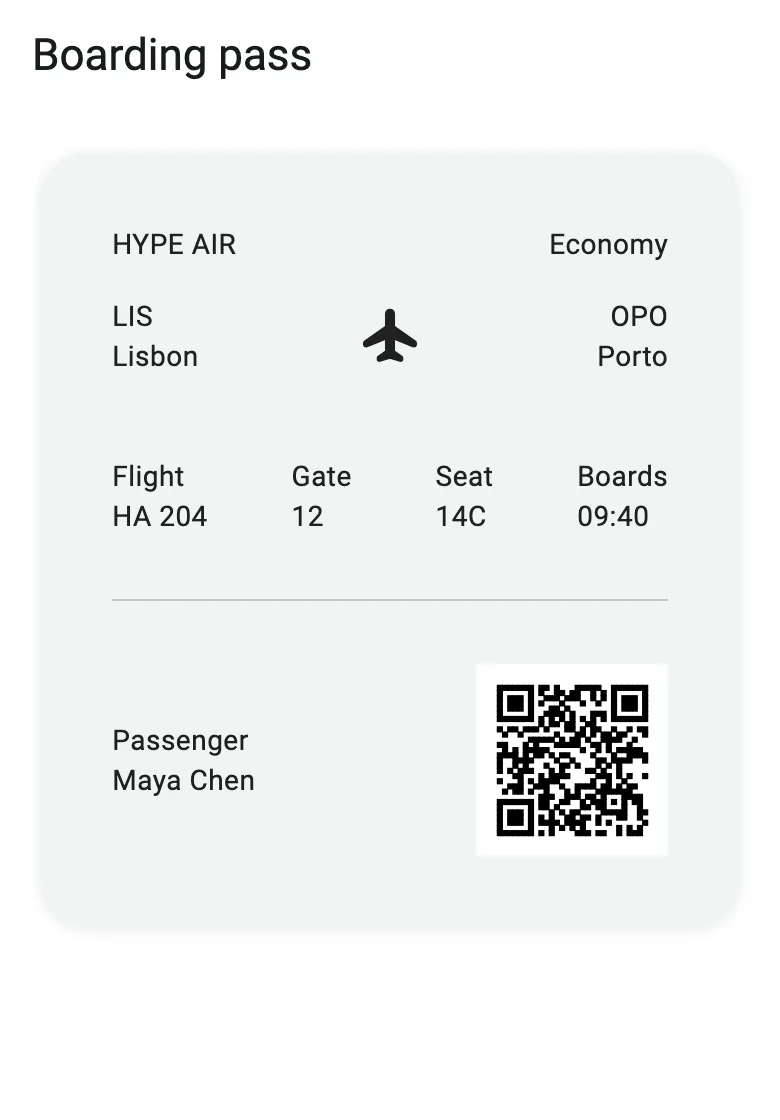
Step 7 of 7
Color and type
Last, the look:
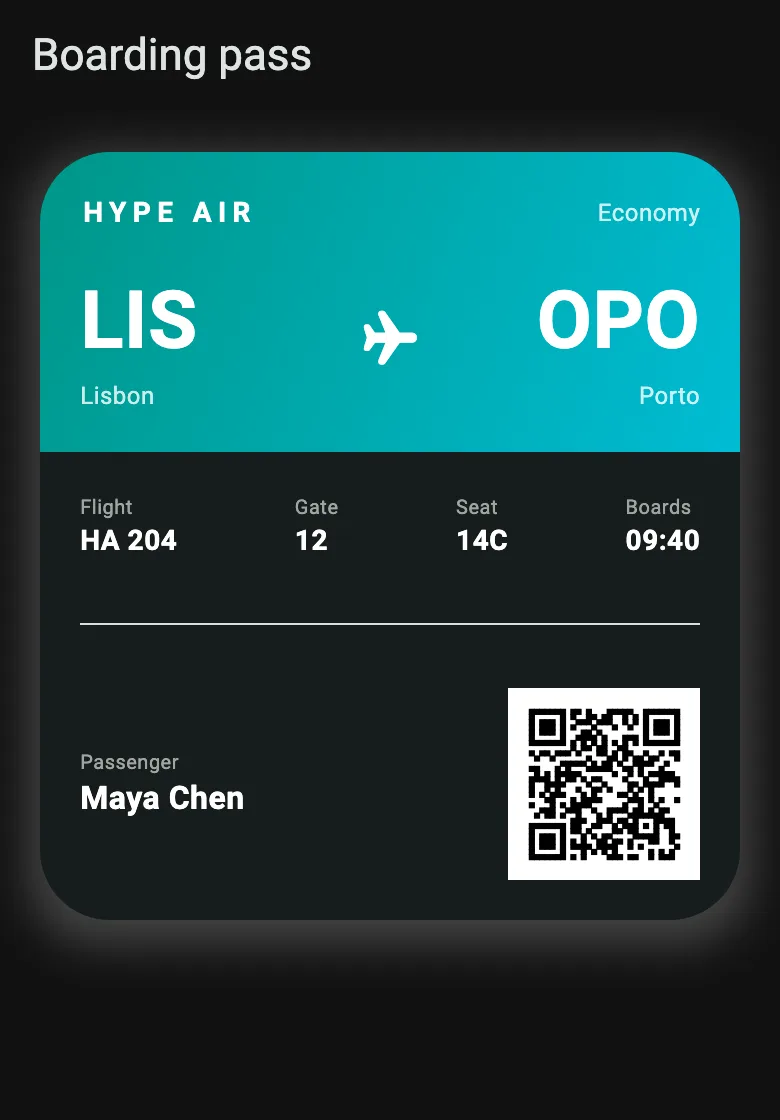
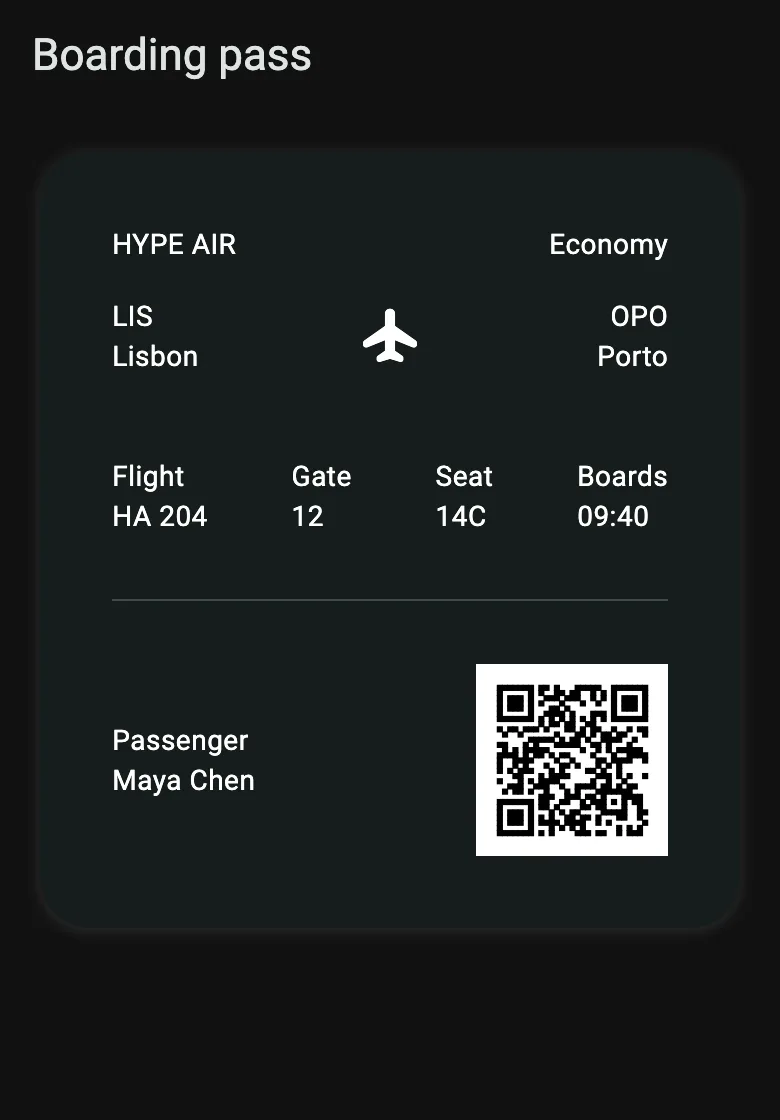
gradient-tl-teal-cyan-brfills the top with a teal-to-cyan fade, andtext-whiteturns its text white.font-size-40 font-boldmakes the airport codes big;tracking-widestspaces out the airline's letters;muted font-xsmakes the labels small and quiet.rotate-90turns the plane to point along the route.p-0 gap-0 rounded-3xl shadow-xllets the two parts fill the card edge to edge, rounds its corners and lifts it off the page.
That's a boarding pass: a card, two columns, a few rows, and the style tokens that make it look like one.
<app> <config primary_color="teal"/> <screen> <app-bar title="Boarding pass"/> <main> <column style="w-full p-20"> <card style="w-full p-0 gap-0 rounded-3xl shadow-xl"> <column style="w-full p-20 gap-16 gradient-tl-teal-cyan-br"> <row style="w-full justify-between items-center"> <text style="text-white font-bold tracking-widest">HYPE AIR</text> <text style="text-white opacity-80 font-sm">Economy</text> </row> <row style="w-full items-center"> <column flex="1"> <text style="text-white font-size-40 font-bold">LIS</text> <text style="text-white opacity-80 font-sm">Lisbon</text> </column> <icon name="flight size-32 white" style="rotate-90"/> <column flex="1" style="items-end"> <text style="text-white font-size-40 font-bold">OPO</text> <text style="text-white opacity-80 font-sm">Porto</text> </column> </row> </column> <column style="w-full p-20 gap-16"> <row style="w-full justify-between"> <column> <text style="muted font-xs">Flight</text> <text style="font-bold">HA 204</text> </column> <column> <text style="muted font-xs">Gate</text> <text style="font-bold">12</text> </column> <column> <text style="muted font-xs">Seat</text> <text style="font-bold">14C</text> </column> <column> <text style="muted font-xs">Boards</text> <text style="font-bold">09:40</text> </column> </row> <hr color="grey-300"/> <row style="w-full justify-between items-center"> <column> <text style="muted font-xs">Passenger</text> <text style="font-lg font-bold">Maya Chen</text> </column> <qr value="HA204 LIS OPO 14C CHEN/MAYA" size="96" color="black" background="white"/> </row> </column> </card> </column> </main> </screen></app>