Hype Apps
Gestures
Build a deck of flashcards from the smallest app: cards from a table, a tap that flips them, swipes that sort them, and a score that keeps count.
8 steps · ends in a flashcard deck you flip and swipe
Aliases
Reset to canonicalThis tag has more than one name. Every spelling is the same tag, so write whichever feels natural. Pick one and every example on this page uses it.
Every element in HAM can answer gestures: @on.tap, @on.doubletap, @on.longpress, and a swipe in each direction. The platform recognizes them, so they feel like every other app on the phone, and each runs the same actions a button would. Some tags bring their own gesture, like <flip-card>, which turns over when you tap it.
This guide builds a deck of Portuguese flashcards: tap to see the answer, swipe right if you knew it, left if you didn't.
Step 1 of 8
Start with the smallest app
Every HAM document starts with <app>. A <screen> is one page of the app, and <main> holds what's on it: for now, one line of <text>.
<app> <screen> <main> <text>Hello</text> </main> </screen></app>

Step 2 of 8
Add a title bar and a color
<app-bar> puts the screen's title across the top, and <config primary_color="orange"> gives every control an orange. Use a named color like orange, teal or rose.
<app> <config primary_color="orange"/> <screen> <app-bar title="Portuguese"/> <main> <text>Hello</text> </main> </screen></app>

Step 3 of 8
Put the deck in a table
The cards are data: a <database> with a card table, a front and a back for each, and six words in its <seed>. <@foreach in="card" limit="1"> shows just one card, the first.
<app> <config primary_color="orange"/> <database name="deck" version="1"> <model name="card"> <field name="front"/> <field name="back"/> <seed>[{"front": "obrigado", "back": "thank you"}, {"front": "a praia", "back": "the beach"}, {"front": "o pequeno-almoço", "back": "breakfast"}, {"front": "a saudade", "back": "a longing for what's gone"}, {"front": "devagar", "back": "slowly"}, {"front": "o elétrico", "back": "the tram"}]</seed> </model> </database> <screen> <app-bar title="Portuguese"/> <main> <column> <@foreach in="card" limit="1" as="c"> <text>@{$c.front}</text> </@foreach> </column> </main> </screen></app>

Step 4 of 8
Flip it
<flip-card> holds two faces: its first child is the front and its second is the back. A tap turns it over, flip-direction="up" turns it from the bottom edge, and flip-speed="400" takes 400 milliseconds.
<app> <config primary_color="orange"/> <database name="deck" version="1"> <model name="card"> <field name="front"/> <field name="back"/> <seed>[{"front": "obrigado", "back": "thank you"}, {"front": "a praia", "back": "the beach"}, {"front": "o pequeno-almoço", "back": "breakfast"}, {"front": "a saudade", "back": "a longing for what's gone"}, {"front": "devagar", "back": "slowly"}, {"front": "o elétrico", "back": "the tram"}]</seed> </model> </database> <screen> <app-bar title="Portuguese"/> <main> <column> <@foreach in="card" limit="1" as="c"> <flip-card flip-direction="up" flip-speed="400"> <column> <text>Portuguese</text> <text>@{$c.front}</text> <text>Tap to flip</text> </column> <column> <text>English</text> <text>@{$c.back}</text> </column> </flip-card> </@foreach> </column> </main> </screen></app>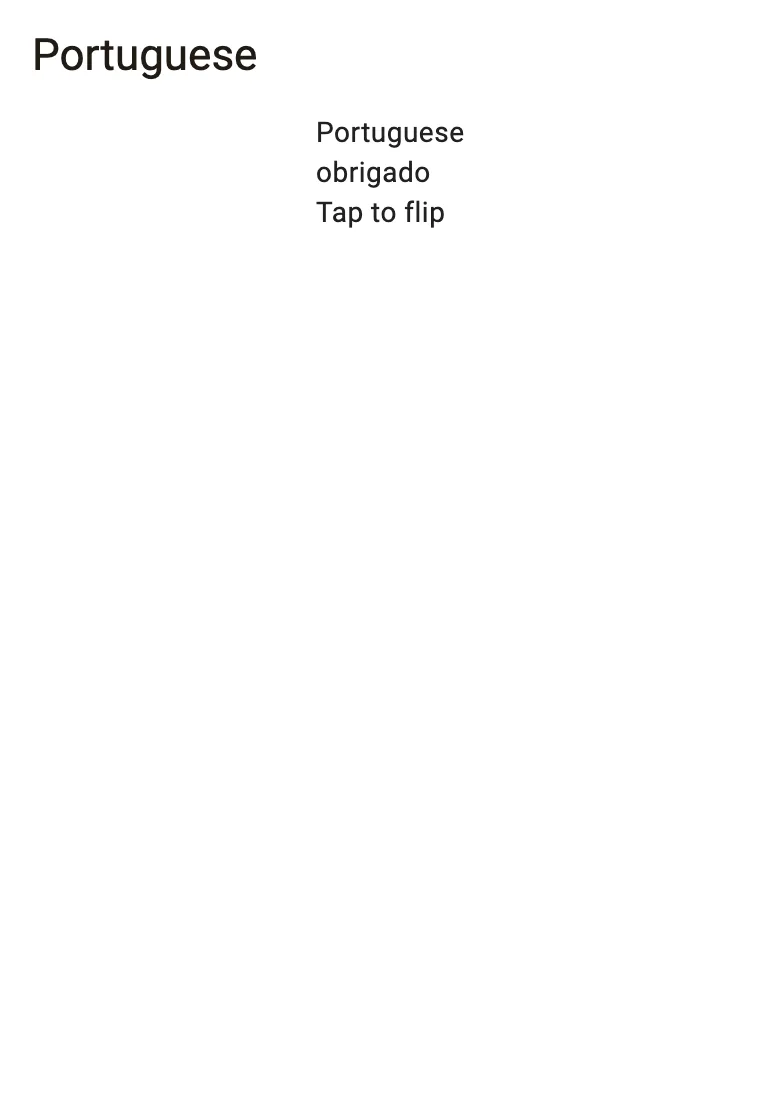
Step 5 of 8
Swipe it away
Two gestures sort the card. @on.swiperight marks it seen and known, and @on.swipeleft marks it seen only. Both are a database update: #db.card.update:$c.id,seen=true.
The loop now shows the first card where="seen == false", so when a card is marked, the next one takes its place. When none are left, <@empty> says you're done.
<app> <config primary_color="orange"/> <database name="deck" version="1"> <model name="card"> <field name="front"/> <field name="back"/> <field name="seen" type="bool" default="false"/> <field name="known" type="bool" default="false"/> <seed>[{"front": "obrigado", "back": "thank you"}, {"front": "a praia", "back": "the beach"}, {"front": "o pequeno-almoço", "back": "breakfast"}, {"front": "a saudade", "back": "a longing for what's gone"}, {"front": "devagar", "back": "slowly"}, {"front": "o elétrico", "back": "the tram"}]</seed> </model> </database> <screen> <app-bar title="Portuguese"/> <main> <column> <@foreach in="card" where="seen == false" limit="1" as="c"> <flip-card flip-direction="up" flip-speed="400" @on.swipeleft="#db.card.update:$c.id,seen=true" @on.swiperight="#db.card.update:$c.id,seen=true,known=true"> <column> <text>Portuguese</text> <text>@{$c.front}</text> <text>Tap to flip</text> </column> <column> <text>English</text> <text>@{$c.back}</text> </column> </flip-card> <@empty> <text>Done!</text> </@foreach> </column> </main> </screen></app>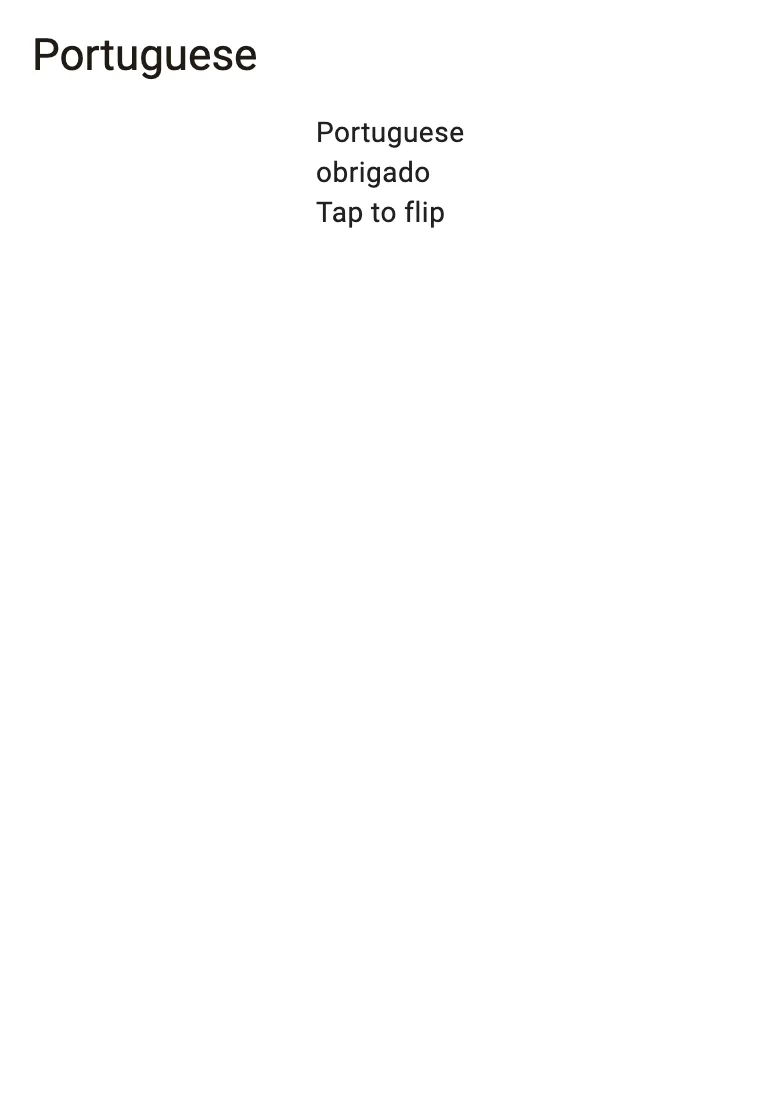
Step 6 of 8
Keep score
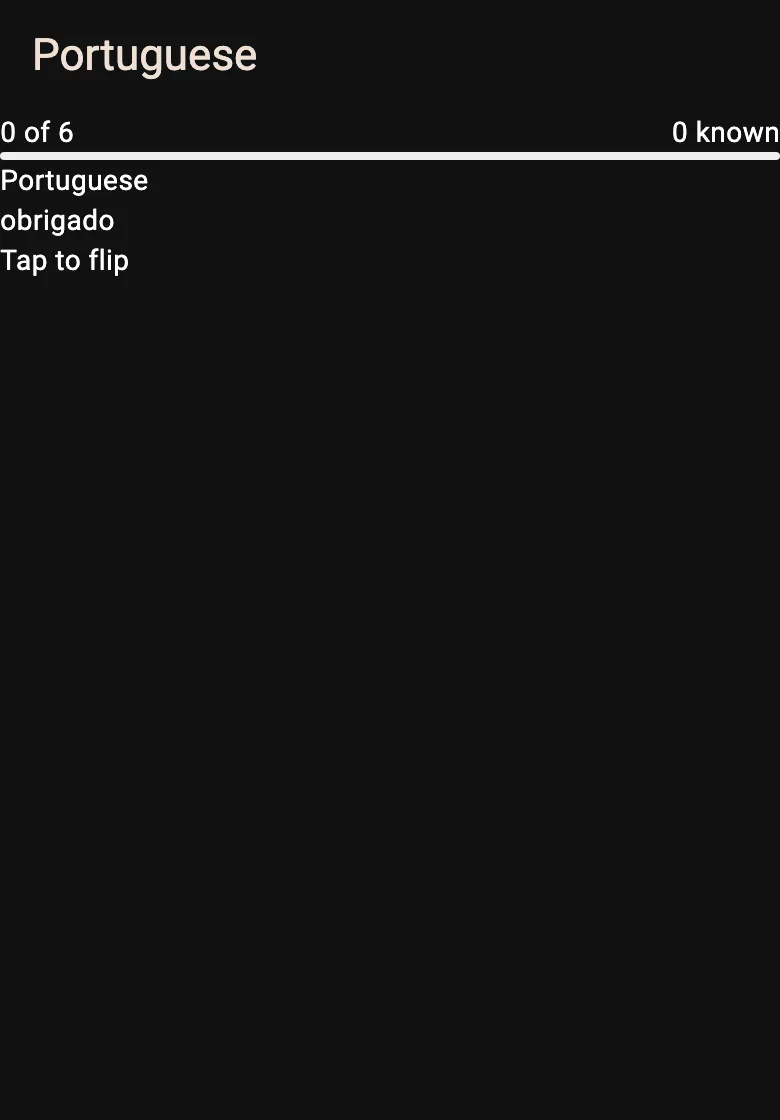
Two counts in the model, <count name="done" where="seen == true"/> and <count name="right" where="known == true"/>, read as $db.card.done and $db.card.right. A line and a <progress> above the card follow them as you swipe.
<app> <config primary_color="orange"/> <database name="deck" version="1"> <model name="card"> <field name="front"/> <field name="back"/> <field name="seen" type="bool" default="false"/> <field name="known" type="bool" default="false"/> <count name="done" where="seen == true"/> <count name="right" where="known == true"/> <seed>[{"front": "obrigado", "back": "thank you"}, {"front": "a praia", "back": "the beach"}, {"front": "o pequeno-almoço", "back": "breakfast"}, {"front": "a saudade", "back": "a longing for what's gone"}, {"front": "devagar", "back": "slowly"}, {"front": "o elétrico", "back": "the tram"}]</seed> </model> </database> <screen> <app-bar title="Portuguese"/> <main> <column> <column> <row style="w-full justify-between"> <text>@{$db.card.done} of @{$db.card.count}</text> <text>@{$db.card.right} known</text> </row> <progress value="$db.card.done" max="$db.card.count"/> </column> <@foreach in="card" where="seen == false" limit="1" as="c"> <flip-card flip-direction="up" flip-speed="400" @on.swipeleft="#db.card.update:$c.id,seen=true" @on.swiperight="#db.card.update:$c.id,seen=true,known=true"> <column> <text>Portuguese</text> <text>@{$c.front}</text> <text>Tap to flip</text> </column> <column> <text>English</text> <text>@{$c.back}</text> </column> </flip-card> <@empty> <text>Done!</text> </@foreach> </column> </main> </screen></app>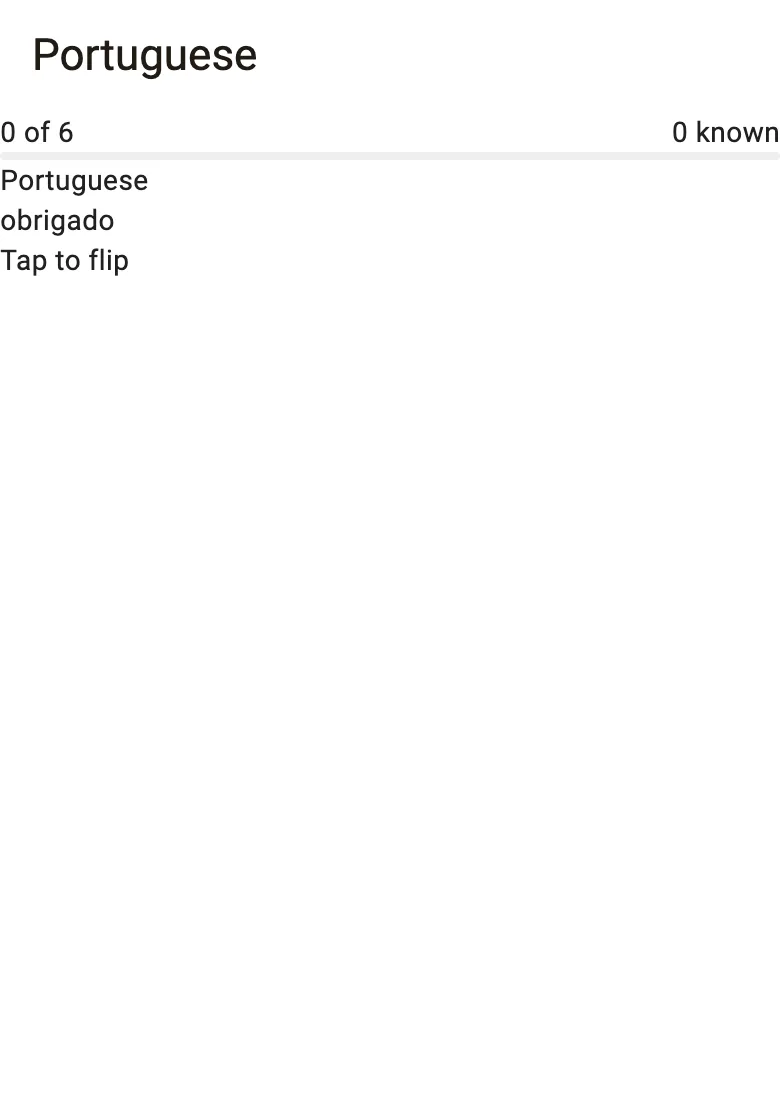
Step 7 of 8
Add buttons too
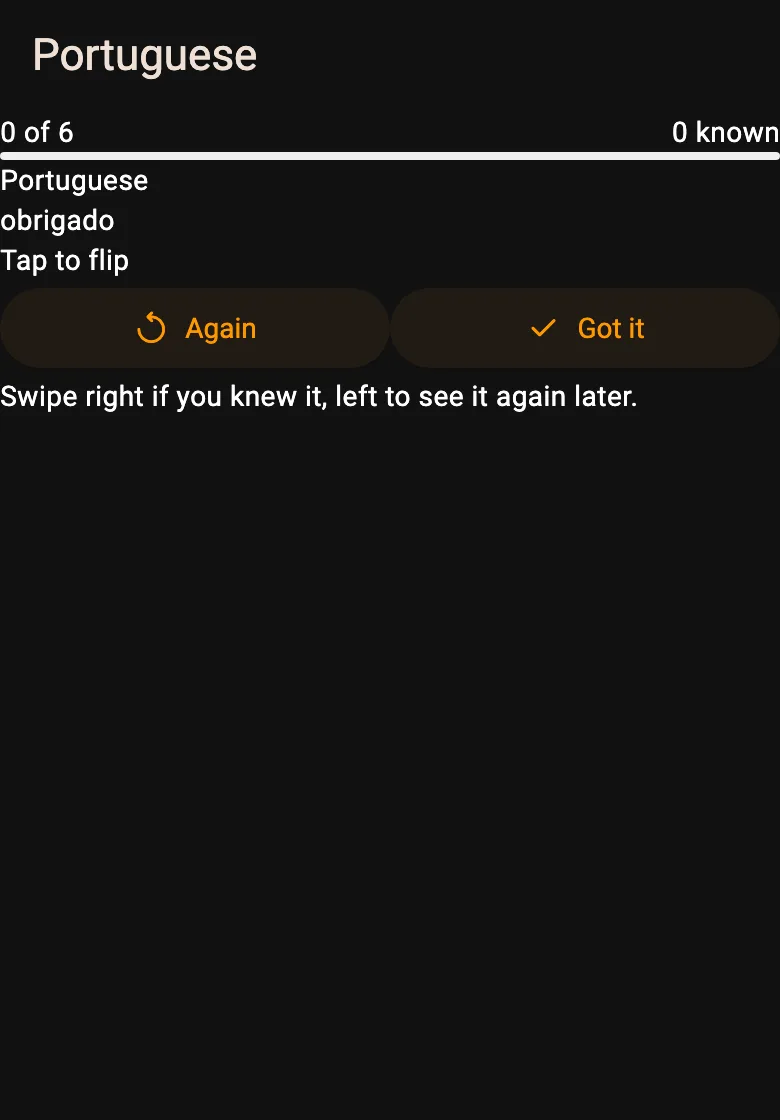
Not everyone swipes, so Again and Got it do the same as the two swipes. A hint says which way is which. At the end, Start again runs #db.wipe, which erases the database and plants the seed again: a fresh deck.
<app> <config primary_color="orange"/> <database name="deck" version="1"> <model name="card"> <field name="front"/> <field name="back"/> <field name="seen" type="bool" default="false"/> <field name="known" type="bool" default="false"/> <count name="done" where="seen == true"/> <count name="right" where="known == true"/> <seed>[{"front": "obrigado", "back": "thank you"}, {"front": "a praia", "back": "the beach"}, {"front": "o pequeno-almoço", "back": "breakfast"}, {"front": "a saudade", "back": "a longing for what's gone"}, {"front": "devagar", "back": "slowly"}, {"front": "o elétrico", "back": "the tram"}]</seed> </model> </database> <screen> <app-bar title="Portuguese"/> <main> <column> <column> <row style="w-full justify-between"> <text>@{$db.card.done} of @{$db.card.count}</text> <text>@{$db.card.right} known</text> </row> <progress value="$db.card.done" max="$db.card.count"/> </column> <@foreach in="card" where="seen == false" limit="1" as="c"> <flip-card flip-direction="up" flip-speed="400" @on.swipeleft="#db.card.update:$c.id,seen=true" @on.swiperight="#db.card.update:$c.id,seen=true,known=true"> <column> <text>Portuguese</text> <text>@{$c.front}</text> <text>Tap to flip</text> </column> <column> <text>English</text> <text>@{$c.back}</text> </column> </flip-card> <row> <button @click="#db.card.update:$c.id,seen=true" icon="replay" flex="1">Again</button> <button @click="#db.card.update:$c.id,seen=true,known=true" icon="check" flex="1">Got it</button> </row> <text> Swipe right if you knew it, left to see it again later. </text> <@empty> <column> <text> You knew @{$db.card.right} of @{$db.card.count} </text> <button action="#db.wipe">Start again</button> </column> </@foreach> </column> </main> </screen></app>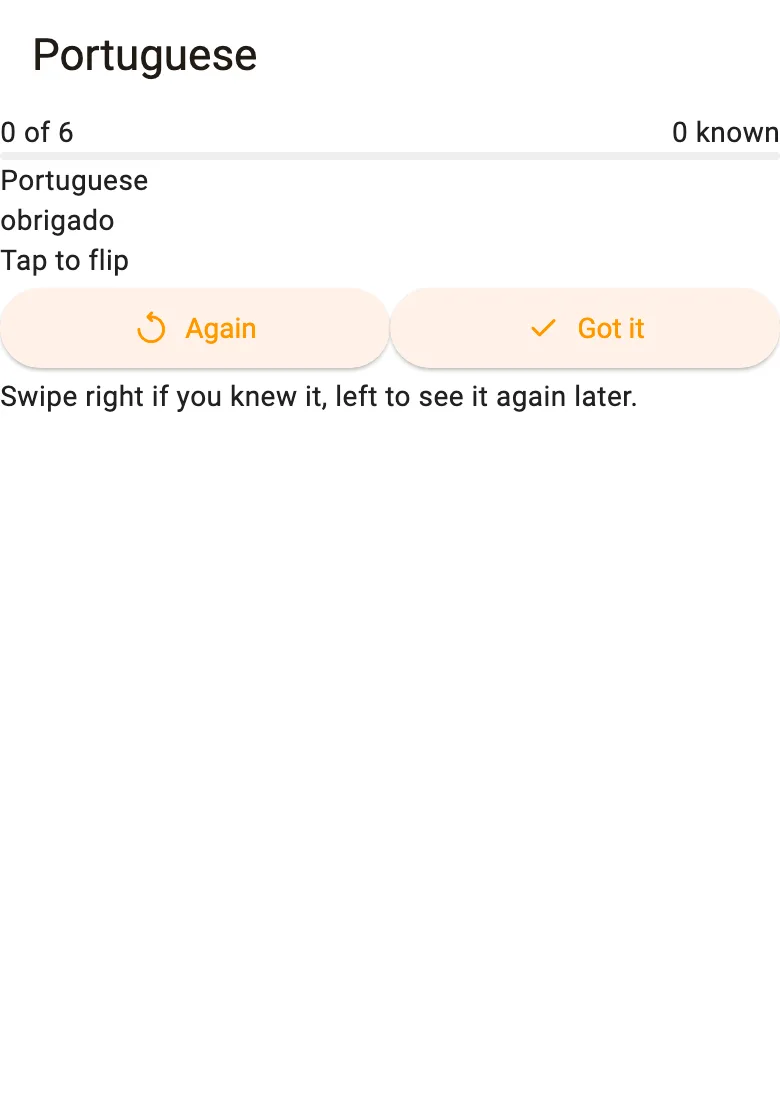
Step 8 of 8
Style it
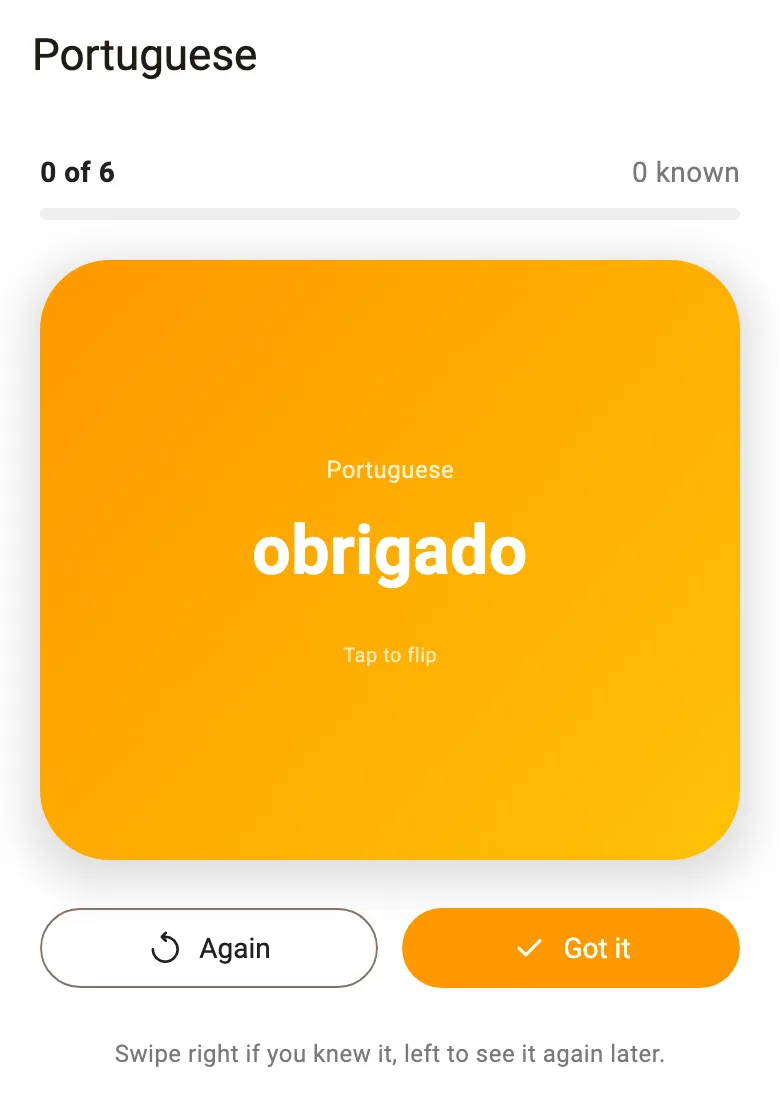
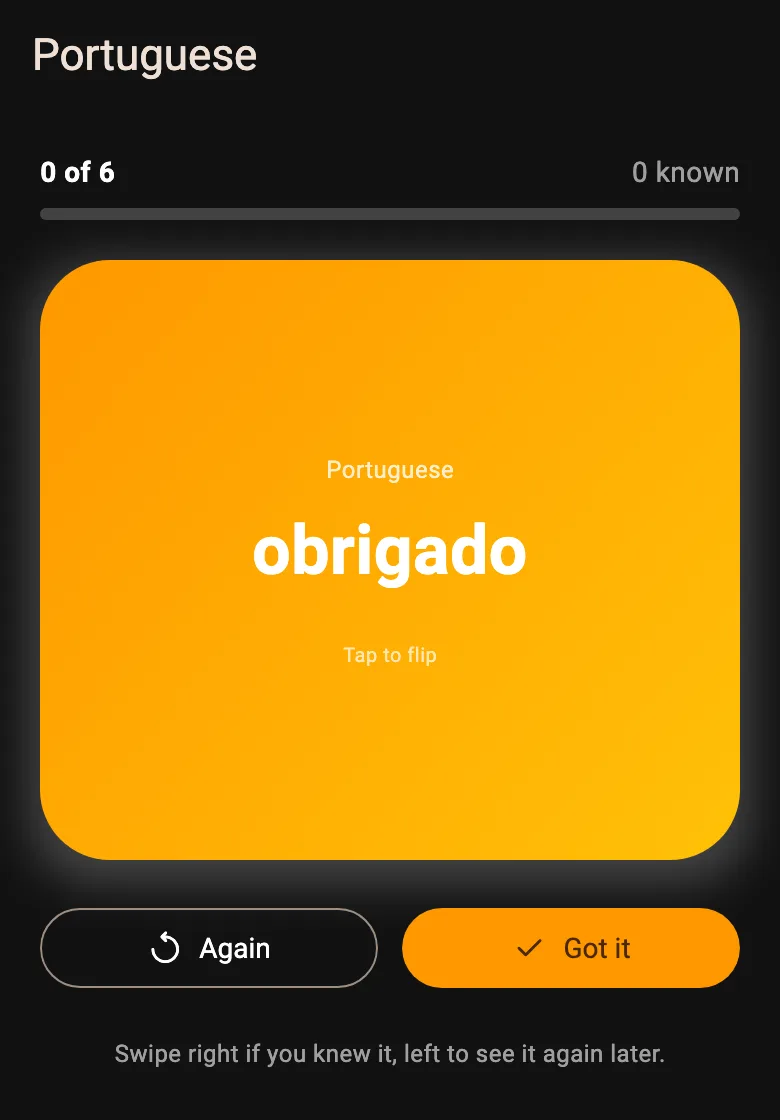
The front becomes an orange-to-amber card with the word large and white, the back a clean card with an orange border, and animate-pop gives each new card a small pop as it arrives. haptic:success gives a firmer tap for a word you knew, and haptic:light a softer one for a word to see again.
That's a flashcard deck: one tag that flips, two swipes, and a table that remembers how you did.
<app> <config primary_color="orange"/> <database name="deck" version="1"> <model name="card"> <field name="front"/> <field name="back"/> <field name="seen" type="bool" default="false"/> <field name="known" type="bool" default="false"/> <count name="done" where="seen == true"/> <count name="right" where="known == true"/> <seed>[{"front": "obrigado", "back": "thank you"}, {"front": "a praia", "back": "the beach"}, {"front": "o pequeno-almoço", "back": "breakfast"}, {"front": "a saudade", "back": "a longing for what's gone"}, {"front": "devagar", "back": "slowly"}, {"front": "o elétrico", "back": "the tram"}]</seed> </model> </database> <screen> <app-bar title="Portuguese"/> <main> <column style="w-full p-20 gap-20 items-center"> <column style="w-full gap-8"> <row style="w-full justify-between"> <text style="font-bold">@{$db.card.done} of @{$db.card.count}</text> <text style="muted">@{$db.card.right} known</text> </row> <progress value="$db.card.done" max="$db.card.count" height="6" radius="3" background-color="light:grey-200 dark:grey-800"/> </column> <@foreach in="card" where="seen == false" limit="1" as="c"> <flip-card flip-direction="up" flip-speed="400" @on.swipeleft="#db.card.update:$c.id,seen=true; haptic:light" @on.swiperight="#db.card.update:$c.id,seen=true,known=true; haptic:success" style="w-full animate-pop"> <column style="w-full h-300 p-24 gap-8 items-center justify-center rounded-3xl gradient-tl-orange-amber-br shadow-xl"> <text style="text-white opacity-80 font-sm">Portuguese</text> <text style="text-white font-size-34 font-bold text-center"> @{$c.front} </text> <text style="text-white opacity-70 font-xs mt-12">Tap to flip</text> </column> <column style="w-full h-300 p-24 gap-8 items-center justify-center rounded-3xl bg-white dark:bg-grey-900 border border-orange shadow-xl"> <text style="muted font-sm">English</text> <text style="font-size-30 font-bold text-center">@{$c.back}</text> </column> </flip-card> <row style="w-full gap-12"> <button @click="#db.card.update:$c.id,seen=true; haptic:light" variant="outlined" icon="replay" style="rounded-full" flex="1">Again</button> <button @click="#db.card.update:$c.id,seen=true,known=true; haptic:success" variant="filled" icon="check" style="rounded-full" flex="1">Got it</button> </row> <text style="muted font-sm"> Swipe right if you knew it, left to see it again later. </text> <@empty> <column style="w-full p-24 gap-12 items-center rounded-3xl bg-orange-50 dark:bg-orange-950"> <icon name="celebration size-48 orange"/> <text style="font-xl font-bold"> You knew @{$db.card.right} of @{$db.card.count} </text> <button action="#db.wipe" variant="filled" style="rounded-full">Start again</button> </column> </@foreach> </column> </main> </screen></app>