Hype Apps
Data and databases
Build a to-do list from the smallest app: a table on the phone, a field that adds to it, rows you tick and swipe away, and a count that keeps up.
8 steps · ends in a to-do list that survives a restart
Aliases
Reset to canonicalThese tags have more than one name. Every spelling is the same tag, so write whichever feels natural. Pick one and every example on this page uses it.
A HAM app can keep its own data. You declare a database in markup, with its tables and columns, and the phone keeps it in SQLite. Lists show its rows live, actions write to it, and everything is still there when you close the app and open it again. No server is involved.
This guide builds a to-do list: add a task, tick it off, swipe it away, and watch the count follow.
Step 1 of 8
Start with the smallest app
Every HAM document starts with <app>. A <screen> is one page of the app, and <main> holds what's on it: for now, one line of <text>.
<app> <screen> <main> <text>Hello</text> </main> </screen></app>

Step 2 of 8
Add a title bar and a color
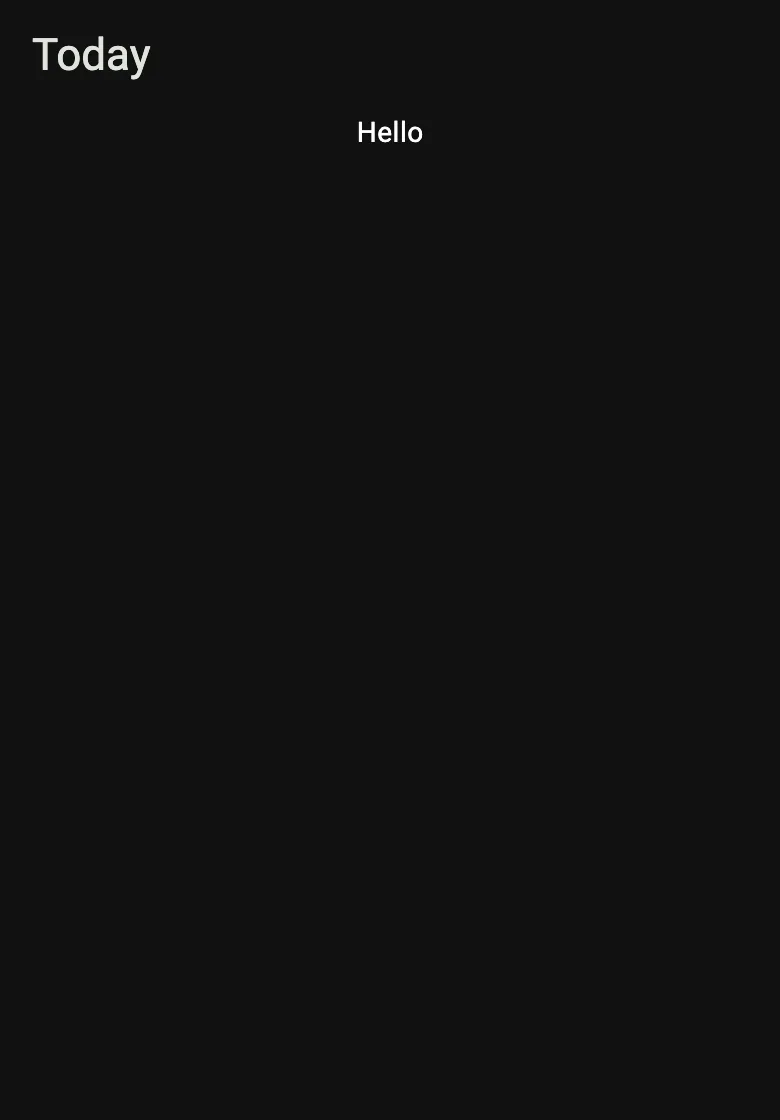
<app-bar> puts the screen's title across the top, and <config primary_color="green"> gives every control you add a green. Use a named color like green, teal or amber.
<app> <config primary_color="green"/> <screen> <app-bar title="Today"/> <main> <text>Hello</text> </main> </screen></app>
Step 3 of 8
Keep the tasks in a table
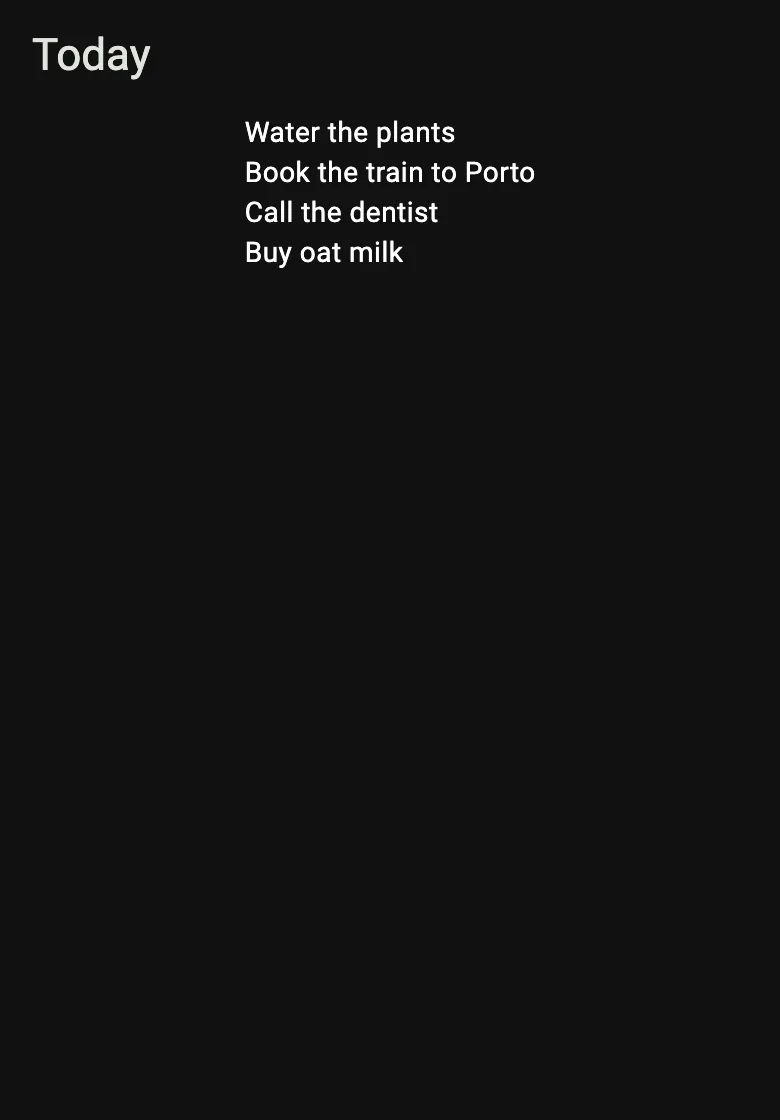
<database> declares a database that lives on the phone. <model name="task"> is one table in it, and each <field> is a column: a title that's required, and done, a true-or-false that starts false. Every row also gets an id and the time it was made, without asking. <seed> fills the table with four tasks the first time the app opens.
<@foreach in="task" as="t"> repeats its content for each row, newest first with order="created_at desc".
<app> <config primary_color="green"/> <database name="today" version="1"> <model name="task"> <field name="title" required/> <field name="done" type="bool" default="false"/> <seed>[{"title": "Buy oat milk"}, {"title": "Call the dentist", "done": true}, {"title": "Book the train to Porto"}, {"title": "Water the plants"}]</seed> </model> </database> <screen> <app-bar title="Today"/> <main> <column> <@foreach in="task" order="created_at desc" as="t"> <text>@{$t.title}</text> </@foreach> </column> </main> </screen></app>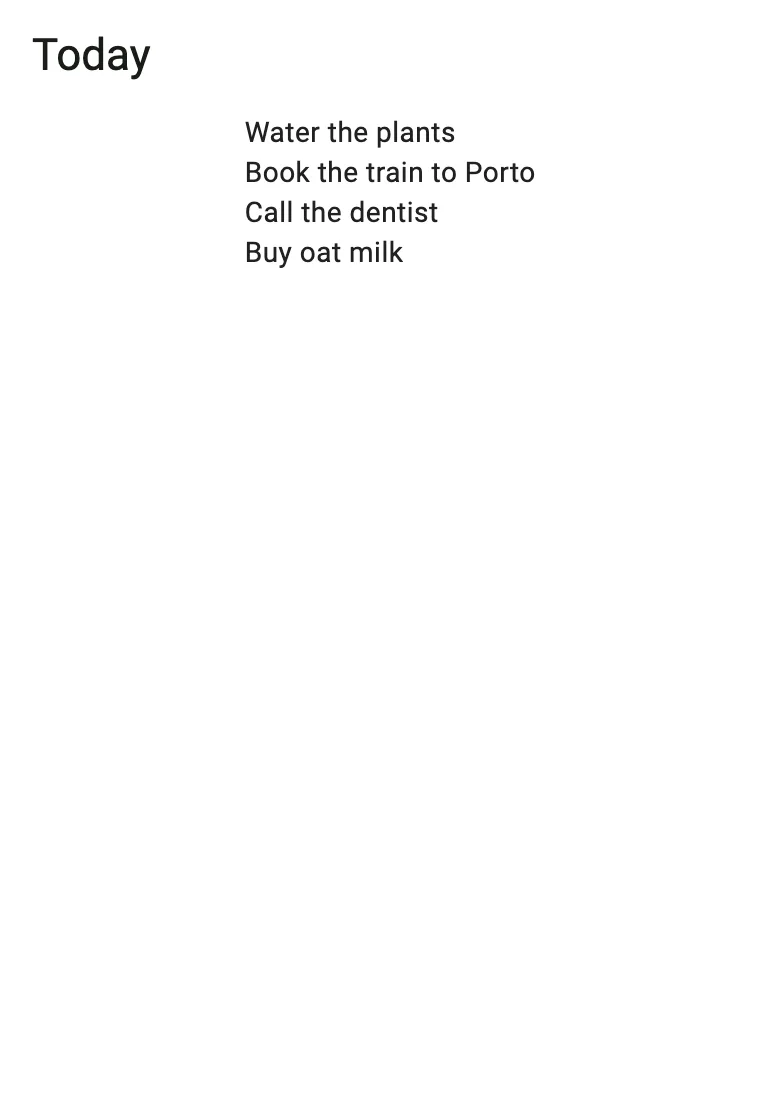
Step 4 of 8
Add a task
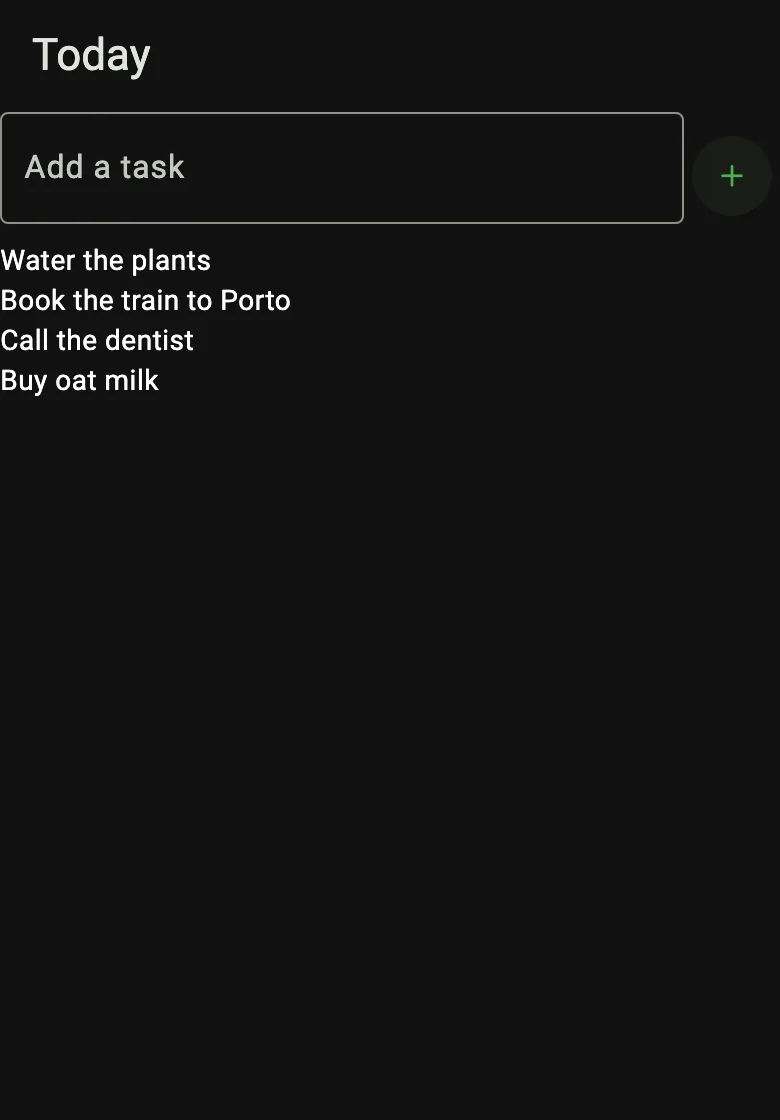
A <form> with a field and a button. The field's name="title" matches the table's column, so the button's #db.task.create takes it from the form and adds a row. $title = '' empties the field afterward.
The new task shows in the list at once: every <@foreach> follows its table.
<app> <config primary_color="green"/> <database name="today" version="1"> <model name="task"> <field name="title" required/> <field name="done" type="bool" default="false"/> <seed>[{"title": "Buy oat milk"}, {"title": "Call the dentist", "done": true}, {"title": "Book the train to Porto"}, {"title": "Water the plants"}]</seed> </model> </database> <screen> <app-bar title="Today"/> <main> <column> <form> <row> <input name="title" placeholder="Add a task" flex="1"/> <button action="#db.task.create; $title = ''" icon="add"/> </row> </form> <@foreach in="task" order="created_at desc" as="t"> <text>@{$t.title}</text> </@foreach> </column> </main> </screen></app>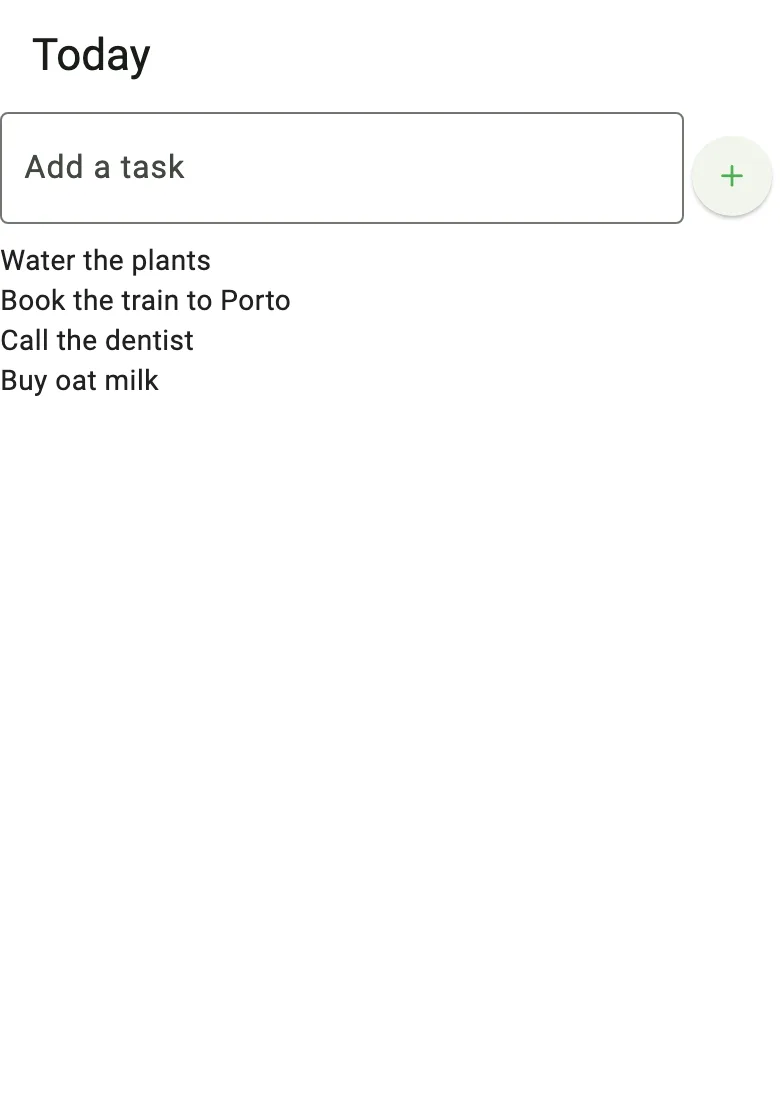
Step 5 of 8
Tick it off
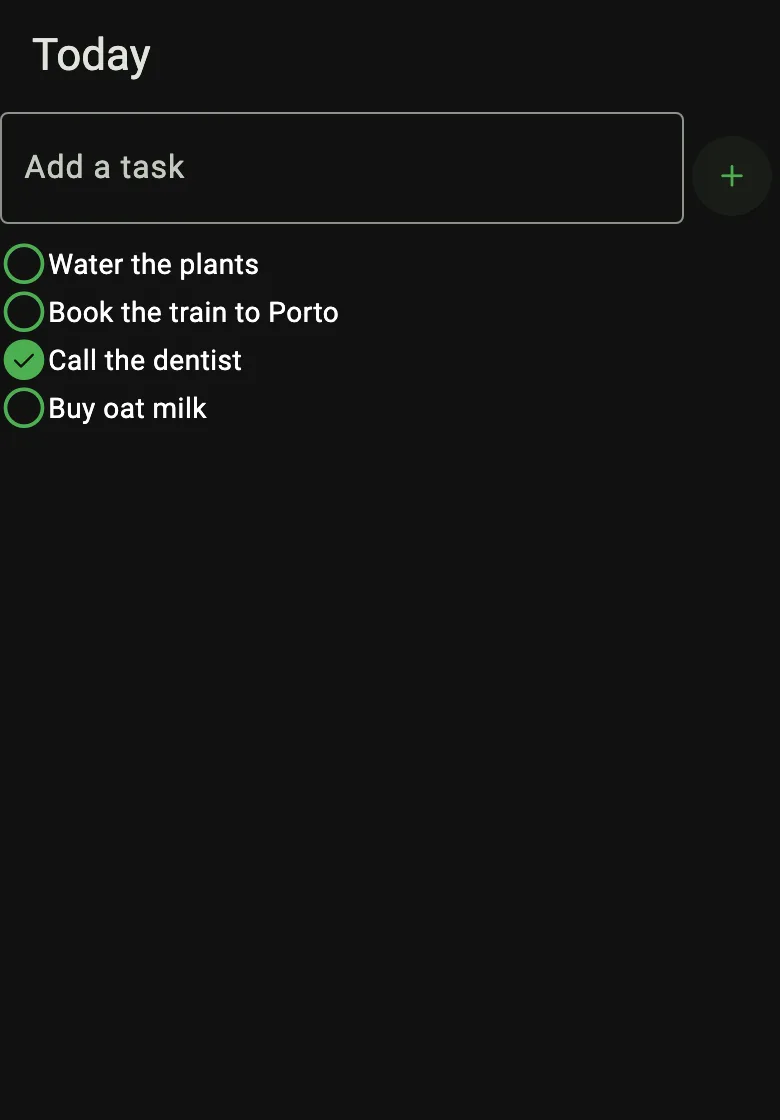
Each task becomes a <row> you tap. #db.task.toggle:$t.id,done flips that row's done between true and false. Two icons swap with @show: an empty circle while it's open, a filled check once it's done.
<app> <config primary_color="green"/> <database name="today" version="1"> <model name="task"> <field name="title" required/> <field name="done" type="bool" default="false"/> <seed>[{"title": "Buy oat milk"}, {"title": "Call the dentist", "done": true}, {"title": "Book the train to Porto"}, {"title": "Water the plants"}]</seed> </model> </database> <screen> <app-bar title="Today"/> <main> <column> <form> <row> <input name="title" placeholder="Add a task" flex="1"/> <button action="#db.task.create; $title = ''" icon="add"/> </row> </form> <@foreach in="task" order="created_at desc" as="t"> <row action="#db.task.toggle:$t.id,done"> <icon name="radio_button_unchecked green" @show="!$t.done"/> <icon name="check_circle fill green" @show="$t.done"/> <text>@{$t.title}</text> </row> </@foreach> </column> </main> </screen></app>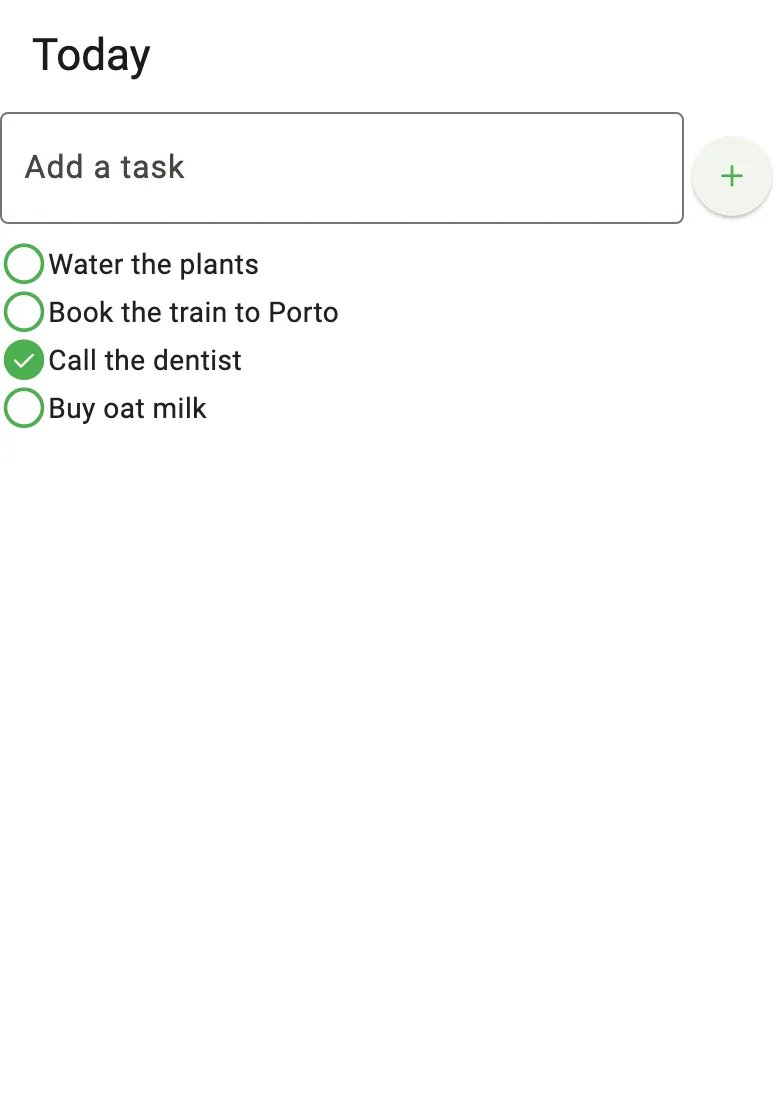
Step 6 of 8
Swipe to delete
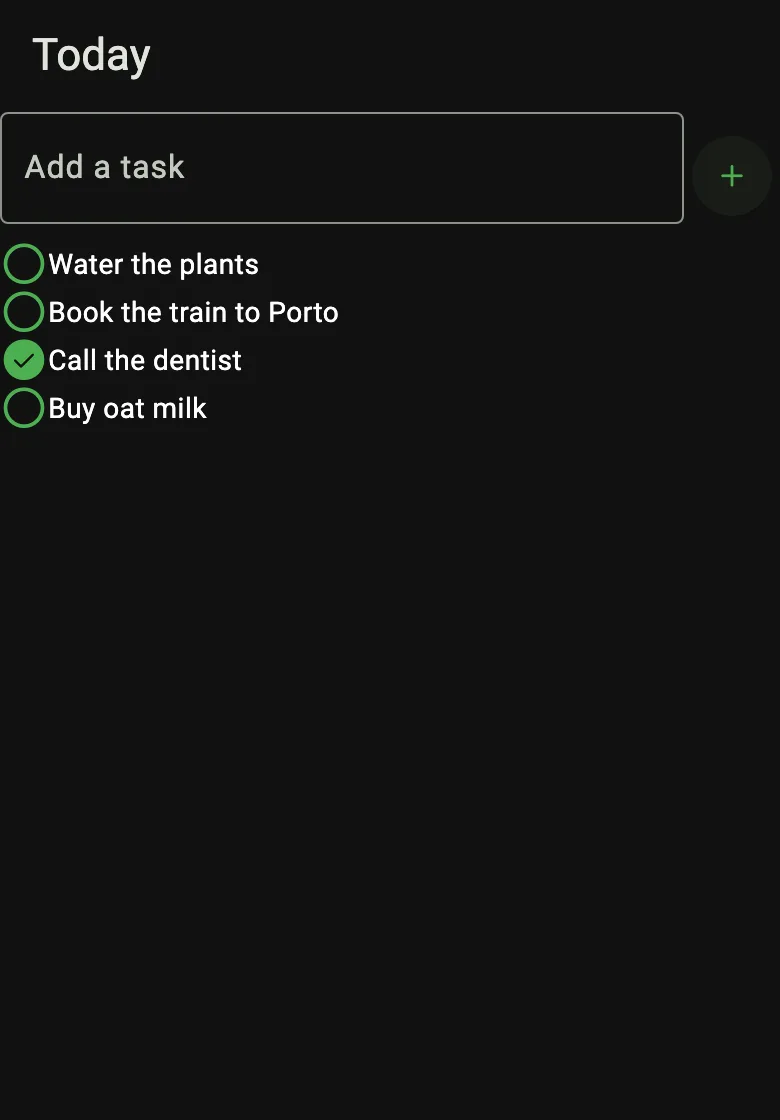
<swipe-row> lets a row be swiped away. direction="left" allows a swipe to the left, and the <background> is what shows behind the row as it moves: red, with a bin. Past the threshold the row flies out and action-dismiss deletes it from the table with #db.task.delete:$t.id.
<app> <config primary_color="green"/> <database name="today" version="1"> <model name="task"> <field name="title" required/> <field name="done" type="bool" default="false"/> <seed>[{"title": "Buy oat milk"}, {"title": "Call the dentist", "done": true}, {"title": "Book the train to Porto"}, {"title": "Water the plants"}]</seed> </model> </database> <screen> <app-bar title="Today"/> <main> <column> <form> <row> <input name="title" placeholder="Add a task" flex="1"/> <button action="#db.task.create; $title = ''" icon="add"/> </row> </form> <@foreach in="task" order="created_at desc" as="t"> <swipe-row direction="left" action-dismiss="#db.task.delete:$t.id"> <background style="bg-red flex-row justify-end items-center px-20"> <icon name="delete white"/> </background> <row action="#db.task.toggle:$t.id,done"> <icon name="radio_button_unchecked green" @show="!$t.done"/> <icon name="check_circle fill green" @show="$t.done"/> <text>@{$t.title}</text> </row> </swipe-row> </@foreach> </column> </main> </screen></app>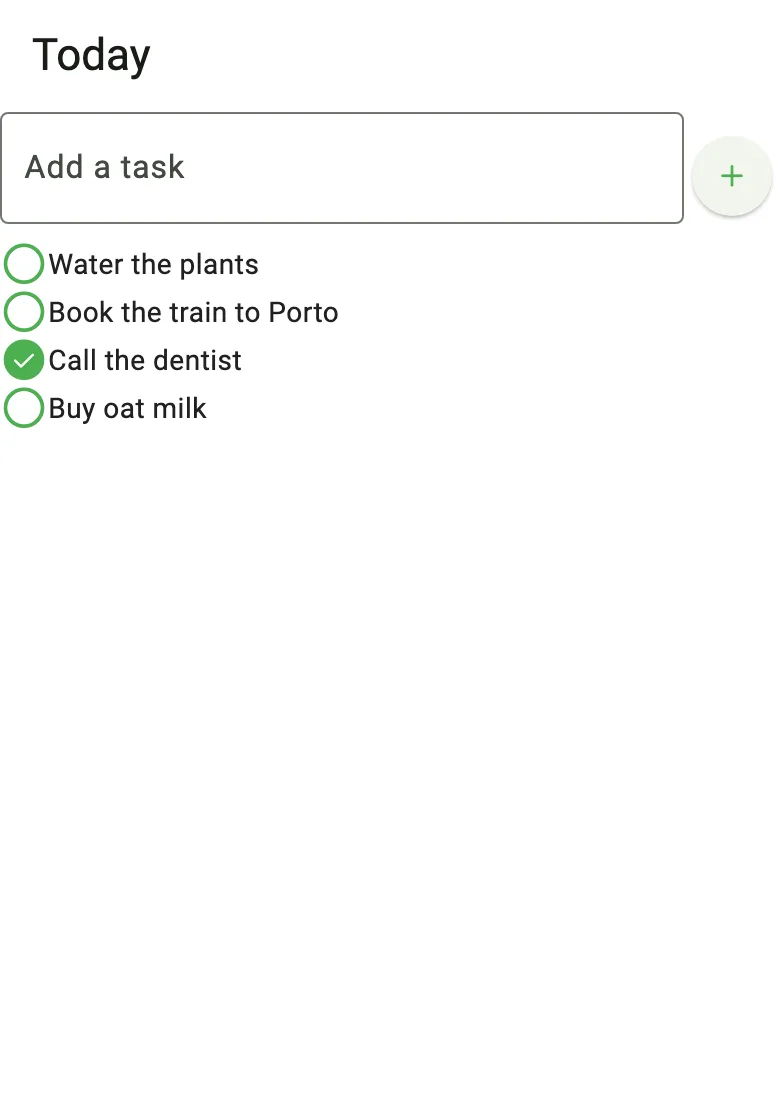
Step 7 of 8
Count what's done
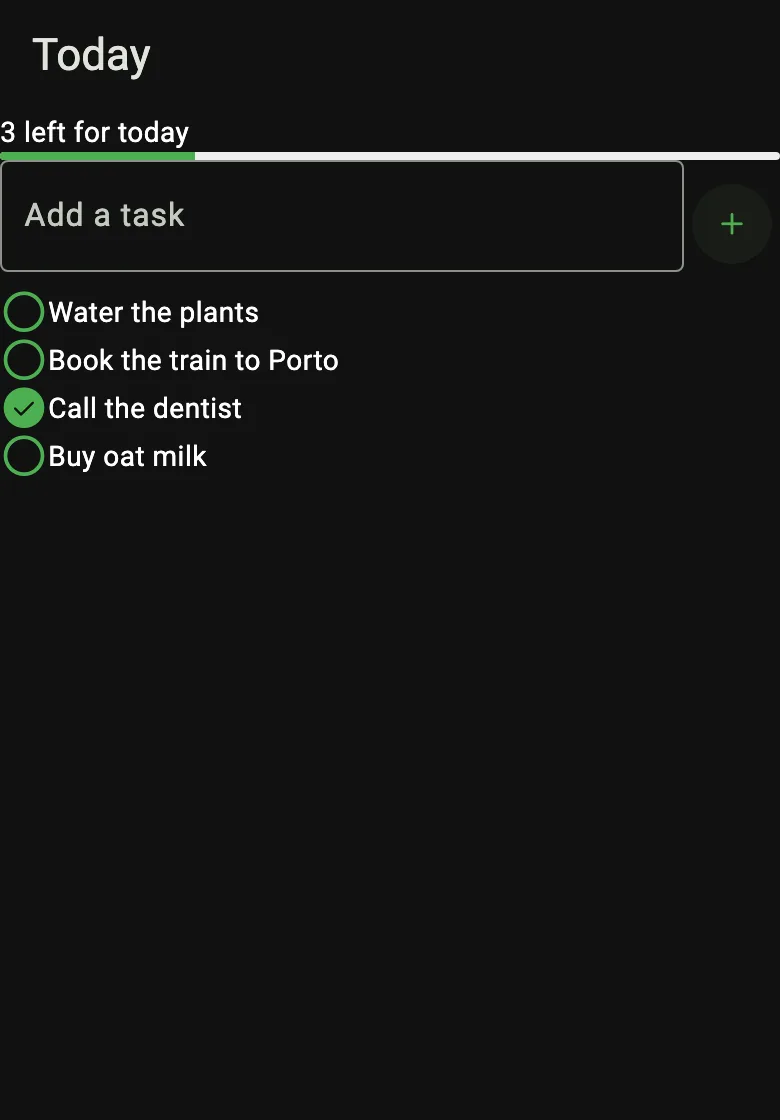
A table can count its own rows. <count name="finished" where="done == true"/> in the model is $db.task.finished, and $db.task.count counts them all. Both update with every write, so the line and the <progress-bar> keep up as you tick and swipe.
<app> <config primary_color="green"/> <database name="today" version="1"> <model name="task"> <field name="title" required/> <field name="done" type="bool" default="false"/> <count name="finished" where="done == true"/> <seed>[{"title": "Buy oat milk"}, {"title": "Call the dentist", "done": true}, {"title": "Book the train to Porto"}, {"title": "Water the plants"}]</seed> </model> </database> <screen> <app-bar title="Today"/> <main> <column> <text> @{$db.task.count - $db.task.finished} left for today </text> <progress-bar value="$db.task.finished" max="$db.task.count"/> <form> <row> <input name="title" placeholder="Add a task" flex="1"/> <button action="#db.task.create; $title = ''" icon="add"/> </row> </form> <@foreach in="task" order="created_at desc" as="t"> <swipe-row direction="left" action-dismiss="#db.task.delete:$t.id"> <background style="bg-red flex-row justify-end items-center px-20"> <icon name="delete white"/> </background> <row action="#db.task.toggle:$t.id,done"> <icon name="radio_button_unchecked green" @show="!$t.done"/> <icon name="check_circle fill green" @show="$t.done"/> <text>@{$t.title}</text> </row> </swipe-row> </@foreach> </column> </main> </screen></app>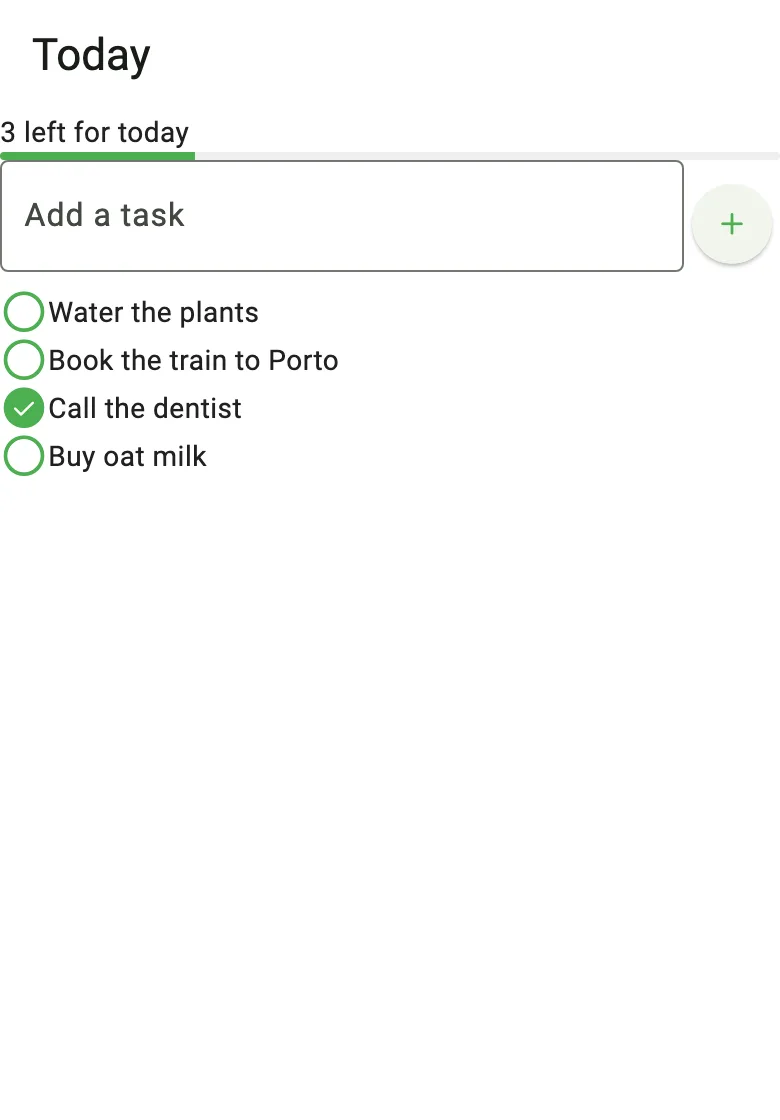
Step 8 of 8
Style it
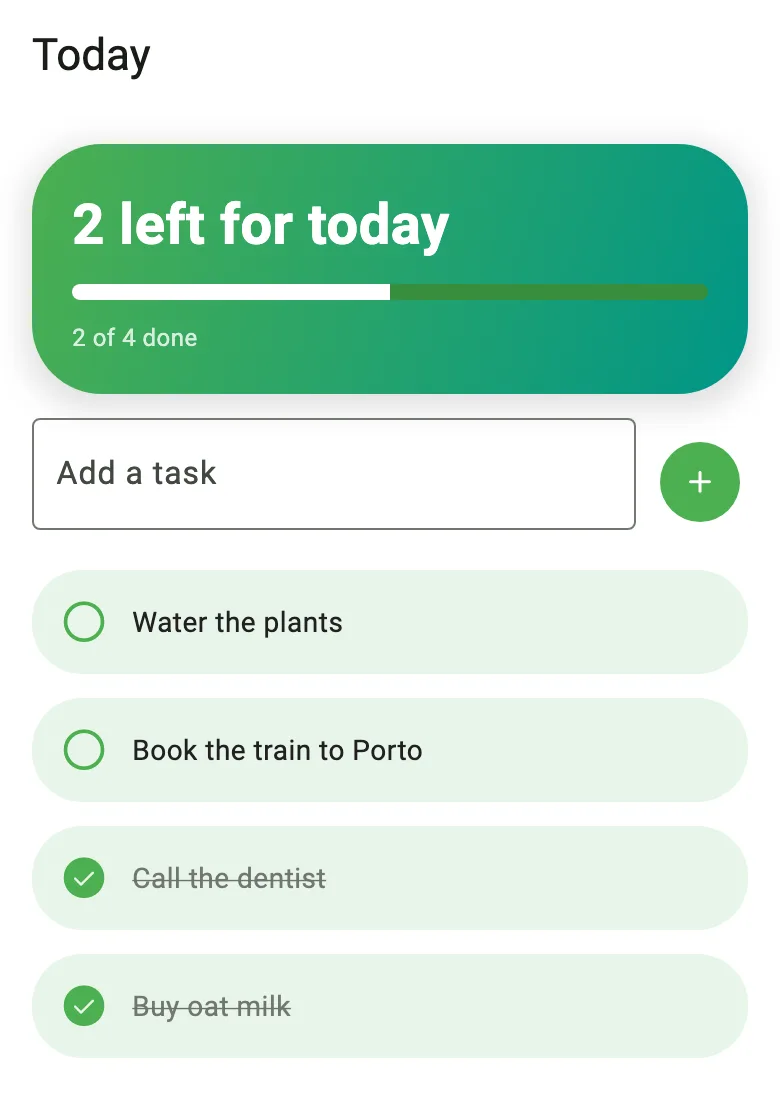
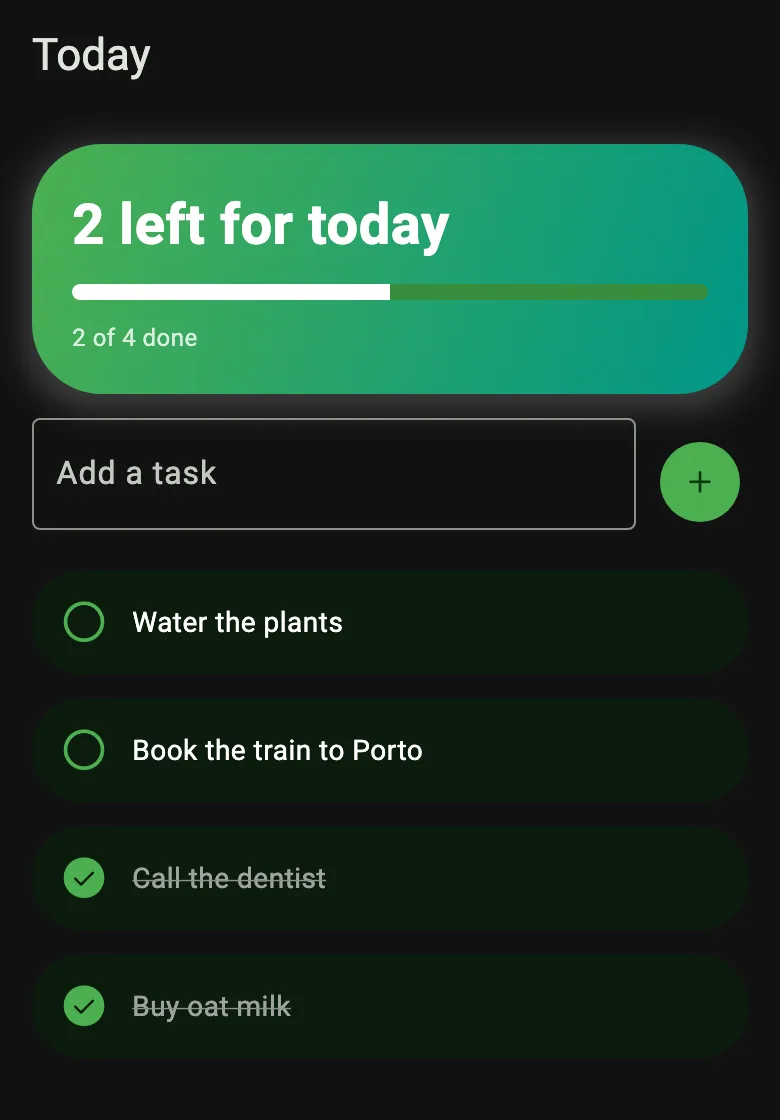
The count becomes a header card, green fading to teal, with the progress bar in white. The add button is a filled circle, each task is a soft green card, a finished task is struck through and dimmed with line-through muted, and an empty list says so kindly.
Close the app and open it again, and the list is as you left it. That's a database in markup.
<app> <config primary_color="green"/> <database name="today" version="1"> <model name="task"> <field name="title" required/> <field name="done" type="bool" default="false"/> <count name="finished" where="done == true"/> <seed>[{"title": "Buy oat milk"}, {"title": "Call the dentist", "done": true}, {"title": "Book the train to Porto"}, {"title": "Water the plants"}]</seed> </model> </database> <screen> <app-bar title="Today"/> <main> <column style="w-full p-16 gap-12"> <column style="w-full p-20 gap-10 rounded-3xl gradient-tl-green-teal-br shadow-lg"> <text style="text-white font-size-28 font-bold"> @{$db.task.count - $db.task.finished} left for today </text> <progress-bar value="$db.task.finished" max="$db.task.count" height="8" radius="4" color="white" background-color="green-700"/> <text style="text-white opacity-80 font-sm"> @{$db.task.finished} of @{$db.task.count} done </text> </column> <form> <row style="w-full gap-8 items-center"> <input name="title" placeholder="Add a task" flex="1"/> <button action="#db.task.create; $title = ''; haptic:light" variant="filled" icon="add" style="rounded-full"/> </row> </form> <@foreach in="task" order="created_at desc" as="t"> <swipe-row direction="left" action-dismiss="#db.task.delete:$t.id"> <background style="bg-red flex-row justify-end items-center px-20 rounded-xl"> <icon name="delete white"/> </background> <row action="#db.task.toggle:$t.id,done; haptic:selection" style="w-full p-14 gap-12 items-center rounded-xl bg-green-50 dark:bg-green-950"> <icon name="radio_button_unchecked green" @show="!$t.done"/> <icon name="check_circle fill green" @show="$t.done"/> <text @show="!$t.done" flex="1">@{$t.title}</text> <text @show="$t.done" flex="1" style="line-through muted">@{$t.title}</text> </row> </swipe-row> <@empty> <text style="muted text-center py-24">Nothing left. Enjoy your day.</text> </@foreach> </column> </main> </screen></app>